Linkboy
Platforms: Game Boy, Game Boy Color, Game Boy Advance · Save files: battery saves
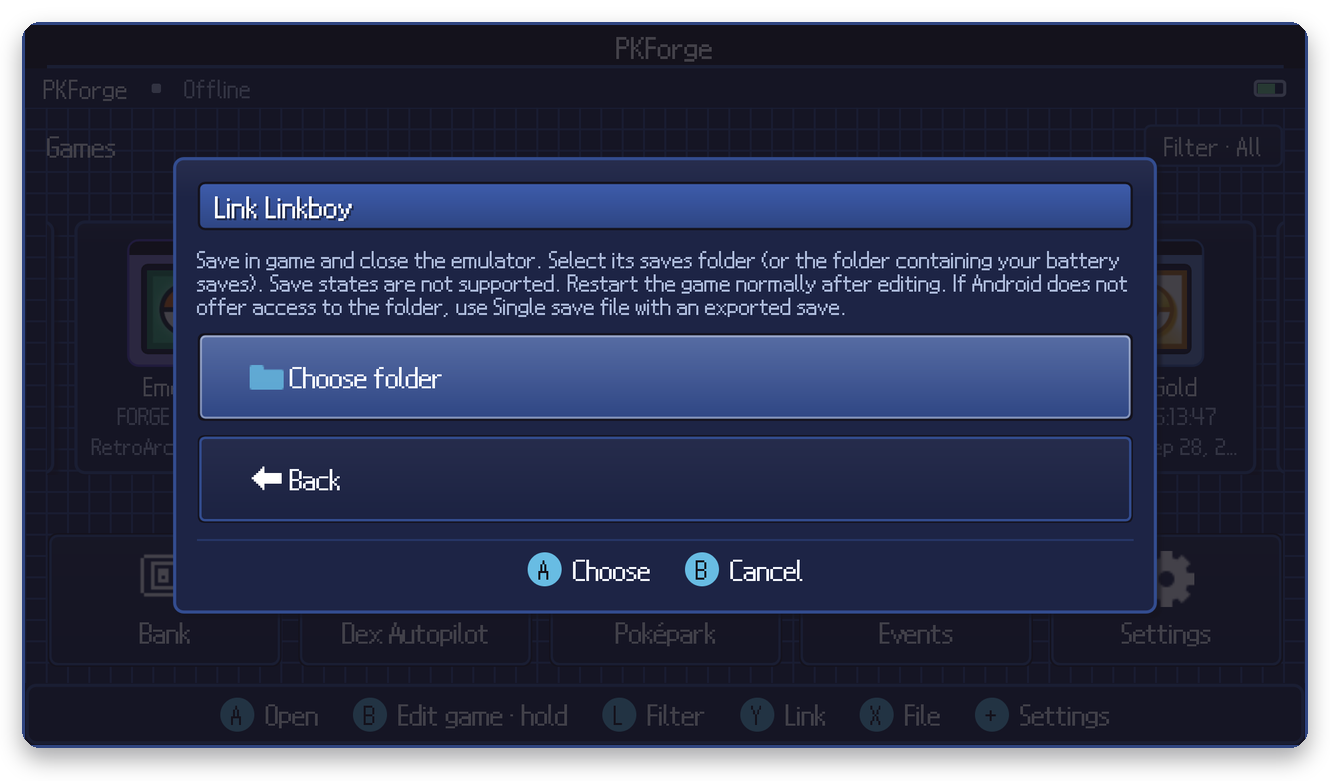
- Save in game and close Linkboy.
- In PKForge: Y (Link) > Game Boy Advance (or GB/GBC) > Linkboy > Choose folder.
- Select Linkboy's saves folder, or the folder that contains your battery saves.
PKForge also checks a saves subfolder, and walks your roms folder, since some setups keep battery saves next to the ROMs. When a ROM with the same name sits next to a save, PKForge uses its name to label the cartridge.
Restart the game normally. Save states are not supported and must not be loaded after an edit.