Single Save File
Open one save file directly, without linking a folder. Useful for exported saves, saves copied from a PC, or emulators whose folder Android does not let you pick.
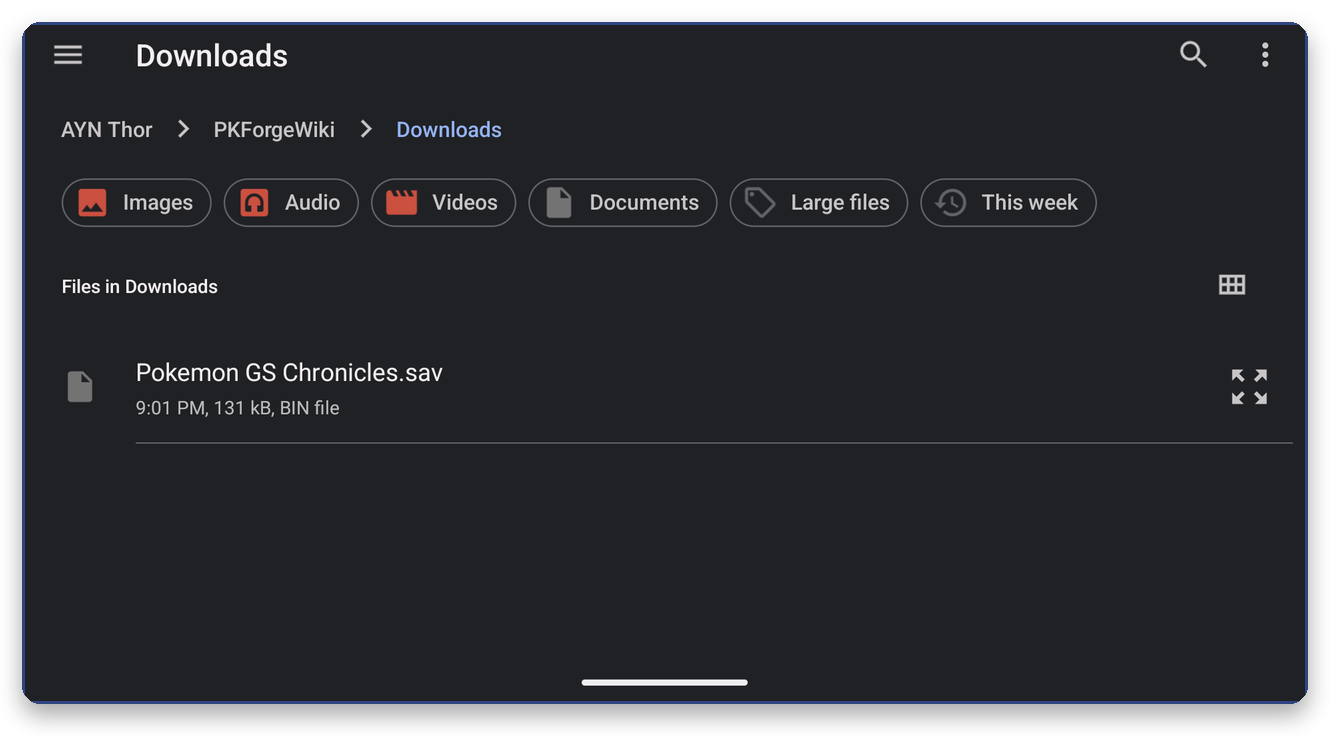
- On Home press X (File), or use Settings > Open a save file, or Link > Single save file.
- Pick the file. Any file type is allowed: the game is detected from the content.
- The save opens straight into the box view.
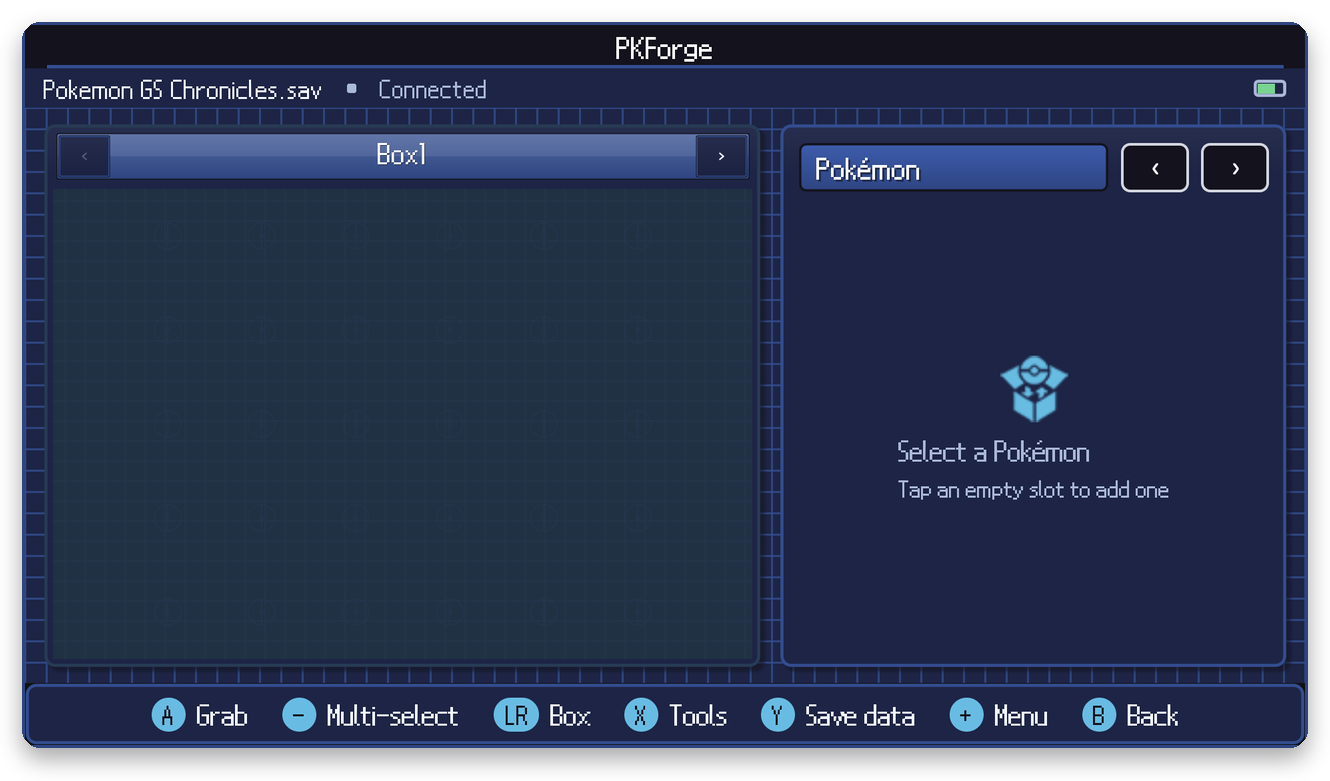
Edits are written back to the same file you picked, with a restore point first.
If the file came out of an emulator's export feature, remember to import it back into the emulator after editing.
If the file cannot be read, PKForge shows why and keeps your previous save open. A whole GameCube memory card is refused with instructions: see Dolphin.