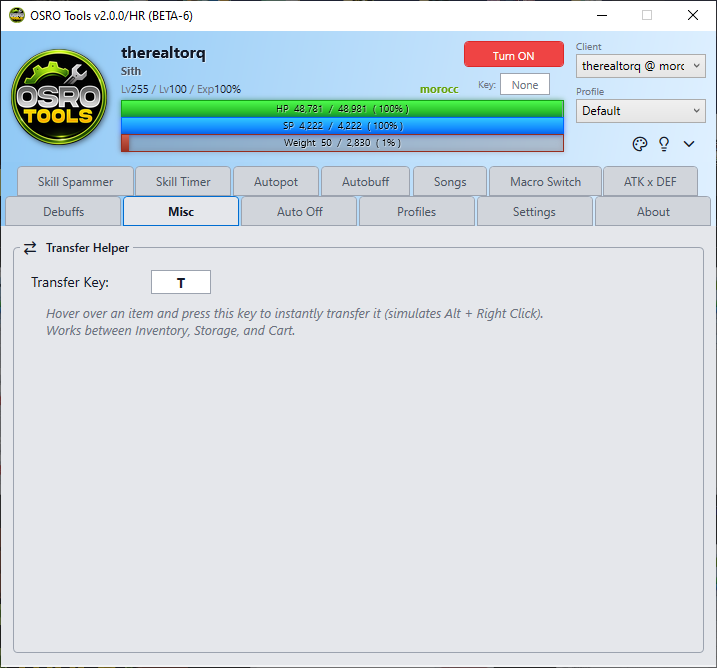
misc
The Misc tab contains standalone tools and quality-of-life improvements that do not fit into the standard combat tabs.
The Transfer Helper is a tool designed to quickly move hundreds of items between your inventory and storage. In the game, moving an item fast requires holding Alt and Right-Clicking. The Transfer Helper automates this action.
- Open the Misc tab in OSRO Tools.
- Click the box next to Transfer Key and press a key on your keyboard.
- Go back to the game and point your mouse cursor at an item you want to move.
- Press and hold your chosen Transfer Key.
OSRO Tools will simulate an extremely fast Alt + Right-Click combo while you hold the key, sending the items instantly.
- This feature helps prevent hand strain. Simply hold the key and drag your mouse over your inventory to move everything rapidly.