Recommended General Compatible Modules
On this page:
- Forgotten Adventures Topdown Tokens
- JB2A (Jules & Ben's Animated Assets) and PSFX (Peri's Sound Effects)
- Dependencies
- Other Compatible Modules
The following have been tested with Rolemaster Unified. The RMU system will recognize they are enabled and will use them if they are activated.
The three asset collections/modules below are available for free or as premium. The best experience requires the premium content, but the Rolemaster Unified system will work with either. At the time of writing, all premium versions only required one month of Patreon subscription to access their entire back catalogues of assets.
Forgotten Adventures offers topdown tokens in both .png (higher quality) and .webp (smaller file sizes) (https://www.forgotten-adventures.net/tokens-library/).
The official Creature Law module includes a preset file that maps many of these token images to creatures so that when you drag one to a scene it will have token art. The best experience requires the premium content as Creature Law is set up to choose a random variant of the token, but Forgotten Adventures offers at least one version of each token for free.
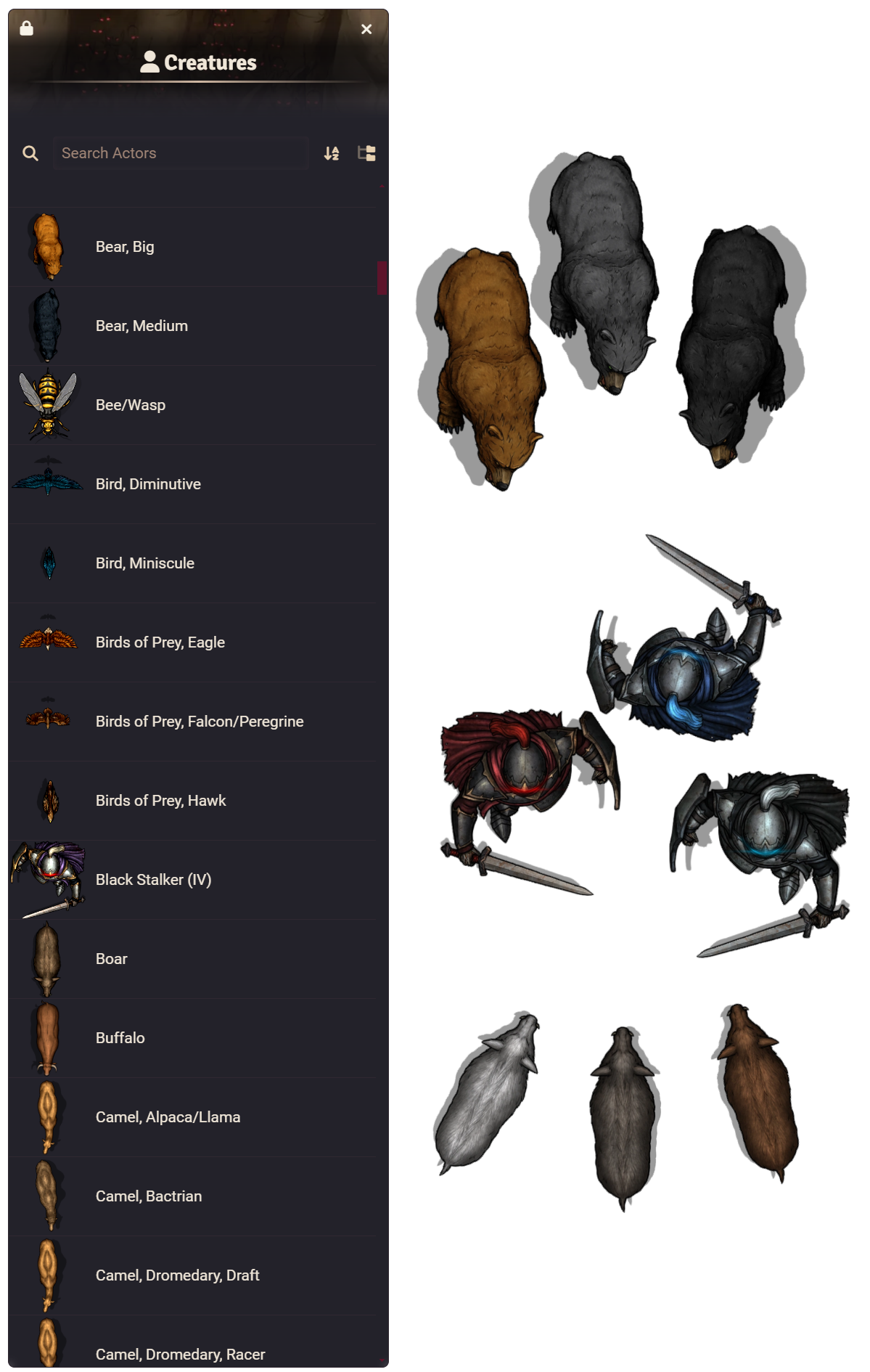
If you download these and store them in your "data", you can enable the token art presets in the Game Settings for RMU Creature Law I.
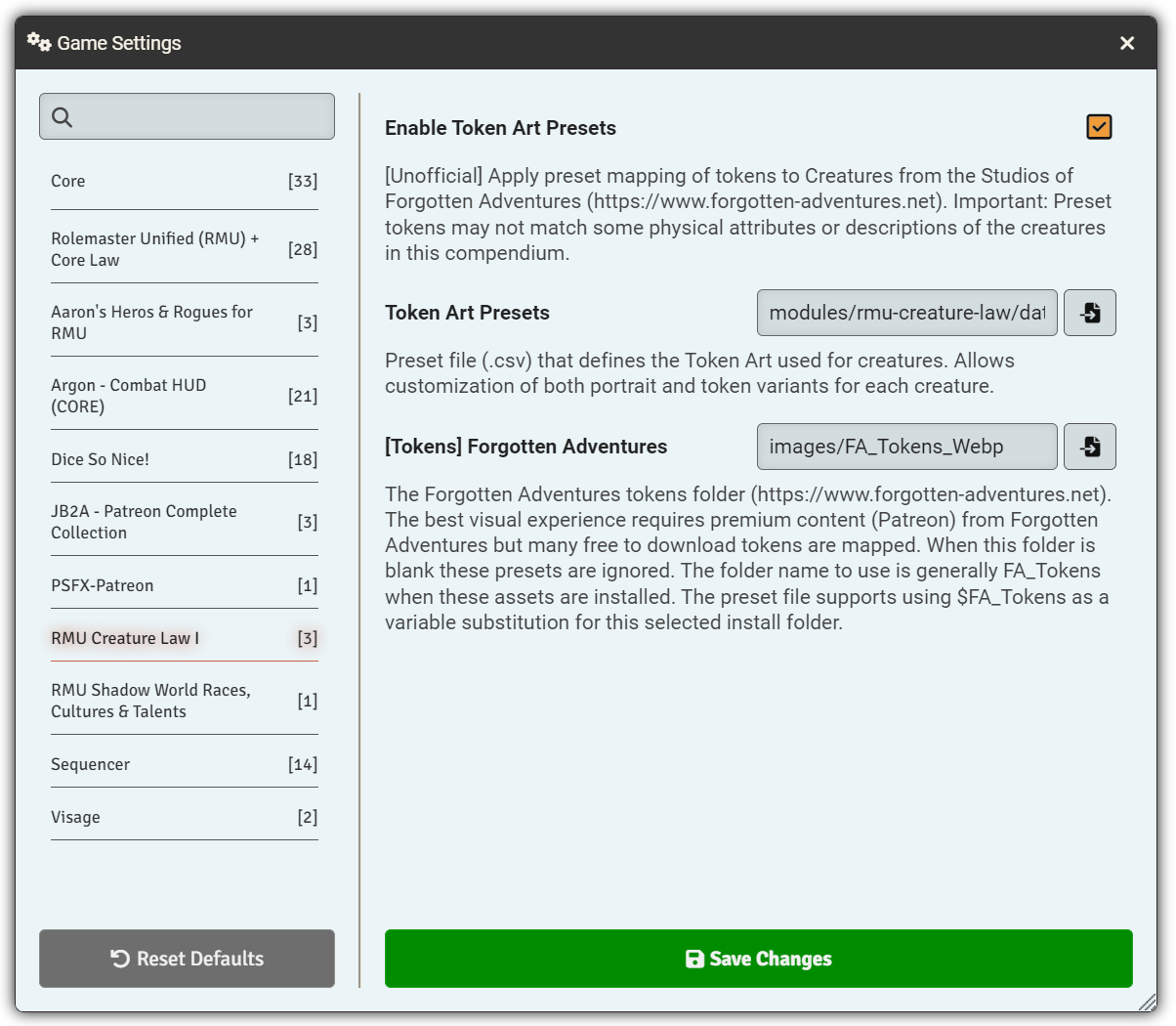
fa-enable-demo-sm.mp4
https://www.patreon.com/c/JB2A
https://www.patreon.com/c/PeriSFX/posts
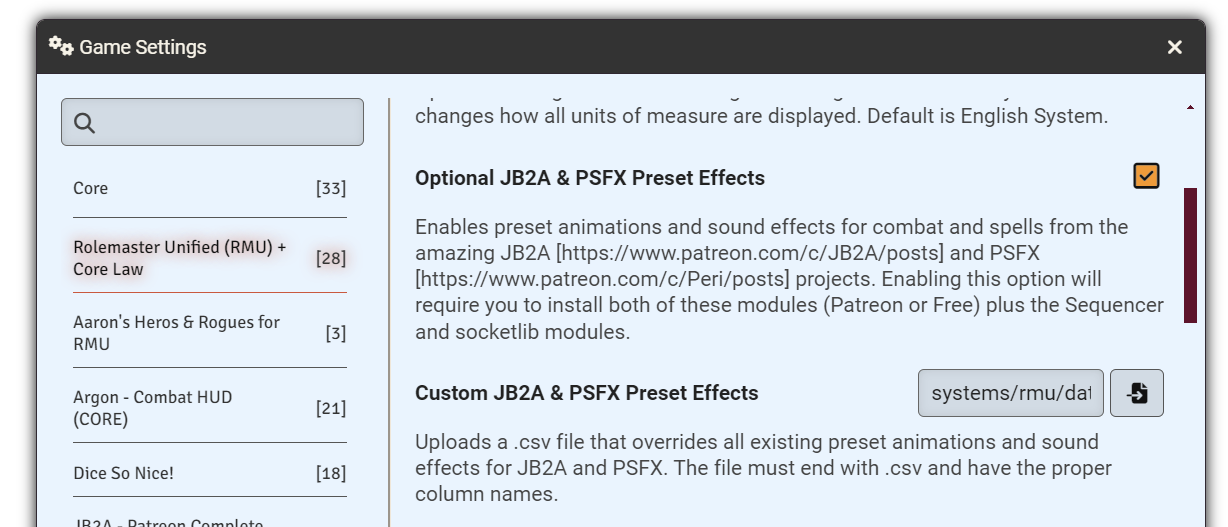
Rolemaster Unified includes a csv file that sets JB2A animations and PSFX sound effects to many actions (attacks, skills, spell casting and spell effects, etc.). If you have either the free or premium versions of their modules installed and enabled, along with the module Sequencer, then in "Game Settings" under "Rolemaster Unified (RMU) + Core Law" enable the optional JB2A & PSFX Preset Effects option.
Both male and female spell casting chants can also be configured for each actor on their first tab.
You can create your own preset csv file and set your own effects:
- Combined Key for the effect (e.g. "Attack.Melee.Greater Hafted.Great Mace" or "SCR.U.Blood Law.Staunch Wound V" Visual FX
- origin1 and origin2 take the Sequencer key for the visual FX to show at the origin of the effect (usually the attacker or spellcaster)
- persist_origin1 and persist_origin2 take a TRUE or FALSE value for if the effect should persist
- target1 takes the Sequencer key for the visual FX to show at the target of the effect
- persist_target1 takes a TRUE or FALSE value for if the effect should persist Sound FX
- sound1, sound2, sound3 and sound4 take the Sequencer key for the sound FX and are played in sequence
Note that Sequencer keys can take multiple values if you want the effect to be random from a set of values, e.g.: "jb2a.glaive.melee.{01,02}.{white,dark_orangepurple,orange,blue,purple,black}.{0,1,2,3,4,5}"
Both JB2A and PSFX require the Sequencer module to be installed. If you install either JB2A or PSFX inside Foundry, it will prompt you to also install Sequencer.
Most system-agnostic modules should work with Rolemaster Unified. See this page for more recommendations: Recommended RMU Compatible Modules
The following modules have been tested and are known to work with the RMU system:
- Dice So Nice!