System Settings and Options
On this page:
The RMU system has many settings and options. Find them in Foundry's "Game Settings" sidebar, under "Configure Settings" and then select the "Rolemaster Unified (RMU) + Core Law" entry in the index.
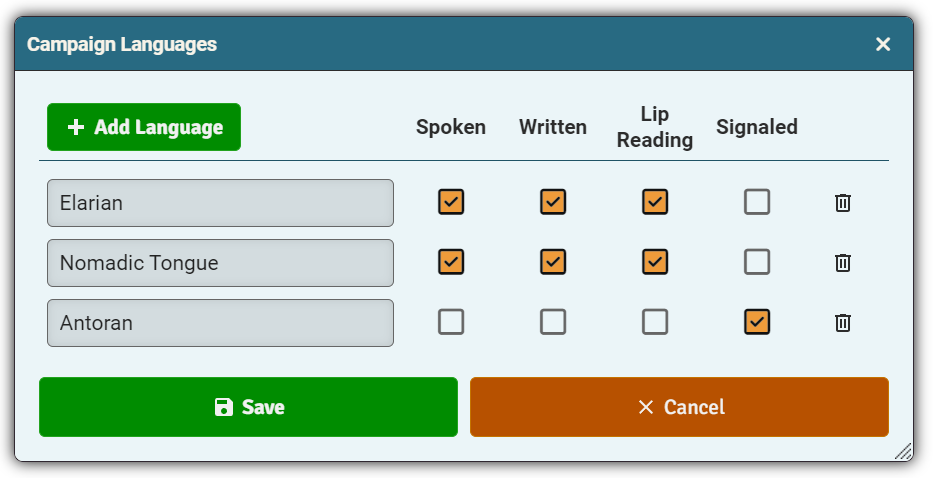
You can pre-configure languages for the language skill. Once configured in game settings, these options will be available when adding a new language skill in the drop down select options.
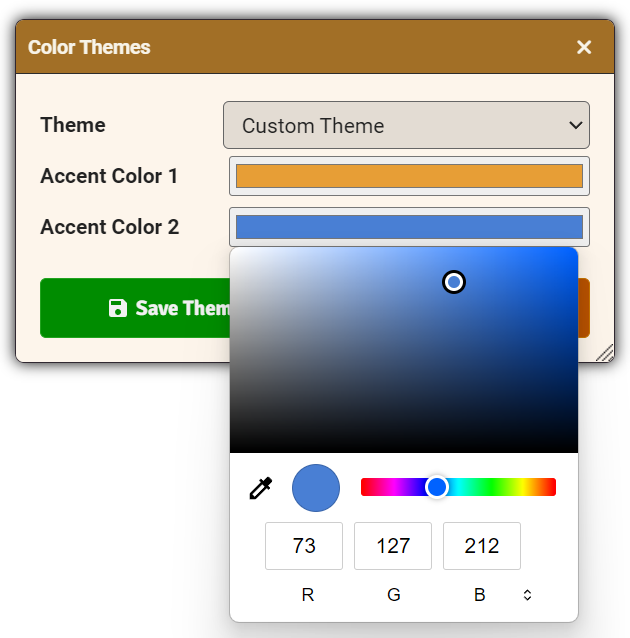
You can chose from one of 20 predefined color themes or create a custom theme. Accent Color 1 is the main color of the UI and Accent Color 2 is used to highlight action buttons, icons and other areas of the UI.
Tip: For the best looking UI, choose colors that contrast well with each other, that are mid-range in brightness and that are saturated.
These are either Foundry-related or implement official optional rules within Core Law, Spell Law, Treasure Law or Creature Law I.
- Measurement System: choose between US Imperial or Metric.
- Optional JB2A & PSFX Preset Effects: enable support for JB2A and PSFX animation and sound effects.
- Custom JB2A & PSFX Preset Effects: change the path to the preset .csv file, so you can customize the effects.
- Action Phases Per Round: set the default number of phases per round (for the combat tracker), from 4 to 1.
- Character Power level: change the default power level used during character creation (average to epic).
- Talent Power Level: set the power level separately for talents.
- Optional Allowed Stat Swaps: change the default number of stat swaps during character creation.
- Optional Individual Stride: enable stride to be calculated from character's height.
- Optional Banking DP: allow and set how many Development Points can be saved between levels.
- Optional Intense Training: enable skills to be trained faster than 2 ranks per level.
- Optional Piecemeal Armor: enable piecemeal armor.
- Allow Evil Lists Pure spellcaster: set whether evil lists are base lists and/or available as closed lists.
- Allow Evil Lists Hybrid spellcaster: set whether evil lists are base lists and/or available as closed lists.
- Allow Evil Lists Semi spellcaster: set whether evil lists are base lists and/or available as closed lists.
- Allow Evil Lists Non spellcaster: set whether evil lists are base lists and/or available as closed lists.
- Replaced Based Lists: allow any base lists replaced by evil lists to be accessed as closed lists.
- Optional Treasure Law Alchemy without Alchemists: treat alchemy spell lists as closed lists.
- Optional Treasure Law Extended Armor: change costs, production times and maneuver penalties of torso armor so that a piecemeal suit of armor matches the full set in Core Law.
- Optional Multiple Spells in a Round: allow more than one spell to be cast per round.
- Optional Open Rounds: allow actions to cross between rounds.
- Optional Hit Adjustment Due to Size: larger creatures do more damage and smaller creatures do less damage.
- Optional Range Adjustment Due to Size: larger ranged weapons have longer ranges, and vice versa.
- Optional Gritty Poison & Disease: treat all characters and creatures as level 5 for resisting poisons and diseases.
- Show Inspector Tab [GM only]: enable the inspector tab which shows all Foundry items on an actor.
- Allow Late Racial Changes [GM only]: allow the race of a character to be changed after initial character creation.