Repository navigation
CSharp for Modders
You do not need to be a programmer to make mods, but you will be reading and writing C# all the time, so it pays to know the handful of ideas that show up in every mod. This page explains them with examples from Terraria, in the order you are likely to meet them. Read it now, or come back whenever a piece of code in another page leaves you wondering what a word means. For a full, free course, Microsoft's C# documentation starts from zero.
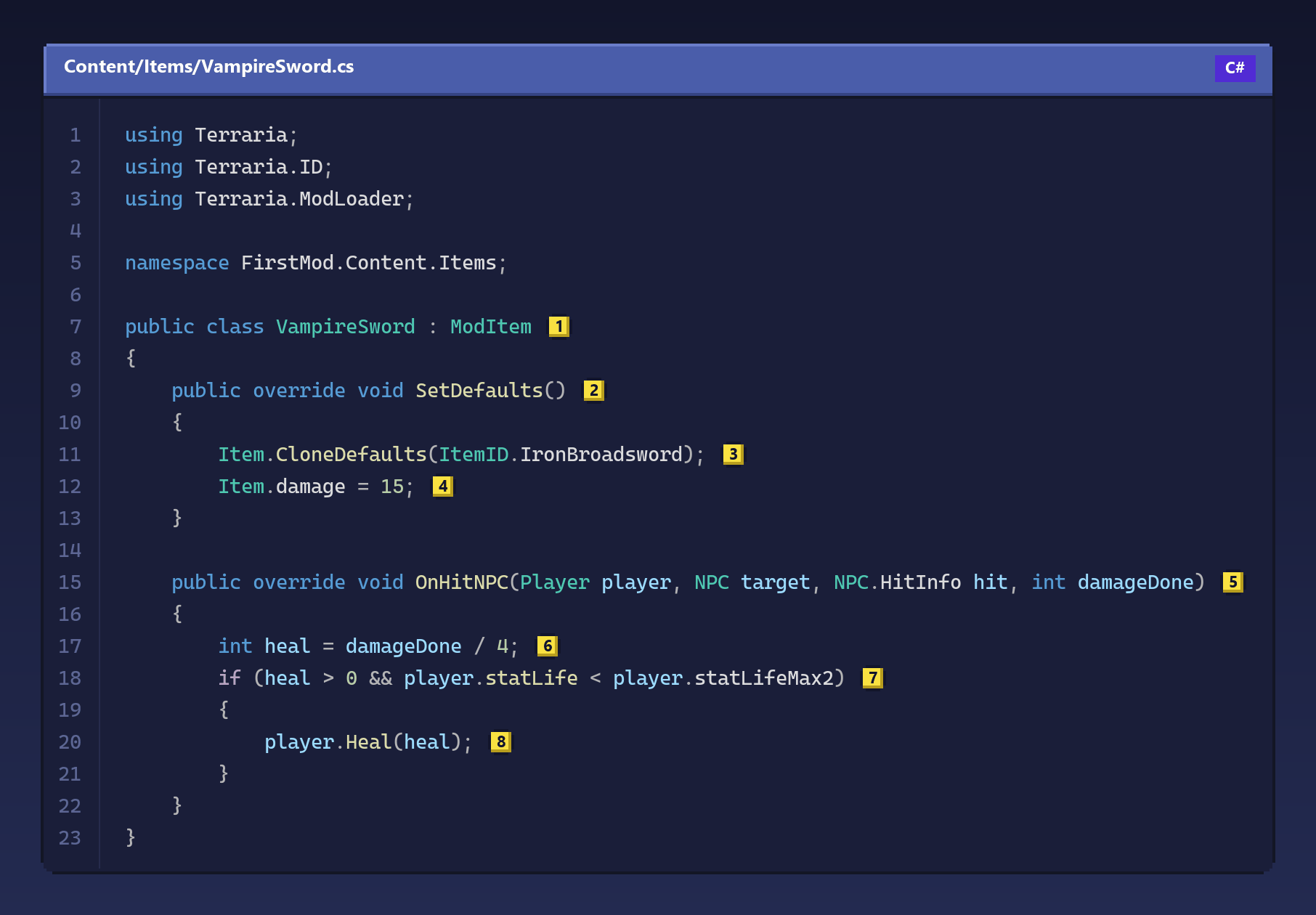
Here is a small but complete item: a sword that heals you a little every time it hits an enemy. Almost every idea on this page is in it somewhere.
Copy this code
using Terraria;
using Terraria.ID;
using Terraria.ModLoader;

namespace FirstMod.Content.Items;

public class VampireSword : ModItem // (1)
{
    public override void SetDefaults() // (2)
    {
        Item.CloneDefaults(ItemID.IronBroadsword); // (3)
        Item.damage = 15; // (4)
    }

    public override void OnHitNPC(Player player, NPC target, NPC.HitInfo hit, int damageDone) // (5)
    {
        int heal = damageDone / 4; // (6)
        if (heal > 0 && player.statLife < player.statLifeMax2) // (7)
        {
            player.Heal(heal); // (8)
        }
    }
}
A class, at (1), is a blueprint: it describes what something is and
what it does. The : ModItem part means our class is built on top of
ModItem, a class Bunny Loader provides; we say it inherits from it, and it
gets everything ModItem has for free. That is why the game knows how to
treat it as an item.
Inside the class are methods, blocks of code with a name. SetDefaults at
(2) is one of the methods ModItem already has, and override means "use
my version instead". The words in front are part of its signature: public
lets the game call it, and void means it does not hand anything back. The
body of a method goes between { and }, and each instruction inside ends
with a ;.
At (3) we call a method: Item.CloneDefaults(...) copies every number
of another item into ours, and the value between the parentheses, its
argument, says which one. ItemID.IronBroadsword is just a number with a
name: every item, NPC, tile and sound in the game has an ID, and the ID
classes let you write the name instead of remembering the number. At (4) we
assign a value: after copying the Iron Broadsword, we change its damage to
15. Item is the item this class describes, and damage is one of its
fields, a value it carries around.
OnHitNPC at (5) is another method we override, and this one has
parameters: values the game hands us when it calls it. Each parameter has
a type and a name. Here we get the player who swung, the target that was
hit, some details about the hit, and damageDone, the damage it dealt.
At (6) we create a local variable, a value that lives only while the
method runs. int means it holds a whole number, and dividing whole numbers
rounds down, so a hit of 30 damage heals 7. The if at (7) only runs the
code inside its braces when its condition is true: here, when there is
something to heal (heal > 0) and (&&) the player is not already at full
life. Finally, (8) calls a method that belongs to the player, which adds
the life and shows the green number above their head.
Every value in C# has a type. These four cover most of what a mod needs:
int count = 3;               // whole numbers: damage, IDs, counters
float speed = 2.5f;          // numbers with a fraction; the f is required
bool isDay = Main.dayTime;   // true or false
string greeting = "Hello";   // text, between double quotes
var total = count * 2;       // var: let C# work out the type, here int
The lines starting with // are comments: C# ignores everything after
// on a line, so you can leave notes for yourself. Arithmetic works as you
would expect (+, -, *, /), with one trap already mentioned: 7 / 2 is
3 when both sides are int. Write 7 / 2f to get 3.5.
if runs code when a condition is true, and else runs other code when it is
not. Conditions are built from comparisons (== equal, != different, <,
>, <=, >=) joined by && (and) and || (or), and ! turns true into
false. A loop repeats code. The most common one in mods counts with a
variable, like this one, which gives every player in the world who is low on
life or poisoned five seconds of Regeneration:
for (int i = 0; i < Main.maxPlayers; i++)
{
    Player player = Main.player[i];
    if (!player.active)
        continue;
    if (player.statLife < 50 || player.HasBuff(BuffID.Poisoned))
        player.AddBuff(BuffID.Regeneration, 60 * 5);
}
Main.player is an array, a numbered list: the game keeps one slot per
possible player, and Main.player[i] is the slot number i. The loop starts
i at 0 and adds one (i++) until it reaches Main.maxPlayers. Empty slots
are not active, and continue skips straight to the next one. Durations in
Terraria are counted in ticks, sixty per second, which is why five seconds is
written 60 * 5.
The game is made of classes like Player, Item, NPC and Projectile, and
of one big class, Main, that holds the state of the whole game. When you
write player.statLife, you read a field of one particular player; when you
write Main.dayTime, you read a field that belongs to the game itself, which
is called static. You can tell them apart by what comes before the dot: an
object (player) or the name of a class (Main).
You will rarely remember which methods you can override or which fields an
object has, and you do not need to. In BL Editor and in Visual Studio, type
override and a space inside a class to see every method you can override,
or type a dot after an object to see what it has. The API
reference lists everything Bunny Loader adds, side by side with
tModLoader.
Two more forms show up often. A method can take a type between angle
brackets, a generic: ModContent.ItemType<FirstSword>() gives you the ID
the game assigned to your FirstSword. And arguments can be given by name,
which reads better when a method takes several numbers:
Item.buyPrice(gold: 1, silver: 50) is the price of one gold and fifty silver
coins.
There is one place where Bunny Loader differs from the C# you will see in
tutorials for tModLoader. The game's objects, such as items, NPCs and players,
live inside the game itself, and your code holds handles to them. You get them
from the game, as in all the examples above, and when you need a new one you
ask the game for it with .New(): Item.New(), never new Item(), which
compiles but gives you an empty handle. Simple values such as Vector2 (a
position or a speed) and Color are created with new as usual.
Values and objects explains the difference in detail, and
ref, out and Nullable covers values that may be
missing.
Some code, especially hooks, passes a function as a value. The
short form is called a lambda: a list of parameters, an arrow =>, and the
code to run.
On_Item.SetDefaults += (orig, self, type, variant) =>
{
    orig(self, type, variant);
    if (type == ItemID.Minishark)
        self.useTime = 4;
};
This one says: whenever the game sets up an item, first let it do its normal
work (orig), then, if the item is a Minishark, make it shoot faster. The
Hooks page is all about this pattern.
You now know enough to read every example in this wiki. When something is unfamiliar, the C# documentation explains any keyword in depth, and tModLoader's Basic Prerequisites page points to more ways to learn. The best teacher, though, is changing a working example and seeing what happens: start from Your first mod or the Example Mod, change one number, and press Test.
