Repository navigation
Mod Menu
The Mod Menu is Bunny Loader's own menu inside the game. It gives you any item, NPC or buff in a tap, including everything your mods add, and a set of superpowers for testing, building or just having fun. Open it with the bunny button at the top of the screen, in any world.
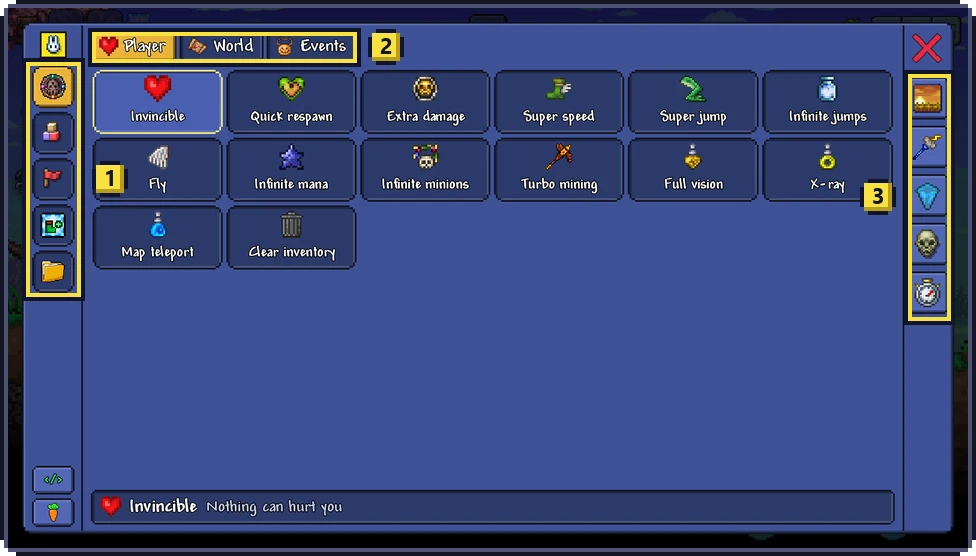
The menu has three parts. The column at (1) chooses the section: superpowers, items, NPCs, buffs and mods, from top to bottom. The middle shows the chosen section, and the column at (3), always visible, controls the world: time of day, rain, wind, enemies and frozen time. The two small buttons at the bottom of the left column open the in-game editor and restart the game. The red X closes the menu.
The first section has three tabs, at (2): Player, World and Events. A tap turns a power on or off, and the bar at the bottom says what the power you touched does.
Under Player you find Invincible (nothing can hurt you), Quick respawn, Extra damage (every weapon hits harder), Super speed, Super jump (high jumps with no fall damage), Infinite jumps, Fly (through walls, too), Infinite mana, Infinite minions, Turbo mining (pickaxe and axe at four times the speed), Full vision (ore, enemies and danger), X-ray (lights up the whole screen), Map teleport (hold for a second on the fullscreen map) and Clear inventory, which keeps favorites, coins and ammo.
World has Reveal map, Bestiary (unlocks every creature), Hardmode (as if you had defeated the Wall of Flesh), Difficulty (Classic, Expert, Master or Journey) and Stop biome spread, which stops the Corruption, the Crimson and the Hallow from spreading. Events starts an event, from a Blood Moon or a Slime Rain to the Martian Madness or the Frost Moon, or ends the current one with Stop events.

Turn off all, at the top right when any power is on, turns everything off at once. Powers you leave on come back the next time you play, unless you turn the Mod Menu off in the launcher's Settings.
The next three sections are catalogs of the whole game. Items lists all of them, more than six thousand, with tabs by kind (melee, ranged, magic, summoning, ammo, tools, accessories, armor and more) and finer groups below. Tap an item to get it; the buttons at the top right choose how many you get each time, from one to 9,999.
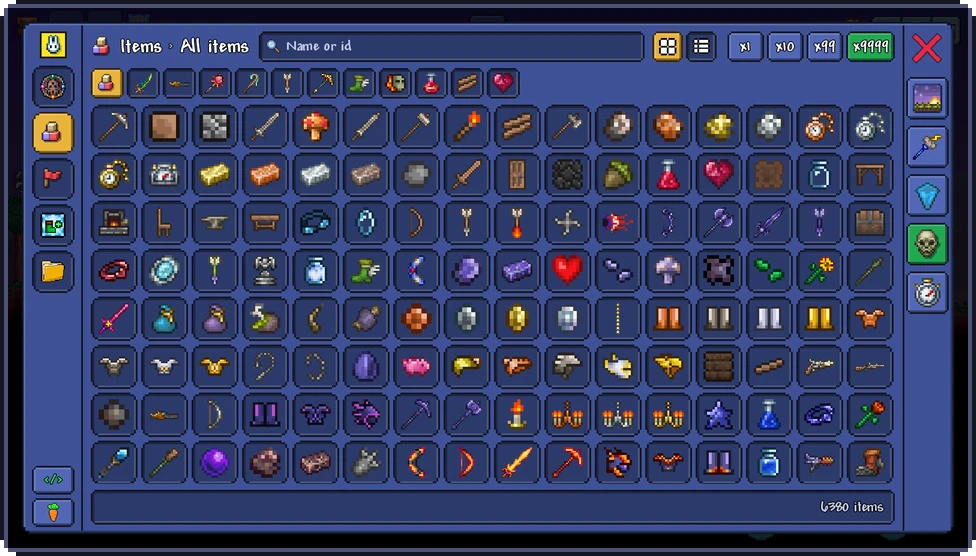
NPCs works the same way, with groups for bosses, monsters, town NPCs and critters: a tap summons the NPC next to you, one, five, ten or fifty at a time. Buffs applies any buff or debuff for one, five, fifteen or sixty minutes. In all three, the search box finds things by name or by ID, and the two buttons next to it switch between a grid of icons and a detailed list.
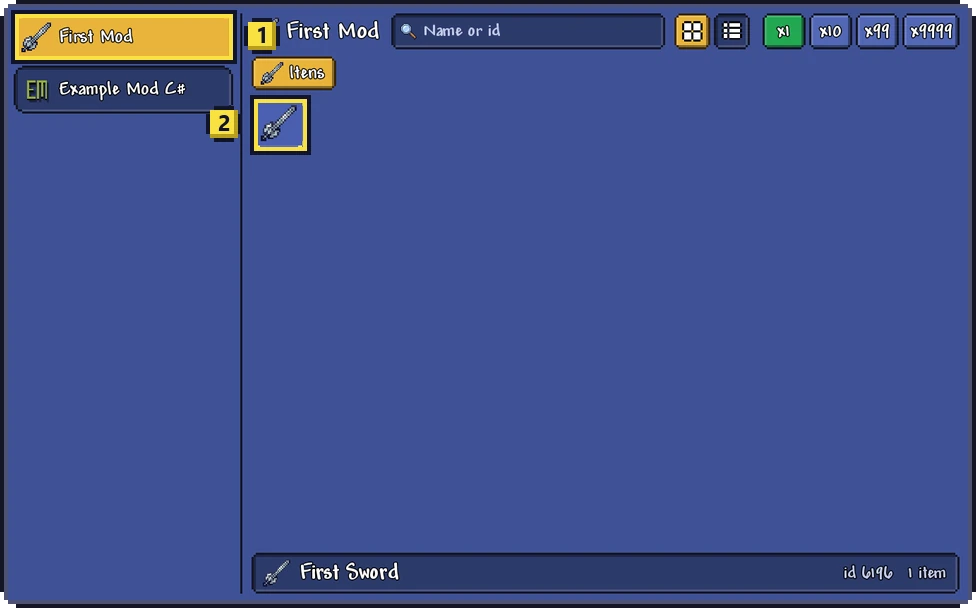
The folder icon at the bottom of the column opens the content of your mods, one mod at a time. It is the quickest way to try what a mod adds: pick the mod on the left, and its items, NPCs and buffs show up just like the game's own.
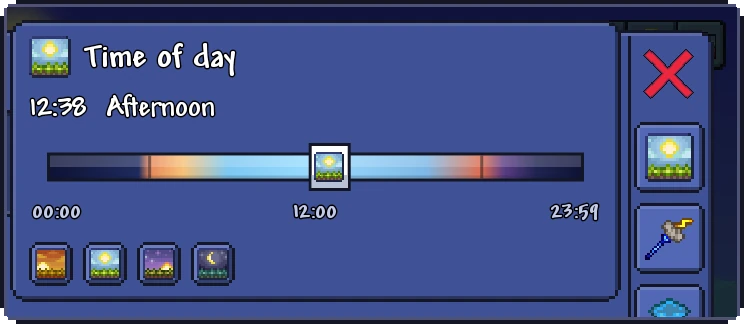
The buttons of the right column open small panels. The first sets the time of day, with a slider and shortcuts for dawn, noon, dusk and midnight:
The next ones choose the rain, from none to a storm, and the wind, from calm to a gale. The skull controls the enemies, from none at all to ten times as many, and can remove the ones that are already there. The stopwatch freezes time: enemies, projectiles and the clock stop.
Mods load when the game starts, so turning a mod on or off, or installing a new version, needs a restart. The bottom button of the left column does it without leaving the game: it offers to Save and restart, which saves your character and world first, or to Just restart.

The host of a multiplayer game decides whether the people who join may use the Mod Menu. When the host does not allow it, the menu is turned off while you are on that server and the powers you had on are reset. See Multiplayer.
