Repository navigation
Profile Conflicts
Find configuration profiles that manage the same payload or preference key on the same devices. Read-only.
When two profiles set the same thing on the same Mac or iPhone, whichever installs last wins, and the result can seem random. Profile Conflicts reads every macOS and iOS configuration profile on your server and shows where they clash.
- Connect to Jamf Pro and click Connect & Check Permissions, then Continue →.
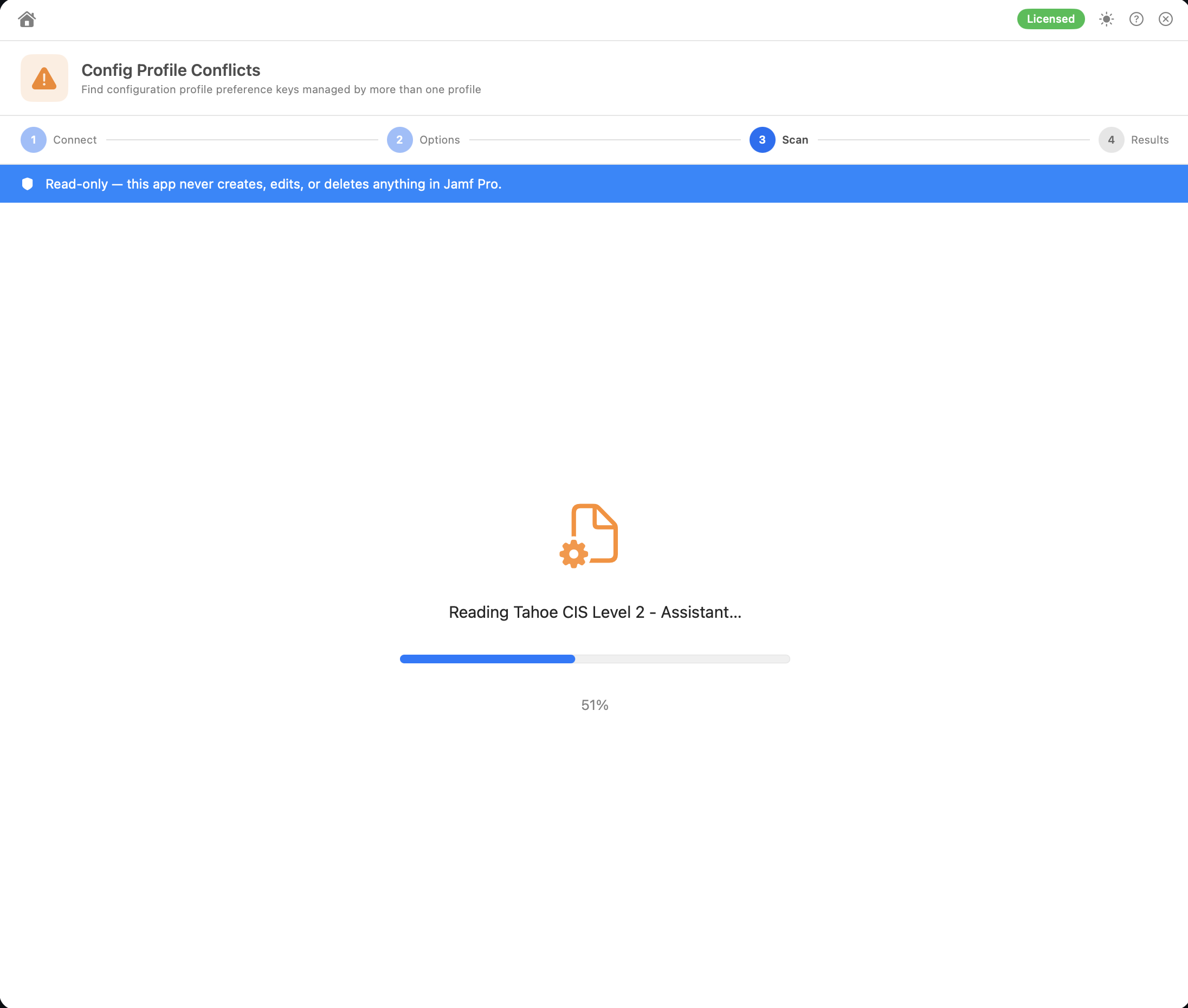
- The scan downloads each profile, with a progress bar.
- Review the results.
| Severity | Meaning |
|---|---|
| 🔴 Error: exclusive payload | Only one profile should manage this payload type on a device (see the list below), and the profiles definitely reach the same device. Flagged even when the profiles share no keys |
| 🔴 Error: same network | Two profiles configure the same Wi-Fi network or the same VPN, and definitely reach the same device. Only one configuration is used |
| 🟠 Warning: same target | Two profiles manage the same app, rule, Team ID, relay domain or certificate |
| 🟠 Warning: conflicting keys | Two or more profiles set the same key in the same payload. The conflicting keys are listed |
| 🟠 Warning: possible overlap | Any of the above, where the profiles target different groups, buildings, departments or users that may share devices. Check whether any device is in both |
Each conflict shows the payload type, the platform (macOS or iOS/iPadOS), the target where relevant, an explanation of why it's flagged, and the profiles involved with their scope. Notes underneath flag a possible overlap, or user-based scope that can't be fully worked out. Each profile is expanded by default to show its conflicting key → value pairs; click its name to collapse it. Click Open to view that profile in Jamf Pro in your browser.
The Errors and Warnings counts are at the top. Filter by All / Error / Warning, or Search… by payload type or profile name. Scan Again returns to the Connect screen.
These payload types are errors when two profiles that definitely reach the same device use them:
com.apple.screensaver, com.apple.loginwindow, com.apple.security.firewall, com.apple.systempolicy.managed, com.apple.Global, com.apple.desktop, com.apple.dock, com.apple.security.smartcard, com.apple.education, com.apple.webcontent-filter.
Wi-Fi, VPN, relays and certificates are no longer on this list, because a device can have many of each. They're compared per network, configuration or certificate instead (see below).
Once you've checked a conflict and decided it's fine (for example, the values are identical on purpose), click Mark Reviewed. It moves to the Reviewed section at the bottom and stays there between sessions. Click Unreview to move it back. If the set of profiles involved changes later, the conflict comes back as unreviewed.
Reviewed marks are saved on your Mac, keyed on the payload type, target and profile IDs (including whether each is a macOS or mobile profile). They aren't tied to a server, so a conflict with the same payload and profile IDs on another server also shows as reviewed. Conflicts you reviewed in an earlier version stay reviewed.
-
Platforms: macOS and iOS/iPadOS profiles are compared separately, because they never reach the same device.
-
Scope overlap: a conflict is definite when one profile is scoped to All Computers / All Mobile Devices, or both directly target the same group, device, building or department. Profiles that target only different groups, buildings, departments or users are still compared, but flagged as a possible overlap warning, since their members may intersect. Profiles that each target only individual devices, with none in common, can't overlap and aren't compared. Unscoped profiles are ignored.
-
Exclusions: if everything a profile targets is excluded from the other profile, they can't reach the same device, so they aren't compared. For example, a profile for All Computers excluding Finance and a profile scoped only to Finance don't conflict. Each profile's scope in the results shows its exclusions, for example All Devices (excluding: Finance).
-
Per-target payloads are only compared when they manage the same thing, so separate profiles for different networks, apps or vendors don't count as conflicts:
- Wi-Fi (
com.apple.wifi.managed): by SSID, or Passpoint domain - VPN (
com.apple.vpn.managed): by name and VPN type - Relay (
com.apple.relay.managed): by domain, or all traffic - PPPC (
com.apple.TCC.configuration-profile-policy): by service and app identifier, and only when the profiles set a different authorization (macOS merges matching entries) - Notifications (
com.apple.notificationsettings): by bundle ID, for every app in the payload - Managed Login Items (
com.apple.servicemanagement): by rule type and value - System Extensions (
com.apple.system-extension-policy): by Team ID, including Team IDs that only appear in the allowed extensions or types - Certificates (PKCS #1, PKCS #12, root, PEM, SCEP, ACME and AD certificate payloads): only when the same certificate is delivered twice. That's usually redundant rather than harmful, but removing one profile can leave the other still delivering it
If none of the profiles has a value to compare on, they fall back to the shared-key check.
- Wi-Fi (
-
Custom Settings (
com.apple.ManagedClient.preferences) are compared per preference domain, socom.google.Chromeandcom.microsoft.Edgenever conflict with each other. A conflict needs at least one setting key in common. -
com.apple.MCXpayloads are also compared per domain (for example Energy Saver desktop and battery settings are kept apart). A conflict needs at least one setting key in common. -
Other payload types are flagged when two or more profiles set at least one of the same keys.
-
Payload metadata keys (identifier, UUID, display name and so on) are ignored.
-
Secrets are hidden. Values of keys such as passwords, shared secrets, pre-shared keys, SCEP challenges and tokens, and the contents of certificate payloads, are shown as
[REDACTED]in the results and the HTML export.
- Group memberships aren't read, so two different groups are only ever a possible overlap, never a definite one.
- Limitations are ignored, and exclusions only rule out an overlap when they cover every target of the other profile. A partial exclusion (for example, excluding one of two groups the other profile targets) still counts as an overlap.
- User-based scope can't be resolved to devices, so overlap involving users is estimated.
- If a profile's scope can't be read, it's treated as overlapping every other profile, and shows Scope couldn't be read.
- Profiles that fail to download aren't included in the Profiles Scanned total. A banner says how many couldn't be read, and No conflicts found in readable profiles replaces the all-clear.
Export HTML saves ProfileConflicts_<server>.html to a location you choose. It includes every conflict (filters and search don't apply), with each profile's keys for that payload, Same / Differs markers on each shared key, a % match figure for warnings, scope details, and a separate Reviewed section. It also shows the number of errors, warnings and profiles scanned.
Permissions: Read macOS Configuration Profiles, Read iOS Configuration Profiles.