Repository navigation
Baselines
A baseline is a photograph of what was agreed at a point in time: "this is the exact set of requirements, use cases and traces we signed off for the Lifecycle Architecture milestone".
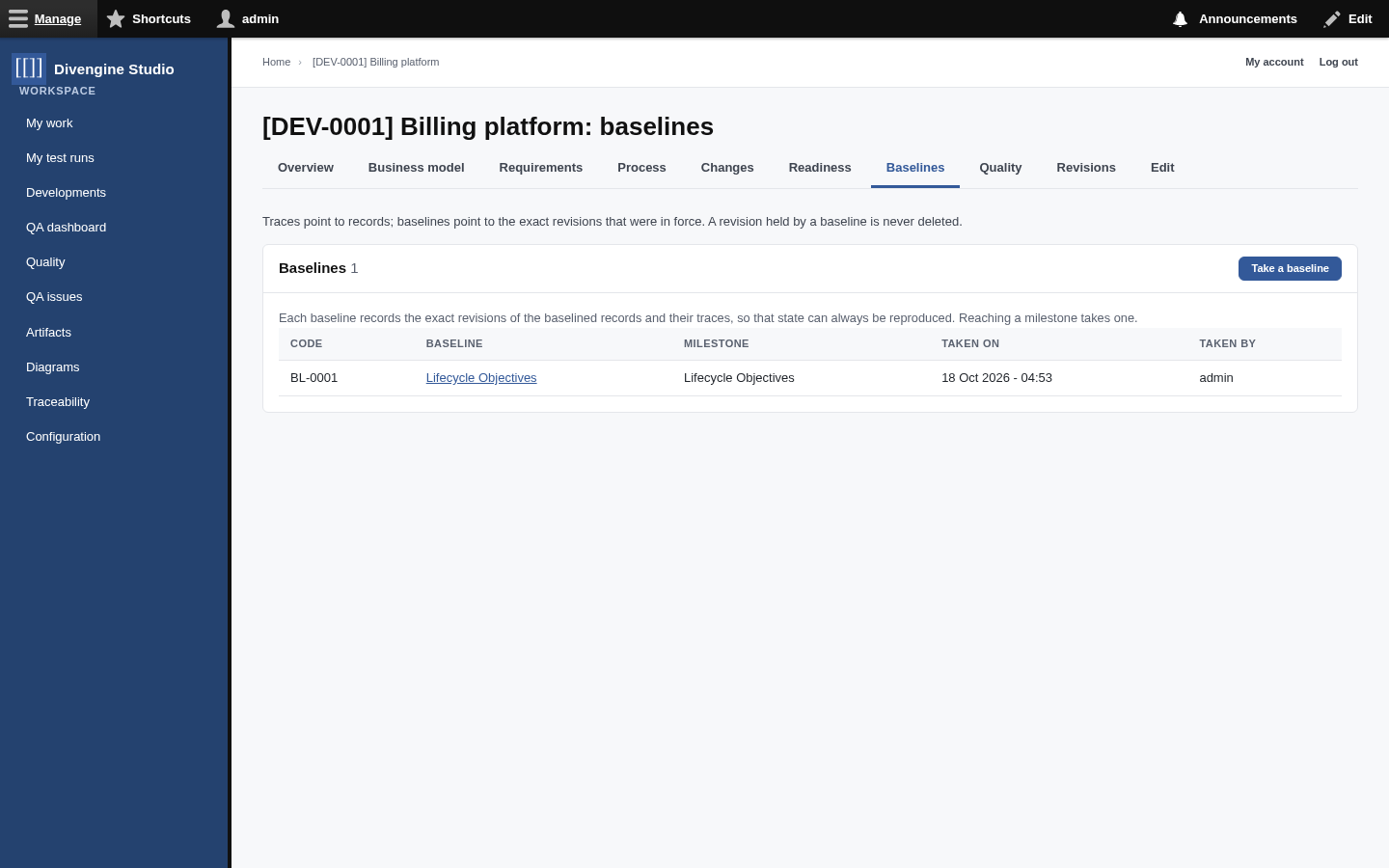
When a baseline is taken, Studio records the exact revision of every baselined artifact (published requirements, use cases, rules, work products…) and of every trace between them. Not "the requirement REQ-0001", but "REQ-0001 as it was in revision 17".
flowchart LR
    subgraph Today
        R1["REQ-0001<br/>revision 23"]
    end
    subgraph "Baseline · Lifecycle Architecture"
        B1["REQ-0001<br/>revision 17 🔒"]
        B2["UC-0002<br/>revision 9 🔒"]
        B3["trace UC-0002 refines REQ-0001<br/>revision 4 🔒"]
    end
    B1 -. same record,<br/>older revision .- R1
So you can keep editing the living requirement, and the baseline still shows precisely what was agreed back then.
- Automatically, every time a milestone is marked as reached.
- Manually, with Take baseline in the Baselines tab, whenever you need a reference point (a contract signature, a release candidate…). Give it a name and notes.
- The items of a baseline never change. Only its name and notes can be edited.
- A revision that belongs to a baseline can't be deleted.
- A record that belongs to a baseline can't be deleted either.
In other words: once something is part of a baseline, it's part of the project's history for good. That's exactly what you want when, a year later, someone asks "what did we actually agree?"

Getting started
Knowledge
- Knowledge base
- Artifacts
- Traceability
- Diagrams
- Discussions & attachments
- Code Source
- Code docs
- Database schemas
Work
Process
Quality
- Test management
- Running tests (for testers)
- QA issues
- Dashboard & reports
- Verifying requirements with tests
Administration
Under the hood