Feature Overview
Cindr3D combines CAD, print preparation, printer operations, and local AI tooling in one browser workspace.
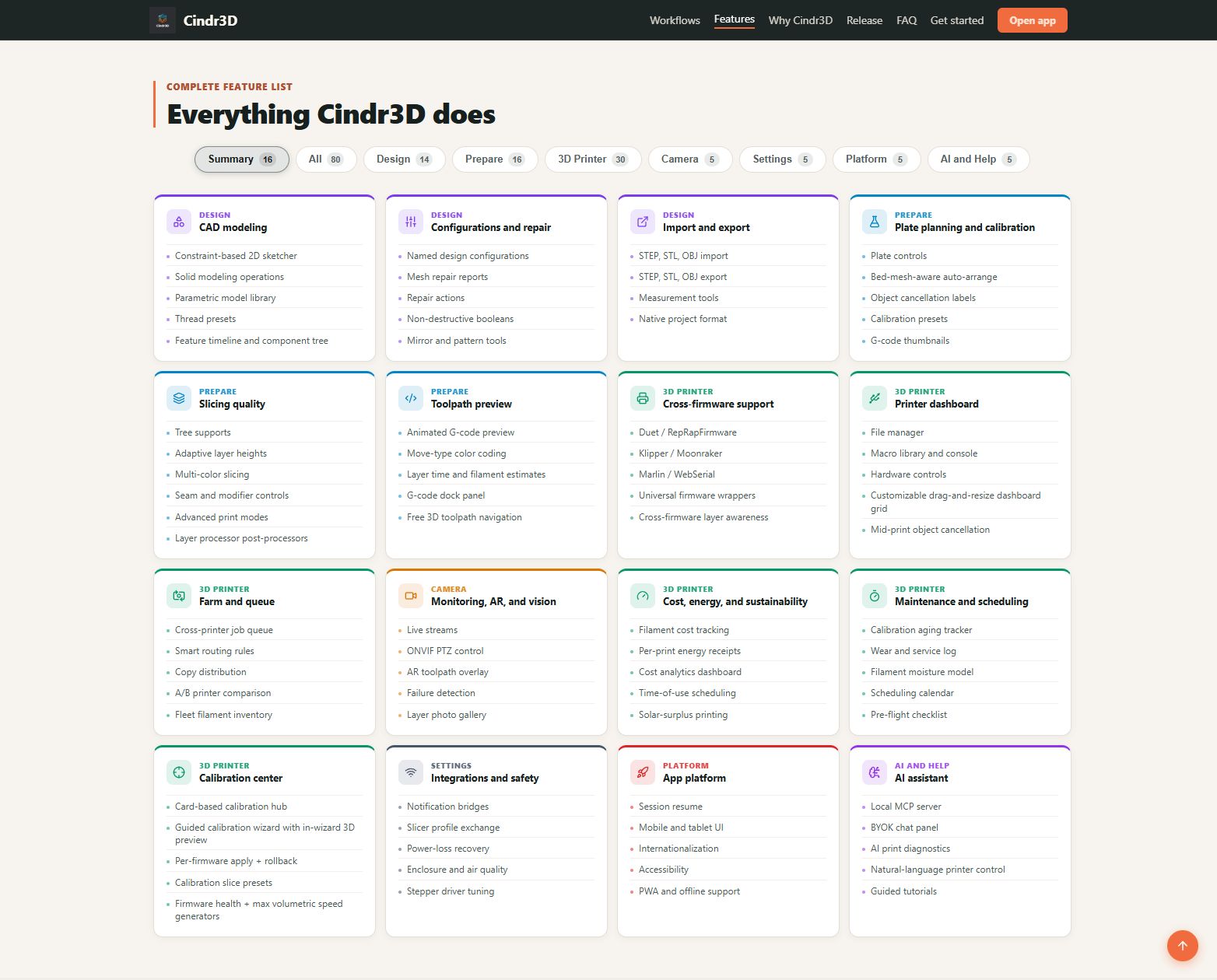
The Design workspace focuses on browser-based CAD and printable model creation.
Deep dives: Sketching and Dimensions, CAD Features and Timeline, Drawing and Export Workflows, and Mesh Repair and Imports.
Highlights include:
- 3D viewport with orbit, pan, zoom, and view-cube navigation
- Sketching on XY, XZ, and YZ planes
- Constraint-driven sketch tools
- Parametric model library for common printable objects
- Design configurations and variant export
- Drawing workspace with generated orthographic views
- Solid features such as extrude, revolve, sweep, loft, shell, rib, split, draft, hole, thread, chamfer, and fillet
- Non-destructive boolean history
- Mesh repair tools for manifold checks, duplicate vertex welding, normal fixes, and STL healing
- Imports for common CAD and mesh formats
The Prepare workspace handles plate setup, slicing, and print-preview inspection.
Deep dives: Prepare Object Walkthrough, Prepare Profiles and Printer Creation, Slicer Settings Reference, Calibration Workflows, and G-code Preview Simulation and Breakpoints.
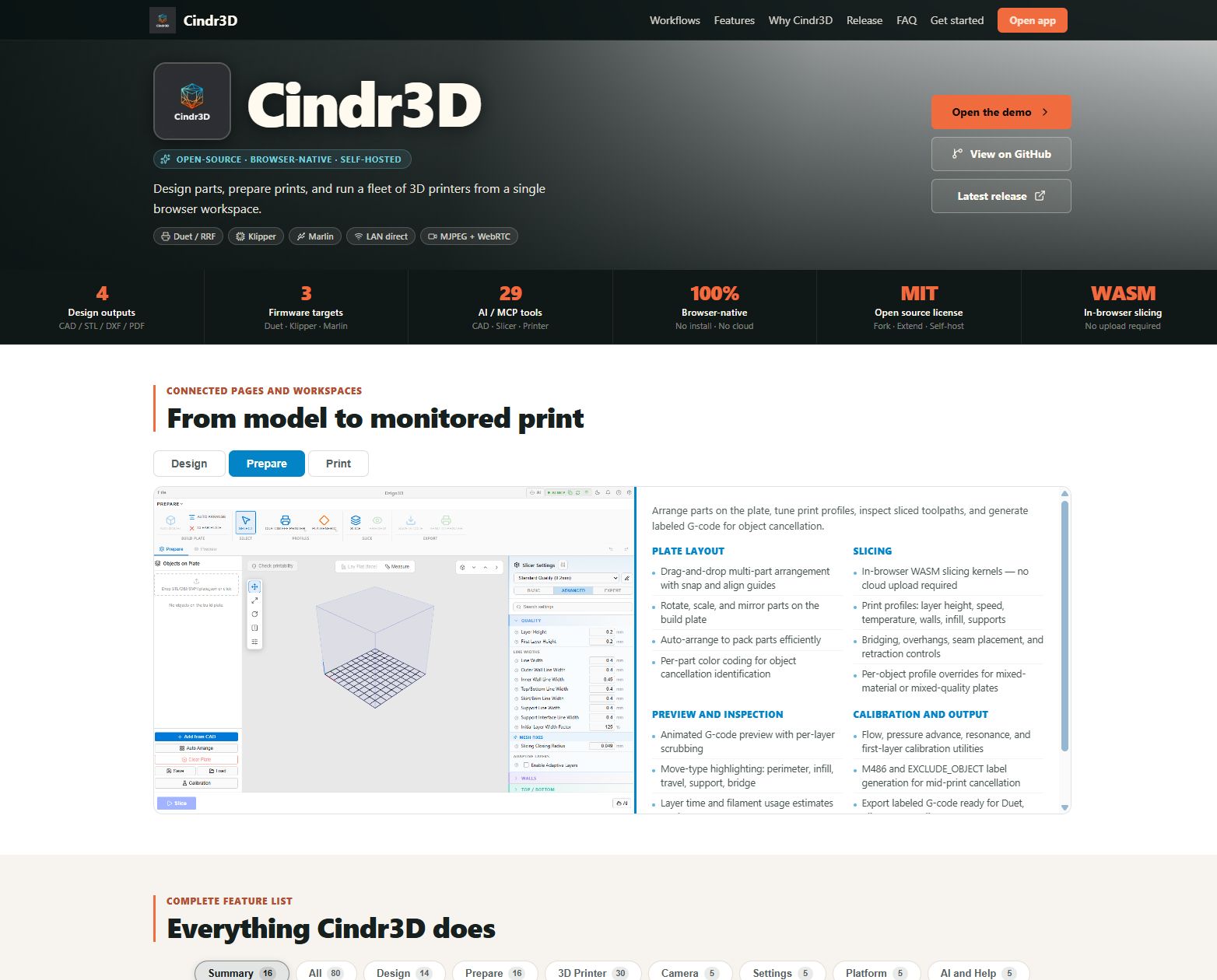
Highlights include:
- Multi-object plate layout
- Per-object profile overrides
- WASM-backed geometry and slicing pipeline
- Calibration utilities
- Layer slider, simulation playback, and multiple G-code preview color modes
- Bridge skin classification and bridge-fan override
- Print, printer, and material profile flows
- Automatic
M486object labels for compatible firmware object cancellation
The 3D Printer workspace is designed for single-printer control and small fleet management.
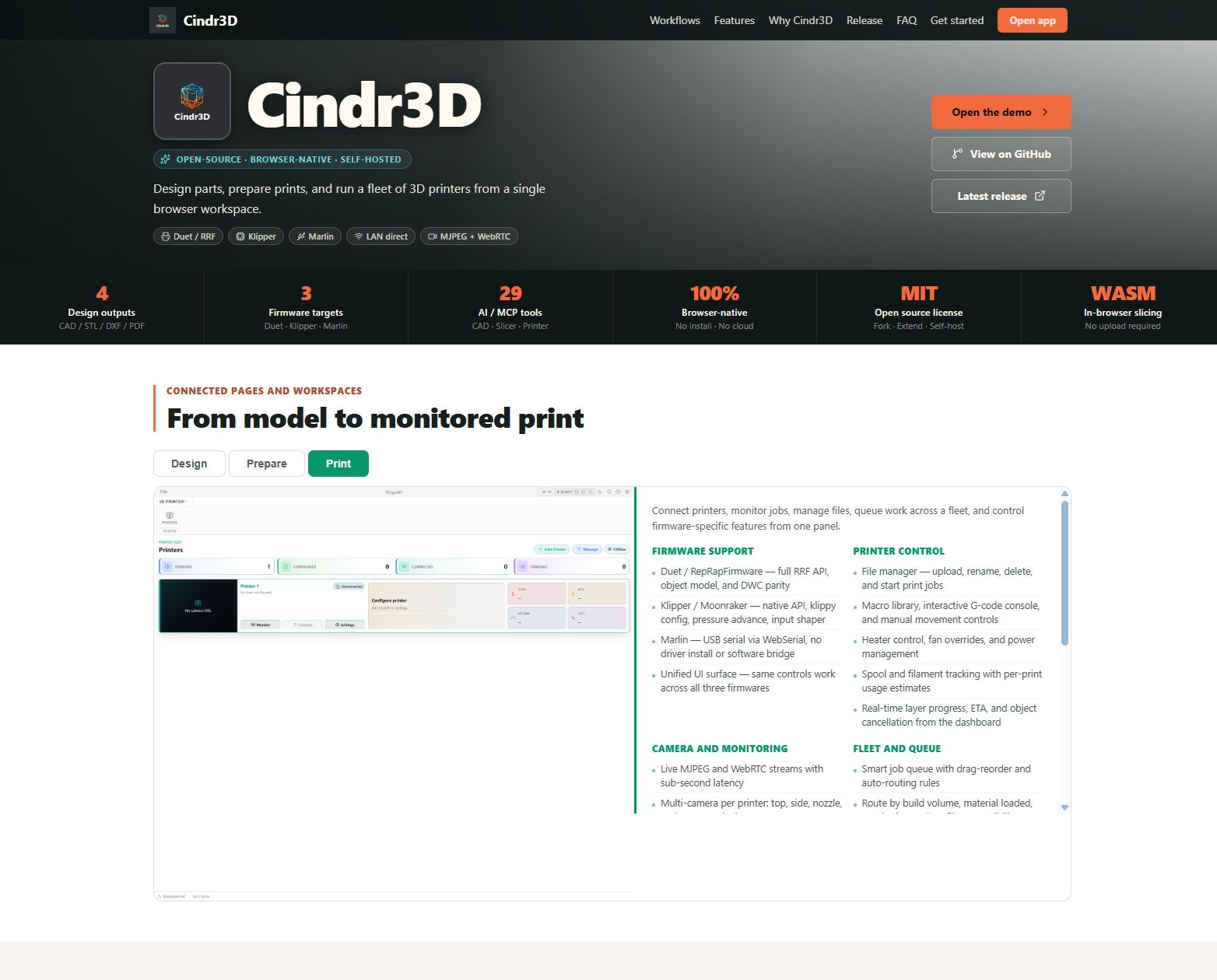
Highlights include:
- Live printer dashboards
- Camera monitoring
- Console, job, history, analytics, files, and macro views
- Bed map, power, updates, spools, timelapse, input shaper, and pressure advance panels
- Cross-firmware command routing
- Smart queue and fleet camera views
- Layer gallery and photo evidence exports
- PTZ camera controls
- Filament roll-up and spool assignment
Cindr3D exposes local AI automation through an MCP server and in-app BYOK chat panel.
Highlights include:
- Localhost-only MCP server
- Token pairing through the in-app AI status badge
- Rate-limited tool calls
- Audit log in the AI status badge
- Tool coverage for primitives, sketches, features, booleans, transforms, exports, viewport snapshots, and document inspection
- Confirmation gate for destructive operations