Safety Limits
Safety limits are guard rails on temperature setpoints and emergency commands. They are not a substitute for firmware safety features, but they help prevent accidental app-side commands.
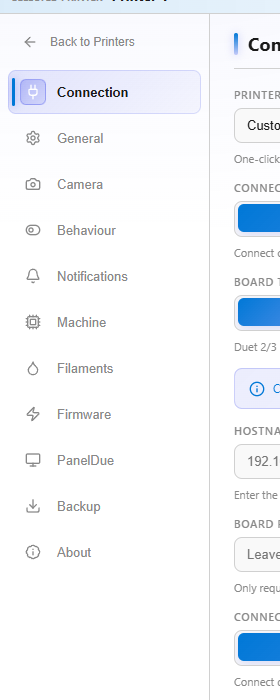
Printer behavior settings can cap setpoints before commands leave Cindr3D.
Common defaults:
- Max nozzle temperature: 280 C.
- Max bed temperature: 120 C.
- Max chamber temperature: 60 C.
Raise these only for hardware that is actually built for higher-temperature printing.
The high-temperature warning asks for confirmation above a soft threshold. The default threshold is 250 C.
This is useful when a printer is usually used for PLA or PETG but occasionally prints ABS, ASA, PC, or Nylon.
Recommended shared-printer settings:
- Surface firmware-reported thermal runaway or heater faults as high-priority alerts.
- Require confirmation before sending
M112emergency stop.
Emergency stop should be reserved for real machine faults. Use pause, cancel, or heater-off controls for normal operation.