Printer Interface Gallery
This gallery shows the connected-printer surfaces after a printer has been configured. Screenshots avoid connection settings, credentials, tokens, and camera URLs.
The dashboard combines live printer state, camera preview, tool presets, heaters, filament selection, motion controls, speed and flow controls, and firmware-specific panels.
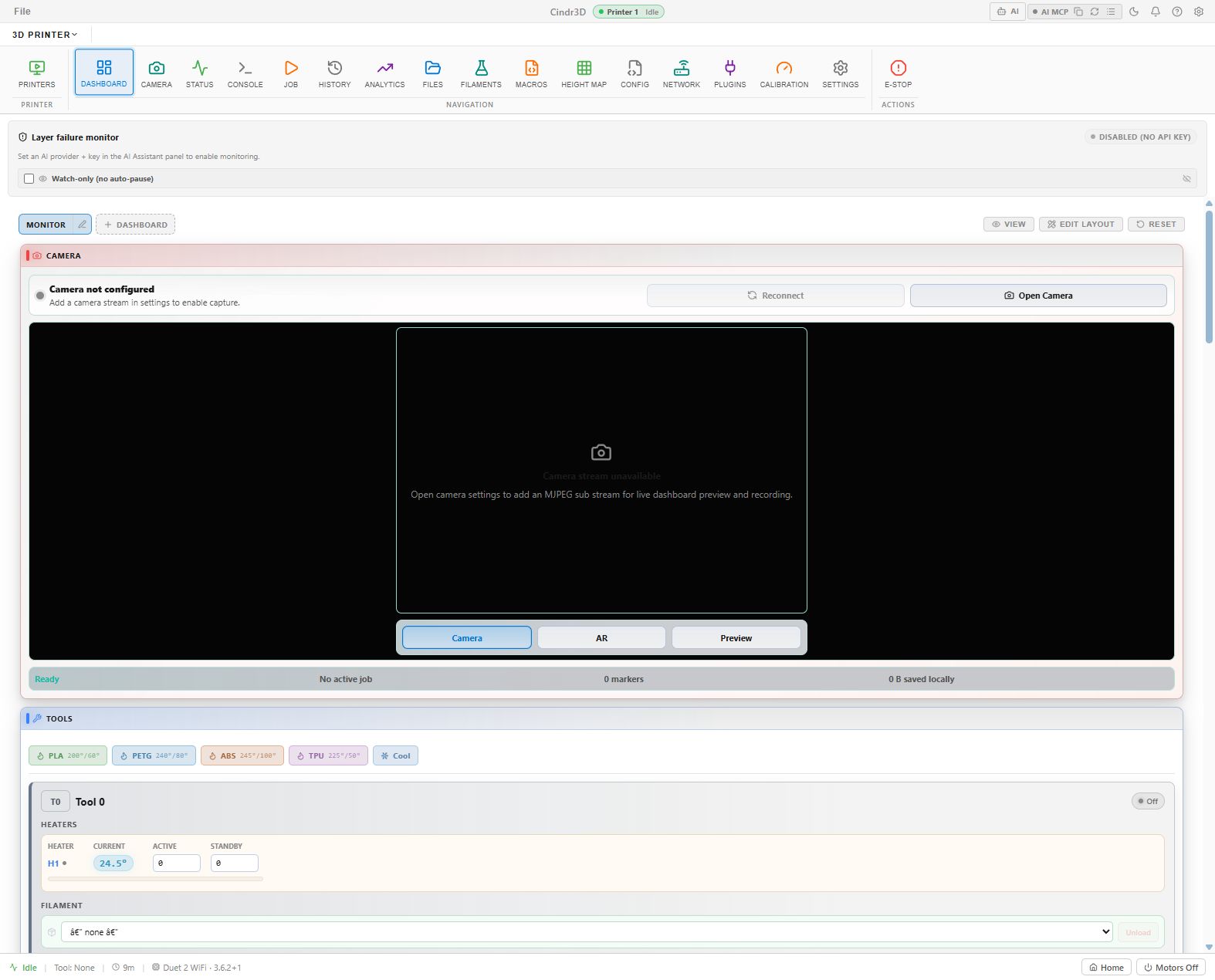
For dashboard customization screenshots, see Dashboard Layout Editing.
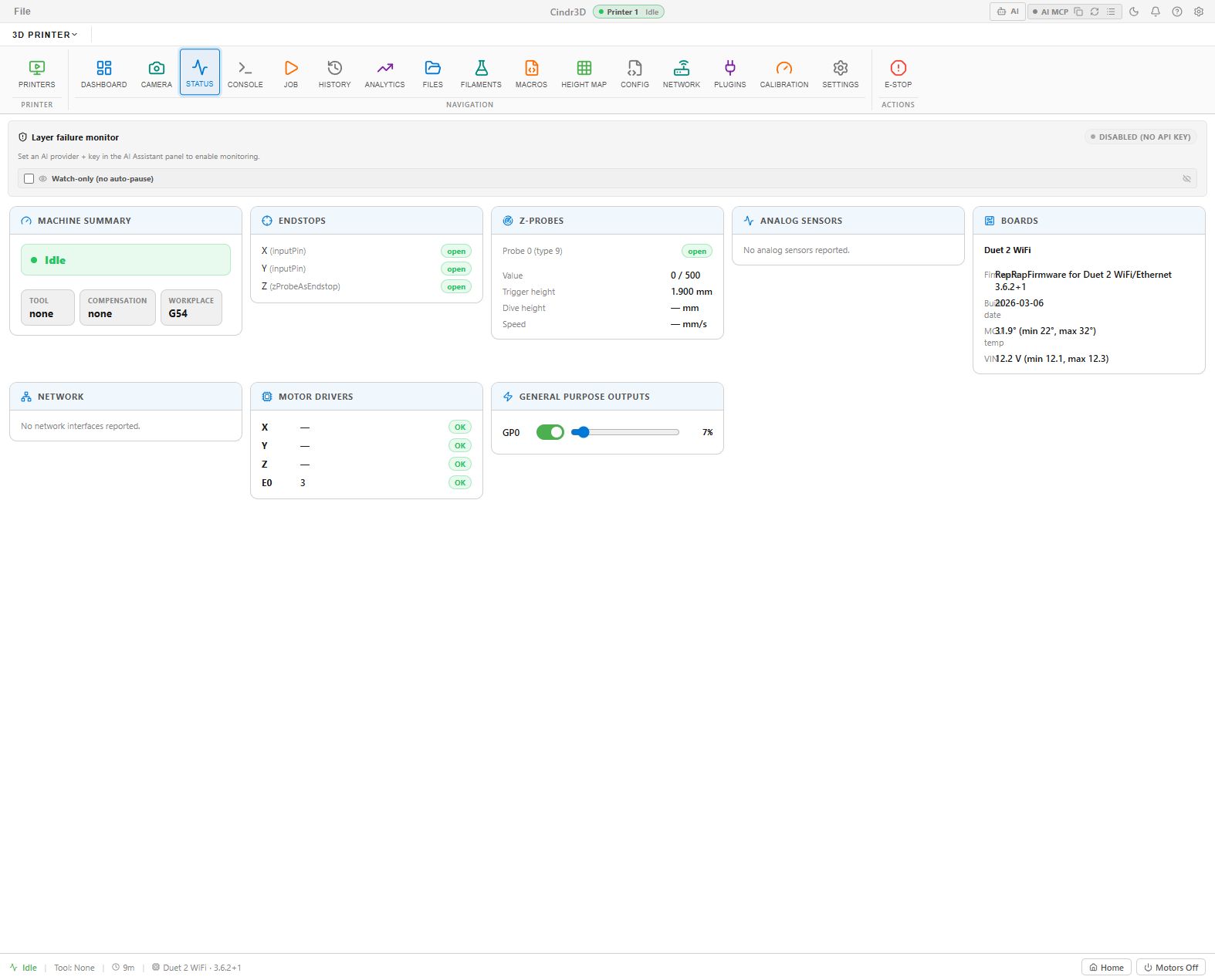
The Status tab shows a compact health view: machine state, endstops, probes, analog sensors, board information, motor drivers, outputs, and firmware metadata.
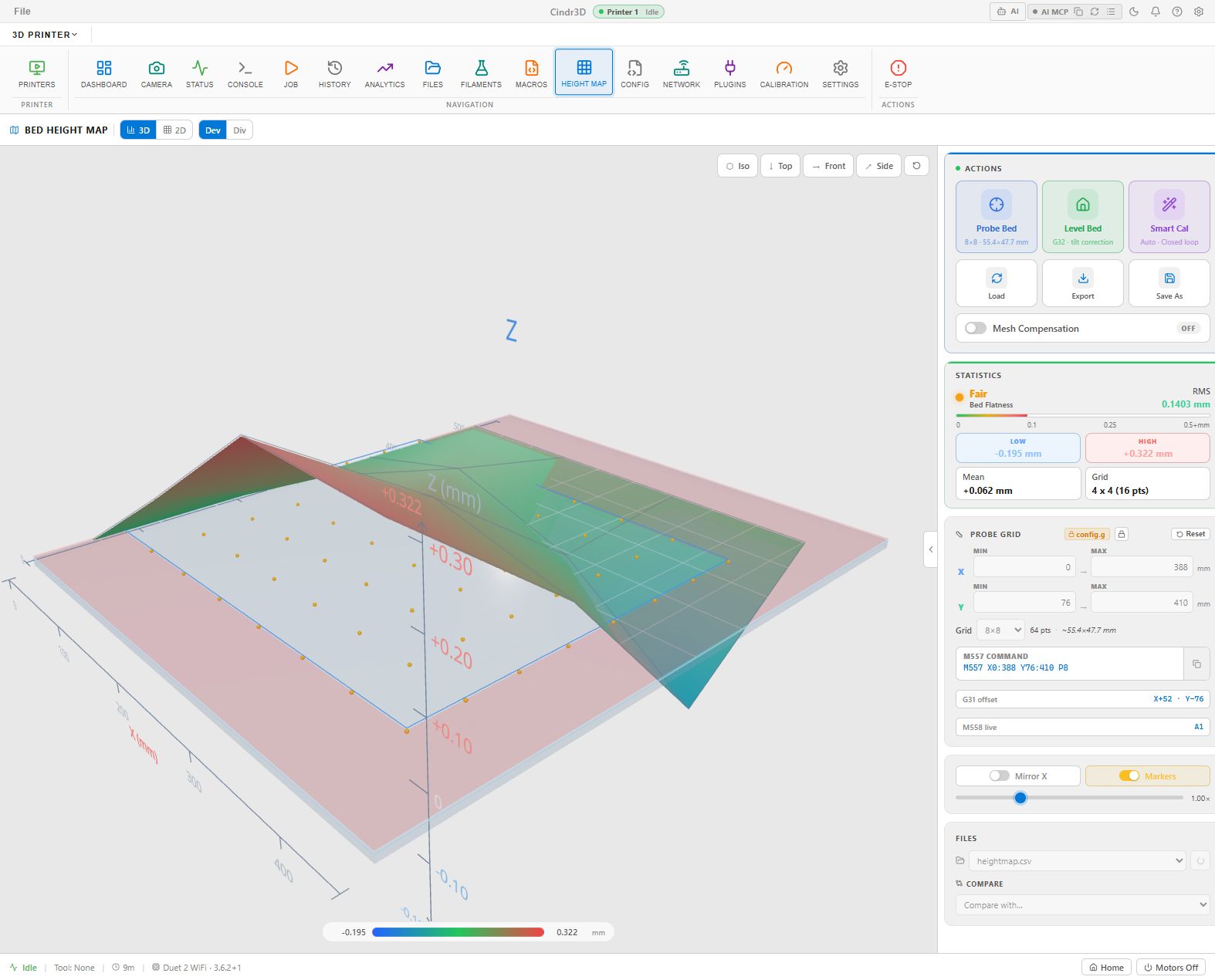
The Height Map tab is one of the richer printer views. It supports 2D and 3D visualization, probing actions, compensation controls, statistics, and probe-grid configuration.
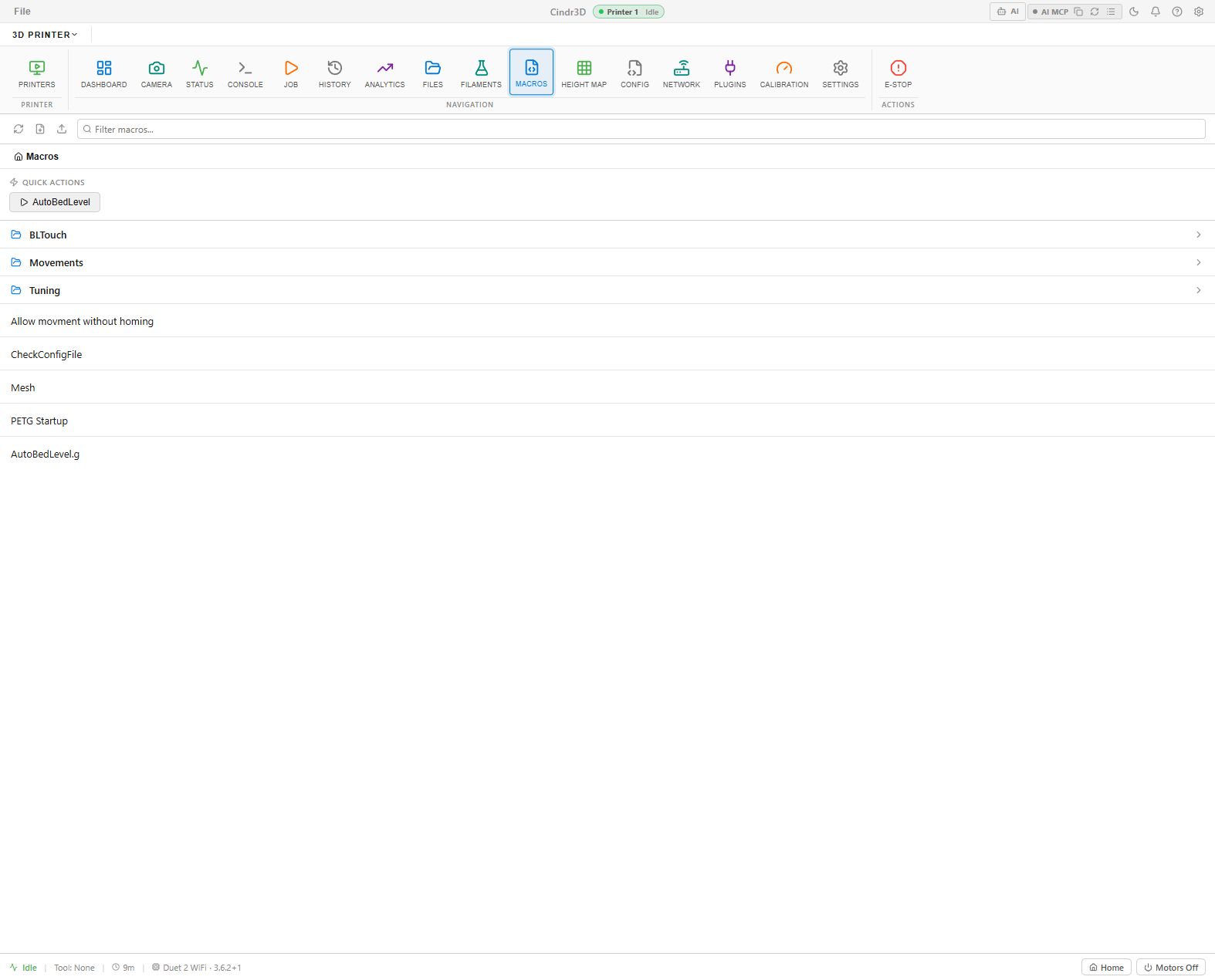
The Macros tab surfaces firmware macros, grouped folders, quick actions, and uploaded macro files from the connected printer.
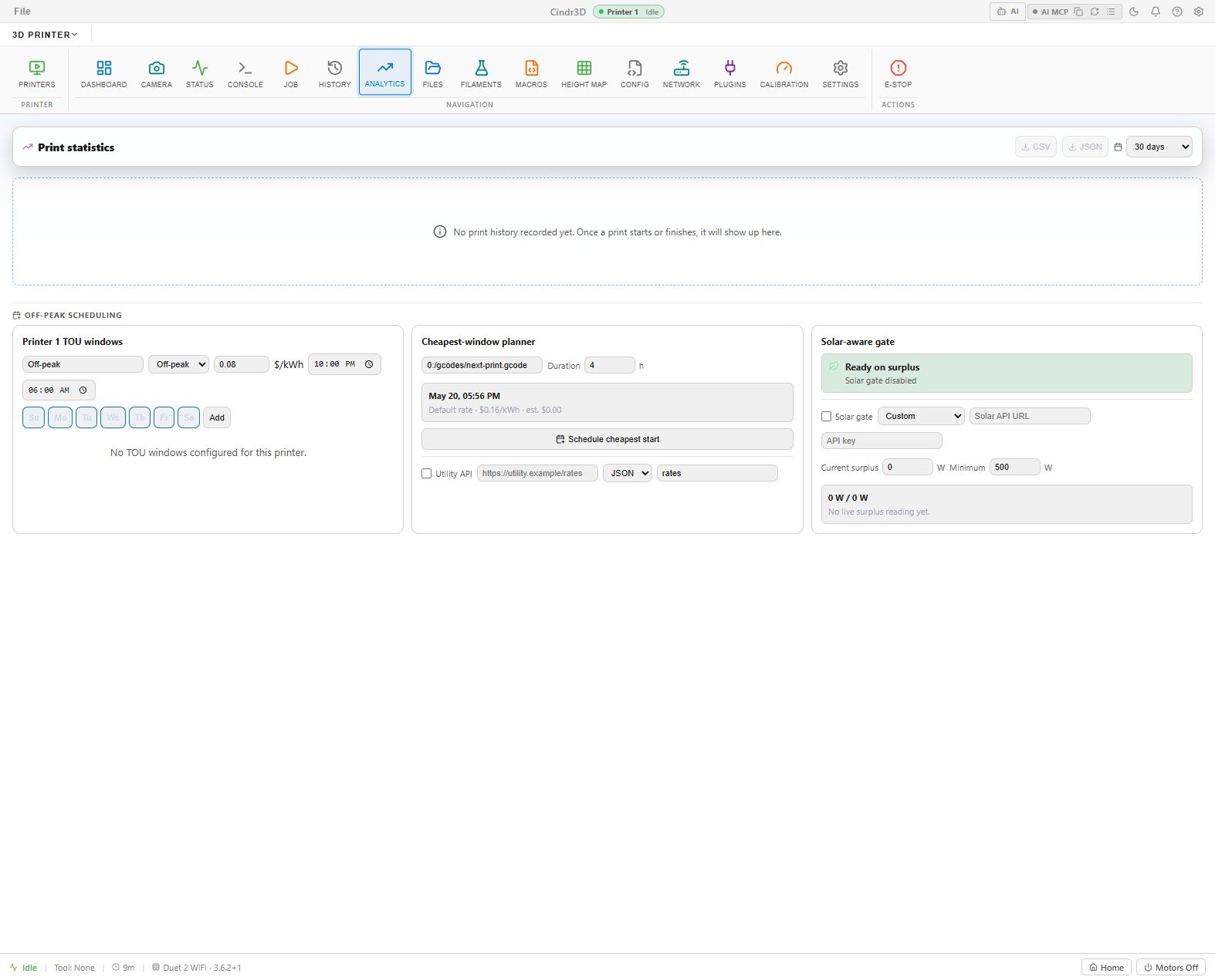
The Analytics tab tracks print statistics, off-peak scheduling, cheapest-window planning, and solar-aware print gating.