Mid print Object Cancellation
Object cancellation lets you stop one failed object on a multi-part plate while the rest of the print continues. Cindr3D exposes the workflow through printer tools and dashboard cards, but the firmware performs the actual skip behavior.
- Klipper: sends
EXCLUDE_OBJECT NAME=<name>through Moonraker. Requires[exclude_object]inprinter.cfg. - Duet/RRF 3.5+: sends
M486 P<index>. - Marlin 2.0.9+: sends
M486 P<index>. Firmware must be built withCANCEL_OBJECTS.
Smoothie, grbl, Repetier, and generic transports do not provide native object-cancel support.
- Exclude Object tab: dedicated view with all labelled objects and confirm-before-cancel behavior.
- Object Cancellation dashboard card: compact list version for the monitor dashboard.
- Print Preview dashboard card: 3D view with object silhouettes, active layer context, and right-click object cancel where supported.
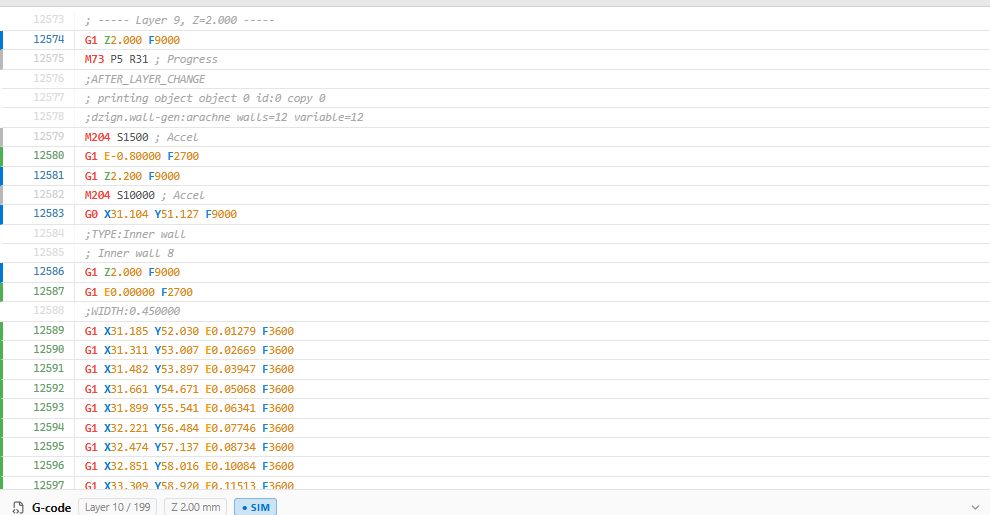
Object cancellation only works when the G-code identifies which moves belong to which object.
- Cindr3D slicer emits
M486labels automatically. - PrusaSlicer, SuperSlicer, and OrcaSlicer can label objects in output settings.
- Cura 5.x can label objects with the Label Objects post-processing script.
- Marlin: use the manual
M486panel when available. - Klipper: send
EXCLUDE_OBJECT NAME=<name>from Console. - Duet: send
M486 P<index>from Console.
Always confirm object index/name from the slicer preview before sending a manual command.