11436190
Created by Robert Ness, last modified by Wen Chen on May 28, 2018
**CAVEAT** I have just moved these labs from the couse server to HPCNODE1 the first few people that do these labs will find all kinds of errors- mostly to do with paths to data and the test cells not working correctly. Please tell Rob when you find these errors and he will correct them and show you how to correct them.
For anyone that wants to do a little self directed learning we are making available the labs from Rob's course BIO362: Bioinformatics. The labs cover basic Python coding using bioinformatic tools and concepts. The labs should more or less stand alone and don't need any outside direction.
To do the labs yourself follow these steps:
mkdir ~/BIO362
cd ~/BIO362
cp /scratch/courses/BIO362/BIO362_labs.tgz ./
tar -xzvf BIO362_labs.tgz
You know should have everything you need to execute the course. Start up Jupyter Notebooks on HPCNODE1 and navigate to your home directory where your new BIO362 folder is located. It should look like this:

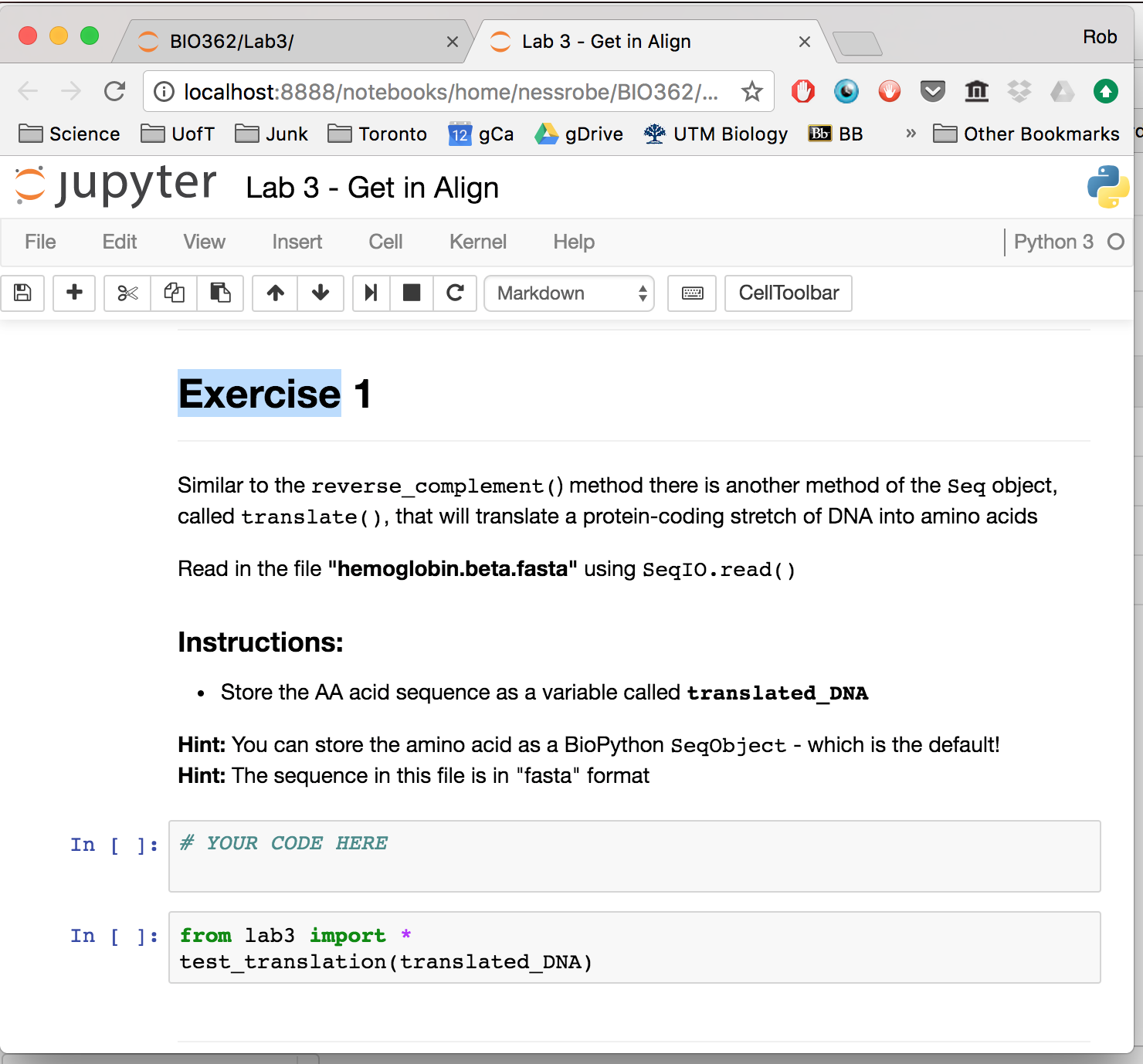
From Lab1 to Lab7 there are notebooks and data in the respective folders. For any given Lab you can start the notebook and follow the instructions to complete the exercises. The exercises all have one cell in which to write/code your answer. The cell below the answer cell is the test cell. It has code in it that you should not change. If you have completed the code properly, you can run the test cell and it will tell you if your answer is correct or not.
 [BIO362_DASHBOARD.png](attachments/11436190/11436188.png) (image/png)
Document generated by Confluence on May 22, 2024 11:44