Repository navigation
Hide Connect App Prompt
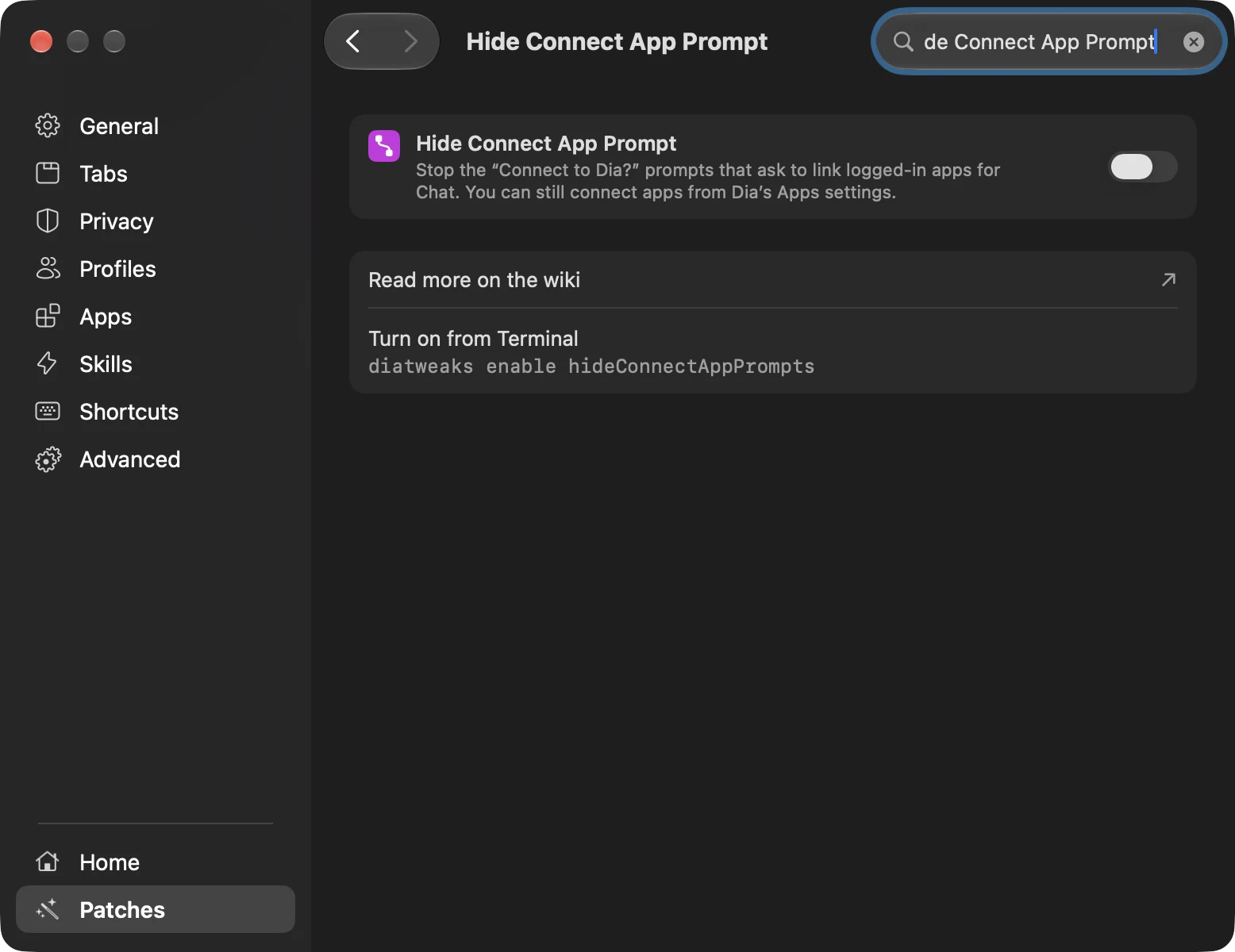
Stops the “Connect to Dia?” and “Reconnect to Dia?” prompts that Dia shows when you visit logged-in apps or use Chat. Apps stay disconnected, and you can still connect them yourself in Dia’s Apps settings.
When you sign in to sites like SharePoint, Slack, Notion, or Google apps, Dia pops up a prompt offering to connect them to Chat and turn on automatic connections. If you don’t want to link work or personal apps to Chat, dismissing those prompts every time gets in the way.
- Handy if you use logged-in web apps you don’t want linked to Chat, or keep seeing reconnect prompts.
- Skip it if you want Dia to offer connecting newly signed-in apps as you browse.
Open Dia → Settings → Patches → Hide AI Prompts & Buttons and switch on Hide Connect App Prompt. Or run:
diatweaks enable hideConnectAppPromptsTurn Off AI hides these prompts too.
Does this connect the app or enable auto-connect?
No. Each prompt is dismissed through its own “Don’t connect” or “Not now” path, never the OK button, so the app stays disconnected and “Automatically connect my logged-in apps” is never saved.
Can I still connect apps manually?
Yes. Open Dia → Settings → Apps and connect any app there. This tweak only stops the automatic “Connect to Dia?” and “Reconnect to Dia?” prompts.
What if I already have Turn Off AI on?
Turn Off AI covers this tweak automatically, so the switch stays greyed out while Turn Off AI is on.
Does it work with tabs at the top?
Yes. Prompts stay hidden in both layouts.