Repository navigation
Profile Color Picker
Adds a full macOS color picker and #RRGGBB hex field in Profile Settings so each profile can use any tint color instead of only Dia's eight presets.
| Tabs in the sidebar | Tabs at the top |
|---|---|
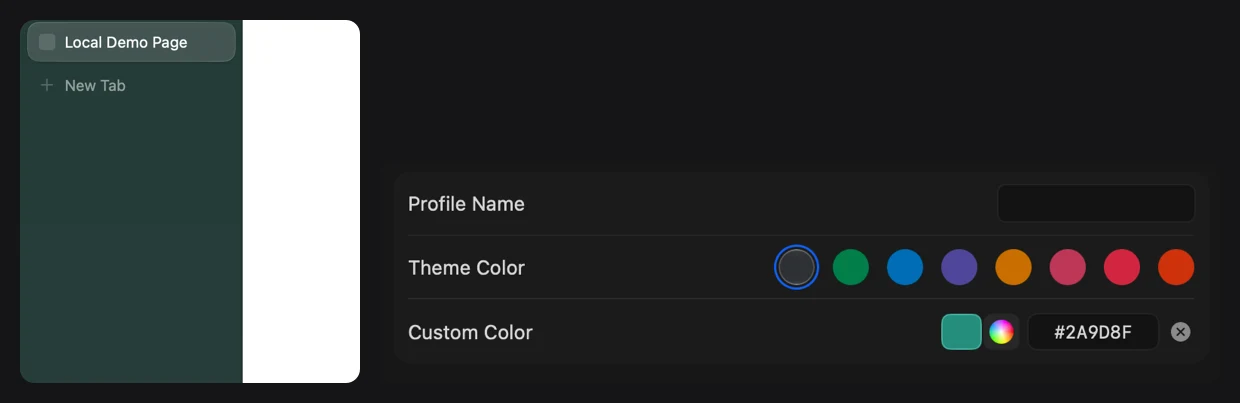 |
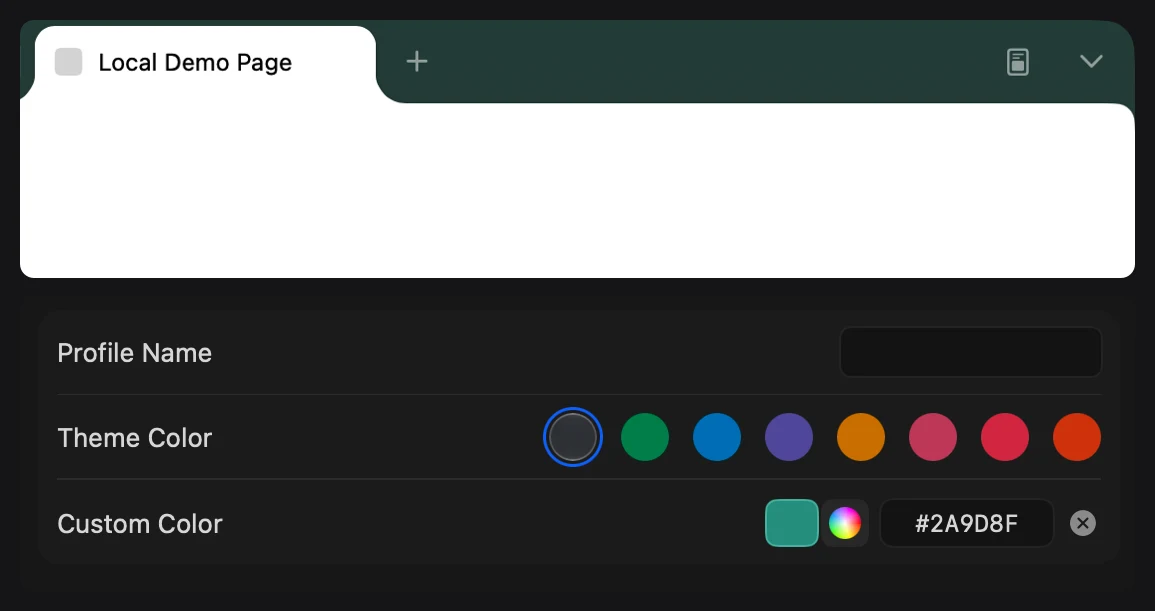 |
Dia's built-in profile settings limit you to eight preset swatches.
- Handy when you separate work, client, or personal profiles and want to match exact brand colors.
- Supports both macOS's color picker (wheel, sliders, palettes, and eyedropper) and direct
#RGBor#RRGGBBhex entry. - Works with Dia's intensity dial, light and dark mode, Window Material, and Private Window Theme.
Open Dia → Settings → Patches and switch on Profile Color Picker. Or run:
diatweaks enable profileColorPickerThen open Dia → Settings → Profiles, choose a profile, and pick a color or type a hex code in the Custom Color row under the theme swatches. Click the × button (or choose any built-in swatch) to return to Dia's preset.
- Window Material tints the chosen material or Liquid Glass with your custom profile color.
- Private Window Theme copies your custom profile color to private windows.
Does it change Dia's profile database?
No. Dia's profile database only accepts its eight preset names, so custom hex colors are saved separately in com.diapatches. Turning the tweak off, pausing tweaks, or uninstalling DiaTweaks leaves your profiles untouched and restores Dia's built-in preset immediately.
Does Dia's intensity dial still work?
Yes. Clicking the active colored swatch still opens Dia's intensity dial, and spinning it adjusts the strength of your custom color in real time.