Repository navigation
Launch Flags
Pass extra Chromium startup flags every time Dia opens, whether from the Dock, Spotlight, Raycast, a link in another app, or a relaunch.
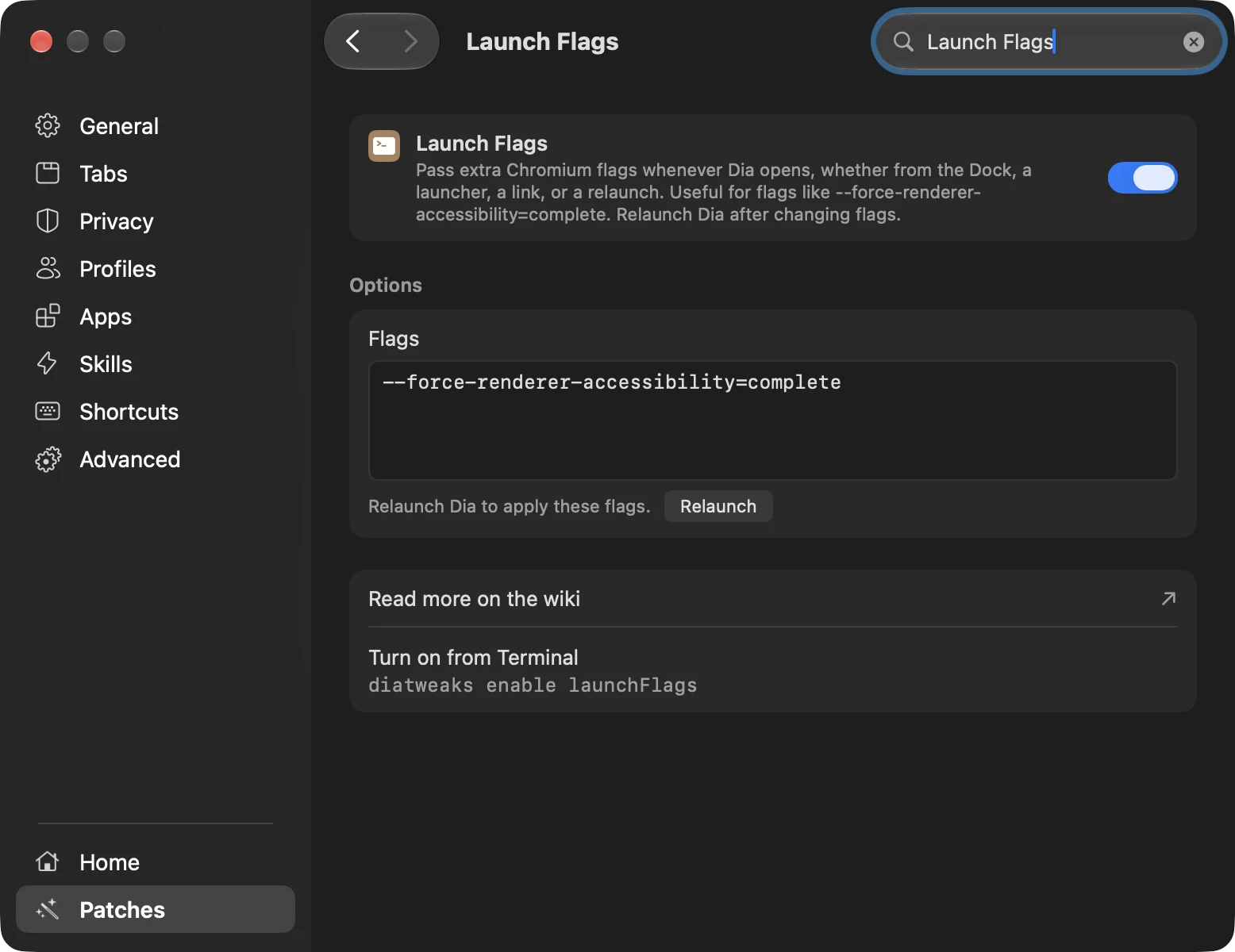
Apps opened from the Dock, a launcher, or an external link start without command-line arguments. Some tools need a Chromium startup flag that cannot be enabled after launch — for example, Cotypist needs --force-renderer-accessibility=complete so Dia turns on full accessibility text metrics at startup. Skip this tweak if you do not need custom Chromium flags, as experimental or invalid flags can make pages or Dia unstable.
Open Dia → Settings → Patches, switch on Launch Flags, type your flags into the Flags box, and click Relaunch. Or run:
defaults write com.diapatches launchFlagsArgs -string "--force-renderer-accessibility=complete"
diatweaks enable launchFlags
Then relaunch Dia.
Add this line in Flags and relaunch Dia:
--force-renderer-accessibility=complete
Open chrome://accessibility to verify: Native, Web, Text metrics, and Extended properties should all be checked.
How should I format multiple flags?
Put one flag per line or separate them with spaces. Wrap values containing spaces in single or double quotes, such as --js-flags="--expose-gc --max-old-space-size=4096". Lines starting with # are ignored, and every flag must start with --.
What if a flag makes Dia crash on startup?
DiaTweaks Safe Mode steps in after two crashes right after launch and starts Dia without tweaks or custom flags. You can then open Dia → Settings → Patches to fix or turn off Launch Flags.
Do password and passkey relays get these flags?
No. Password and passkey relays use the unmodified Dia copy, which never loads DiaTweaks or your custom flags.
Can I use --enable-features, --disable-features, or --load-extension?
Yes. DiaTweaks merges those flags with any flags set by other tweaks, so features like Split TLS ClientHello, Little Dia, and Passkeys keep working alongside yours.