Repository navigation
Reference CSharp
Kristopher Barrantes edited this page Nov 5, 2026
·
2 revisions
Also on the Cuebot Docs site.
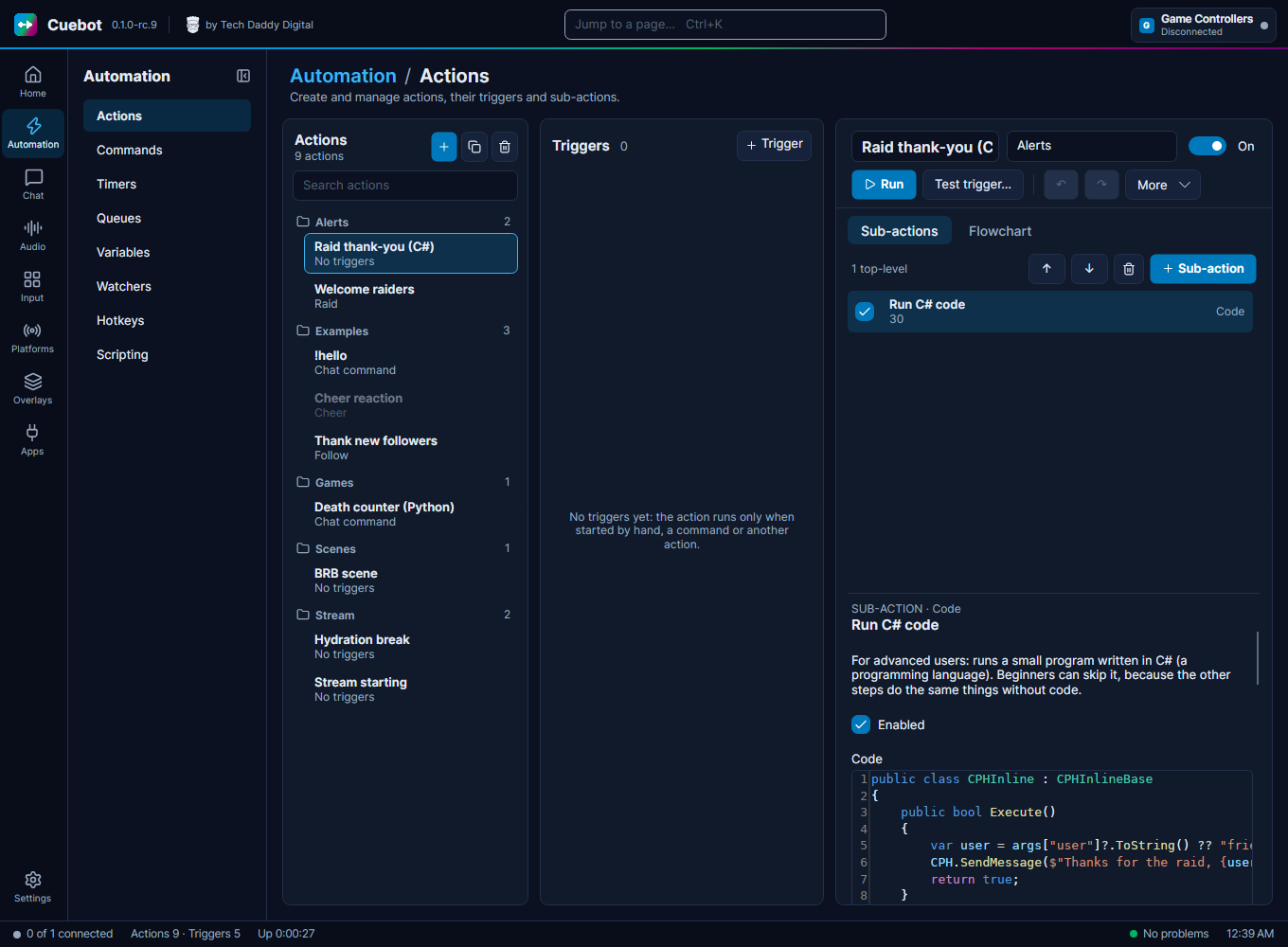
In a Run C# code step you can use CPH, a toolbox of ready-made methods. CPH.SendMessage("Hi!") sends a chat message, CPH.ObsSetScene("Gameplay") switches your OBS scene, and so on. The names are the same as in Streamer.bot, so code written for Streamer.bot works in Cuebot.
New to code? Read Writing code (C# and Python) first. It shows where the code goes and how a whole script looks. Every example on these pages goes inside Execute():
public class CPHInline
{
public bool Execute()
{
// the example goes here
return true;
}
}Python code has no CPH. It uses script functions instead, which C# can use too.
Cuebot by Tech Daddy Digital · MIT license · Privacy
Cuebot Docs (the same pages, nicer to read)
- Home
- Start here
-
Guides
- Chat commands
- Overlays and alerts
- Writing your own overlay widgets
- Text-to-speech
- Music and now playing
- Points, store and giveaways
- Subathons and goals
- Stream apps and devices
- VTuber apps
- Stream Deck
- The phone app
- Donations and integrations
- Discord bot
- The setup assistant and AI tools
- The assistant on your own computer
- Moving from Streamer.bot
- Cuebot's servers
- Writing code (C# and Python)
- Python in detail
- Using your own code editor
- Controlling Cuebot from other programs
- Backups and your data
- Linux
- Command-line options
- Troubleshooting
- What's experimental
- Reference