Repository navigation
Home
Also on the Cuebot Docs site.
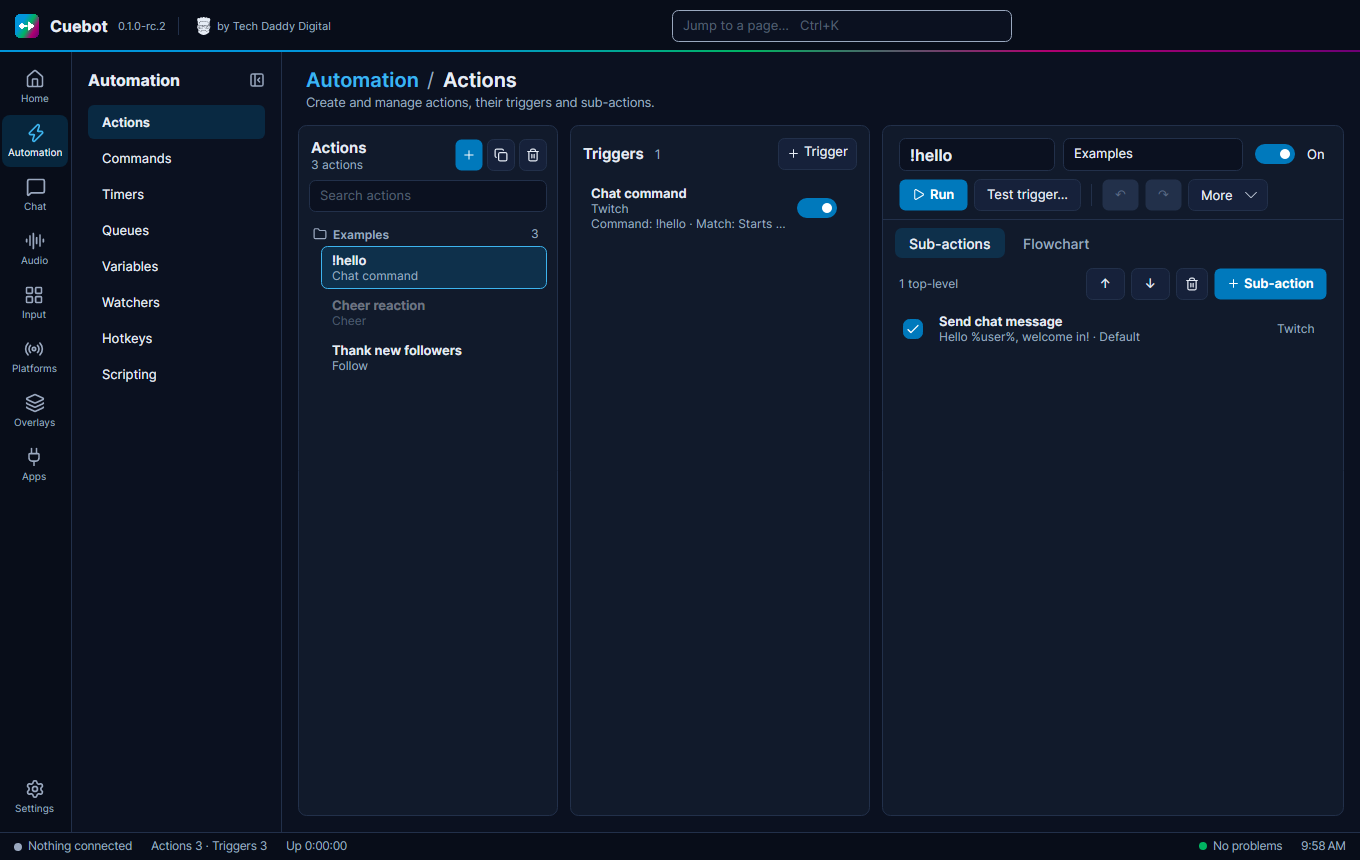
Cuebot is a free app for your computer that does jobs on your stream for you. When something happens, like a new
follower or someone typing !hello in chat, Cuebot does what you told it to: post a message, switch an OBS scene,
play a sound or read a message out loud.
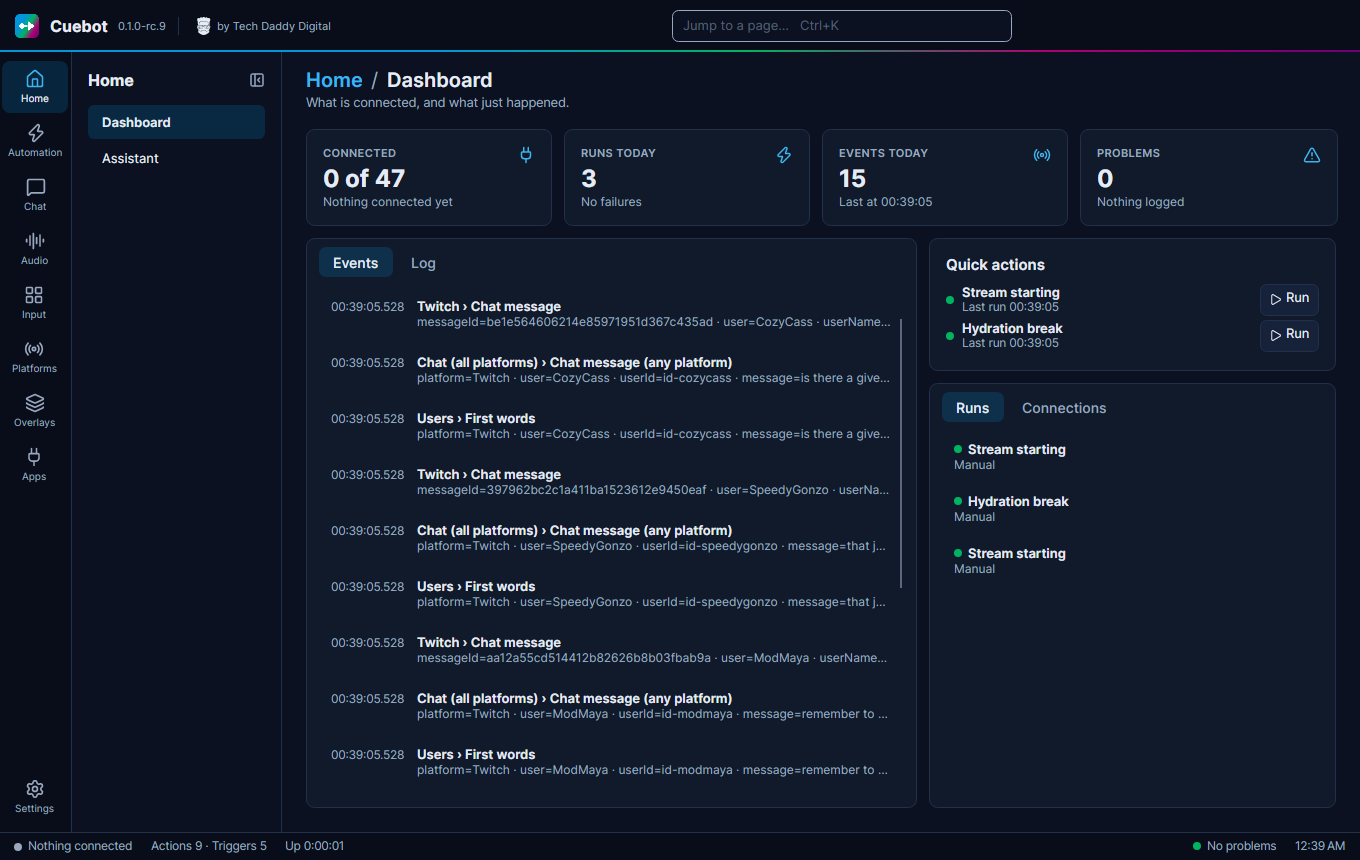
It works with Twitch, YouTube, Kick and Rumble, and runs on Windows, Linux and macOS.
Cuebot is still being tested: Cuebot is at version 0.1, in release candidates (test versions before the first full release). It works, but you may find rough edges. If something does not work the way these pages say, please tell us about it.
- Streamers who want chat commands, alerts and thank-you messages without writing code.
- Streamers on more than one platform, who want one app for every chat.
- Streamer.bot users who want the same way of working, also on Linux. Cuebot can bring your Streamer.bot actions across.
You do not need to be good with computers. Every page here explains one thing at a time, with a stream example.
- Install Cuebot on Windows, Linux or a Mac.
-
Your first five minutes: sign in, connect OBS and make a
!hellocommand. - Connect your platforms: Twitch, YouTube, Kick and Rumble.
- How actions work: the idea behind everything in Cuebot. Like pictures? See the flowchart editor.
- Variables, the %words%: put the viewer's name and other values into your messages.
- Words you will see: a small dictionary for when a word is new.
Get Cuebot from the releases page on GitHub. While Cuebot is in testing, every download is marked Pre-release. The installation guide tells you which file to pick.
- Guides: one page per part of Cuebot, from chat commands to overlays, text-to-speech and the Stream Deck.
- Every page in Cuebot: a map of the whole app, with a picture and a link to the guide for each page.
- The phone app: your decks and dashboard on your phone.
- Writing code: C# and Python, Python in detail, and using your own code editor (Visual Studio Code, Visual Studio, Rider, PyCharm…).
- What's experimental: the features that have not been tried with the real app or service yet.
- Reference: every trigger and sub-action, with what each setting does.
Cuebot keeps your settings and sign-ins on your own computer. It has no tracking. It only talks to a service (like Twitch or OBS) when you connect it. See Backups and your data.
Cuebot is free and open source. It is made by Tech Daddy Digital and is not made by, or part of, Streamer.bot, Twitch, YouTube, Kick, Rumble or OBS.