Repository navigation
Tutorial 07 Spending XP as you play
For players and the GM. The XP itself comes from the GM, see chapter 4.
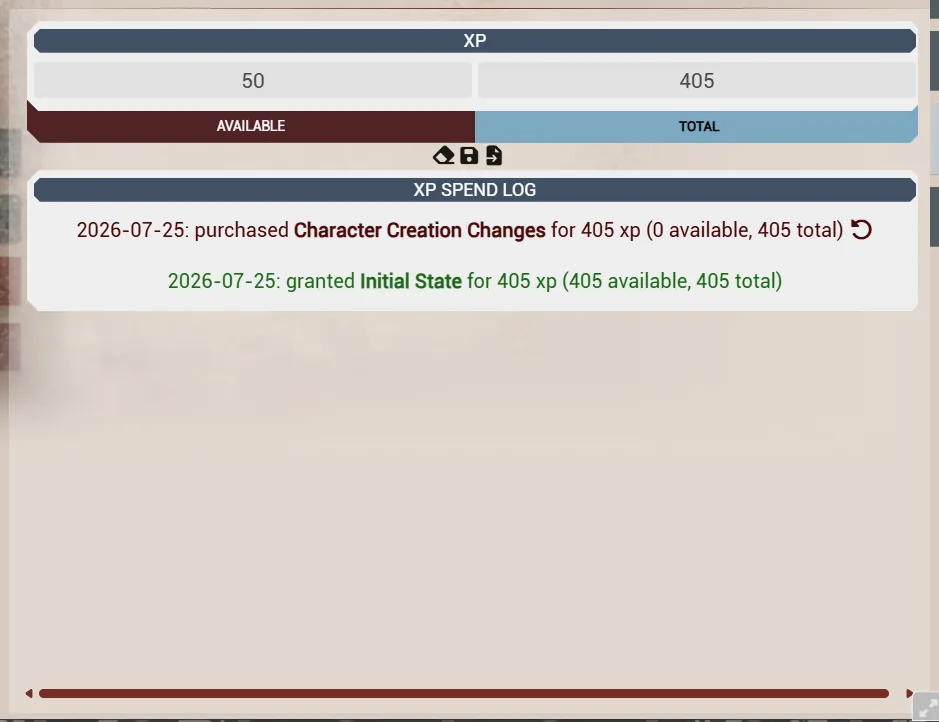
Your character keeps two numbers: XP available and total XP earned. Everything you buy comes out of the available pool and is written to a log you can read later.
- Open your character sheet.
- Click the buy control next to what you want:
- a skill rank — the cost follows the usual table, and career skills are cheaper;
- a characteristic — expensive, and normally only during creation;
- a talent inside a specialization tree.
- Confirm. The XP is deducted and the purchase is added to your XP log.
If a purchase control doesn't appear, the usual reasons are that you can't afford it, the rank is at the maximum the GM allows, or Edit Mode is on for that sheet (see chapter 6).
On the Codex sheet the buy controls are hidden until you click the XP square in the header, which turns purchase mode on; see the Codex II roll-in guide.
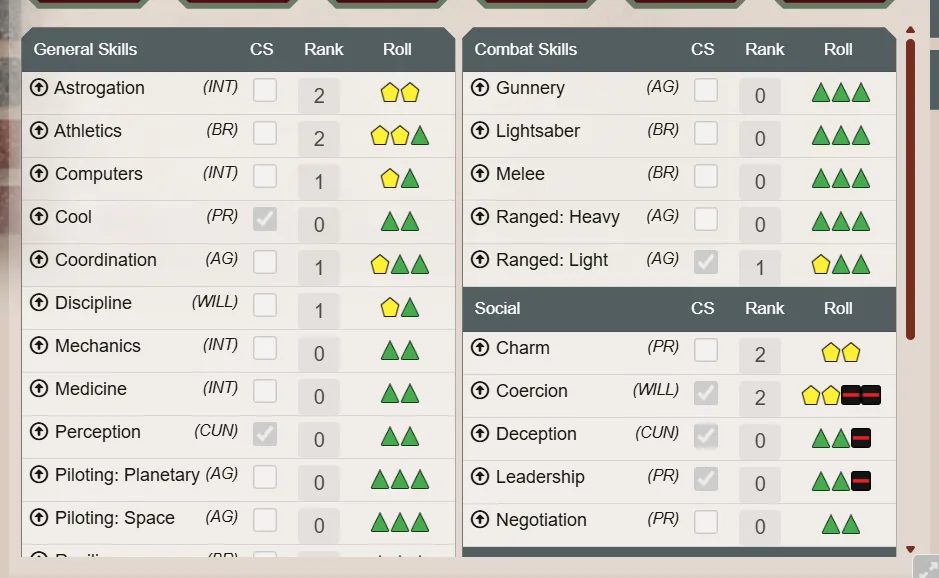
A talent is bought from its specialization's tree, and the tree enforces the book's connectivity rule: you can only buy a talent that sits in the first row, or one connected to a talent you already have. If a node can't be bought yet, it has no buy control.
Drag a talent, specialization, force power or signature ability onto a character and a dialog asks "Purchase item, or grant for 0 xp?" with Purchase and Grant:
- Purchase deducts the normal cost and logs it.
- Grant adds it for free, for GM gifts and story rewards.
Dropping a species onto a character also adds that species' starting XP, logged as a grant. That is meant for building a character by hand rather than through the wizard, so watch for it if you drop a species onto an existing character.
The XP tab lists every change: purchases, GM grants and manual adjustments, each with a date and a note.
- Refund on a purchase entry gives the XP back and removes what it bought. Grants can't be refunded this way; see chapter 4.
- Adjust XP (the eraser) sets the available pool by hand and records the reason, for when something needs correcting outside the normal flow.
Under Configure Settings → Star Wars FFG → XP Spending → Configure XP Spending:
- Notify Users on Spending XP (on): tells the GM in chat when a player buys something.
- Max characteristic value and Max skill ranks: caps the sheet enforces.