2.3.99 Satellite Qwen Code
Handle:
qwencode
URL: http://localhost:34970
Qwen Code is a coding agent with a terminal interface and a browser Web Shell. Harbor runs the official Qwen Code image as a daemon with a persistent project workspace and user configuration.
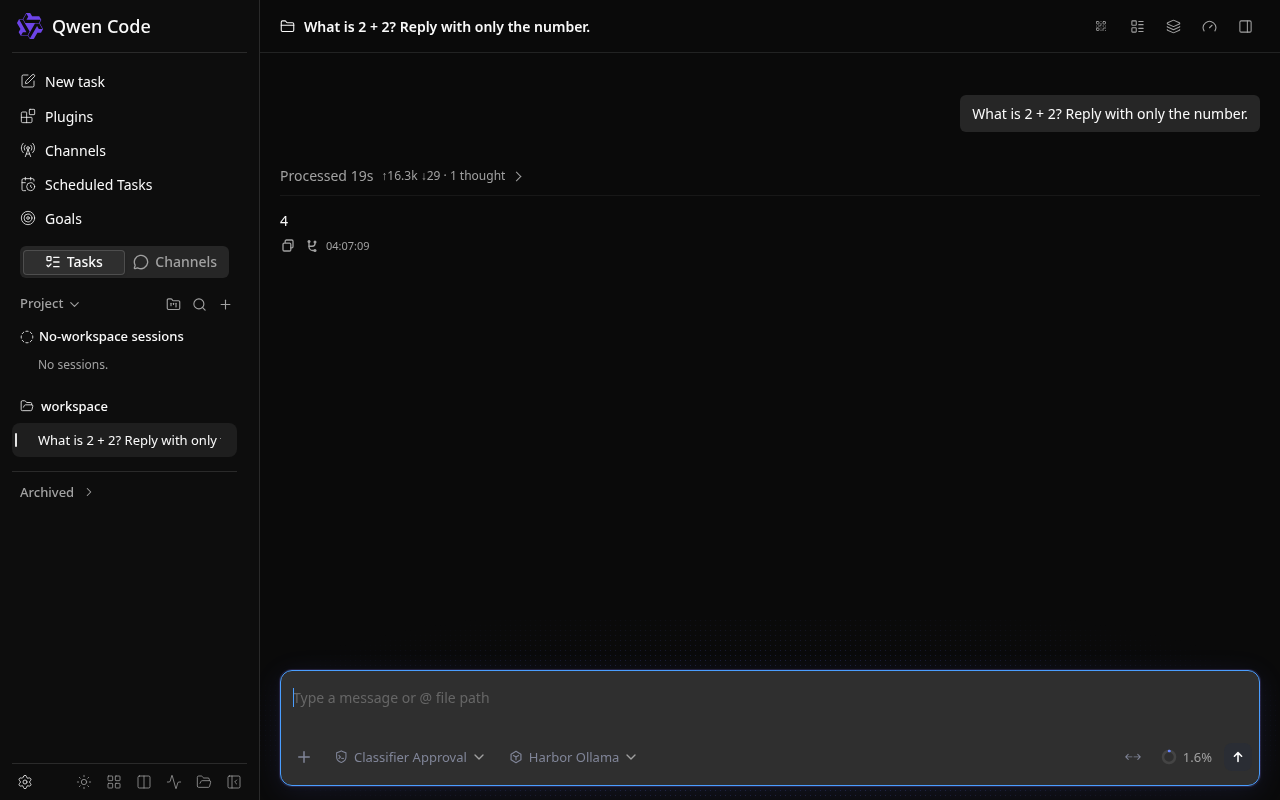
harbor pull qwencode
harbor up --no-defaults qwencode
harbor open qwencode
The daemon binds inside its container on port 4170. Because the container listener is not loopback-only, Qwen Code requires a bearer token even if Docker publishes the port only on the host's loopback interface. With no configured token, Qwen Code generates one at startup; view it with docker logs --tail 30 harbor.qwencode. Treat that token as a password. For a stable token, set harbor config set qwencode.server.token <long-random-token> before startup. Harbor stores this value in its local .env file, so protect that file and never commit it. A newly created Harbor bridge network binds published ports to loopback on Harbor versions with that default; an existing or LAN-enabled network may publish this daemon on all interfaces. Do not expose the agent to an untrusted network.
For a local model, pull a tool-capable model and start both services:
harbor pull qwen3.5:4b
harbor up --no-defaults qwencode ollama
On startup, Harbor adds the configured Ollama model to ~/.qwen/settings.json if it is not already listed, selects OpenAI-compatible authentication only if the user has not chosen another provider, and keeps other Qwen settings intact. The Ollama endpoint is http://ollama:11434/v1; sk-ollama is a placeholder API key because local Ollama does not require one. Change the default model with harbor config set qwencode.ollama.model <installed-model> and restart Qwen Code. An existing model entry with the same ID is left untouched; edit services/qwencode/config/settings.json if it points elsewhere. Model quality determines tool-use reliability.
The terminal CLI is available inside the running service:
harbor exec qwencode qwen --version
harbor exec qwencode qwen -p 'Summarize this workspace'
Qwen Code can read and modify files under the configured workspace. Mount only a project you intend the agent to access, and review tool approvals before allowing edits.
| Harbor setting | Default | Purpose |
|---|---|---|
qwencode.host.port |
34970 |
Host port for the Web Shell and daemon API |
qwencode.image |
ghcr.io/qwenlm/qwen-code |
Official image repository |
qwencode.version |
0.24.5 |
Official image tag |
qwencode.config |
./services/qwencode/config |
Persistent Qwen user settings and sessions |
qwencode.workspace |
./services/qwencode/workspace |
Project directory mounted at /workspace
|
qwencode.server.token |
empty | Optional stable daemon bearer token |
qwencode.ollama.model |
qwen3.5:4b |
Default model seeded when Ollama runs alongside Qwen Code |
Use harbor config get <setting> and harbor config set <setting> <value> to inspect or change these. The host config and workspace directories are bind-mounted into the container, so they survive container replacement. The official image runs as root and may create root-owned files there; host-side edits can require elevated permissions. services/qwencode/override.env can pass additional upstream environment variables through harbor env qwencode.
-
harbor upwaits for the daemon port to open. If the Web Shell asks for a token, read the startup token withdocker logs --tail 30 harbor.qwencodeor set a stable token and restart. - If the model is missing, run
harbor exec ollama ollama list, checkqwencode.ollama.model, and start both services together so Harbor applies the integration overlay. - If a prompt fails, check
harbor logs qwencodeand confirm the Ollama model responds independently before investigating Qwen Code.