Repository navigation
Campaigns
A campaign is one game: its game system, its characters, its shops, the GM's controls and starting values, treasure, and its rules settings. Play several campaigns on one device and switch between them; each keeps its own.
The campaign you're playing shows above your character's name at the top of the screen.
Tap the name at the top (or open Settings → Campaigns) and pick another campaign.
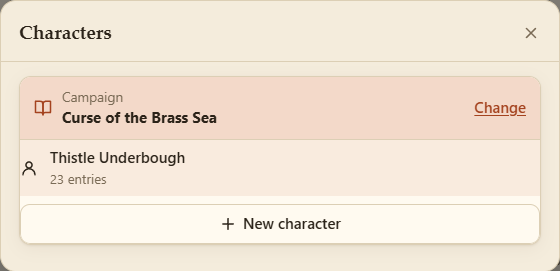
In a party the GM chooses the campaign, so it can't be switched there (see Campaigns in a party).
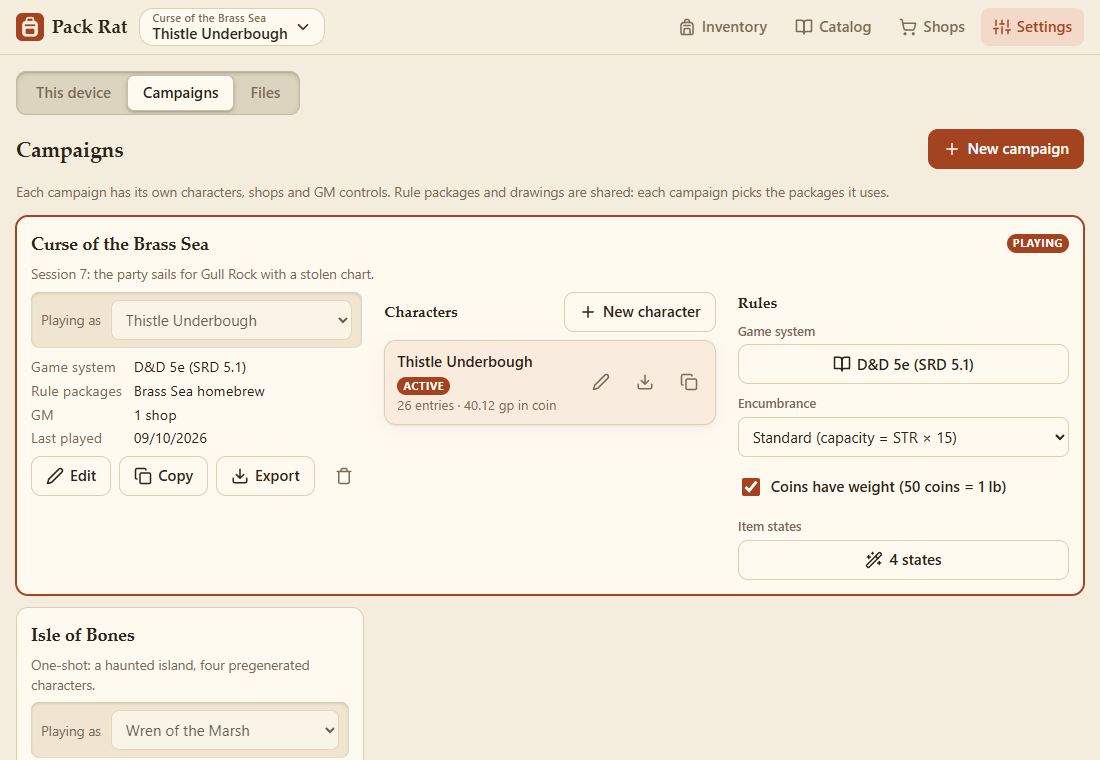
Each campaign shows its game system, its characters, the rule packages it uses, its shops and GM panels, and when it was last played. A campaign whose system you haven't got (one imported from someone else) says so.
The campaign you're playing opens up across the page, with two more parts beside its details (under them on a phone):
- Characters: New character, and each character's rename, export, duplicate and delete. Tap one to play it.
- Rules: Rules, values and controls (for the GM: switch them off for a simpler game; see Settings and Backups), the Game system, the settings the system uses (D&D 5e: encumbrance, and whether coins have weight), and the Item states (the system's, and the campaign's own: see Item States and Rules).
Playing as, inset in each card, is the character that campaign plays. On the campaign you're playing it switches character (in a party, among your characters there); on another, it sets who that campaign opens with.
- Play this campaign switches to it.
- Edit changes its name, notes, rules and rule packages.
- Copy makes a duplicate, with copies of its characters: handy for trying a one-shot with the same party.
- Export saves it as a file, with everything it needs: its characters, the rule packages and drawings they use, and their pictures.
- The bin deletes it (with Undo). Rule packages and drawings are kept.
New campaign starts one with a blank character, using the same rule packages as the one you're in.
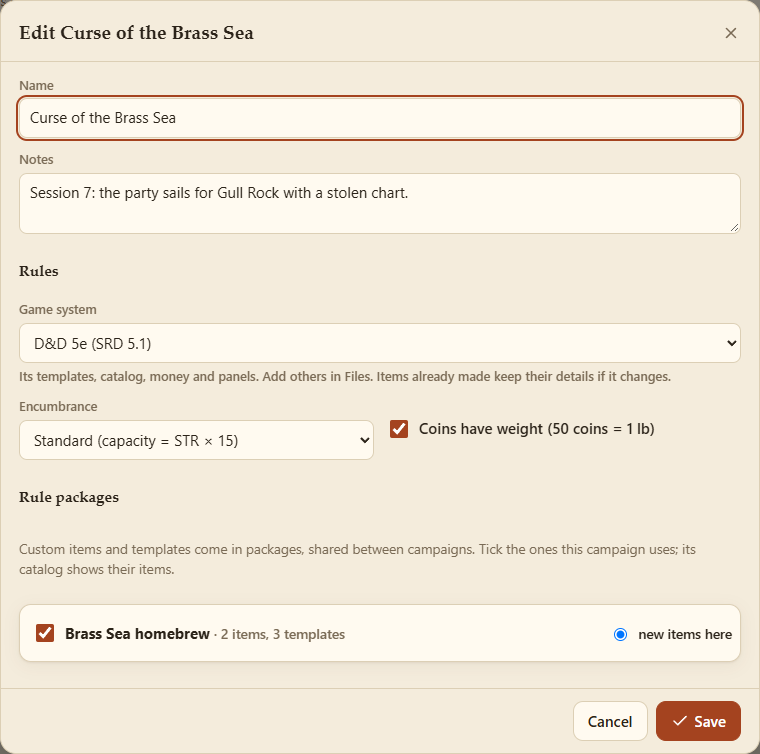
- Game system: what the campaign plays: its templates, catalog, money, weight unit and panels, or No game system. D&D 5e comes with Pack Rat; add others in Files. Each campaign keeps its own, so switching campaigns switches the system with it. Items already made keep their details if it changes.
- Rules: whether coins have weight (when the system's coins weigh anything), and the settings the system uses (D&D 5e: encumbrance, standard, variant or off). They're per campaign.
- Rule packages hold custom items and templates, and are shared between campaigns: your homebrew sword can be in every campaign, or only the one it belongs to. Tick the packages a campaign uses; its catalog shows their items. New items here picks the package new custom items and templates go into.
Make, rename, copy, export and delete packages in Settings → Files. Items already in inventories keep working if their package is switched off or deleted.
Drawings are shared by every campaign.
The first time this version of Pack Rat runs, everything you had becomes one campaign, My campaign, with one rule package, My homebrew. Nothing is lost, and the old data is kept as a backup. A backup file from an older version imports as a campaign of its own (see Files).