Repository navigation
Running the Game
The GM runs the game: shops, controls and values, treasure, the campaign, and a view of every player's character. The GM doesn't need a character of their own, and needn't be the device hosting the party.
Set Settings → This device → Role on this device to GM. The GM tab appears, and you can prepare each campaign before the session:
- Shops: stock them in the Shops tab (Shops).
- Controls: panels of sliders, switches and maps, and the values they set, ready for the session (see GM Controls).
- Treasure: hoards and treasure tables (see Treasure).
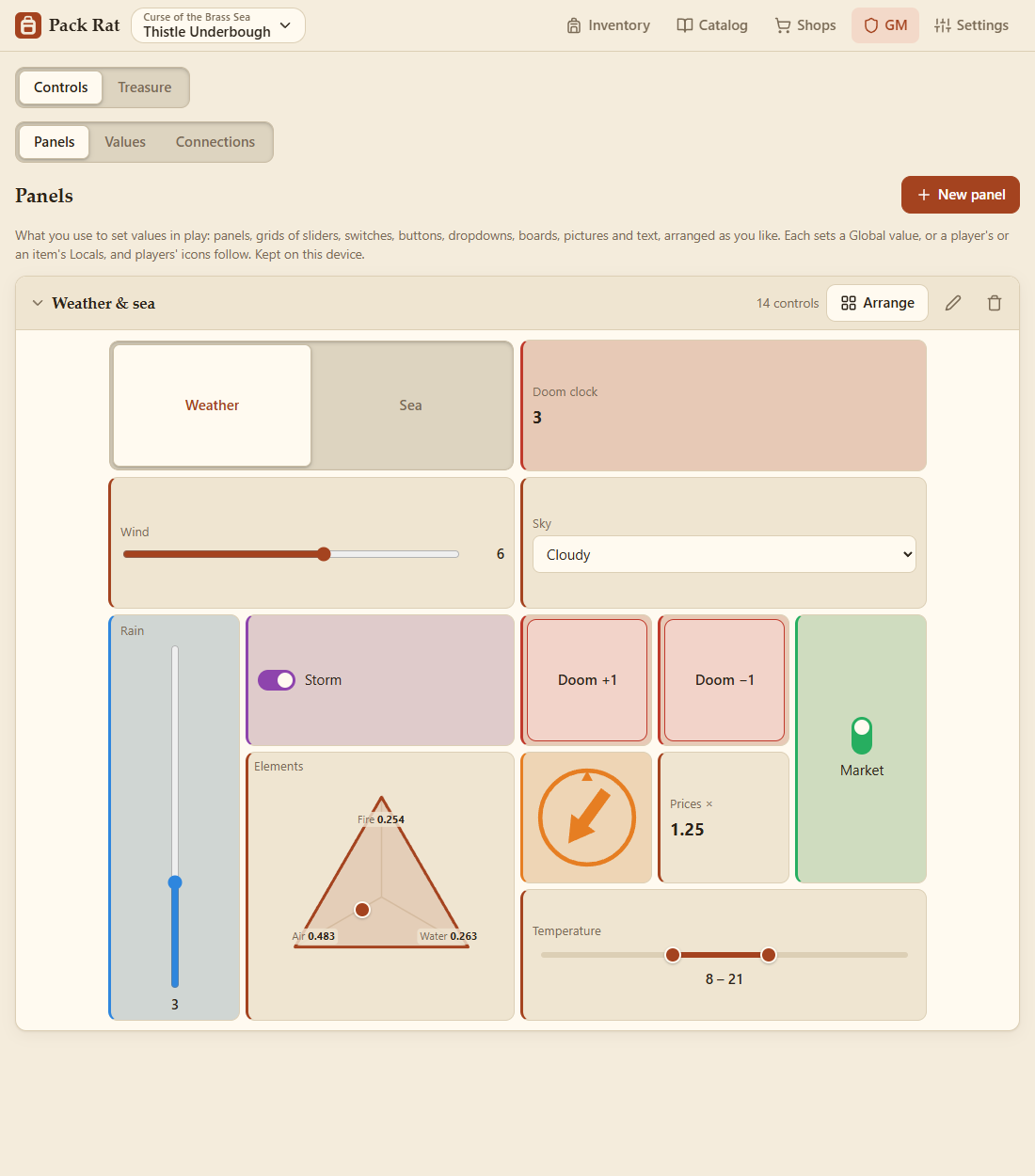
Preparing is done in Edit mode (Settings → This device → Mode); Play puts the editing away for the session, while shops, treasure and panels still work. A simpler game? Switch off Rules, values and controls on the campaign's card in Settings → Campaigns.
All of it belongs to the campaign you're in. When you load the campaign into a party, it comes along. The Inventory tab stays too, for a GM who also plays (or keeps a character's things).
In a party there are two jobs:
- The host is the device running the party (the Windows or Android app that pressed Start hosting). It can stop the party, remove players, and choose who's a GM.
- GMs run the game. Until the host chooses one, the host is the GM.
The host's Party tab lists every device in the party by name, with what each plays. Make GM hands the GM role to a device, and Revoke GM takes it back. There can be more than one GM.
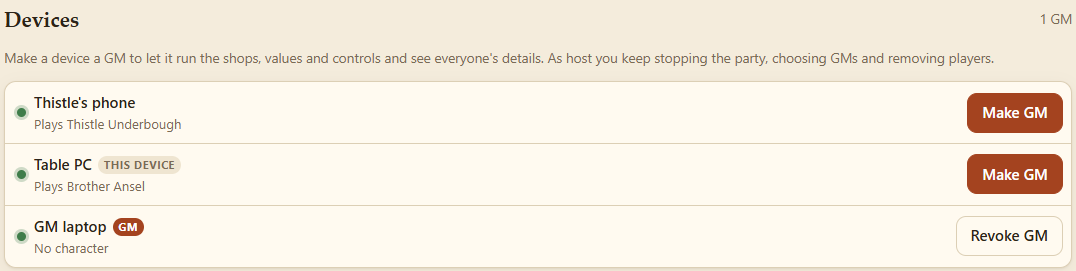
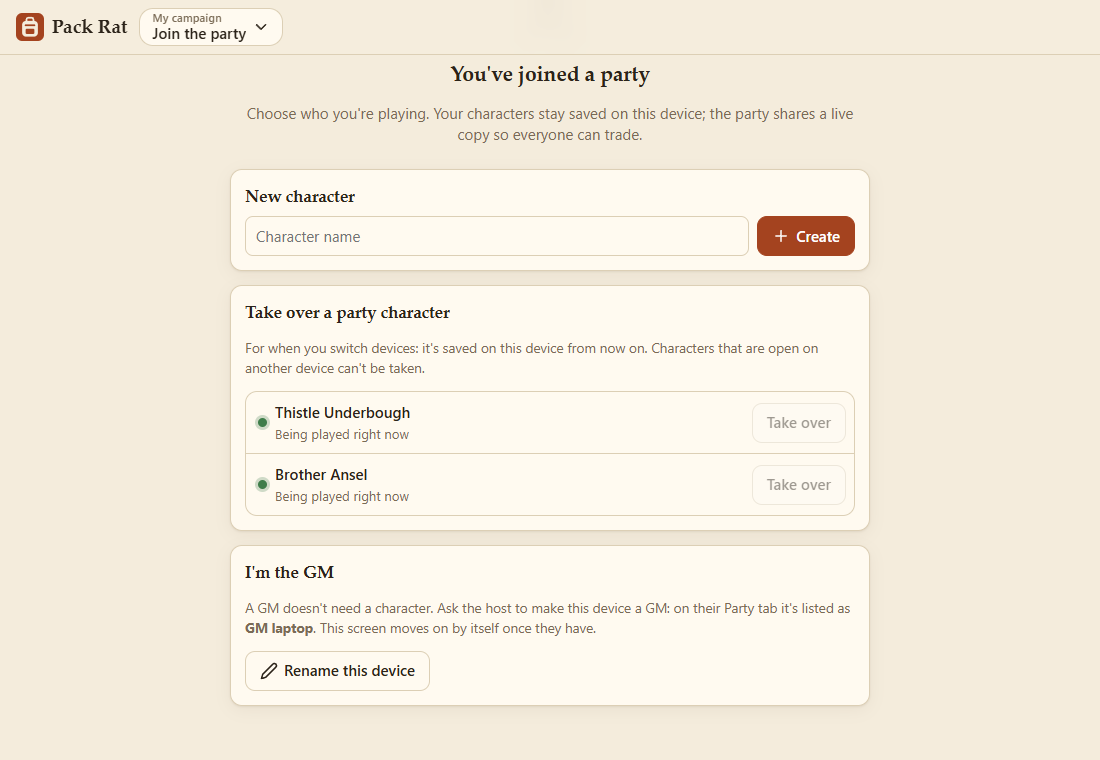
Each device's name is set in Settings (Rename, under the role). A GM's laptop joining the party chooses I'm the GM instead of a character, and waits for the host:
Its tabs: Controls, Players (in a party) and Treasure.
Panels for setting values in play, the Values themselves, and Connections (what reacts to what). See GM Controls.
Every character in the party at a glance, as the game system sums them up (D&D 5e: Armor Class, weight carried against capacity, attunement, STR and DEX, and equipped weapons with their to-hit and damage), and their coins. Each card's inventory has the usual sort, list or tiles, and filters. Each card has the character's limits the GM sets: D&D 5e's Attunement slots (3 unless you change it). The wand button on an item sets its states: On, Off, or the player's choice (identify it, curse it, lift a curse). See Item States and Rules. Inventory opens their whole inventory, grouped by container. The search box finds an item on anyone.

On a device set to the GM role, an item's details also have the States (GM) switches.

Hoards to give out or share among the players, and treasure tables to roll them up. See Treasure.
The party plays one campaign at a time, chosen by a GM: the campaign card on the Party tab, or Load into the party on a campaign in Settings → Campaigns.
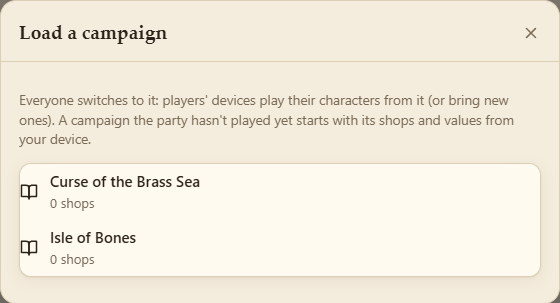
- The host keeps a separate save for each campaign the party plays, so switching back finds everything where you left it.
- A campaign the party hasn't played yet starts with the GM's shops and starting values.
- Every device follows: it switches to its own copy of the campaign (making one if needed) and plays its characters from it. A player with no character in that campaign makes or brings one.
- The campaign's game system, money and states go with it: every device plays the same system, and the host works out shop payments in its money. A device without that system sees a notice on its Inventory tab: Add it (for one that comes with Pack Rat), or import its file in Files.
- The first campaign loaded takes over the party from before campaigns, with all its characters, shops and values.