Repository navigation
Party Play
In a party, everyone at the table uses Pack Rat on their own phone or laptop, with their own inventory. Players see each other, trade items and coins, and buy from the GM's Shops. It works over your home Wi-Fi: nothing goes over the internet.
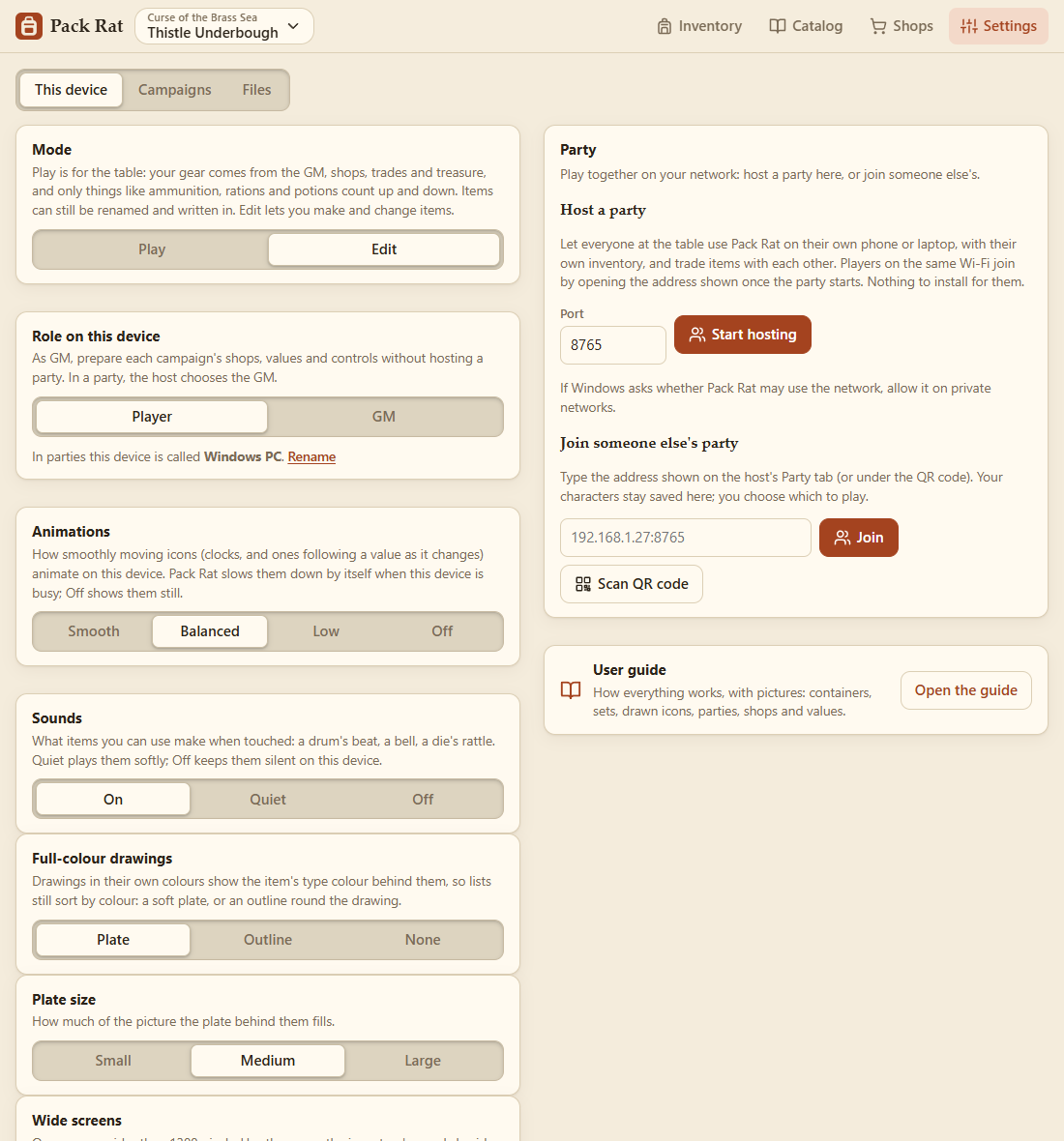
In the Windows or Android app, go to Settings → This device → Party → Host a party and press Start hosting.
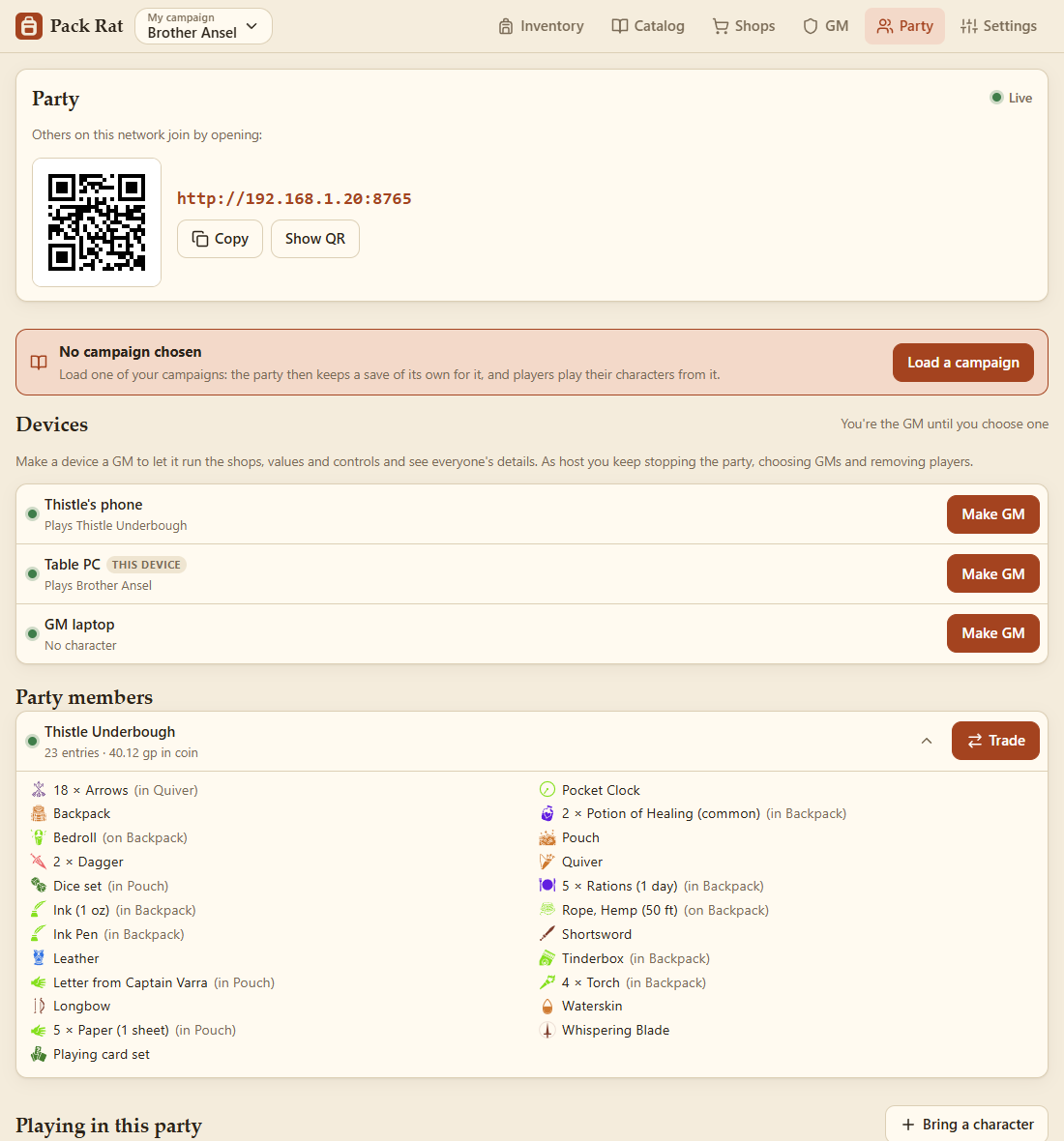
The Party tab then shows the address for everyone else to open, with a QR code, the campaign being played, and the devices in the party.
- On Windows, the first time you host, Windows asks whether Pack Rat may use the network: allow it on private networks.
- On Android, keep Pack Rat running while you host; a notification shows while the party is on. Players can join on the same Wi-Fi, or connected to the phone's hotspot.
- Stop hosting (or quitting Pack Rat) ends the party. Everyone's inventory is saved for next time.
Without the app, a PC with Python can host by running start-party.bat (or python server.py) from the Pack Rat folder.
Players on the same Wi-Fi:
-
In a browser: open the address from the host's Party tab (e.g.
http://192.168.1.20:8765), or point the phone's camera at the QR code. - In the Windows or Android app: Settings → This device → Party → Join someone else's party, then type the address or tap Scan QR code. The app remembers the party and reconnects whenever it opens, until you Leave party.
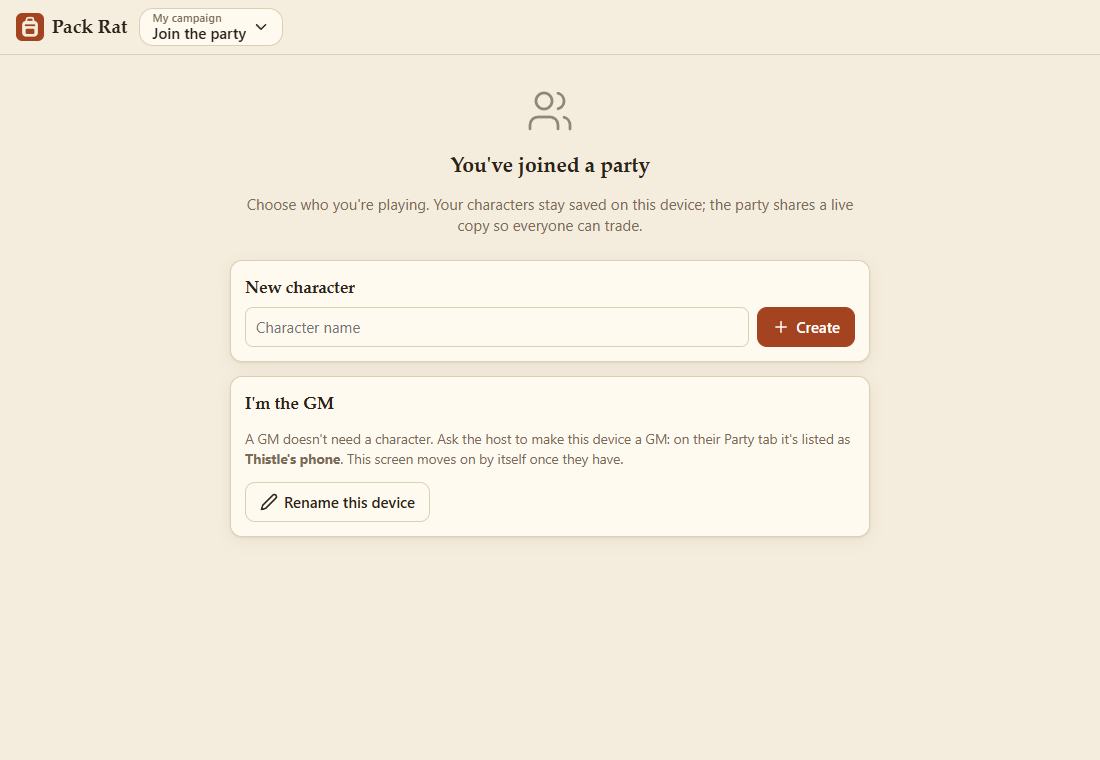
A new player is asked for their character's name.

Players with characters already on their device choose which to play, can make a new one, or take over a party character (for switching devices).
- Your character lives on your device. The host keeps a live copy so everyone can see and trade with it. Every change, yours or from a trade or a shop, updates both.
- Only your device changes your character. Other players can see your inventory (open a party member's card) but not change it.
- Leaving and coming back: your character stays in the party when you leave or close the app. When you come back, whichever copy changed meanwhile is used (a trade that completed while you were away, say). If both changed, Pack Rat asks which to keep.
- Several characters: bring more with Bring a character, and switch between them with the name at the top.
- Removing players: the host can remove a player who isn't connected, with the bin button on their card. Their own device keeps its copy, and the host can download a backup of it first.
The host is the GM until it makes another device a GM (Make GM on the Party tab's devices). The GM needn't play a character, and needn't be the host. GMs get the GM tab: controls and values, every player at a glance, and treasure. They also choose the campaign the party plays. See Running the Game.
There are no passwords, so only host on a network you trust.