Admin Packing Templates
The Personalization tab → Packing Templates section lets you create reusable packing list templates that users can apply to any trip.
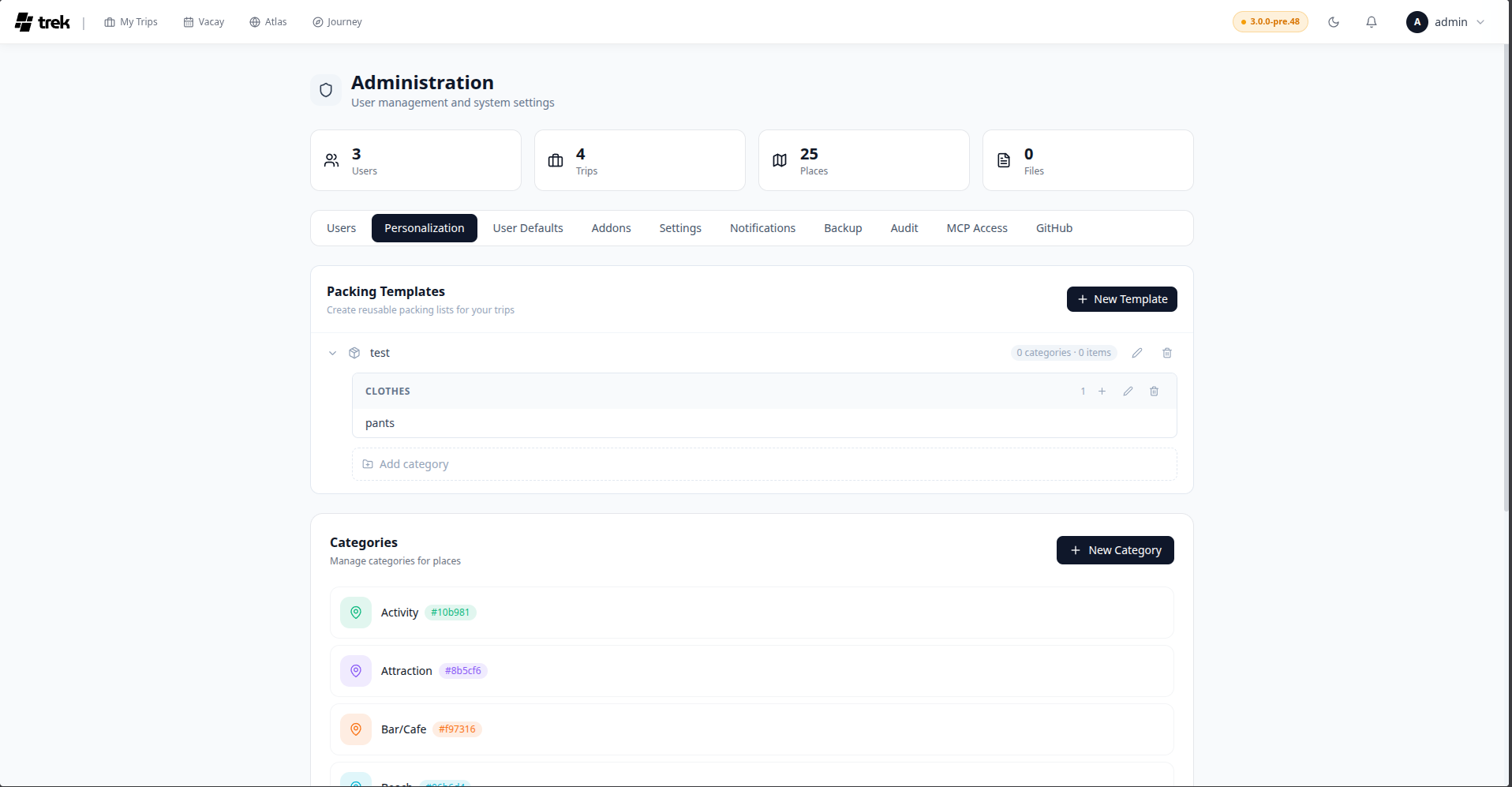
A packing template is a three-level hierarchy:
Template
└── Category
    └── Item
When a user applies a template to a trip, all categories and items from that template are copied into the trip's packing list.
The template list shows each template as a collapsible row displaying:
- Template name
- Category count and item count (e.g.,
3 categories · 12 items) - Edit (rename) and delete buttons
- Click New Template (top-right of the panel).
- Type a name and press Enter or click the confirm button.
- The new template is added to the list and automatically expanded.
With a template expanded, click Add category (dashed border button at the bottom of the expanded section). Type a category name and press Enter or click confirm.
Click the + button inside any category header. An inline input appears below the last item. Type an item name and press Enter to add it. You can add multiple items in sequence without closing the input — press Enter after each one.
All editing is inline:
- Rename a template — click the pencil icon on the template row. The name becomes an input; press Enter or click away to save.
- Rename a category — click the pencil icon in the category header. Press Enter or click away to save.
- Rename an item — hover the item row to reveal the pencil icon, then click it. Press Enter or click the confirm button to save (clicking away does not save).
- Delete a template — click the trash icon on the template row. The template is removed. This does not affect trips that already had items from this template applied.
- Delete a category — click the trash icon in the category header. All items in that category are also deleted from the template.
- Delete an item — hover the item row to reveal the trash icon.
Users apply templates through the Packing panel inside the trip planner. See Packing-Templates for user-facing documentation.