Route Optimization
TREK calculates walking and driving times between your places and can reorder them to minimize total travel distance.
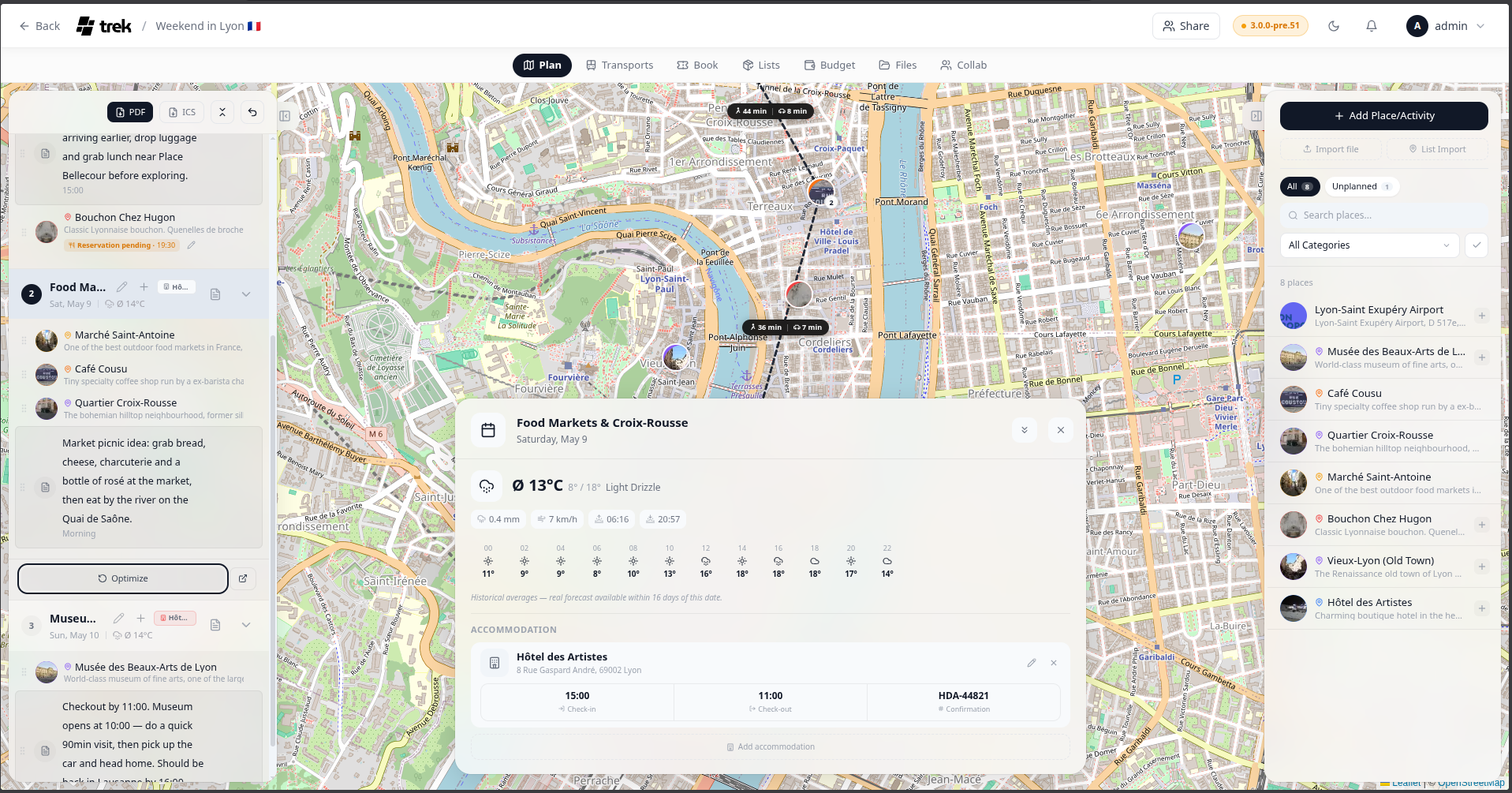
TREK uses OSRM (Open Source Routing Machine) to calculate routes between consecutive places in the selected day. No API key is required.
Segment time pills always show both a driving time (fetched from OSRM using the driving profile) and a walking time (estimated at 5 km/h from the OSRM driving distance). There is no user-selectable routing profile — the driving profile is used for all OSRM requests.
Route segments reset at any transport reservation (flight, train, car, bus, or cruise) between two places — that leg is not driven or walked, so no ground route is drawn across it.
- Colored line segments connect consecutive places on the map.
- At zoom level 12 or higher, time pills show the estimated walking and driving time between each pair of consecutive places.
- When at least two places are on the selected day, total distance and duration are shown in the sidebar footer.
The Optimize button in the sidebar footer reorders places in the current day to minimize total travel distance using a nearest-neighbor algorithm. It starts from the first place, then repeatedly visits the closest unvisited place by straight-line (Euclidean) distance.
Only unlocked places are reordered — locked places stay in their current positions.
The reorder can be undone immediately using the undo action that appears after it is applied.
Route calculation (segment time pills) can be toggled on or off per user in Settings → Display. When disabled, no OSRM requests are made and time pills are not shown.
The Open in Google Maps button (icon next to Optimize) generates a https://www.google.com/maps/dir/lat,lng/lat,lng/… URL containing all places in order and opens it in a new tab.
Admin: Route calculation can be disabled instance-wide via the admin settings.
See also: Day-Plans-and-Notes · Map-Features · Display-Settings