Scenarios and tips
Found under New game → Scenarios. In all scenarios everything is researched and cheat mode is on – for watching and trying things out. Next to the stations there are display panels with short explanations in your game language.
The scenarios are practice and test maps, not game content. If they pile up, older ones are removed again – only what demonstrates or checks a feature is kept.
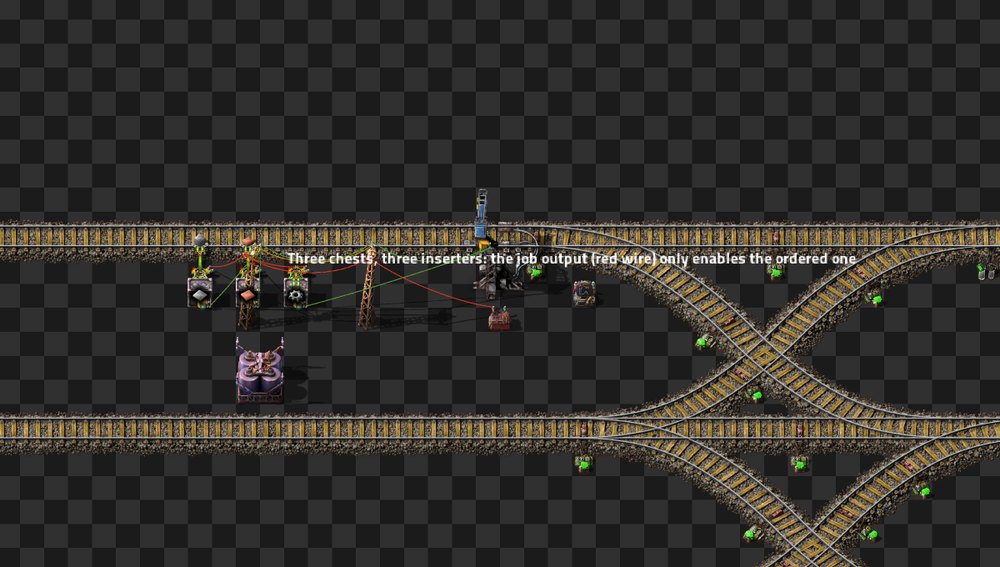
A small practice network on a ring with sidings, two trains:
- A mixed storage keeps iron plates, copper plates and gears in three chests with three inserters; the job output only enables the inserter whose good is ordered.
- A workshop needs iron and copper and gets both in one trip.
- A tank farm with two tanks; oil and water have their own requesters, and the pumps are switched by the job output.
- Plus two depots, a fuel station and a cleanup.
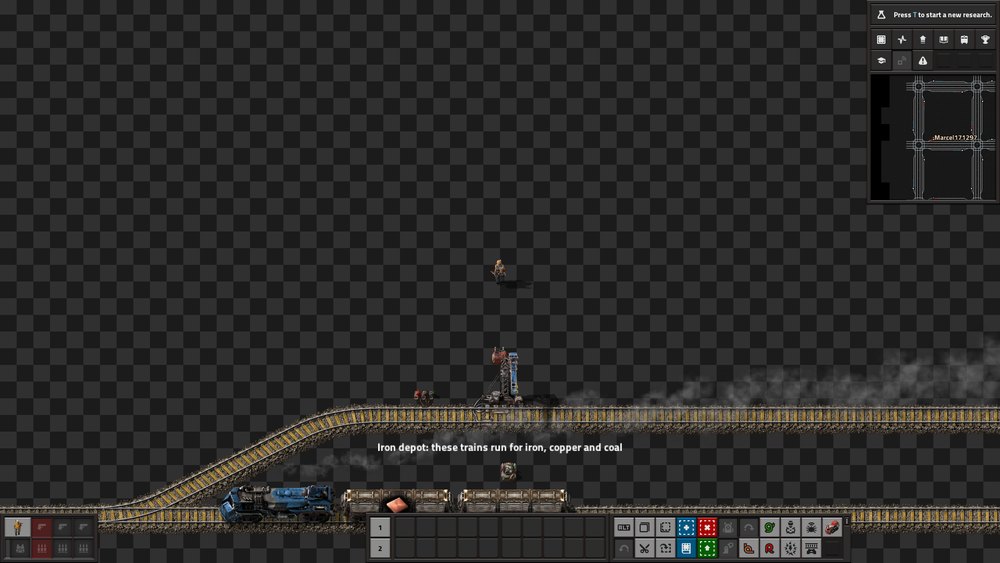
Four networks, each in its own part of the map:
-
Eisen(iron, middle) is the center of a star with a depot (4 trains), fuel station and cleanup. -
Kupfer(copper) is a partner and has no trains of its own – the iron trains run its jobs. -
Kohle(coal) is a partner with its own depot (2 trains); they help iron but never copper, because partners do not help each other. -
Stein(stone) is linked to nobody.
In the UTL Manager, Networks tab, remove a link or add Stein, and watch in History who goes
where.
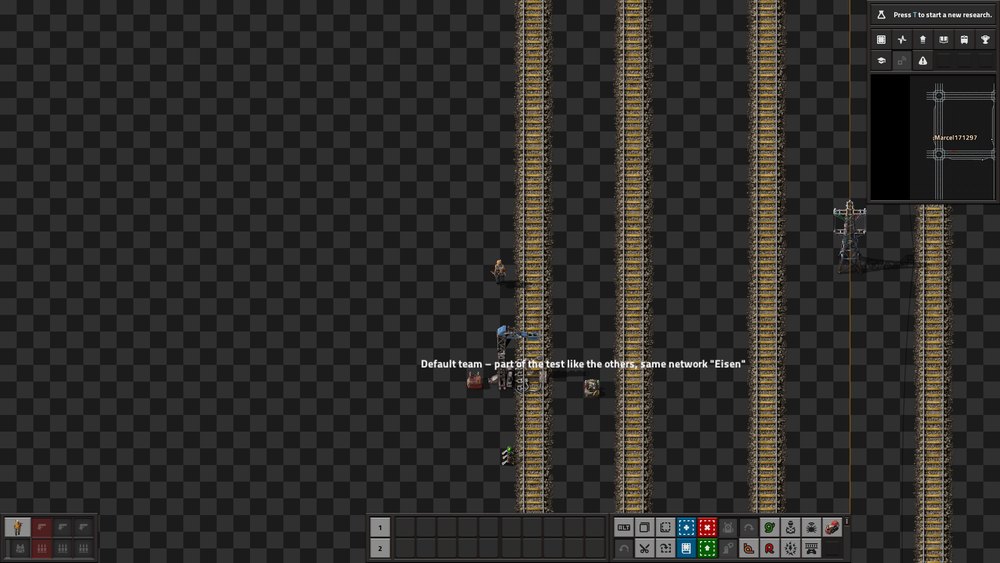
Four teams – Standard, Rot, Blau and Grün (red, blue, green) – each with its own grid. The grids stand
apart, no track connects them. All use the same station names and the same network name Eisen –
exactly the situation where trains could serve the wrong team. Switch teams with /utl-team rot (also
blau, gruen or standard), single player too. In the UTL Manager each team only sees itself.
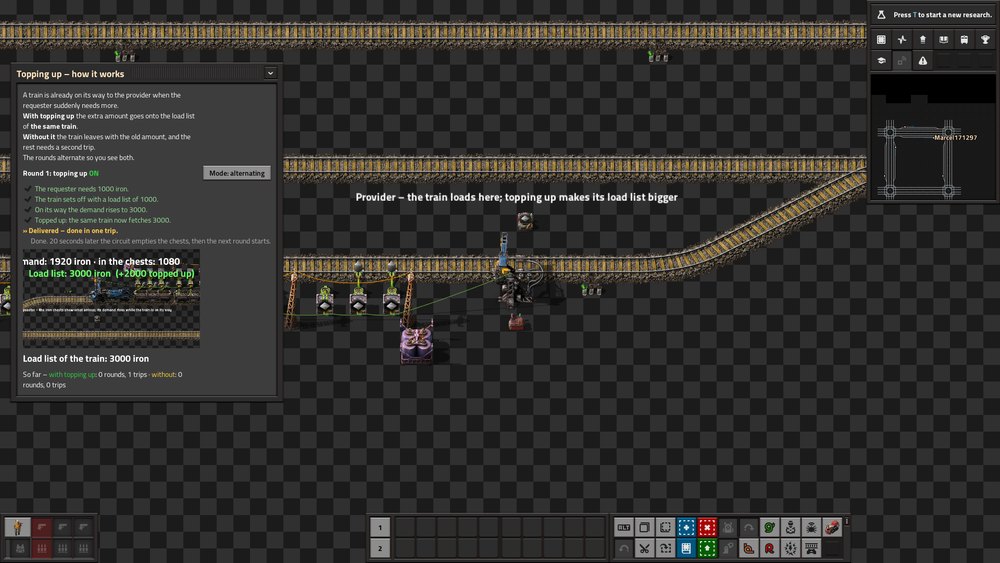
Shows what topping up does: a train sets off to fetch 1000 iron – on its way the demand rises to 3000. With topping up, the extra amount goes onto the load list of the same train; without it, the rest needs a second trip. The rounds alternate (a button also allows “always on” or “always off”). A window explains every step, a camera follows the train, the load list floats above the train and the demand above the requester; a counter compares the trips.
New in 0.0.8. A ring with two trains shows the new features side by side, and a window explains each part (a button switches to the next one, a camera follows the train involved):
- a storage with loading and unloading inserters switched by the job output,
- taking in and giving out at the same station,
- a cleanup that gives back,
- four small example lines below the ring: two storages, a storage taking leftovers, the three cleanup levels side by side, a storage with two goods in one trip.
See Storage and cleanup gives back.
The network from “UTL network links” on Nauvis, Vulcanus and Gleba, with the same names everywhere – for trying out the planet selection in the UTL Manager. Needs Space Age; without it the scenario builds nothing and says so.
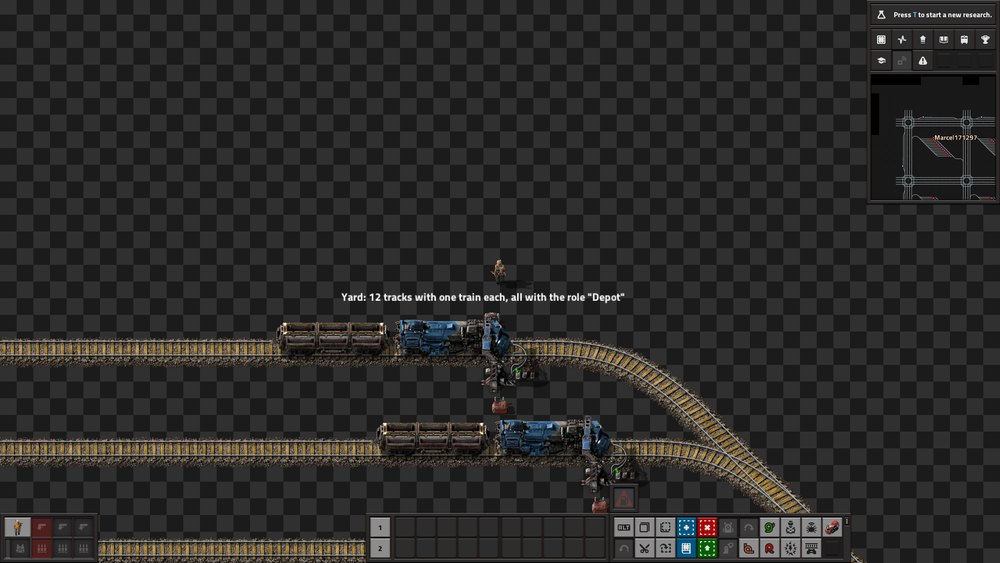
A ready-made city-block grid (12 × 12, 4 tracks per corridor, chain-signalled crossings):
- 5 depots of 72 trains, plus “Depot Flüssig” with 24 fluid trains,
- 496 stations with room for 3 trains each, providers and requesters mixed, crude oil and petroleum gas with pumps and tanks,
- 16 fuel stations, 9 cleanups (they offer their contents again) and 8 storages, each spread evenly over the map,
- three networks by column – West, Mitte, Ost – with Mitte linked to both; topping up is on,
- two requesters per good stay full for a while: steel chests with a drain switched by an SR latch (a decider combinator with feedback), so they only request again when nearly empty,
- some requesters only take trains of one length (2, 3, 4 or 5 parts, see the name) and have just as many wagon bays,
- signals: a chain signal into every junction, a rail signal out, blocks long enough for a locomotive with 4 wagons,
- every fourth station is a normal stop with a UTL station combinator,
- map tags (M) mark storages, cleanups, SR latch requesters and stations with a fixed train length.
The track network is part of the map, so the start only places stations and trains – a few seconds. No other mods needed.
The Tips & tricks menu has its own Unified Train Logistics category with 18 entries. Each has a running example scene, some with an open UTL window:
| Entry | Scene |
|---|---|
| Unified Train Logistics | UTL stops with provider, requester and depot, real deliveries |
| New in UTL | the most important news of the current version (the chat line after an update links here) |
| UTL train stop | plus the station window at the requester |
| UTL station combinator | the same line with normal stops and combinators, wires visible |
| Roles | all roles side by side |
| Requests | target stock, two goods in one train |
| Values and network | the “Values” tab at the provider |
| Networks (several transport systems) | two separate networks side by side with a camera tour |
| Linking networks | linking two networks in the station window |
| Depots | a train at a stop with a depot's name but no depot role moves to the real depot |
| Refueling | a low train refuels first, then delivers |
| Cleanup (leftover cargo) | a train with leftover cargo is emptied at the cleanup first |
| Cleanup gives back | a train drops iron and copper at the cleanup; a delivery picks up only the copper again |
| Storage (advanced) | a storage (minimum 200, maximum 600) supplies the requester next to it; the other one gets its goods from the nearer provider |
| Copying settings and blueprints | shift-click copies the settings |
| Manager and alerts | the manager tab by tab |
| Manager: Networks | a new link in the manager |
| Manager: Inventory | clicking a good lists stations and trains |
- Put stations on sidings so waiting trains do not block the main line.
- Add waiting bays in front of busy stations and set “max. trains” accordingly.
- A chain signal before every junction, room for a whole train behind every merge.
- Bundle depots in a train yard, all with the Depot role and the same name.
- Trains of equal length make many things easier; otherwise set train lengths at stations and depots.
- Choose target stocks so a train gets well filled – and avoid tiny trips with the stack thresholds.