UTL Manager and alerts
- the locomotive button in the shortcut bar,
- or Ctrl + Shift + U,
- or Ctrl + Alt + U (on Linux, IBus sometimes grabs Ctrl + Shift + U).
Tip
The keys can be changed under Settings → Controls.
| Tab | What it shows |
|---|---|
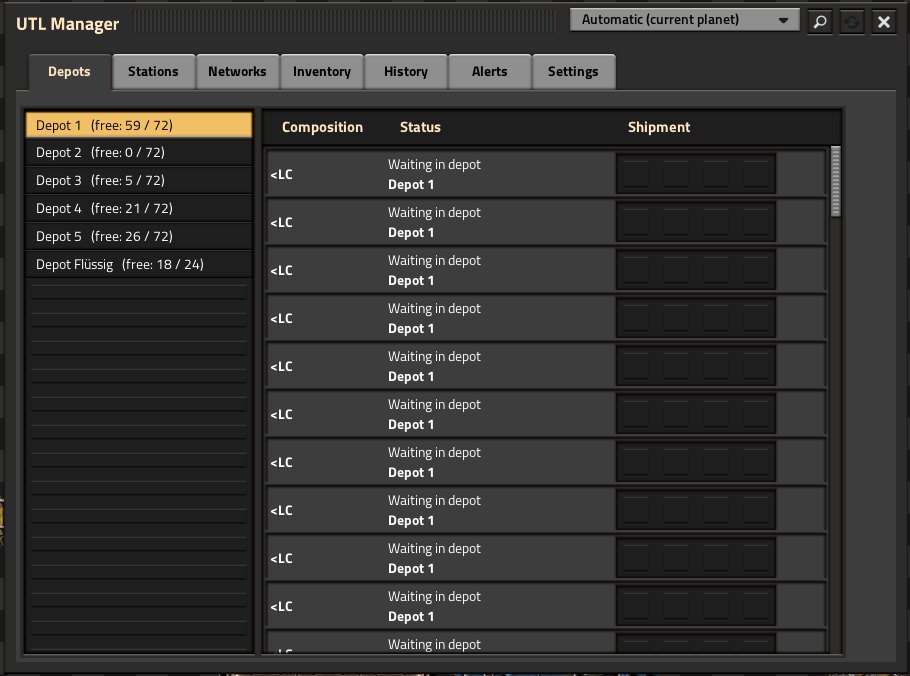
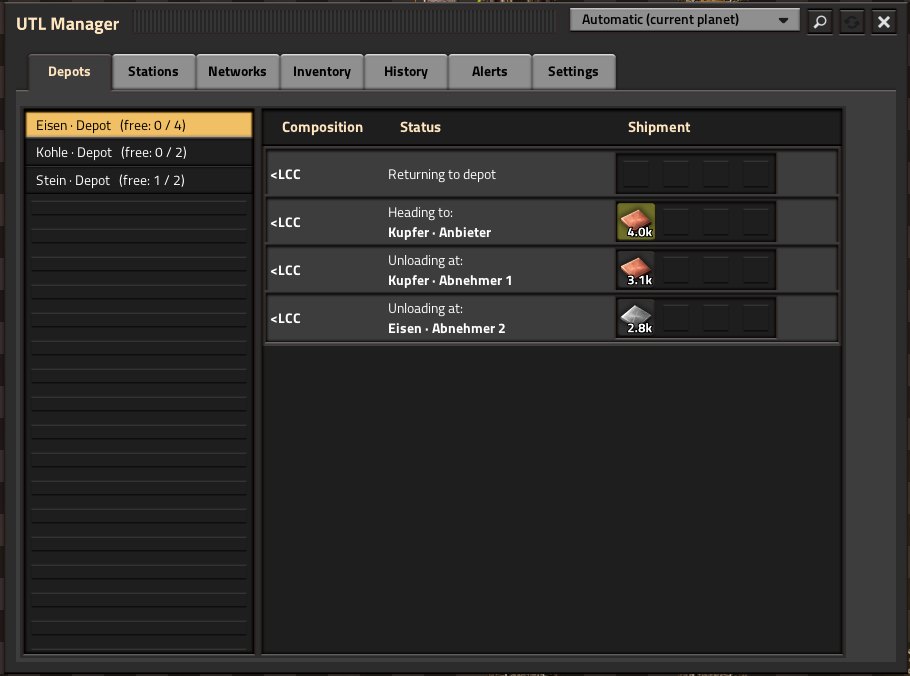
| Depots | every depot with free/total trains; per train its composition (e.g. <LCCL> = locomotive, two wagons, locomotive), its state and its cargo |
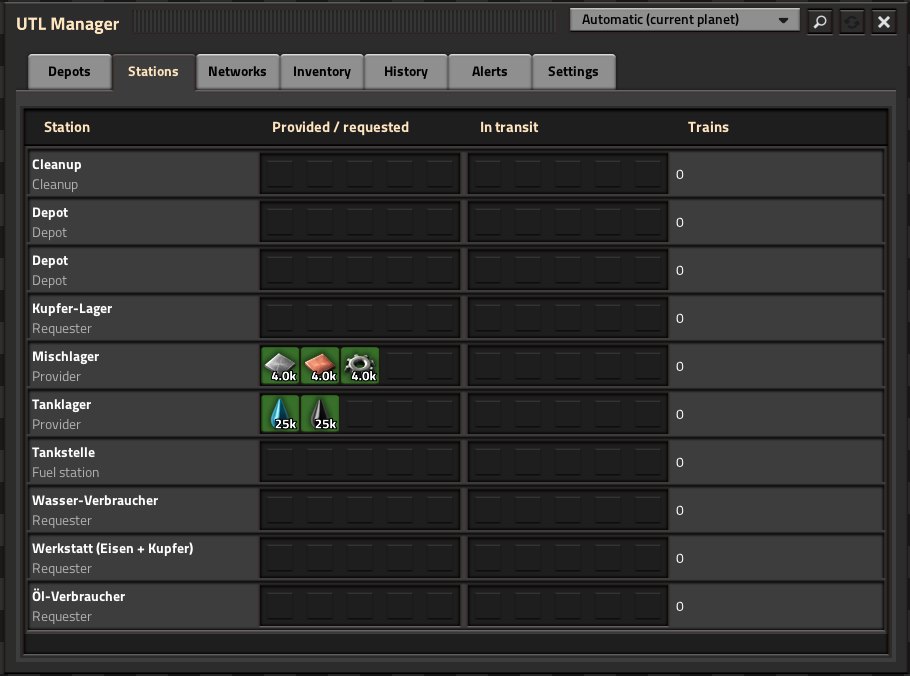
| Stations | per station its role, provided (green) / requested (red), in transit (blue = incoming, yellow = being picked up) and number of trains |
| Networks | every network on the map with station count, free trains and running deliveries; on the right the partners of the selected network (add, remove) and the stations of the star |
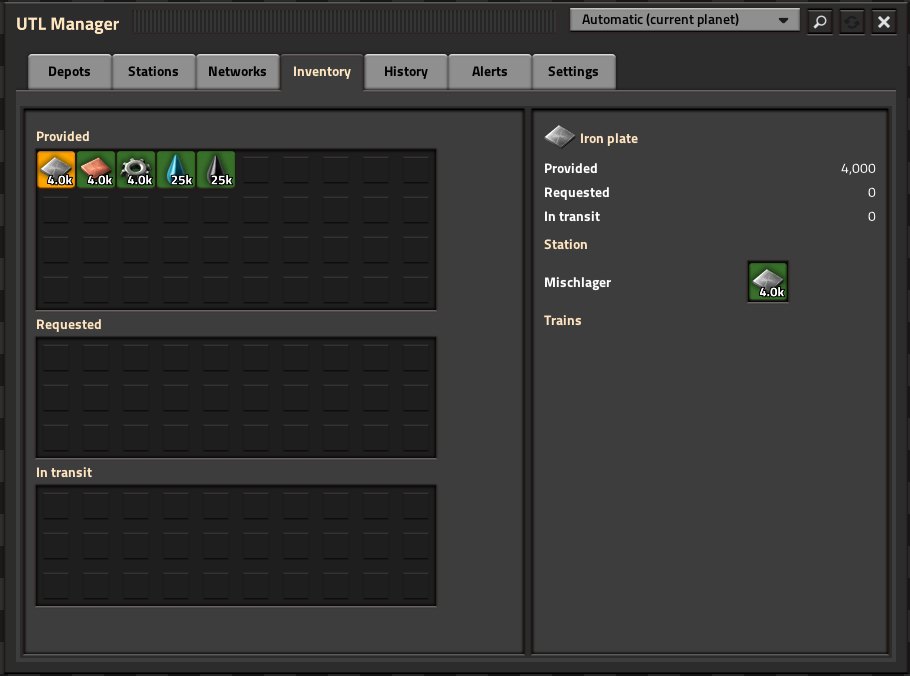
| Inventory | everything provided, requested and in transit in the network; click a good to see its stations and trains |
| History | the last 100 deliveries with duration; cancelled ones in red with the reason |
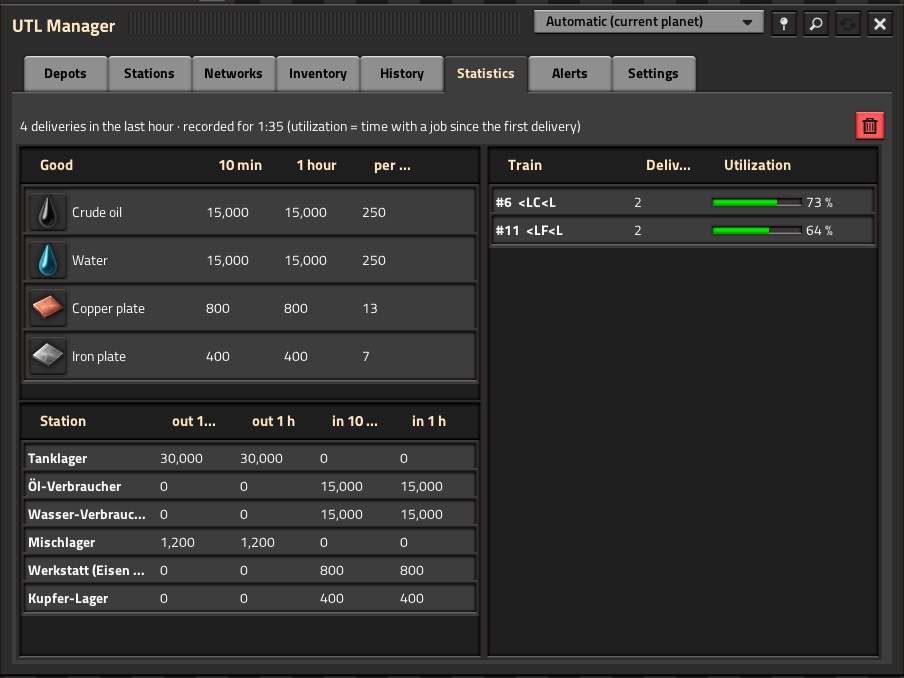
| Statistics | throughput per good (delivered in the last 10 minutes and the last hour) and per train the deliveries and the utilization (share of time with a job); “Reset statistics” starts over |
| Alerts | the last 100 alerts to read up on, repeats merged (“×3”); “Show” jumps to the spot – also for alerts you turned off as Factorio alerts |
| Settings | the loading values (inactivity, combination, topping up); admins also see all map values below, see Settings |
Usage:
- The magnifier searches station names.
- Clicking a station name shows the station on the map.
- Clicking a train follows it.
- The pin at the top right keeps the manager open when you open another window.
- Long lists are split into pages of 200 rows (buttons below the list).
- The network is shown in brackets behind the station name when it is not
default.
| Shown | Meaning |
|---|---|
| Waiting in depot | free, waiting for a job |
| Heading to: … / Loading at: … | on the way to the provider or loading there |
| Delivering to: … / Unloading at: … | on the way to the requester or unloading there |
| Going to refuel | on the way to a fuel station |
| Going to cleanup (leftover cargo) | still has cargo |
| Moving to matching depot | the depot did not fit (length, missing role) |
| Returning to depot | job done |
| Manual control | you are driving |
| No path! | the pathfinder finds no route |
| Stuck for … min, destination: … | delivery train stands too long without progress (see alerts) |
A drop-down next to the magnifier picks what is shown:
- Automatic (default): the planet you are on or looking at – empty while it has no UTL stations,
- All planets,
- or one specific planet (planets from other mods included).
Depots with the same name on different planets stay separate; the inventory counts only the chosen planet. Without Space Age the drop-down is hidden.
With several teams, each team only sees itself in the manager, see Teams and surfaces.
UTL reports problems as regular Factorio alerts (bottom right; click to see the spot). There are three groups:
| Group | When |
|---|---|
| No suitable train | Requests have been waiting for a train for 5 minutes (map setting). If free trains are missing, there is one combined alert per network (“37 requests have been waiting …”); if no free train fits (length or cargo space), the single station is reported. While a train carrying the good is on its way, the request counts as served. |
| Leftover and missing cargo | Train with leftover cargo in the depot, did not get empty at the requester, loaded less than ordered at the provider. |
| Train problems | Delivery train finds no path, no free depot found, refueling failed, delivery cancelled, train stuck. |
- Each group can be turned off per player: Settings → Mod settings → Per player.
- The same alert repeats at most every 10 seconds.
- The manager's Alerts tab keeps the last 100 to read up on, including turned-off ones.
| Alert | What to do |
|---|---|
| “network “…”: … requests have been waiting for a free train for over … minutes” | put more trains into this network's depot – or is the depot in the right network? |
| “… from … to … – the free trains in network “…” do not fit” | check train length at provider/requester, or a cargo train is needed instead of a fluid train (or vice versa) |
| “… loaded only … of … at …” | the provider had less in its chest than it offered (inactivity ran out) |
| “… did not get empty at …” | target chest full; the train goes to a cleanup |
| “… finds no path to …” | check tracks, signals and the direction of the stop |
| “… has been stuck for … minutes (destination: …)” | The delivery train waits at a signal, finds no path or its destination is full – check signals, tracks and traffic. UTL does not cancel anything. Time adjustable (map setting, default 5 minutes, 0 = off). |
| “… could not refuel completely” | fuel station empty? |
| “… has leftover …, but no fitting cleanup” | build or free a cleanup for this good |
/utl-status in the console shows the version, heartbeat, stations, trains in depot and running
deliveries – a quick way to see whether UTL is working. “sleeping (no work)” means: there are no
stations and no deliveries yet.