Fuel cleanup and depots
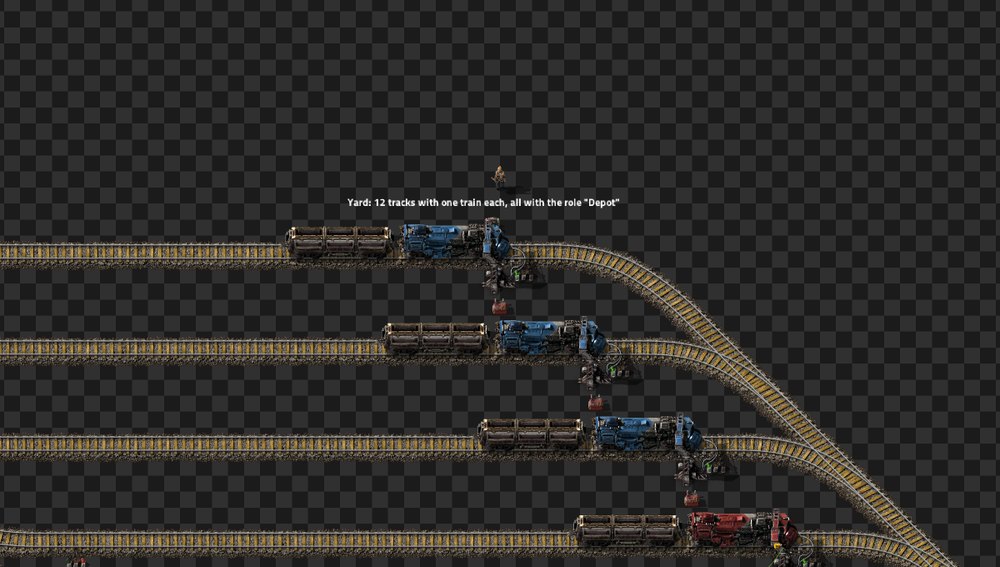
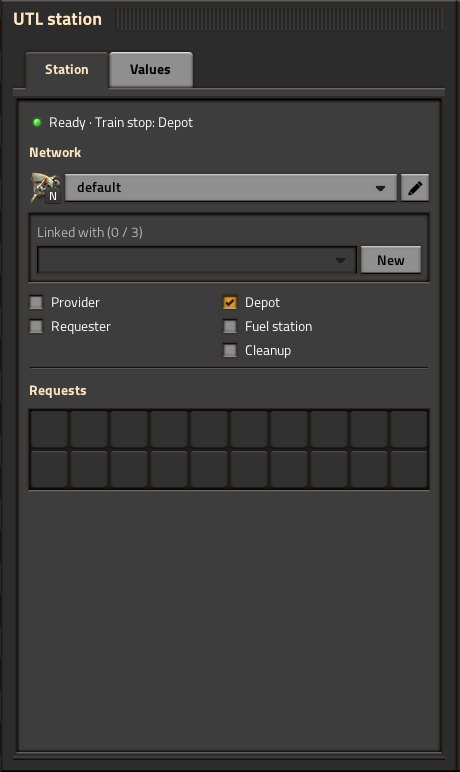
Free trains wait empty at stops with the Depot role.
Important
Every depot stop needs the role – the name alone is not enough. Tip: configure one depot stop and copy it to the others with Shift + right-click / Shift + left-click.
- The train's schedule only contains the depot stop (any wait condition). Several depots may share a name – a train yard with many depot tracks of the same name is the usual setup.
- A train is free when it stops at a depot, is empty and in automatic mode.
- The depot's network decides which network its trains work for (see Networks).
If a train ends up at a stop that has a depot's name but no depot role (also a normal vanilla stop), it moves on by itself to a free real depot of that name. If there is none, it stays there and you get the alert “… stopped at “…”, a stop without the depot role – no free depot with this name found”. Then the role is missing somewhere.
Min./max. train length also apply at the depot. If a train arrives at a depot that does not fit its length, it moves to a free, matching depot with the same name. If there is none, it stays and remains available.
Example: a train yard “Depot” with tracks for short trains (max. train length 3) and long ones (min. train length 4). All trains have “Depot” in their schedule and sort themselves in.
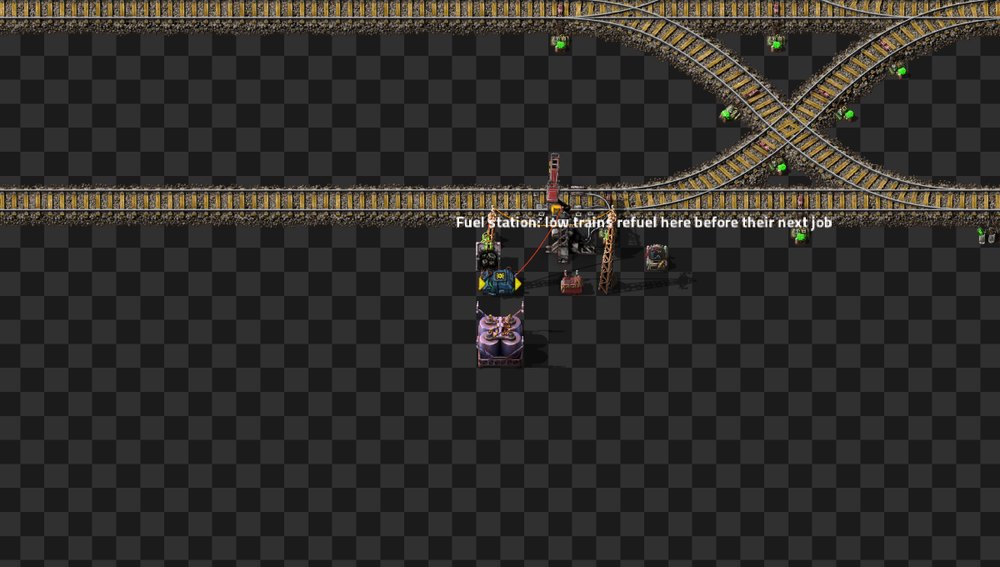
If any locomotive of a train is below 40 % (map setting “Refuel below (%)”; 0 = off), the train goes to the nearest matching fuel station:
- before its next job, right after unloading or from the depot,
- only in its own network (or the linked star),
- only to fuel stations whose train length fits.
There it waits until all locomotives are full (at most 30 s), then it moves on.
If no fuel station is free or the train cannot reach one (e.g. only a port fuel station in the network), it runs its job anyway. Only below the minimum fuel (map setting “Minimum fuel (%)”, default 10 %) it stays in the depot: the alert “fuel missing” appears, and the depot output shows “UTL: Trains out of fuel” = 1.
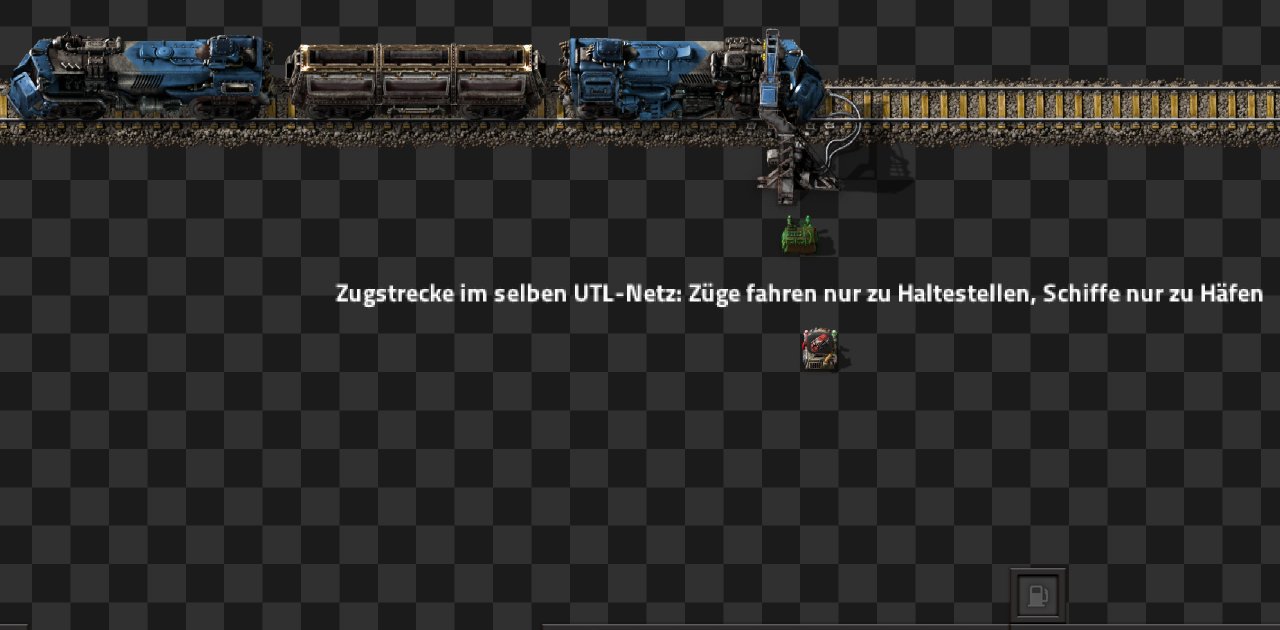
Setup: role Fuel station, inserters from a chest with fuel into the locomotives.
Tip
Think of every locomotive of the train – also one behind the wagons if it faces the direction of travel, because then it burns fuel as well. The train waits until all locomotives are full.
- If no fuel station is free right now, a low train gets no job and waits in the depot; UTL retries every 10 seconds.
- If the network has no UTL fuel station at all (because you refuel via interrupts or by hand), low trains run normally.
- Separate small and large trains: fuel station for small trains max. train length 2, for large ones min. train length 3. The stations may share a name.
- If a train could not refuel completely, you get the alert “… could not refuel completely (fuel station empty?)”.
A train with leftover cargo goes to the nearest matching cleanup station and then moves on (next job or back to the depot). This happens when
- a train arrives at the depot with cargo (also if you loaded it there by hand),
- a delivery was cancelled (for example station removed),
- a train did not get empty at the requester (unloading inactivity ran out).
A train with cargo gets no new job before it is empty.
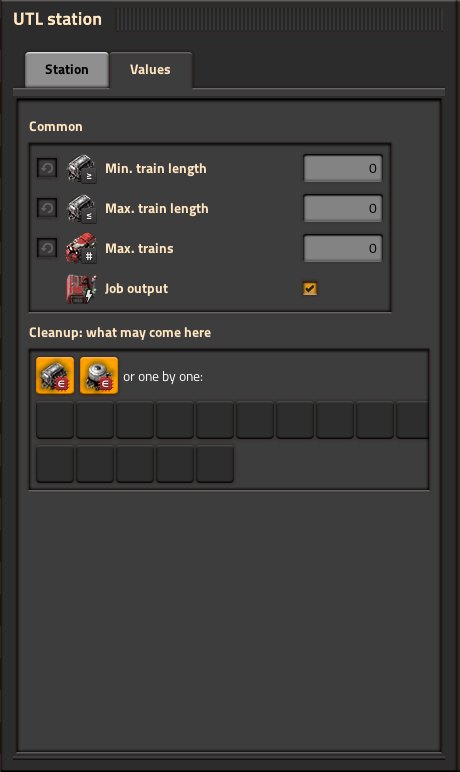
You set this in the window (“Values” tab, section “Cleanup: what may come here”), not via the stop name:
- switches All items and All fluids (default: both on),
- or one by one: up to 10 items and 5 fluids in the slots.

 are the icons for “All items” and “All fluids”.
UTL plans a route from this:
- Goods entered one by one come before “All …”: a cleanup only for coal is preferred for coal over an all-purpose cleanup.
- If one station is not enough (for example coal and water in the train), the train visits several cleanups in a row.
- At each station it waits until the goods of that station are gone – at most 30 s without movement, in case the chest is full. The rest stays in the train for the next station.
Whatever ends up in a cleanup stays in its chests – you use it yourself (by hand or with inserters into your factory). The normal game cannot delete anything, so plan enough chests.
Empty fluids with pumps at the wagon into a storage tank.
Caution
A tank and its pipes always hold only one fluid. A cleanup with “All fluids” can therefore take only the kind that is already in the tank – with any other, nothing flows, and the train leaves with the rest after 30 s. Better: one cleanup per fluid that accepts only that fluid (slot in the section “Cleanup: what may come here”), with its own storage tank.
If there is no matching free cleanup for a good, the train stays in the depot and you get the alert “… has leftover …, but no fitting cleanup is free or reachable”. UTL retries every 10 seconds. If a train still has cargo in the depot after the cleanup (chest full?), UTL warns as well.
What ends up in a cleanup does not have to stay there (new in 0.0.8). Tick “Offer contents again” at a cleanup station and it offers its chest contents to the network, like a provider – the chests must be wired to the stop or combinator. Pick how:
| Level | Meaning |
|---|---|
| Only as a fallback (default) | normal providers go first |
| Like any provider | priority, amount and distance decide |
| Empty first | this cleanup is picked up before any normal provider |
Goods left over at a requester are not brought back to that same requester for 5 minutes, so nothing goes round in circles. The cleanup has to load and unload at the same stop – build it like a storage. The map setting “Cleanup may offer its contents again” (on) switches it off on the whole map.
- Depots bundled in a train yard, all with the Depot role and the same name.
- One fuel station on the way out of the train yard, with inserters at every locomotive.
- One all-purpose cleanup (“All items” on) with several large chests; use its contents yourself from time to time.
- One cleanup per fluid with a pump and a storage tank, if fluid trains run.
- Put stations on sidings, add waiting bays in front of them and set “max. trains” accordingly.