Teams and surfaces
Both are included, and UTL keeps both apart properly.
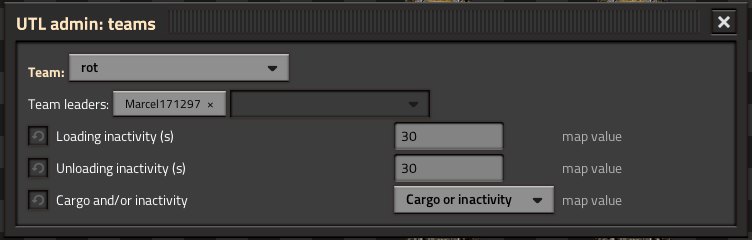
Every team is handled on its own:
- Trains, depots, fuel stations and cleanups only take stations of their own team.
- Network links count per team – a star of team Red has nothing to do with team Blue.
- The UTL Manager only shows your own team.
- Two teams may use the same network and station names without getting in each other's way. That matters because schedules in the game only know names, not teams.
- A train that ends up at a depot of another team does not count as free there; it moves to a depot of its own team.
- Each team can have its own loading values, managed by team leaders, see Settings.
Note
Team separation is checked by tests and the scenario “UTL teams”, but has not yet been tried in a real multiplayer game. Feedback is welcome.
Try it: scenario “UTL teams (four teams)” – four teams with the same station names, switch with
/utl-team rot (scenario only), see Scenarios and tips.
Every surface is handled on its own. Only what stands on the same surface is matched:
- Nauvis and Vulcanus each need their own depots and their own trains.
- Network links count per surface, even if the networks have the same name.
- Fuel stations and cleanups on another surface do not count.
- In the UTL Manager you pick the planet next to the magnifier, see UTL Manager and alerts.
Important
With Space Age there are no deliveries between surfaces: trains cannot change planet. With Space Exploration, trains travel through the space elevator between a planet and its orbit, see Space elevator.