Repository navigation
Data check
"Manage → Data check" lists in one place what may be wrong, missing or needs filling in, each with an explanation and "Fix" (which jumps to the matching page). It only checks and changes no records:
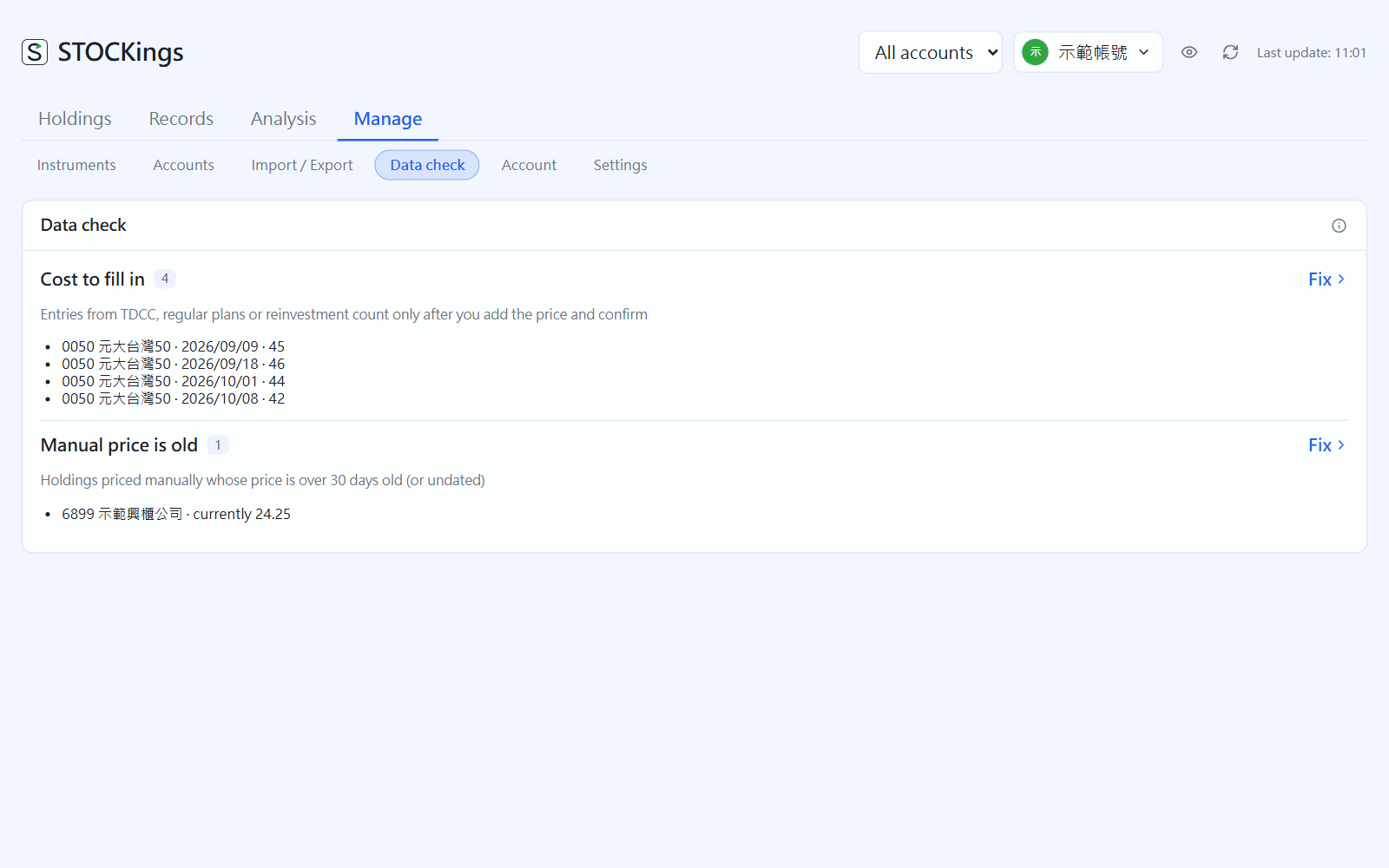
Manage → Data check(click the image to enlarge)
- Cost to fill in: items brought in by TDCC, regular investing or reinvestment that still lack a price
- Dividends to review: those filled in automatically and not yet checked against a statement
- Held but no price: no quote can be found and there is no reference price, so market value cannot be worked out
- Manual price is old: instruments using a reference price that has not been updated for over 30 days (or has no date)
- Negative cash account: mostly a deposit not recorded or the wrong account
- Taiwan trades on a weekend: mostly a mistyped date
- Possible duplicate trades: several trades of the same instrument, shares and price at the same time (ones executed in parts can be ignored)
- Matured bonds still held
← Keys you apply for yourself | Contents | Import and export →