Home Page
New in 2.1. An optional landing page for the Desk: a greeting, shortcuts, and a tile for every workspace you can open.
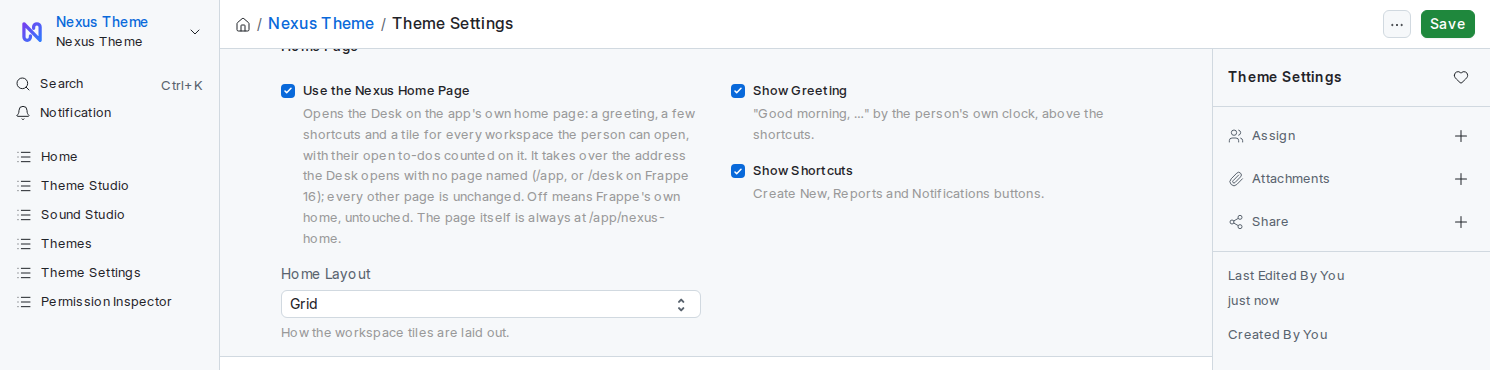
An administrator ticks Use the Nexus Home Page in Theme Settings and saves.
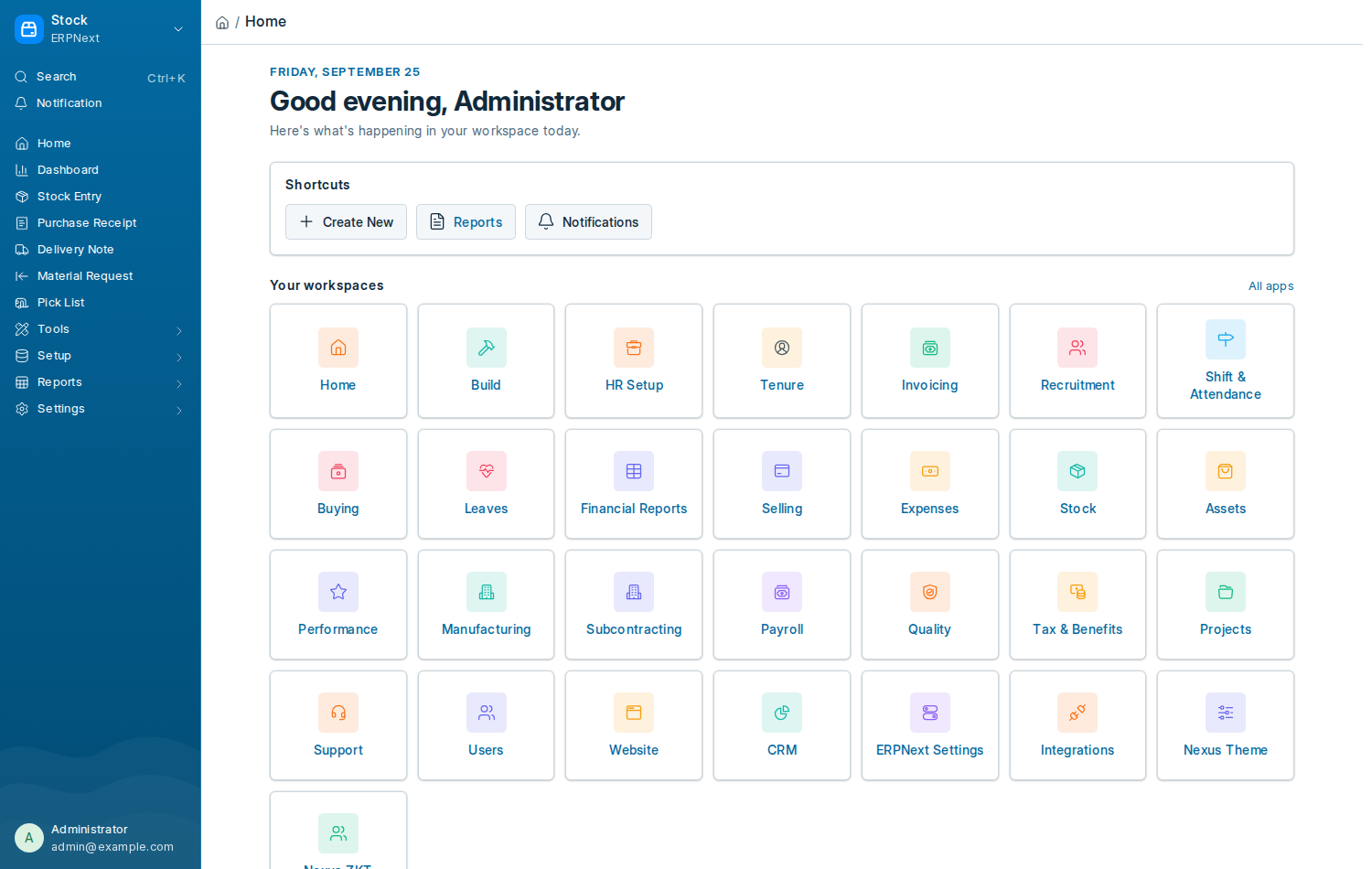
 From the next page load the Desk opens on the home page for every Desk user. Untick it and the Desk goes straight back to Frappe's own landing.
| Setting | What it does |
|---|---|
| Use the Nexus Home Page | Opens the Desk on the home page. Off by default. |
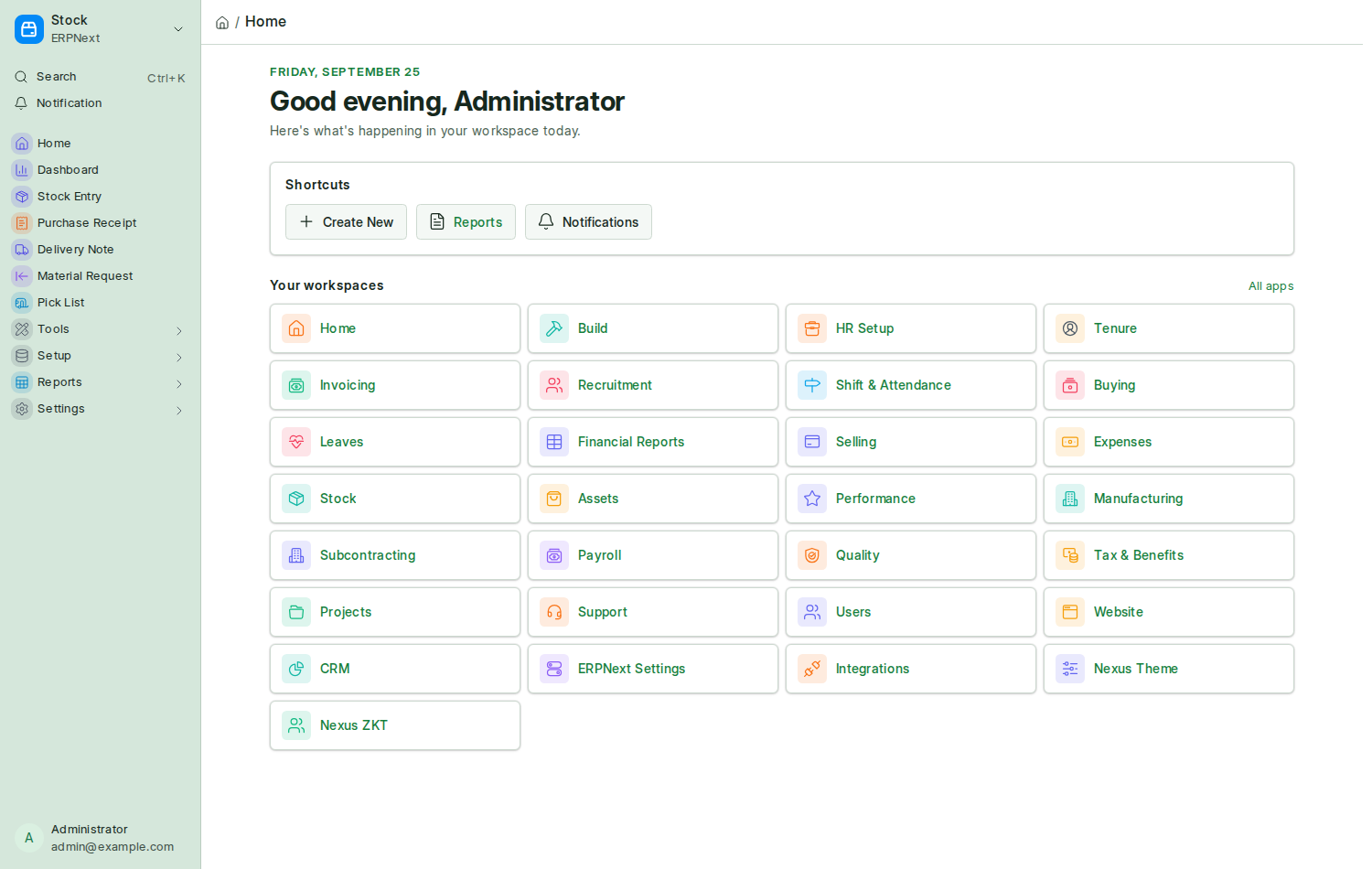
| Home Layout | Grid for tiles, or Compact list for a denser list |
| Show Greeting | The "Good morning / afternoon / evening" line with the date |
| Show Shortcuts | The Create New, Reports and Notifications buttons |
- A greeting by time of day, with the date.
- Shortcuts: Create New opens the Command Palette ready for the name of what to create; Reports opens the report list; Notifications opens Frappe's notification panel.
- A tile for every workspace you can open, from the same list Frappe's own sidebar uses, so nobody sees anything they could not already reach. A small badge counts your open to-dos in that module.
- All apps, a link to Frappe's own desktop.
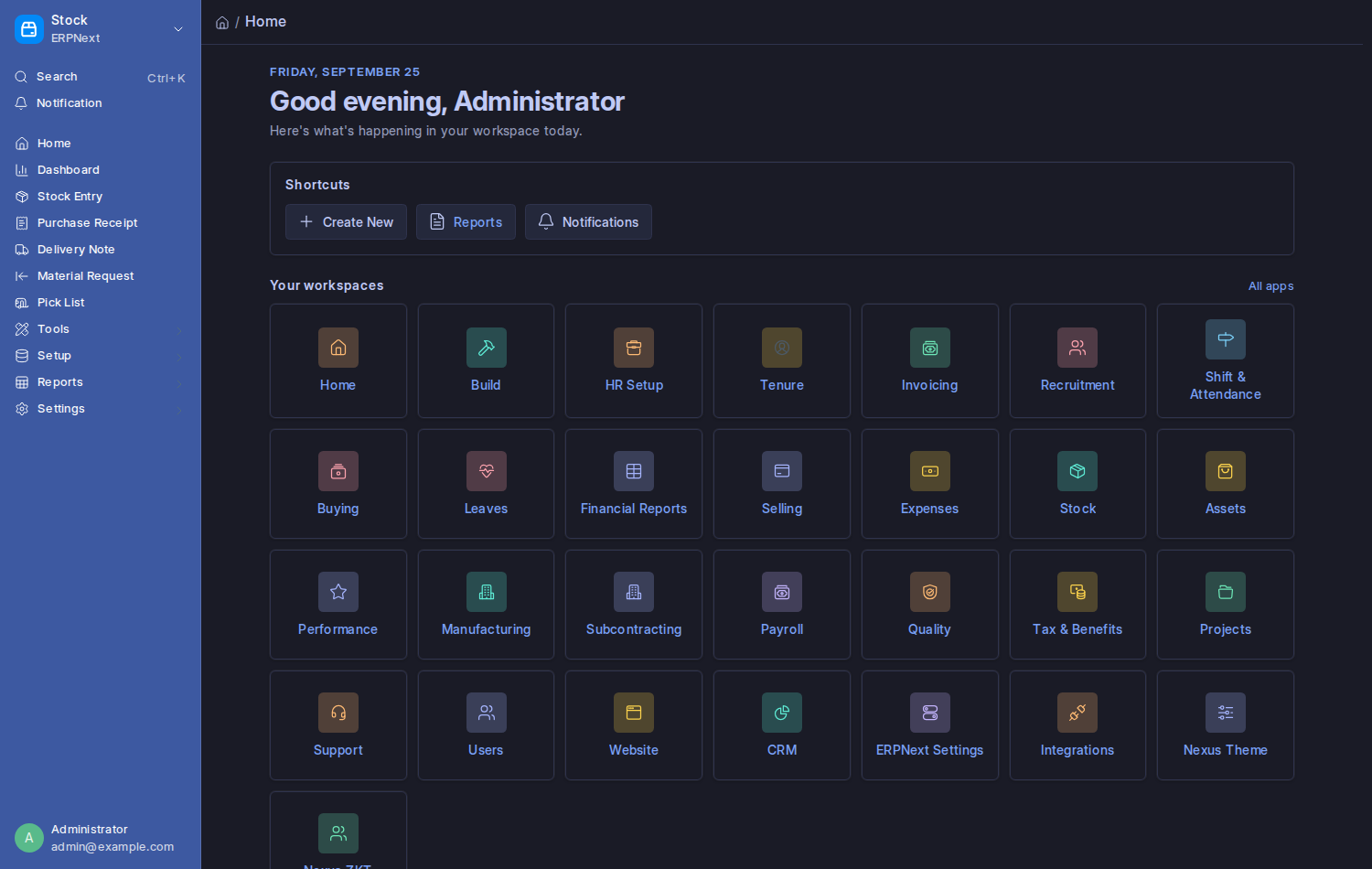
It follows your theme, your Density and right-to-left languages:
The Compact list layout:
- Anyone can open the page on purpose at
/app/nexus-home, or with Open Home in the command palette, whether or not it is the landing. - It never replaces the setup wizard on a site that is not set up yet.
- The counts are cached for a minute, so a to-do closed a moment ago may still be counted briefly.
nexus_theme.api.get_home_data() # greeting name, tiles with to-do counts, settingswindow.openNexusHome();