Mini Rail
New in 2.1. Fold the sidebar down to a narrow rail of icons and give the page the room.
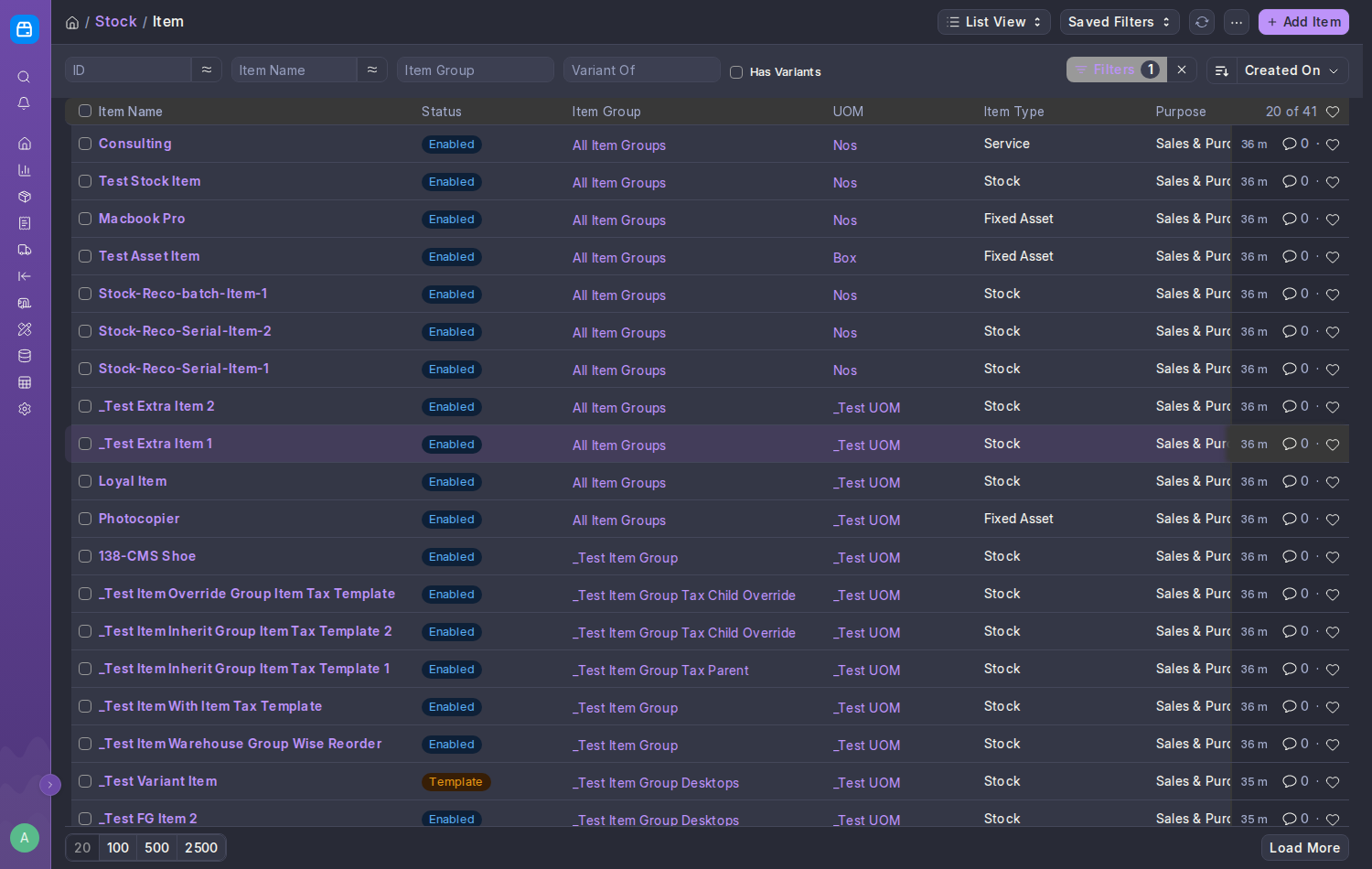
Any of these does it, and does it the same way:
- Ctrl+Shift+B (⌘⇧B on a Mac)
- Frappe's own chevron at the bottom of the sidebar, which always stays visible on the rail
- Frappe's own Ctrl+/
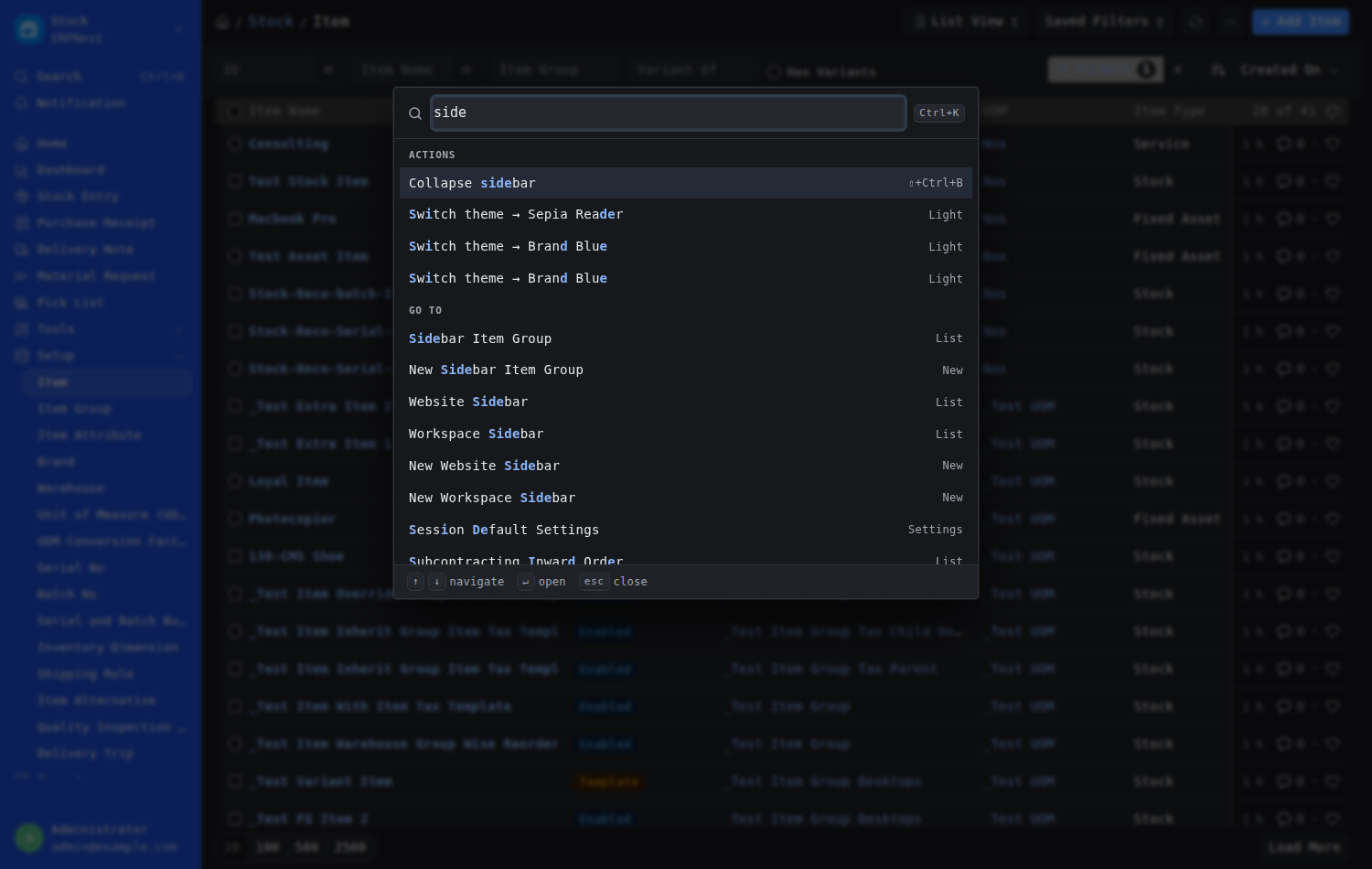
- Collapse sidebar / Expand sidebar in the Command Palette
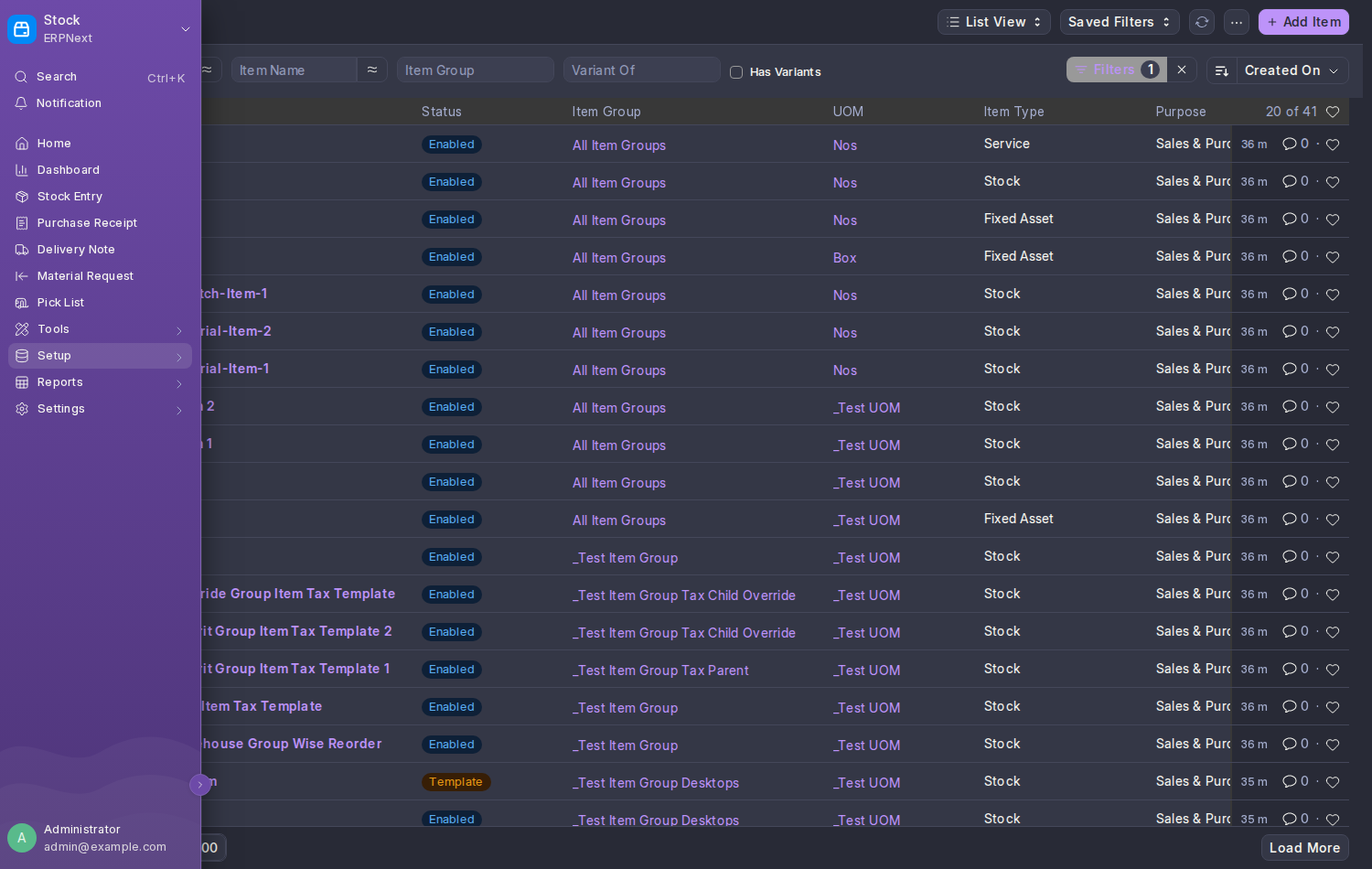
Hover the rail for a moment and it opens over the page, labels and all, without the page moving underneath. Move away and it folds back. Tabbing into it with the keyboard opens it too; Esc closes it.
In the command palette, type side:
The choice is saved for your account, not for the browser, so it follows you to every device. It lives in the Collapse Sidebar field on your User Theme Preference.
- Ctrl+B was already taken (bold text, and "new document" in list views), so the rail uses Ctrl+Shift+B. Some browsers use that for their bookmarks bar; on the Desk the sidebar takes it.
- On a phone-sized screen the rail stays out of the way and Frappe's own drawer takes over.
- On Frappe 15, which has no app-wide sidebar, the same shortcut and the same saved choice fold the side column of the page you are on.
- The rail's width follows your Density.
NexusRail.isCollapsed();   // true while the sidebar is a rail
NexusRail.set(true);       // fold it (saved); returns a Promise
NexusRail.toggle();nexus_theme.api.get_sidebar_collapsed() # {"collapsed": 0 | 1}
nexus_theme.api.set_sidebar_collapsed(1)A change raises nexus-rail-change on document with { detail: { collapsed } }.