Repository navigation
Logs
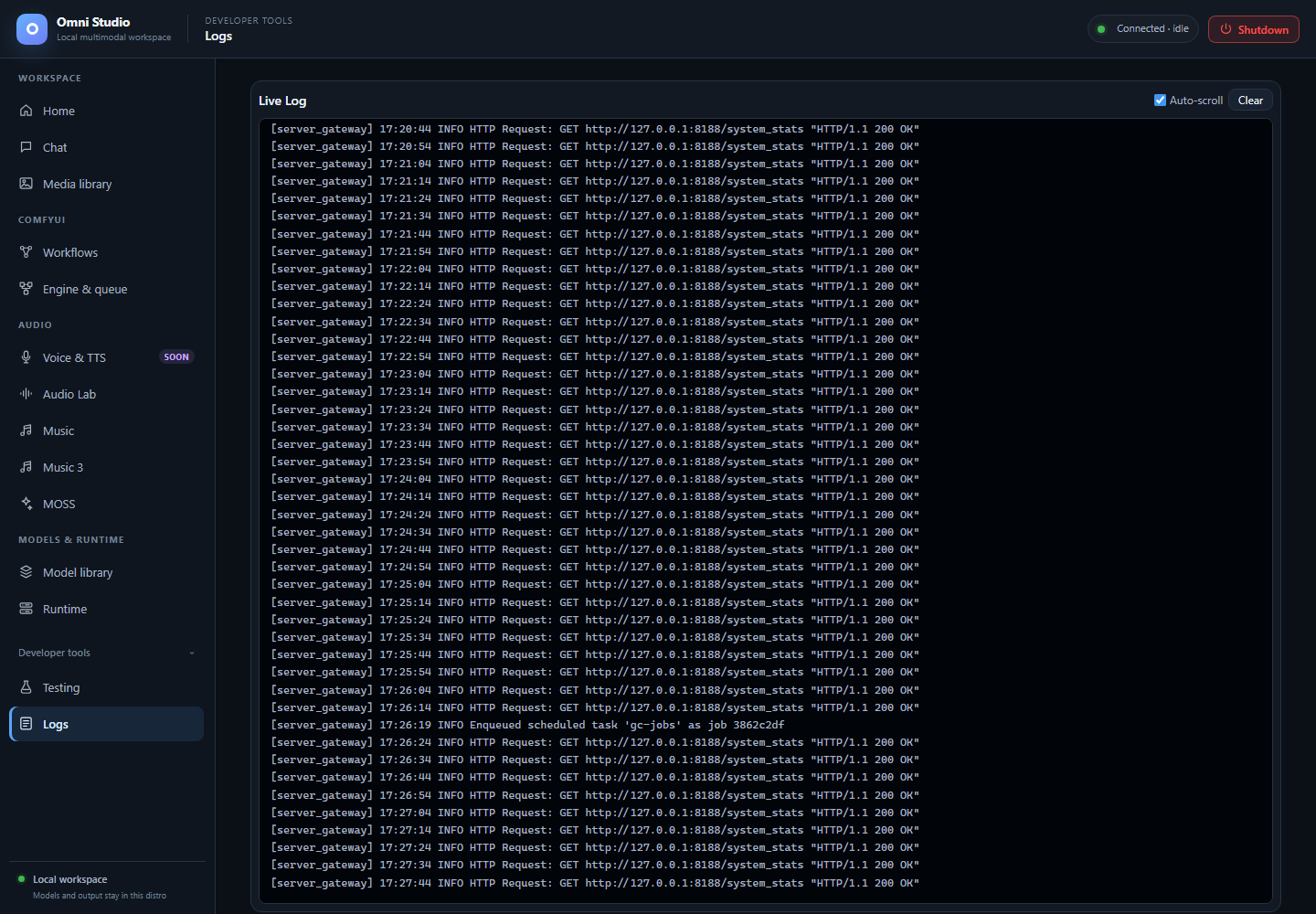
The actual log viewer with retained local log entries. Historical entries do not describe a currently running Comfy instance. Captured September 25, 2026.
Logs is a live view of the gateway log stream. It is a developer tool, not a job dashboard and not a substitute for worker Logs buttons on Runtime.
Open Developer tools → Logs.
A Live Log card with:
- Auto-scroll checkbox (on by default)
- Clear — empties the on-screen buffer and the in-memory log array in the UI (it does not wipe Linux log files on disk)
- a monospace viewer of lines
[source] message
The viewer is fed by an authenticated SSE endpoint (/api/logs/stream). The
UI keeps a bounded buffer (500 lines). Older lines drop from the viewer
as new ones arrive. Per-client SSE queues on the server are also bounded;
a slow viewer can lose lines without affecting other clients.
Color hints (substring match on the message):
- red —
errororfail - orange —
warn - green —
ready,complete,success
These colors are cosmetic. A green "ready" in one worker does not mean Comfy is ready.
- Gateway badge sat on Connecting, then recovered — look for bind/port errors
- A spawn stays on starting — Python tracebacks, CUDA OOM, missing files
- An install job failed and the job Log is too short
- HuggingFace 401/403 loops
- You cancelled a job and want to see whether the worker retired
- To follow Comfy sampling progress — use Engine & queue and
omni-cli comfy watch - To follow ACE/Audio Lab diffusion — those tabs have their own progress poll
- To retrieve media — Media library
- To read the Omni API token — never. If a token appears in a log line, treat it as a leak and rotate; this app's discipline is to keep tokens out of logs.
Runtime and Engine & queue Logs buttons fetch GET /api/workers/{id}/logs
and GET /api/comfy/{id}/logs. Those are process tails for one id. The Logs
tab is the gateway multiplex. Use both when a spawn fails: gateway line
first, then the worker tail.
CLI: omni-cli workers logs WORKER_ID --lines 200 and
omni-cli comfy logs INSTANCE_ID.
- Confirm the gateway badge is connected.
- Trigger a harmless action (Refresh on Runtime).
- If still empty, the SSE may have been closed during Shutdown or a gateway restart; reload the UI after the badge recovers. The frontend reacquires the session token after 401.