Repository navigation
Screenshots
These are real browser captures of Omni Studio, taken on September 25, 2026
through its Windows-facing bridge at http://127.0.0.1:9200. The gateway was
connected to the local linbox-Omni_Studio distro. The pictures show the
application's current controls, installed state and disabled actions.
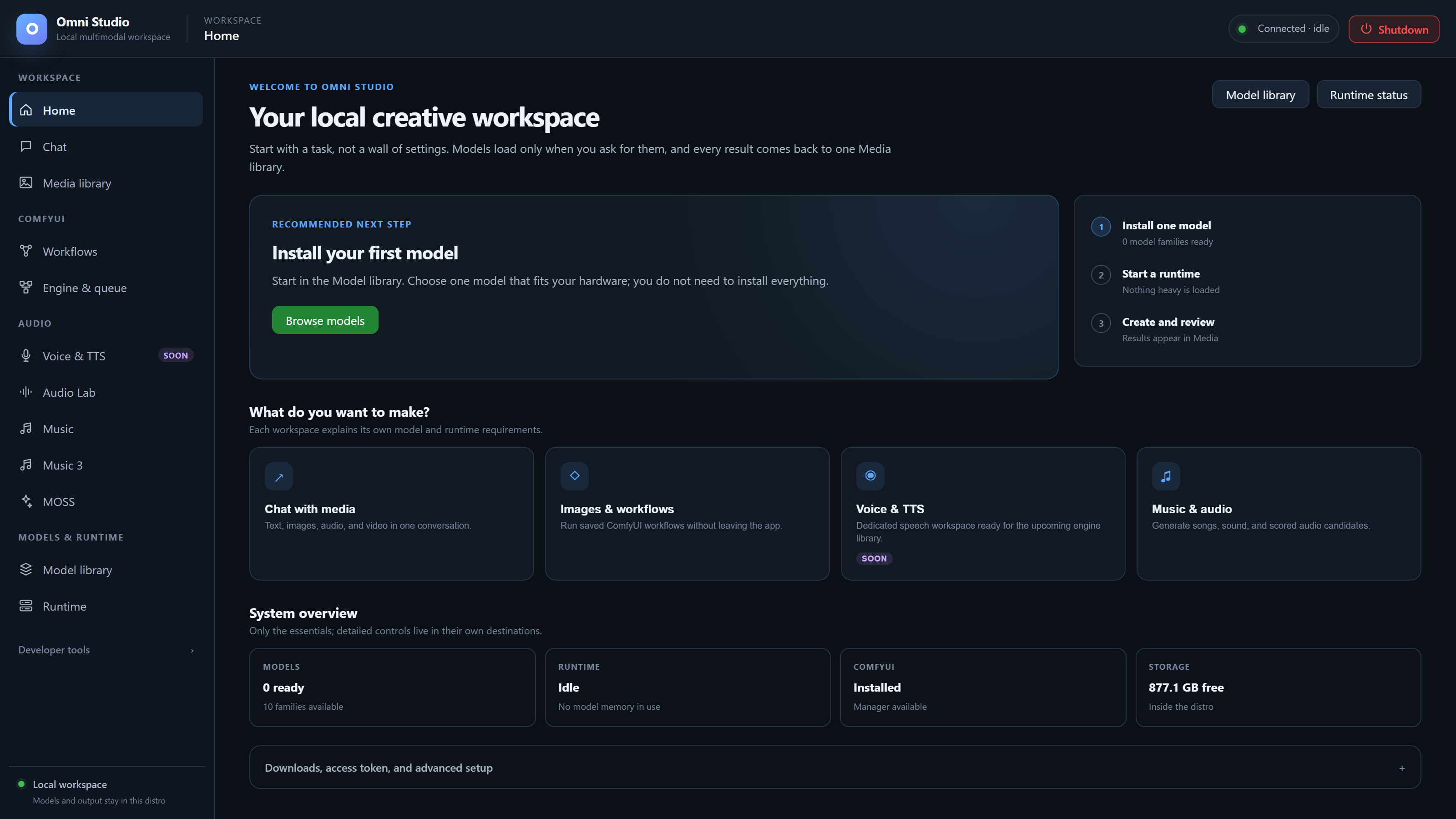
Click a screenshot to inspect its original PNG, or follow the manual page for instructions. Most desktop captures are 1440 × 1000 pixels. The hero is 3200 × 1800 pixels, captured at a 1600 × 900 viewport with device scale 2. The editor and Shutdown images are direct element captures, and the narrow Home image is 390 × 844 pixels.
| Screen | Image | Manual | What is shown |
|---|---|---|---|
| Home overview | Open PNG | Manual overview | Connected, idle workspace with no installed standalone model families. |
| Home | Open PNG | Home | Home recommends installing a model; the gateway is connected and idle. |
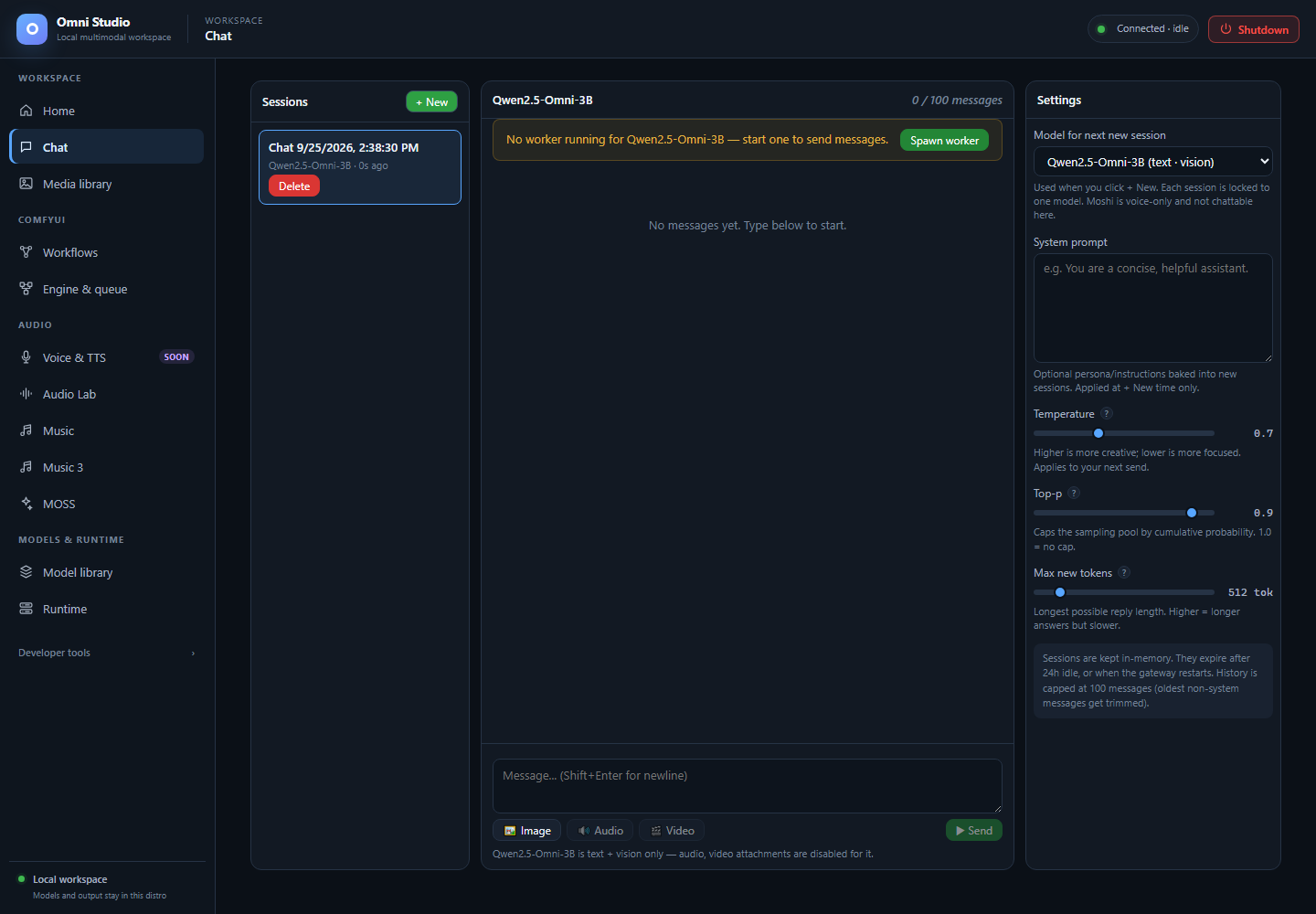
| Chat | Open PNG | Chat | A new empty Qwen session. No worker is running; unsupported audio/video attachments are disabled. |
| Media library | Open PNG | Media library | The filename prefix filter has no matches. Clear filters returns to the library; existing personal media is outside this capture. |
| Model library | Open PNG | Model library | Expand a model family to inspect variants, size and installation status before downloading. |
| Runtime | Open PNG | Runtime | Device memory, idle worker state and the Windows-facing API address. Memory use includes activity outside Omni. |
| Workflows | Open PNG | Workflows | Saved workflow requirements after checking. Missing models and stopped Comfy keep Run disabled. |
| Engine & queue | Open PNG | Engine & queue | Local Comfy installation is ready, but no instance is running. No remote update check was performed. |
| Voice & TTS | Open PNG | Voice & TTS | The speech workspace is marked Soon. Its roadmap is not evidence of working speech generation. |
| Audio Lab | Open PNG | Audio Lab | Generate controls with no Audio Lab worker. Load a compatible engine before submitting audio work. |
| Music | Open PNG | Music | ACE-Step task controls in their unloaded state. Visible transformations have separate model requirements. |
| Music 3 | Open PNG | Music 3 | An unsent instrumental example with a 30-second duration and the RTX 3090 selected. The model is not installed; Generate is disabled. |
| MOSS | Open PNG | MOSS | Separate speech and sound-effect controls with no installed workers. The manual documents the speech decoder limitation. |
| Testing | Open PNG | Testing | Developer controls for selecting installed variants and workers. Loading and inference were not performed for this capture. |
| Logs | Open PNG | Logs | The actual log viewer with retained local log entries. Historical entries do not describe a currently running Comfy instance. |
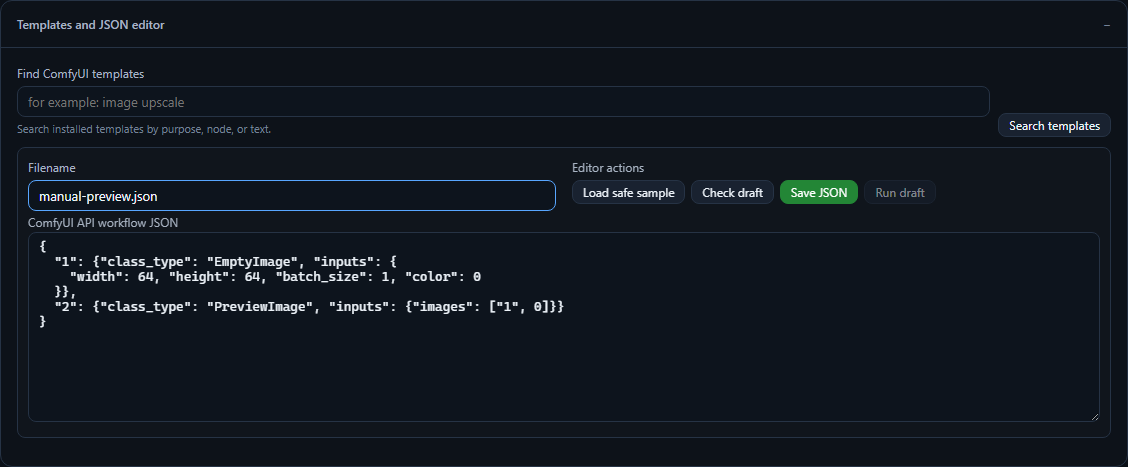
| Workflow JSON editor | Open PNG | Workflow JSON editor | An unsaved, model-free EmptyImage/PreviewImage draft. The draft was not queued or saved to the workflow library. |
| Narrow window | Open PNG | Narrow window | Home at a 390-pixel viewport. The hamburger opens navigation; Escape or the scrim closes it. |
| Shutdown control | Open PNG | Shutdown control | The top-bar Shutdown button. Cancelling its confirmation was tested without stopping the gateway. |
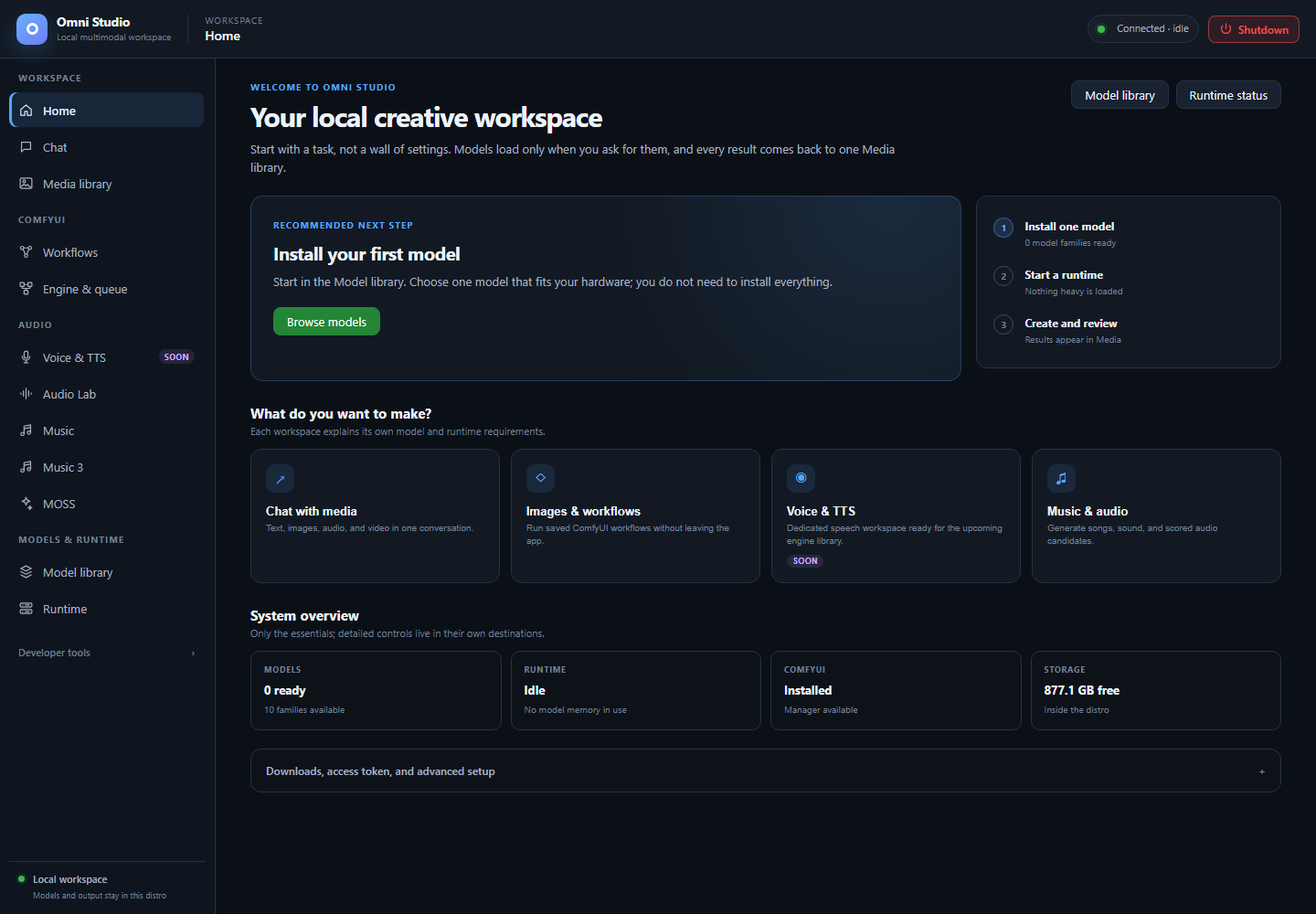
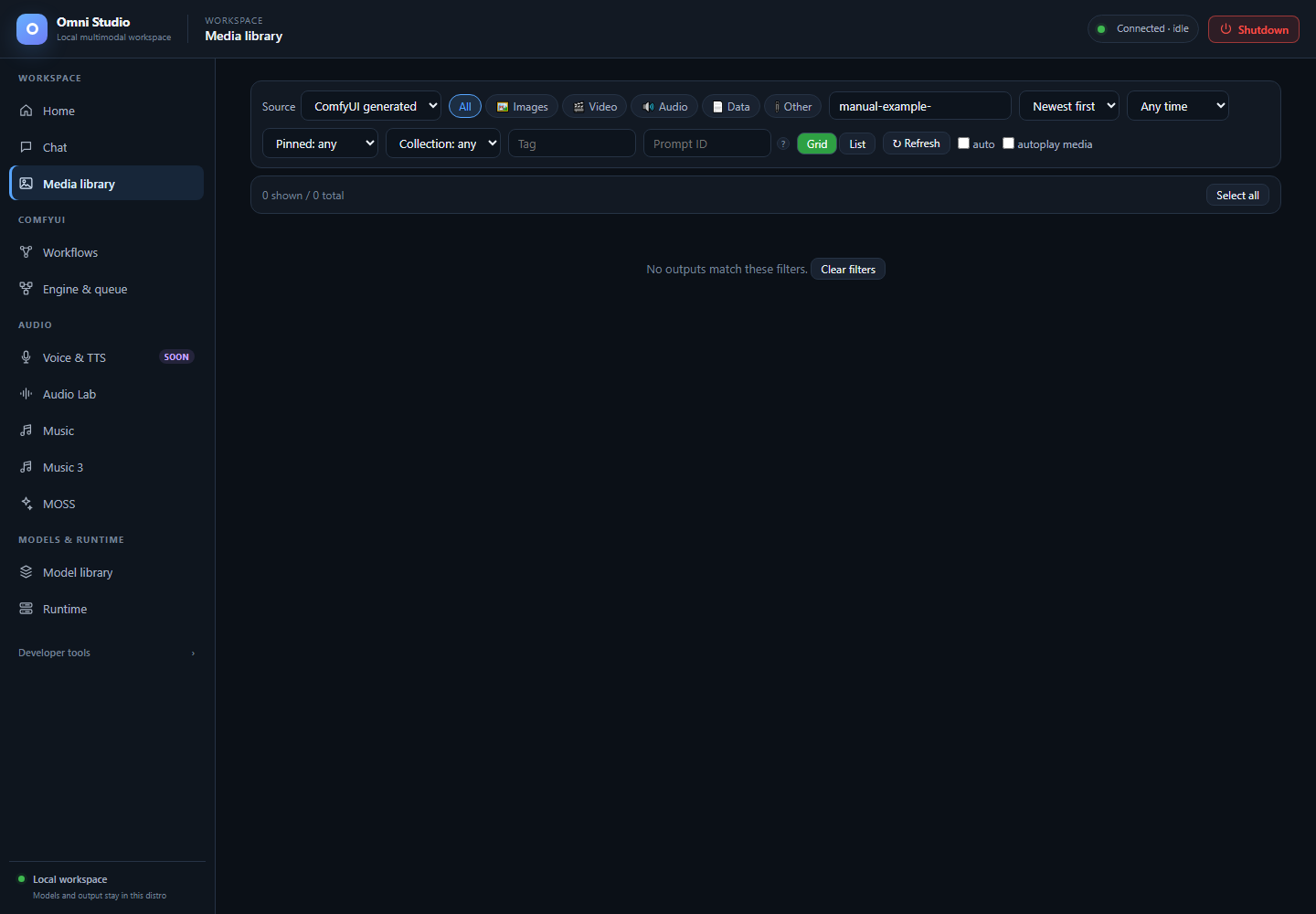
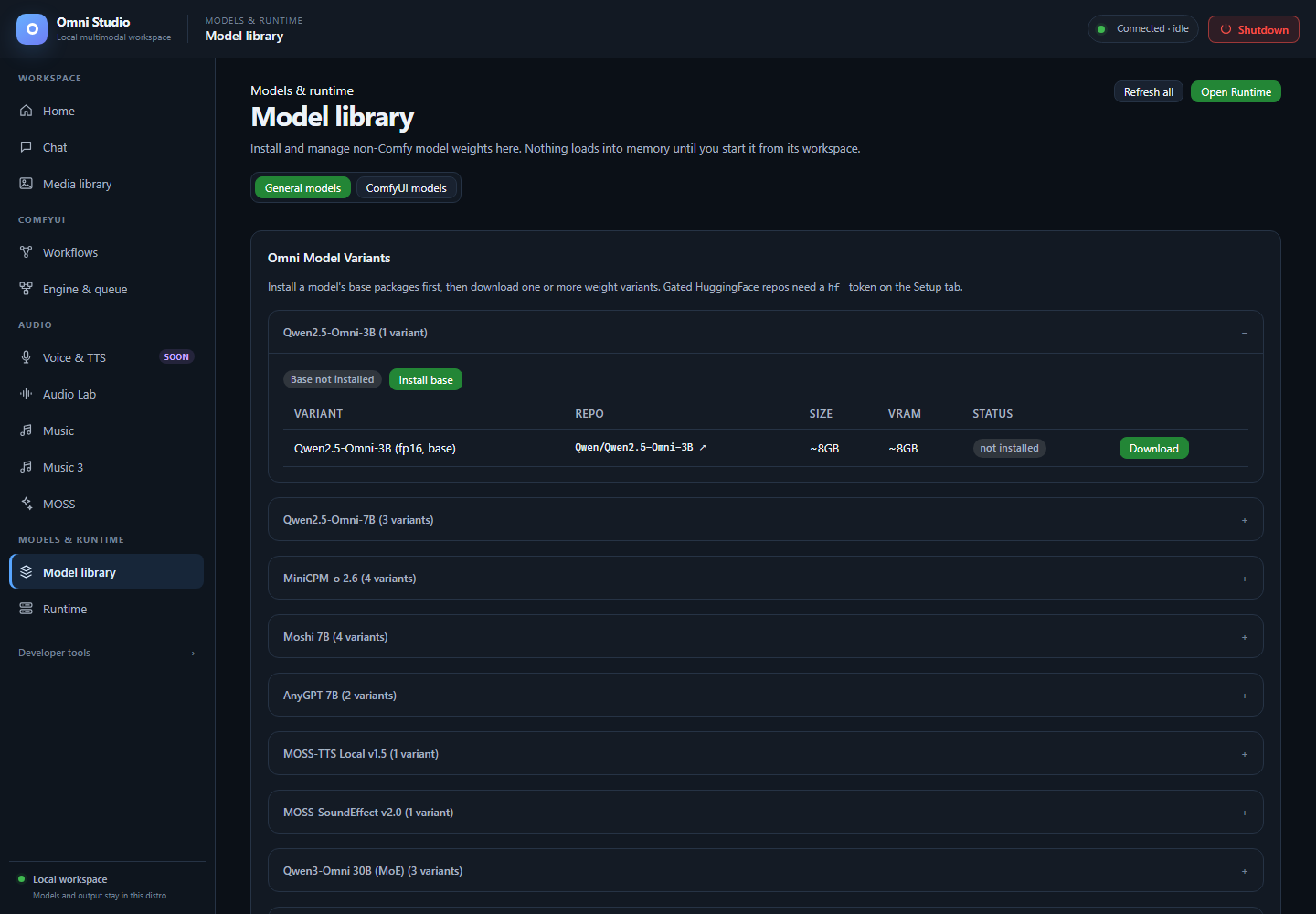
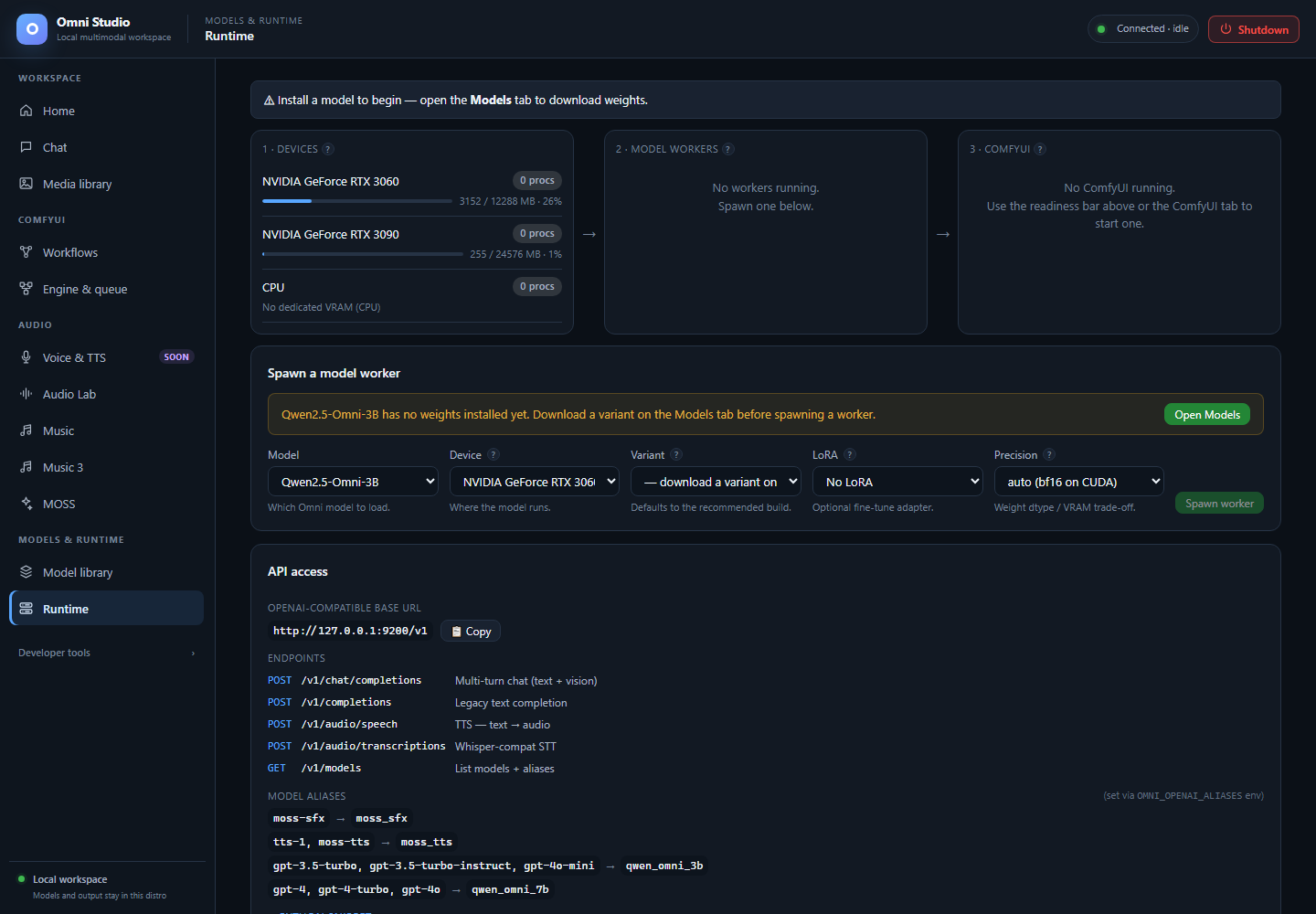
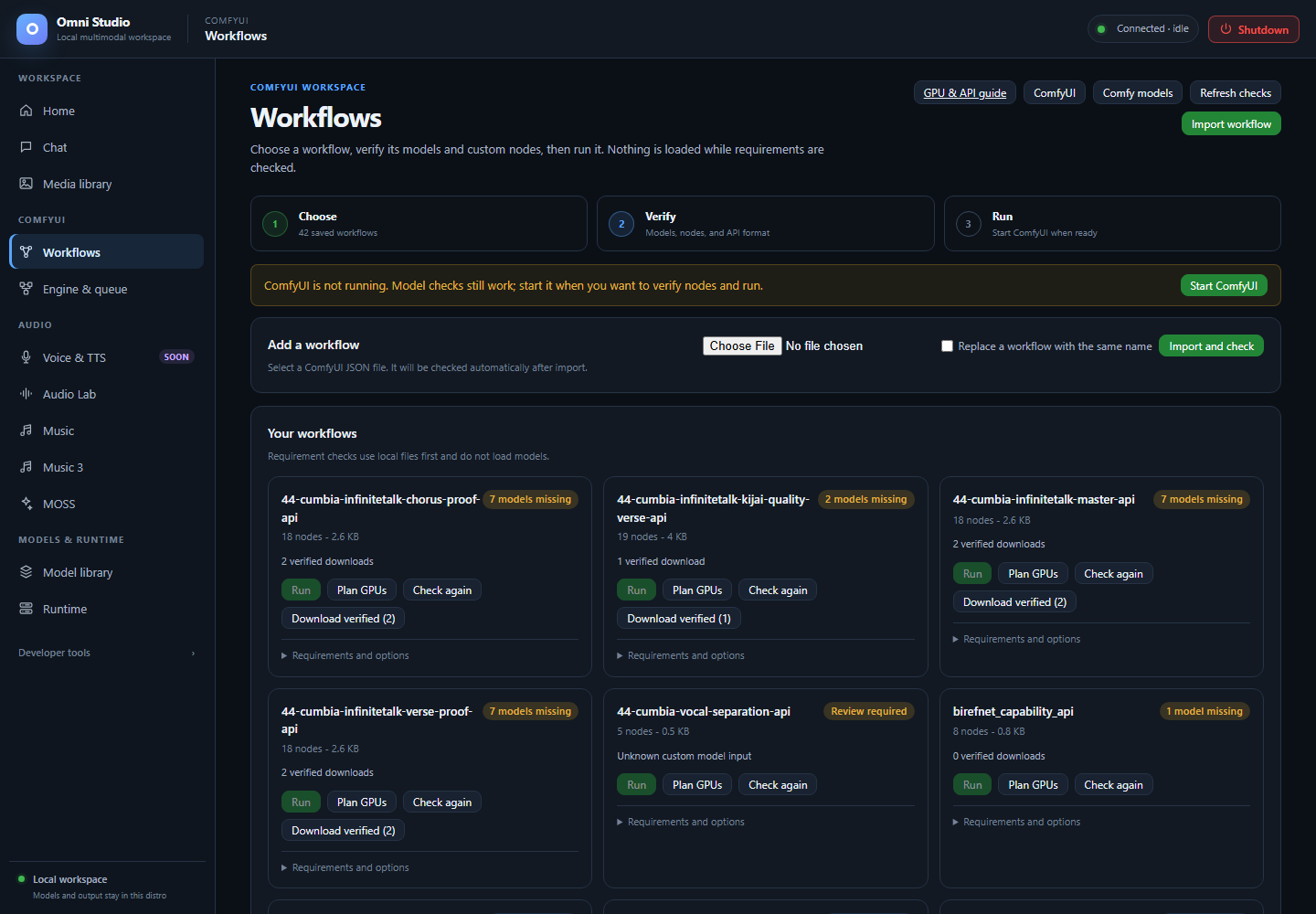
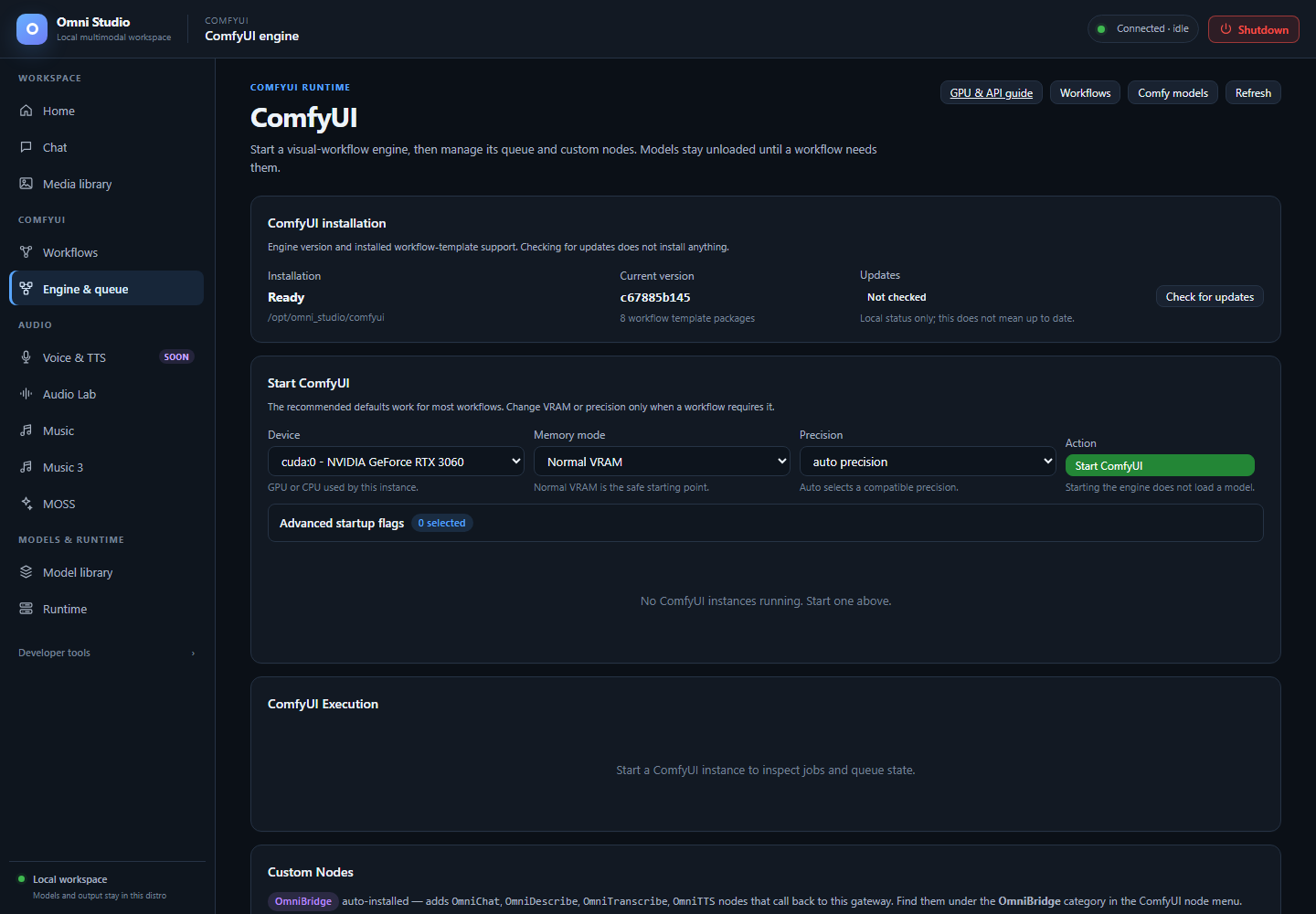
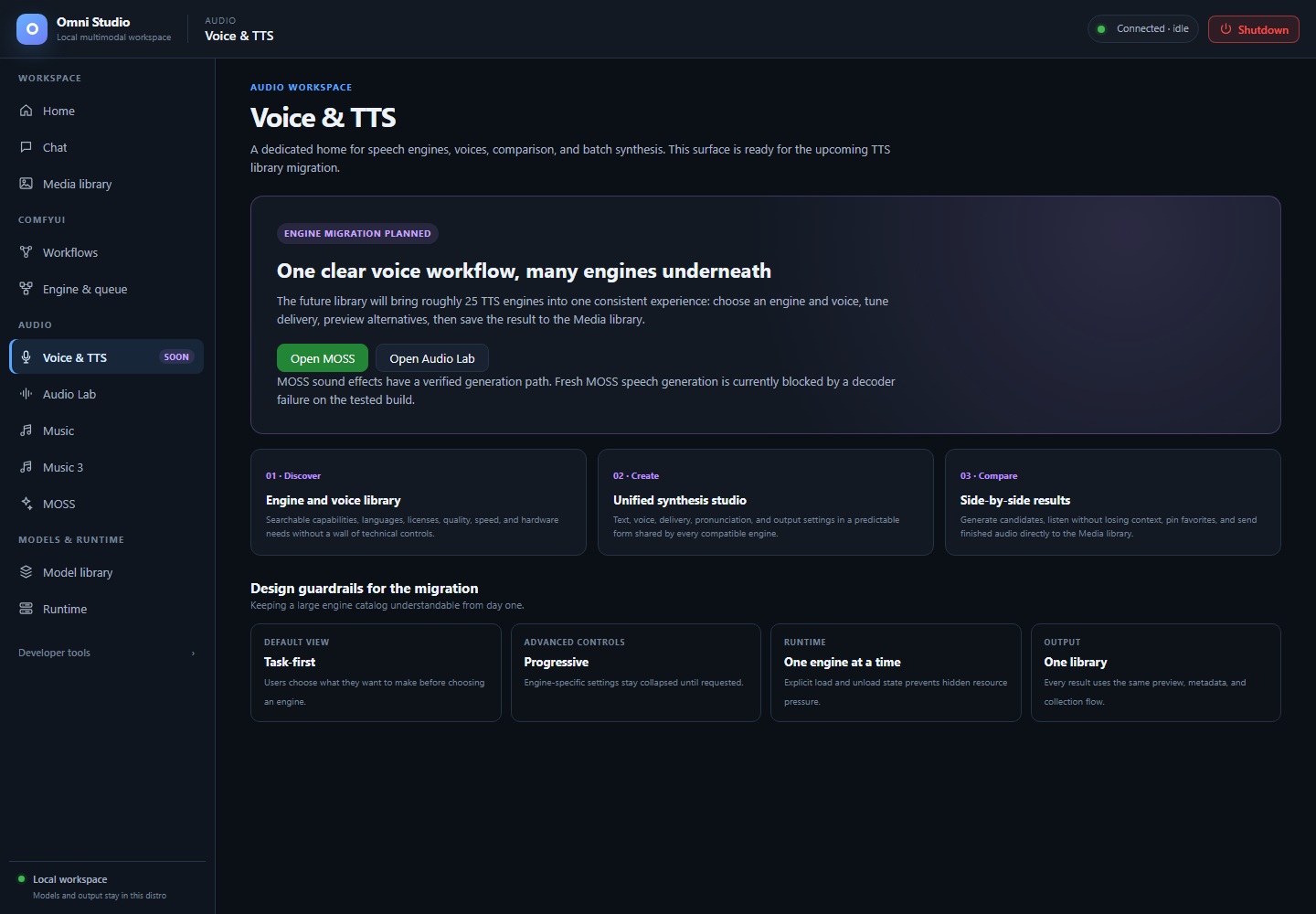
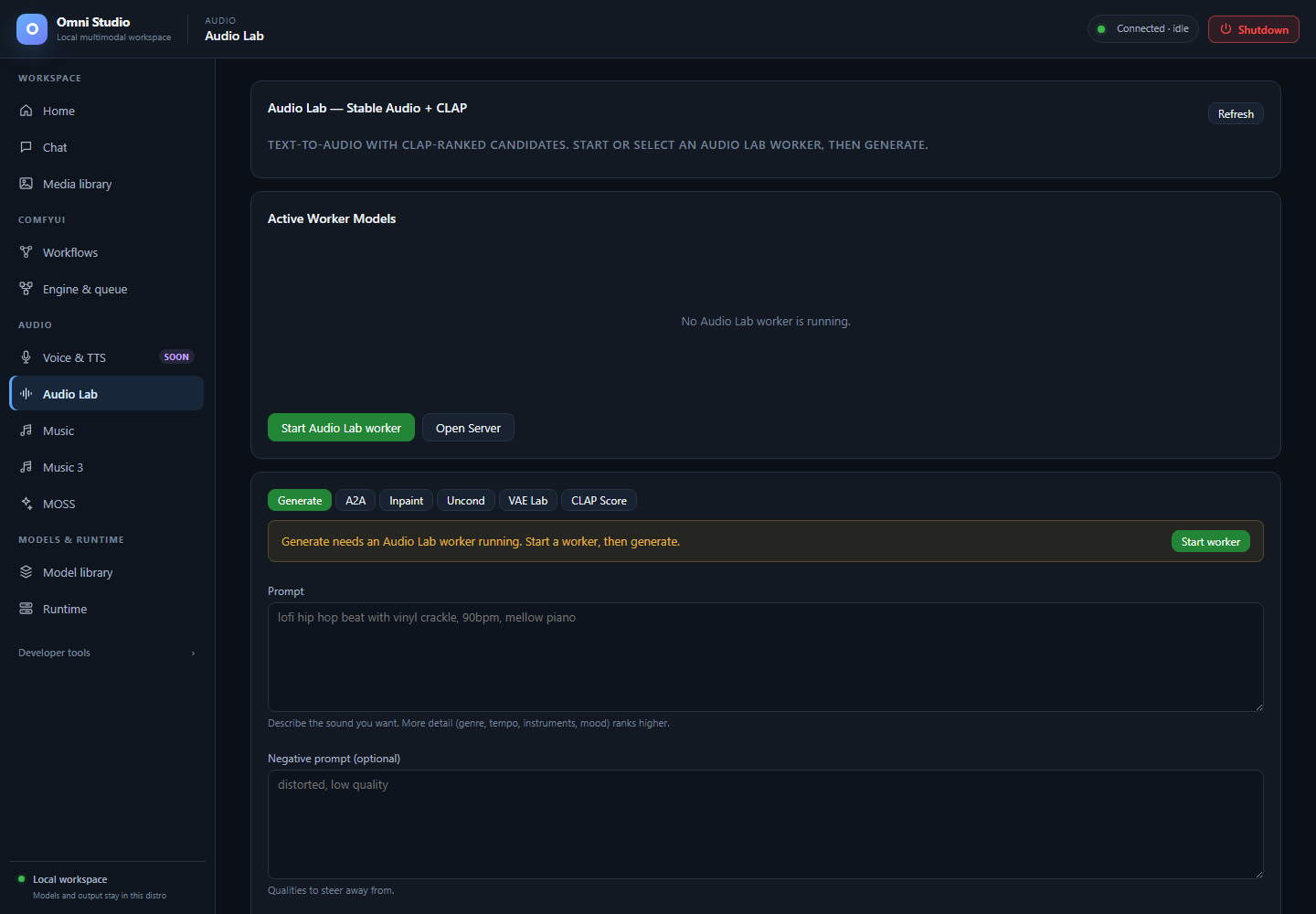
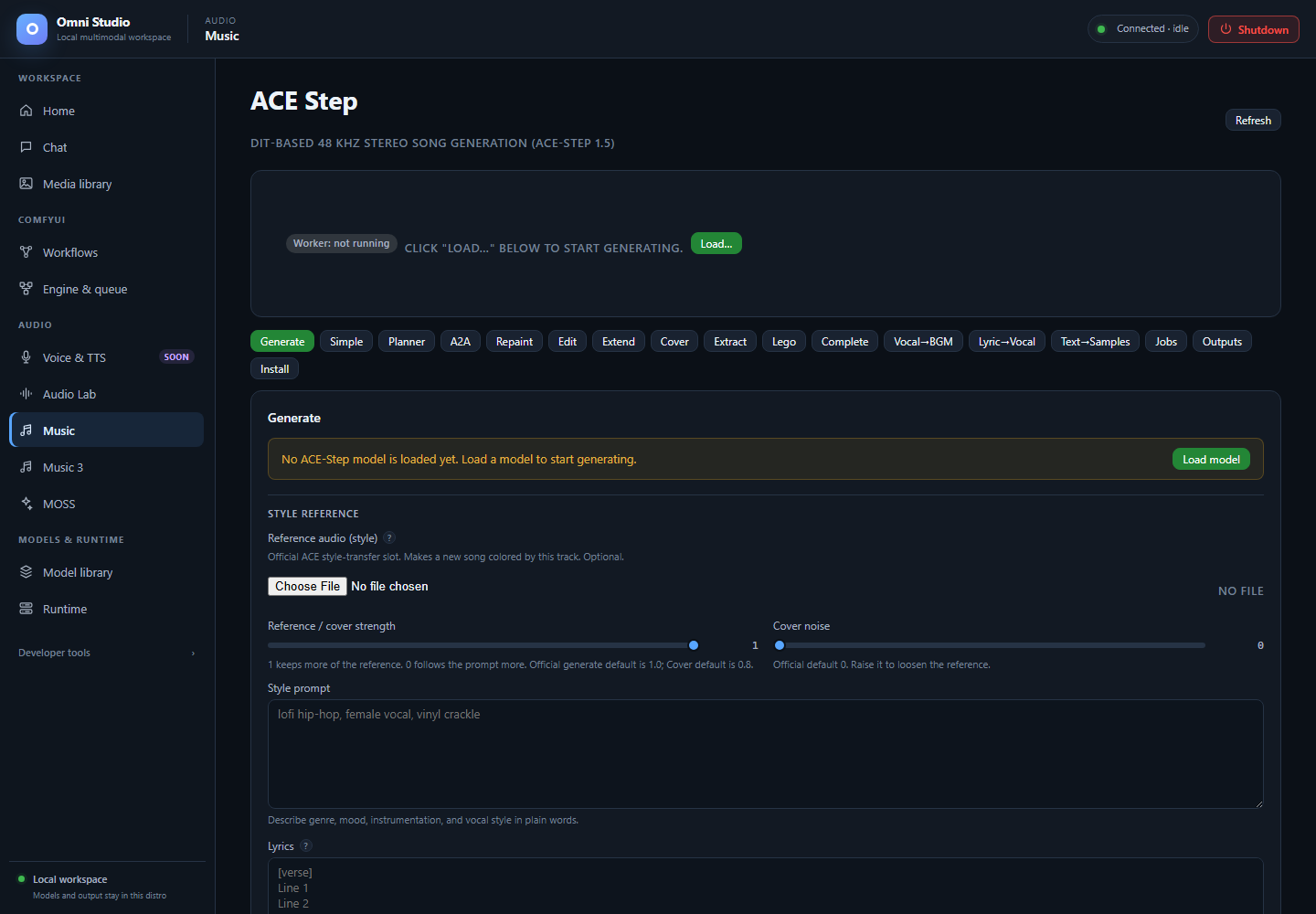
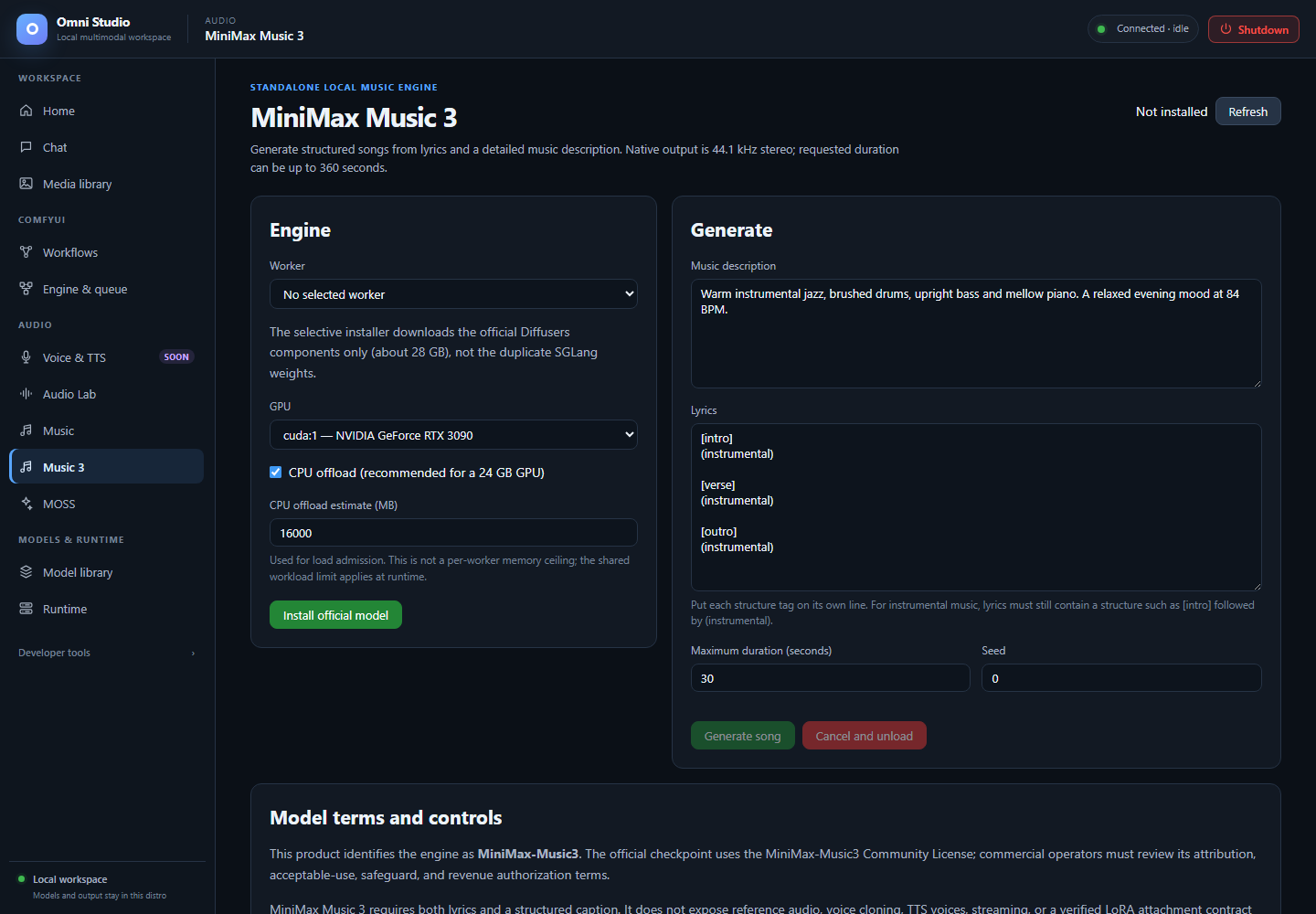
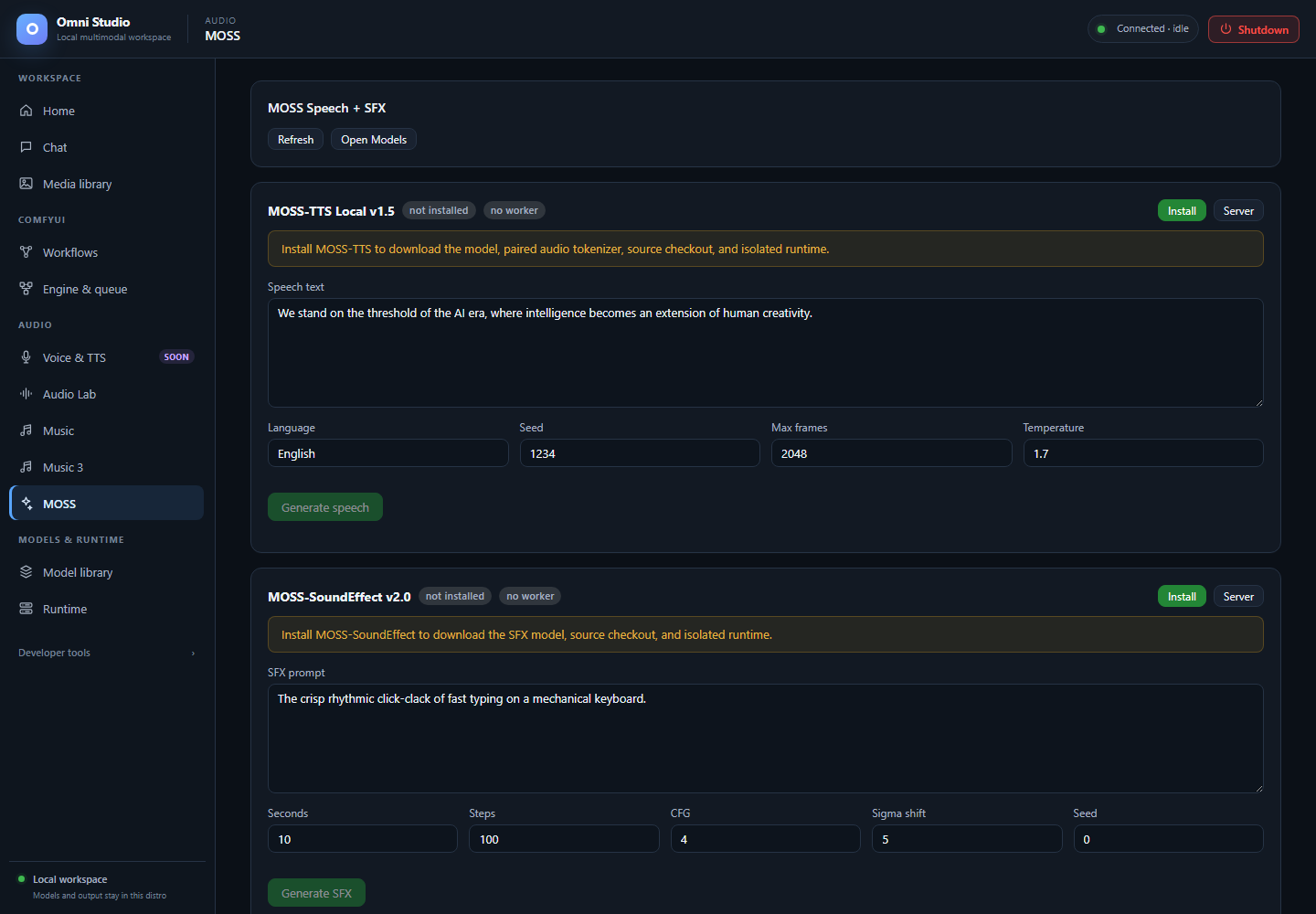
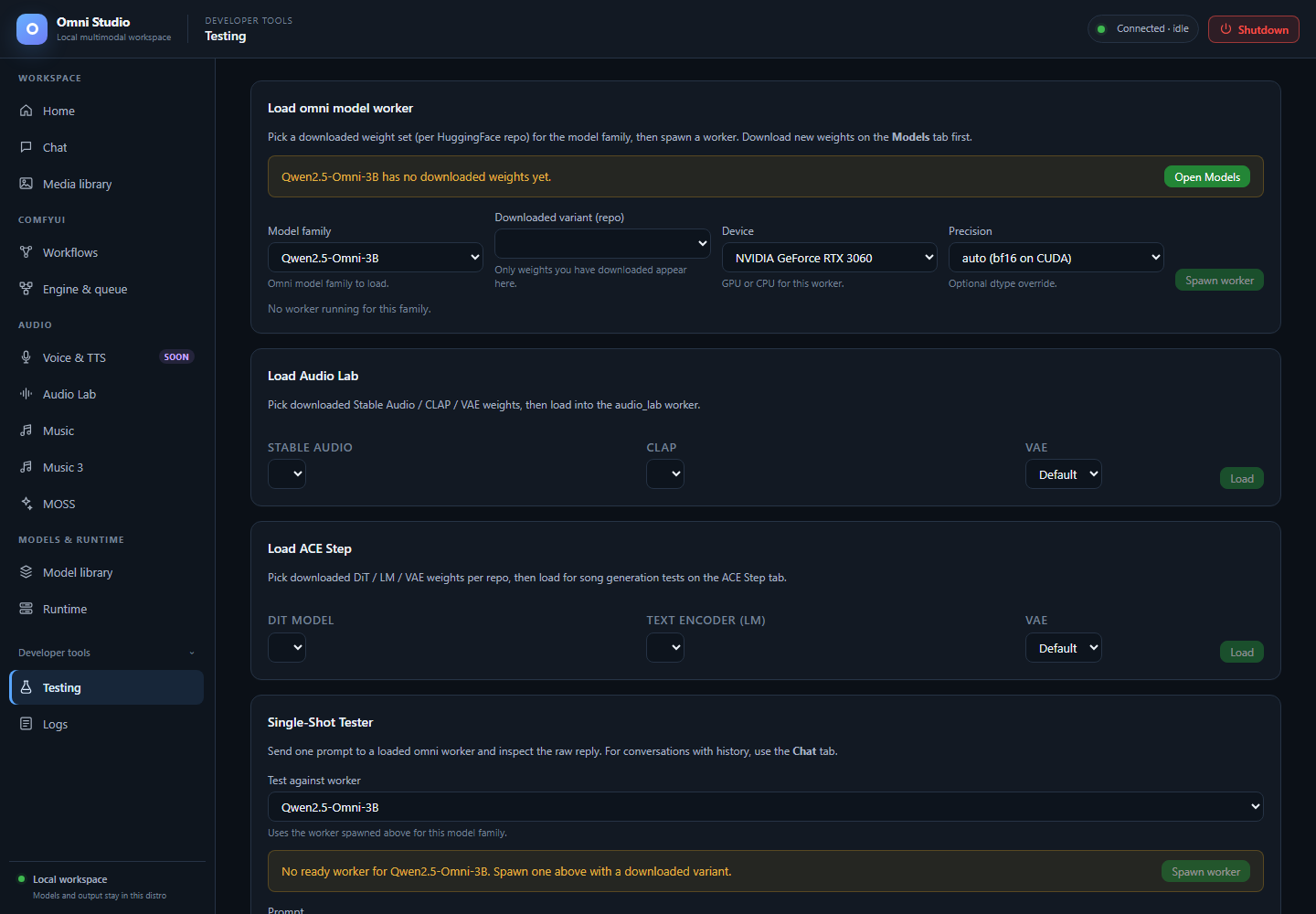
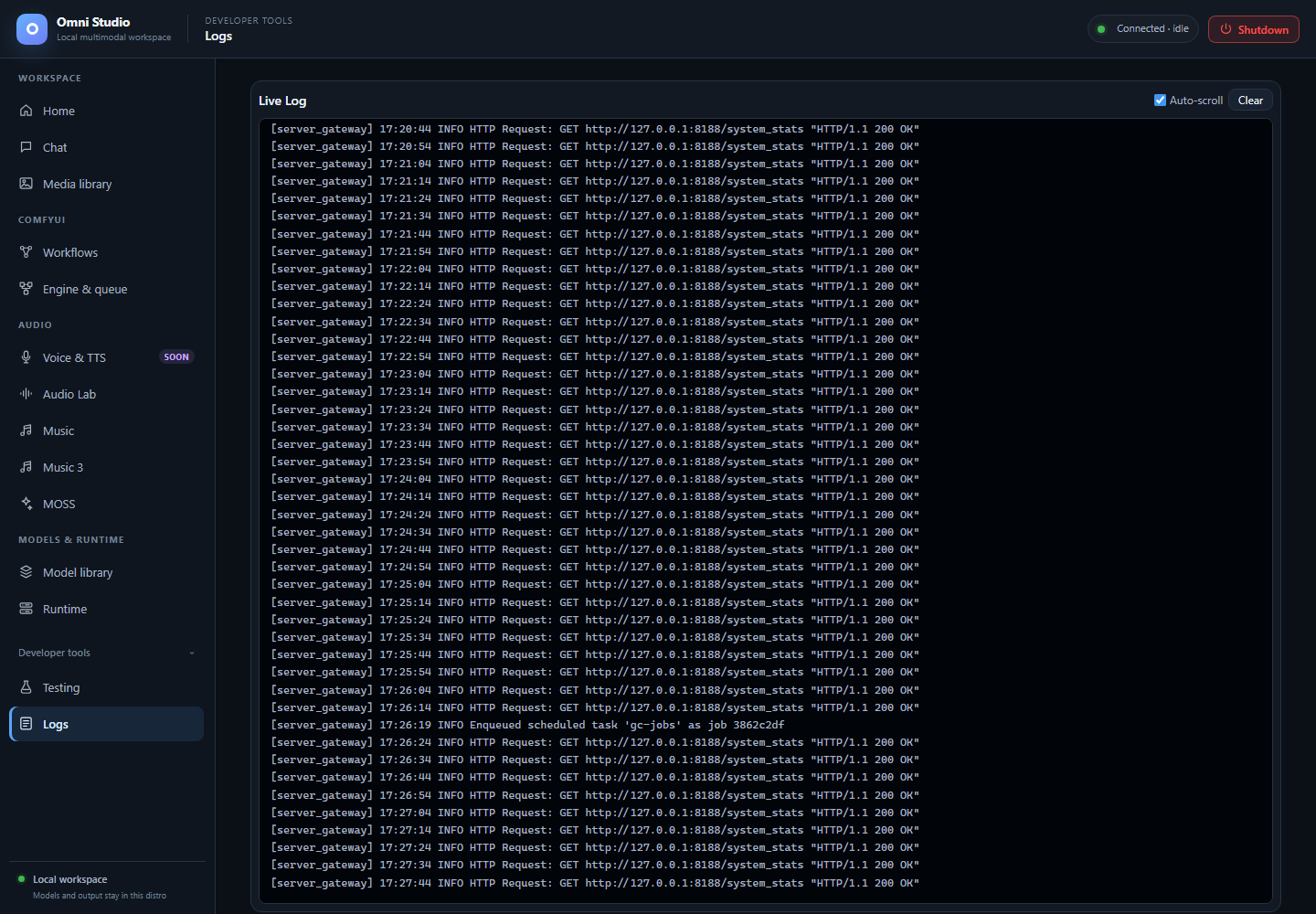
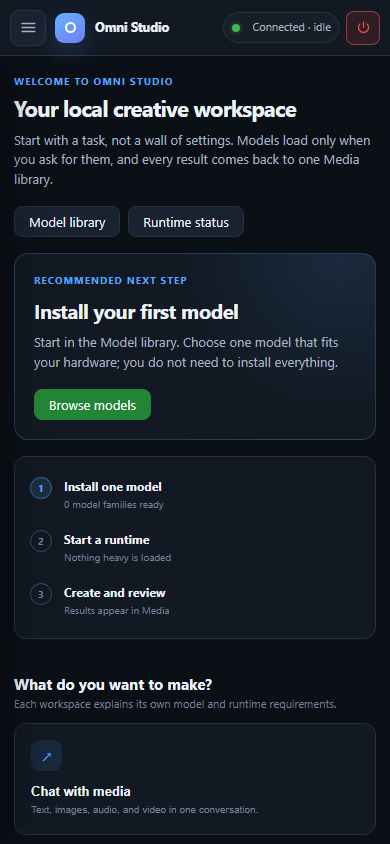

The gateway and UI are available, while model workers and Comfy instances are idle. No weights were downloaded or loaded for this screenshot session. The standalone/audio installation lists report no installed model families; the retained workflow and media libraries still exist. An installed Comfy checkout does not mean that a Comfy instance or a workflow is running.
The Chat image uses a newly created empty session, deleted after capture. Music 3 contains an unsent example draft. The workflow editor contains an unsaved model-free graph. None of these images claims a completed generation. Voice & TTS remains marked Soon, and current speech/model limitations remain documented in Feature compatibility.
Use images/hero.png for the repository hero. The manual pages already use
relative image links that work when browsing the repository on GitHub.
When moving pages into a separate wiki checkout, copy the images/ directory
alongside them and preserve those relative paths. Check links to docs/ and
reports/ against the eventual repository URL when publishing the wiki.
These selected images are intentional documentation assets. Browser profiles, raw captures and one-off automation stay outside the source tree. Media artwork, private prompts, credentials and personal account panels are not included. Model and engine names identify the controls shown and retain their upstream terms. Original documentation screenshots follow the repository's license scope; they do not relicense model outputs or third-party products.
The asset manifest records dimensions and SHA-256 hashes. The capture and verification report records the browser version, runtime refresh, checks, fixes and remaining qualification work. Refresh screenshots after visible UI changes, wait for status requests to settle, and keep readiness warnings visible.