Repository navigation
Lyrics
Read saved lyrics, explicitly look up a track on LRCLIB, or use the separate reviewed lyrics editor. To bring your own files, see LRC/TXT import.
Read known text · Check an album · Find on LRCLIB · Edit and save
Use album lyrics file import to add your own LRC/TXT files.
Now playing shows ordinary lyrics from the selected track's native iBroadcast lyrics field, with its line breaks. A visited/current track reuses saved text or reads that track's native lyrics lazily. Checking a complete album is a separate explicit action below. Tagcast does not scan your library or read embedded tags from audio files.
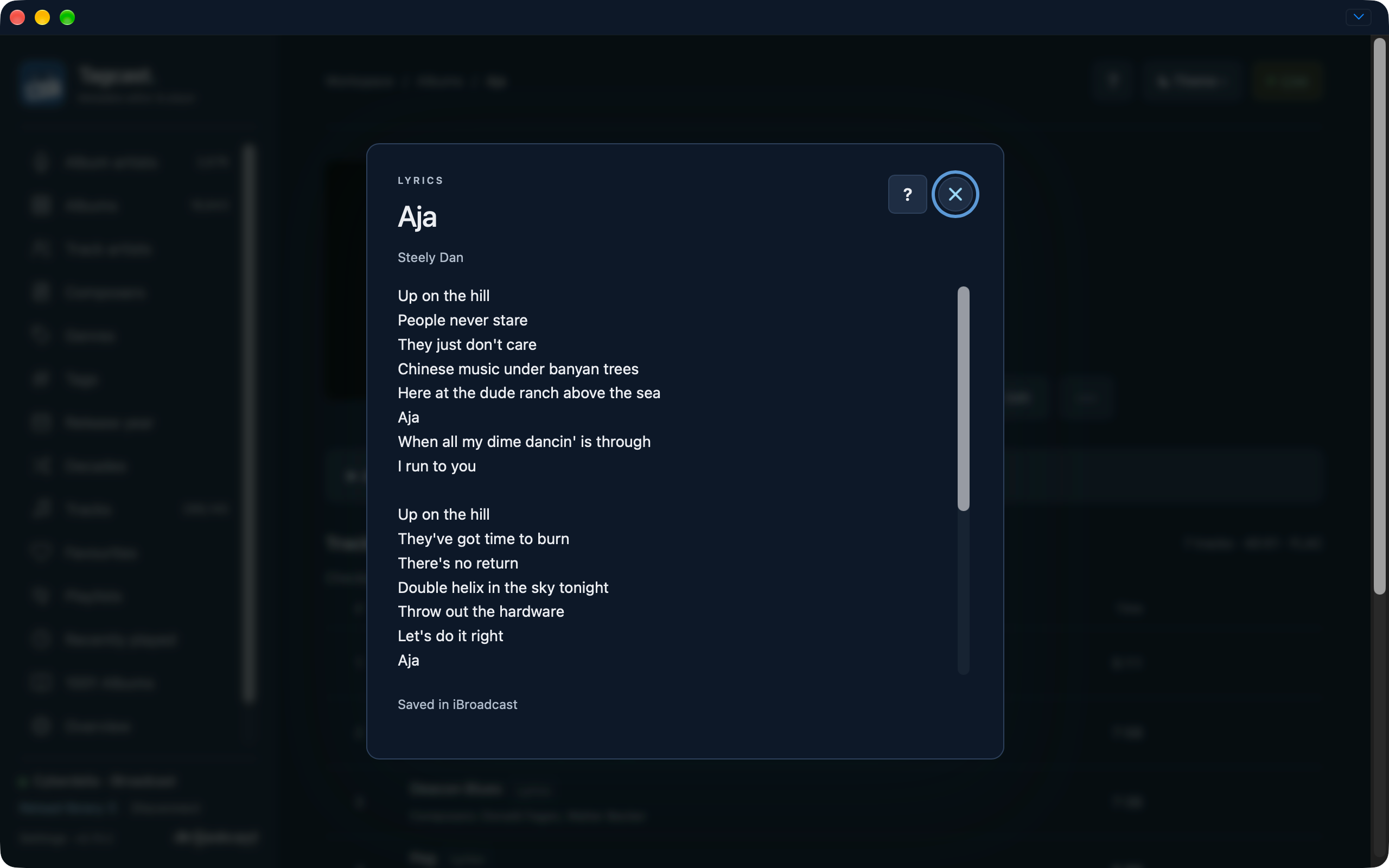
Once text is known from the current read or saved local cache, a small Lyrics label appears after the track title on its album page. Select it to read the text and its source in a separate window, without starting playback or requesting lyrics. Opening albums does not check every track. No label may mean that the track has not been checked yet; missing results and text from an older account/library are not marked.
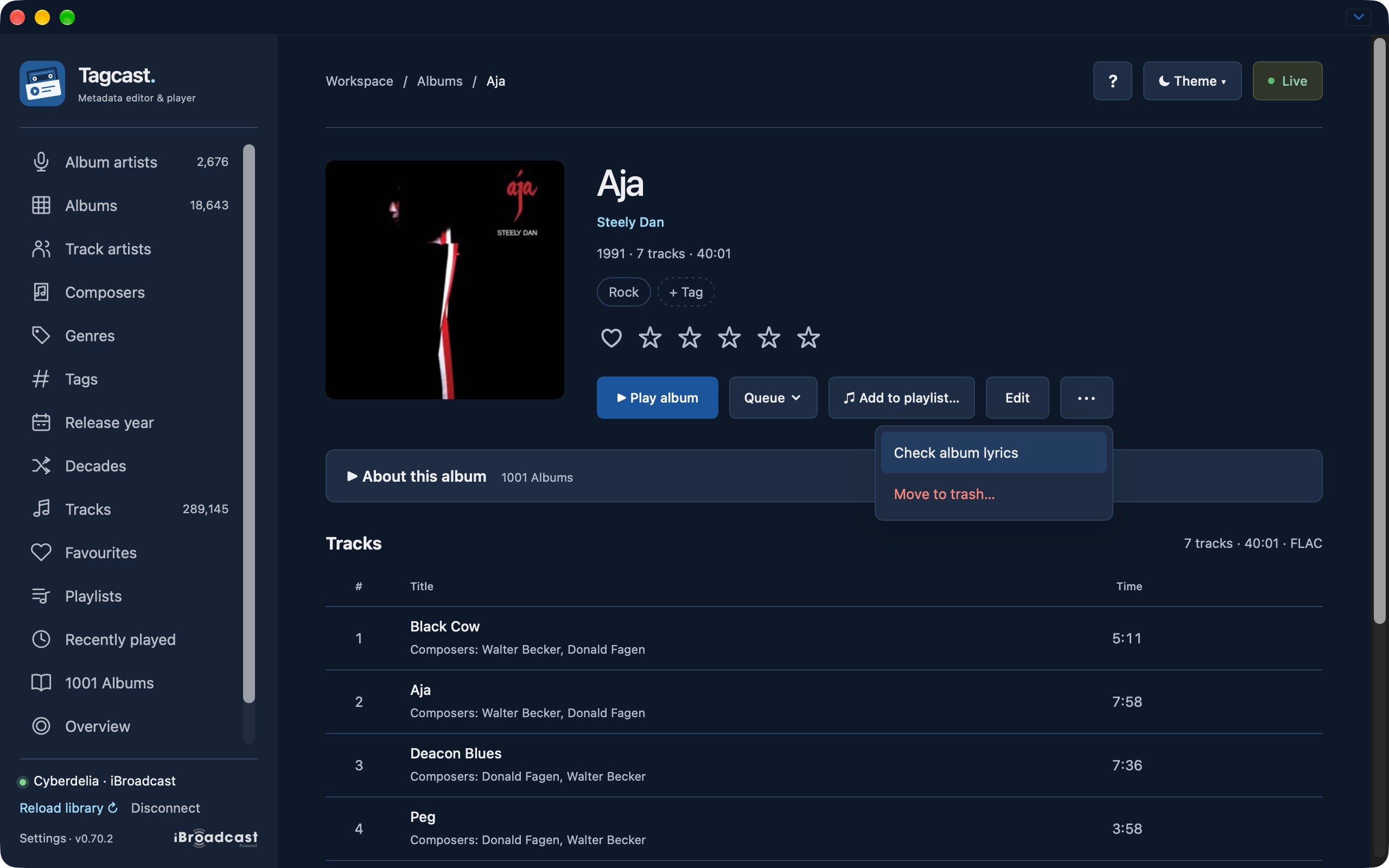
To check an album without starting playback, choose … → Check album lyrics on
its album page. Tagcast checks the loaded album/disc set one track at a time and
adds labels as text becomes available. Successful and empty native results are
saved locally in native-lyrics.sqlite3, separately for each account and exact
track/album identity. They survive restarts without a timed expiry. Opening an
album restores known labels from this local cache, without iBroadcast requests.
The cache keeps up to 5,000 tracks / 20 MiB of text plus SQLite overhead; older
entries may be evicted when full. Use Check iBroadcast again on a track to
explicitly refresh text changed elsewhere. Confirmed lyrics saves also refresh
that track; uncertain saves invalidate its cached text. Checks cover up to 100
distinct album tracks, within
the existing bounded memory cache; larger albums can use individual track reads.
Stop checking stops before the next request; the current read may finish.
Navigation, library/account replacement or a request error also stop further reads.
Already-read results remain available. This action makes no LRCLIB searches and is
not offered for playlists. Opening an album or its menu does not start a check.
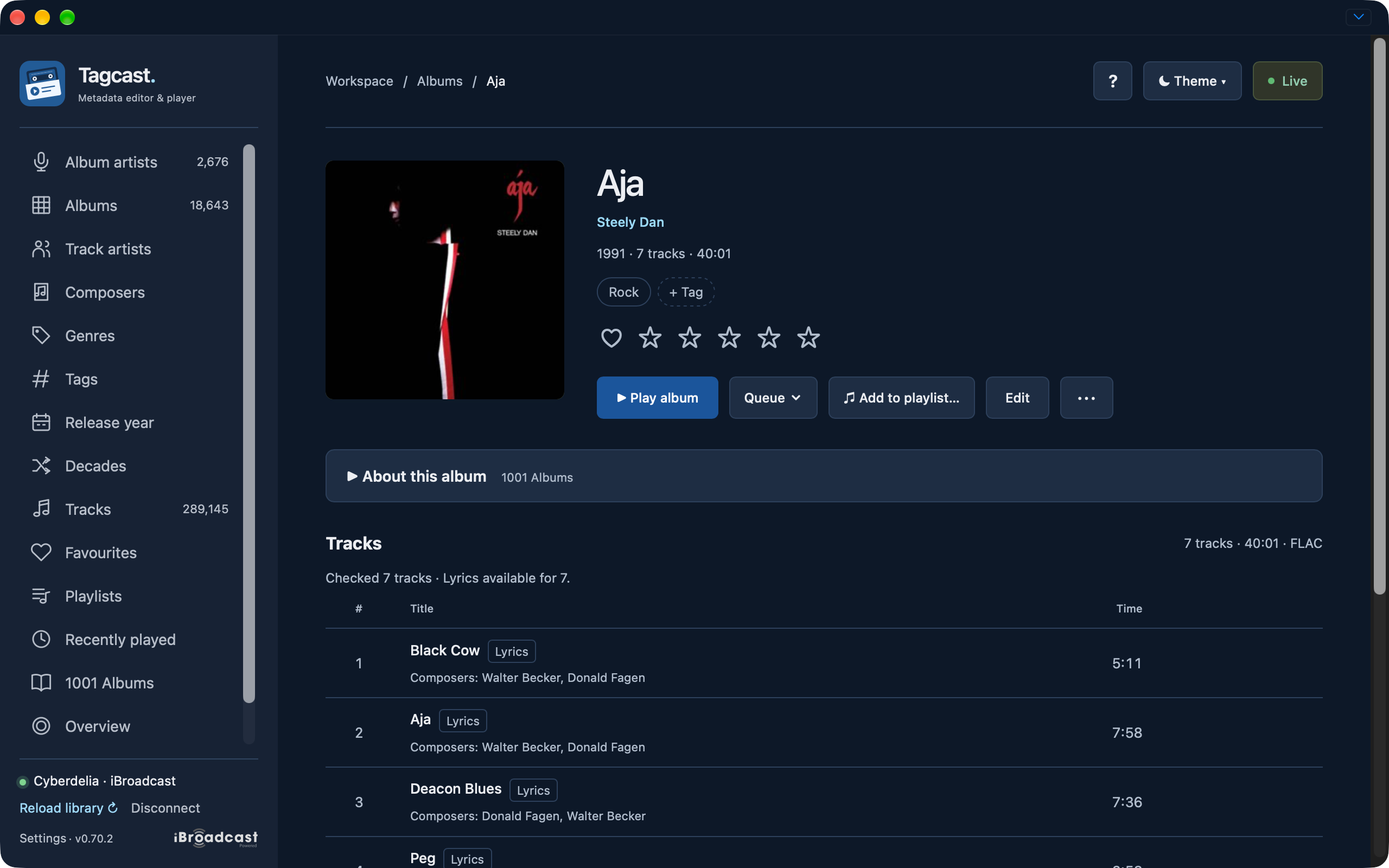
Earlier development interface, 22 October (0.70.2): the check found text for seven tracks. A Lyrics label opens known text; these counts describe this example only. Select a screenshot to open the full-size image.
When no native text is available, Find lyrics on LRCLIB explicitly sends the
track's title, performing artist and known duration to the free public service.
Full title/version and artist must match; known durations must be within two seconds.
A missing result is kept visible, and instrumental recordings are labelled.
LRCLIB can be disabled under Settings → Online sources & keys. Public results
are cached separately on this computer in lyrics.sqlite3, up to 1,000 entries /
10 MB. Found text lasts 30 days; missing results last one day. Native lyrics take
priority over a public cached result. There is no synchronised scrolling.
In the album editor, choose Edit tracks and select a track. A separate Track lyrics in iBroadcast field lets you enter text. For a public result, choose Use these lyrics to copy it into that field. Review lyrics… shows Before and After; Save lyrics to iBroadcast requires Premium and affects only this track's lyrics. Empty After explicitly removes lyrics. Other additional metadata, including unknown custom fields, is preserved. This save is separate from the normal metadata draft and has no automatic Undo. Check iBroadcast again refreshes the native text while retaining your typed draft.
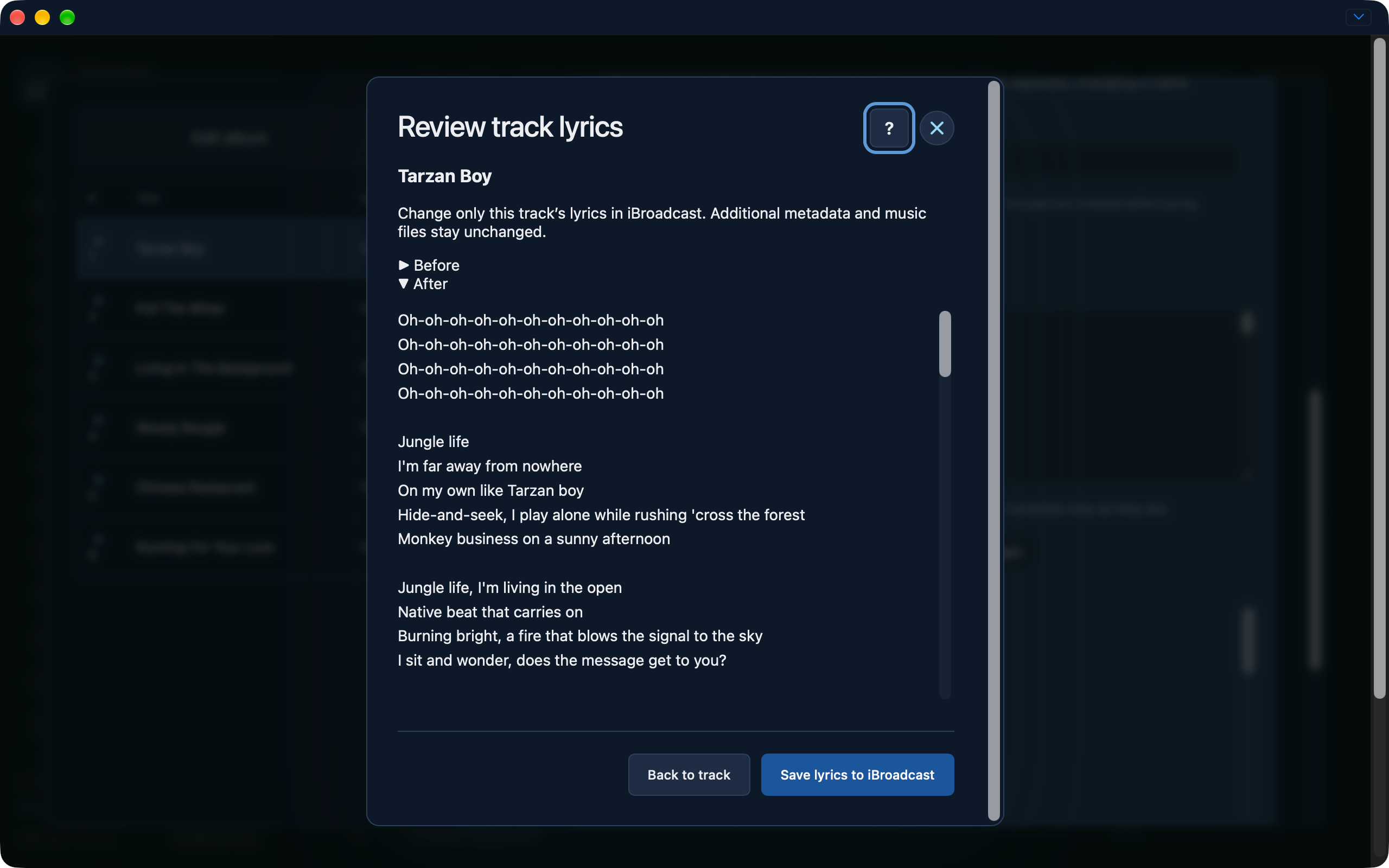
Earlier development interface, 22 October: review the text before choosing Save lyrics to iBroadcast. This review changes only this track’s lyrics and requires Premium.
Free accounts can read native lyrics and search/read LRCLIB results. The editable field, Use these lyrics, review and save controls appear only when saving is available. Settings also hides Premium streaming choices for known free accounts and shows their MP3 128 kbps playback quality.
Before sending, Tagcast checks current track membership and the complete native userdata snapshot. It sends once and reads back both the lyrics and unchanged custom data. Changed userdata blocks the save; an uncertain request is not resent automatically. Check iBroadcast before preparing a new review. Native custom userdata and review tokens stay in memory, bound to the account and playback session. Only native lyrics text and empty results enter the separate private cache; they are not written into the public LRCLIB cache or original music files. Editing cached text first rereads the current lyrics; if they changed elsewhere, your typed draft is retained and you must review the refreshed text before continuing.
Capture examples: Check album lyrics in More, completed labels and the native lyrics viewer.
For service errors, see Troubleshooting. Uncertain lyrics saves follow save recovery; their single-send rule differs from ordinary metadata edits.