Repository navigation
Screenshot history
Documentation home · Current screenshots
Older contributor-supplied captures are preserved below. Version badges and layouts may differ from 0.80.0; a screenshot is an illustration, not evidence that a background save or upload completed. Personal Overview account fields were redacted by the contributor. Original images and attribution remain unchanged.
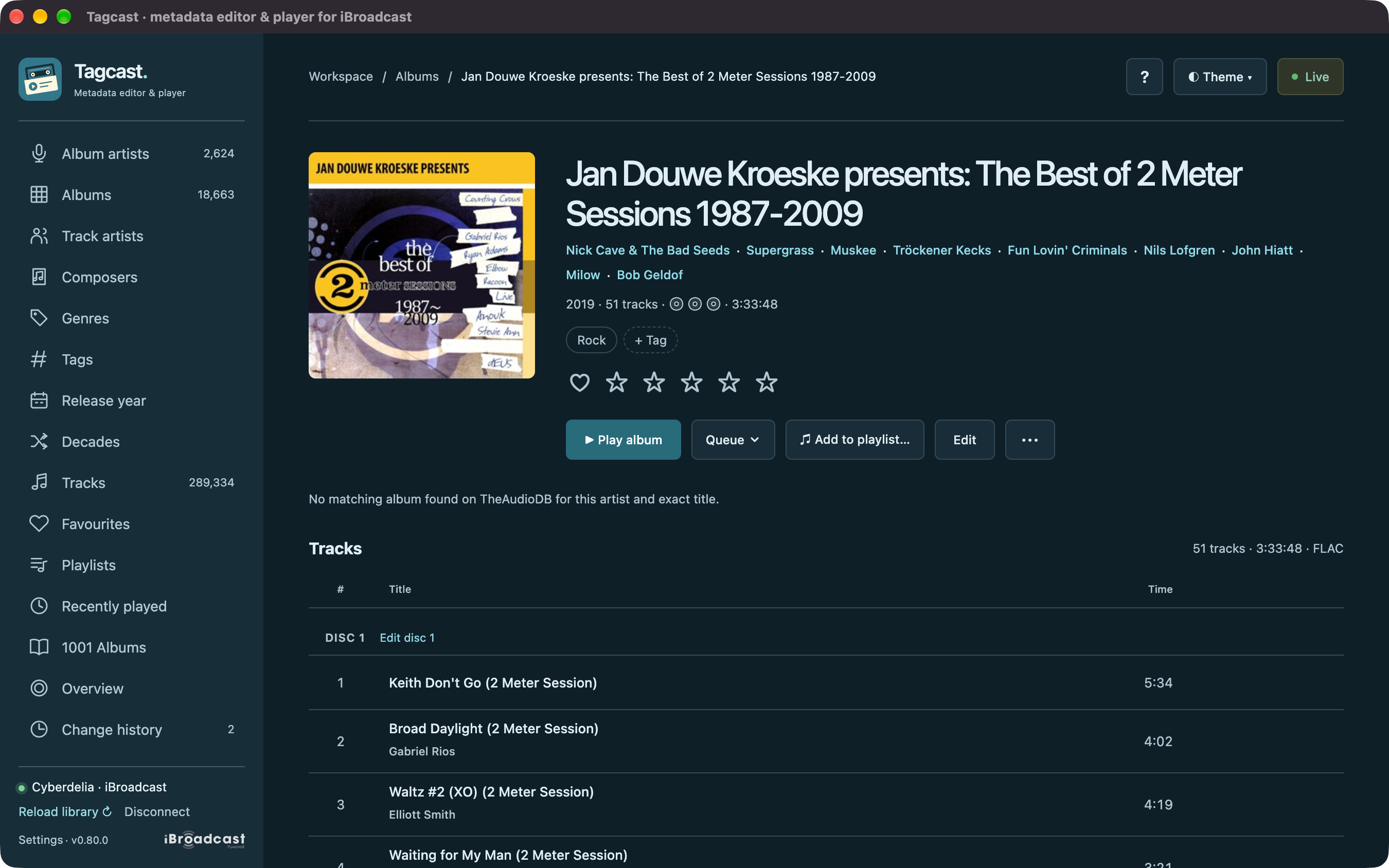
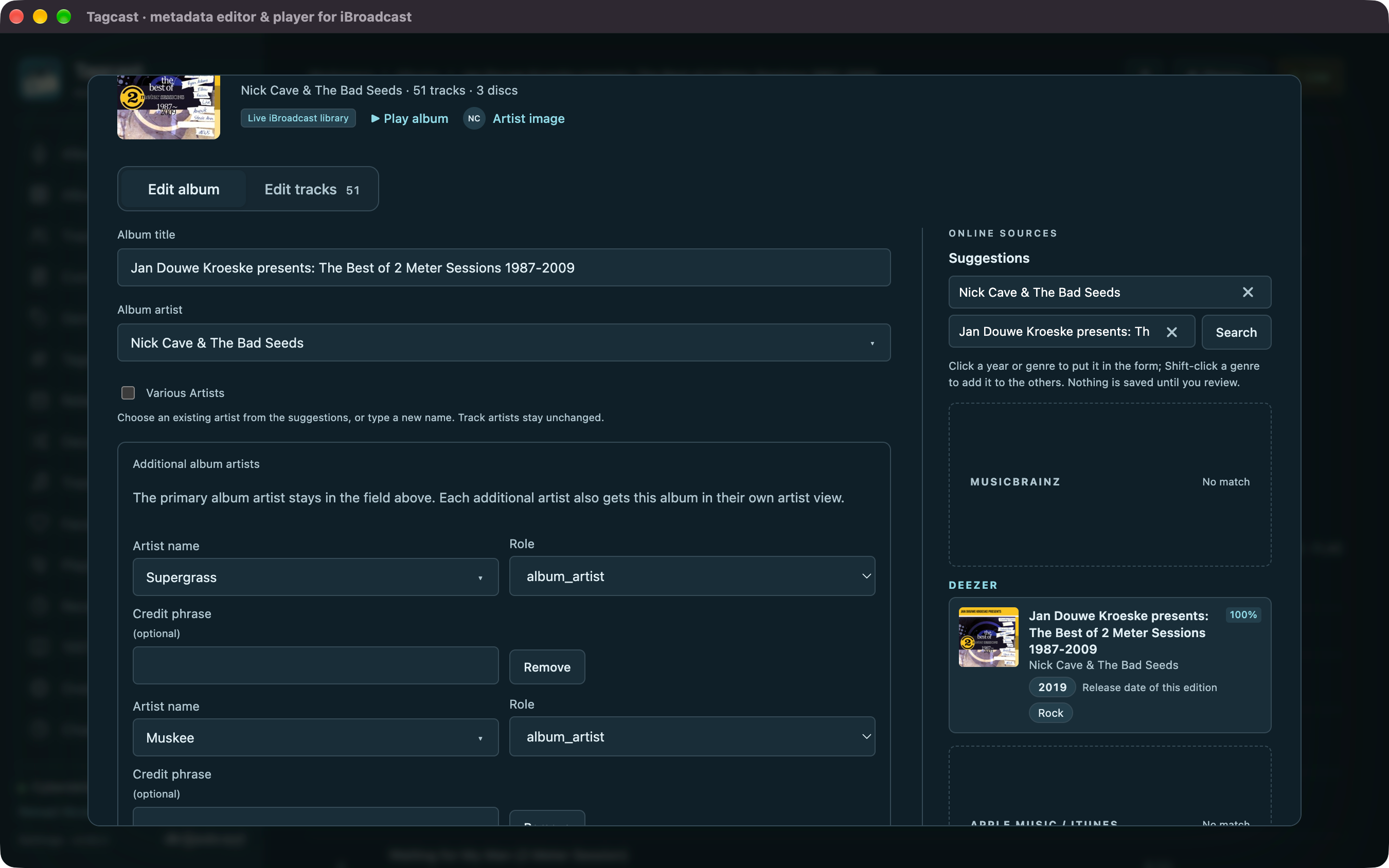
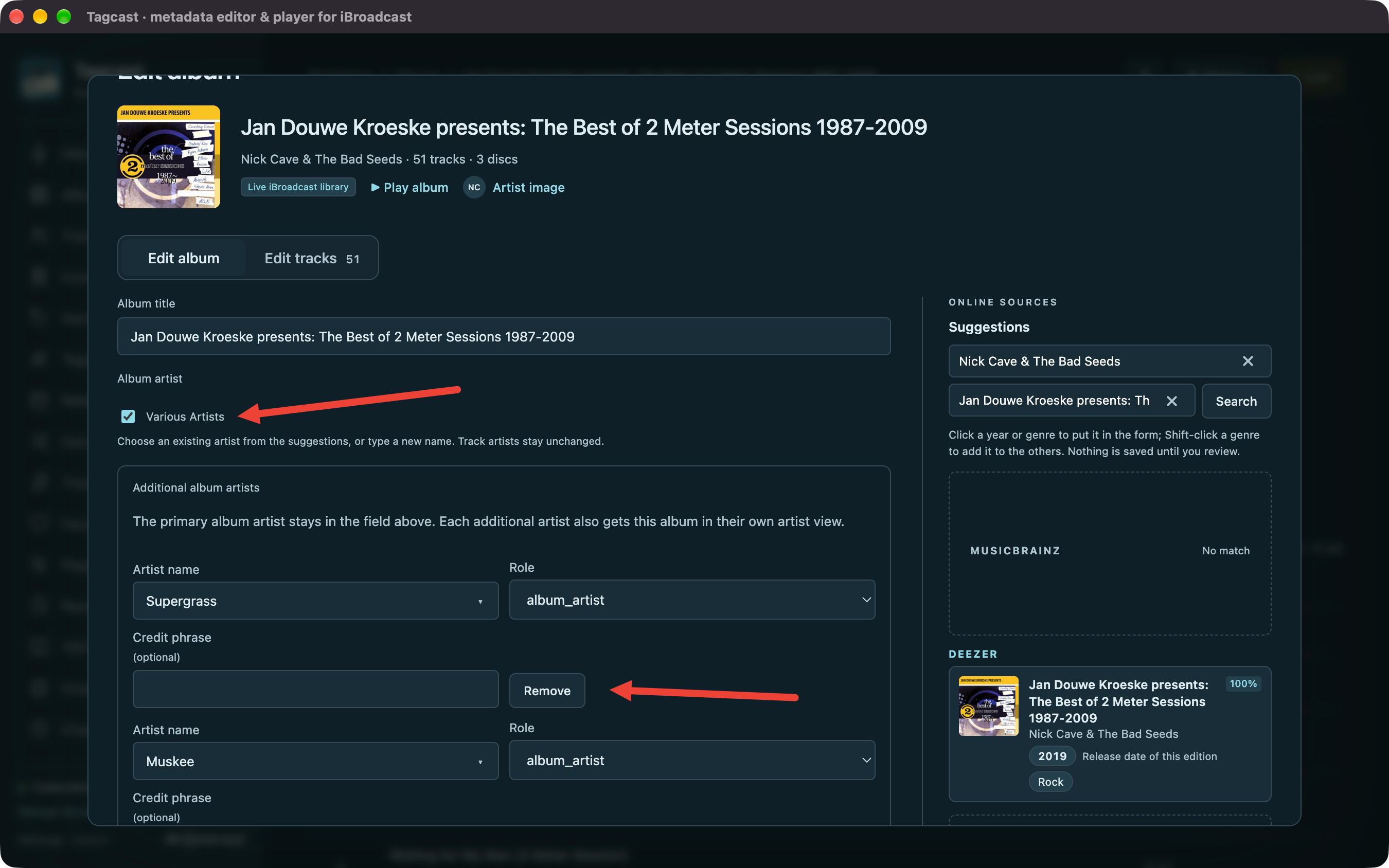
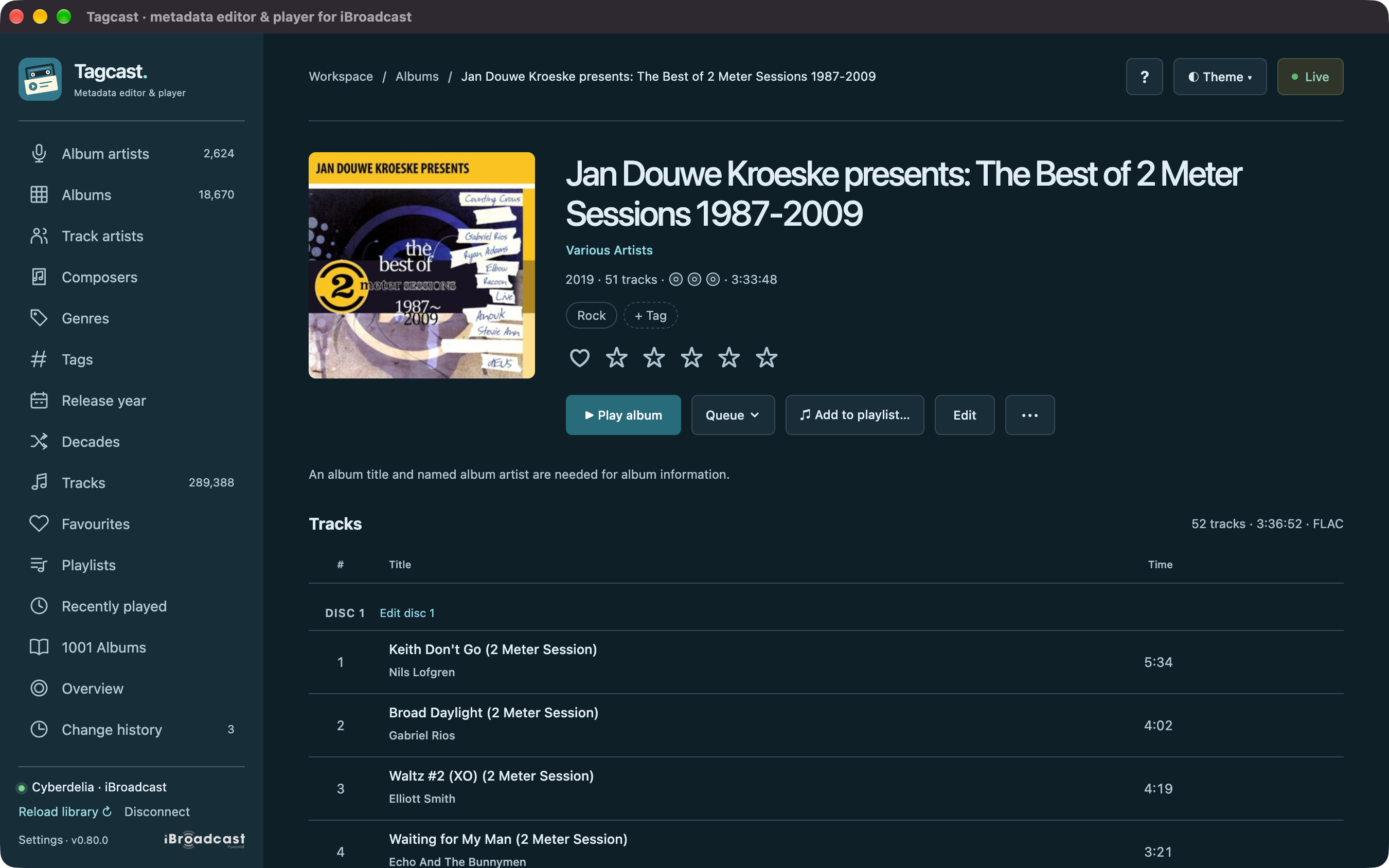
Author-supplied 0.80.0 examples. Follow the complete Various Artists walkthrough for the difference between album artists and individual track performers. The final header was adjusted for this illustration.
Show all five compilation-editing screenshots
Before: multiple album artists
Primary and additional album artists
Various Artists selected
Review every disc
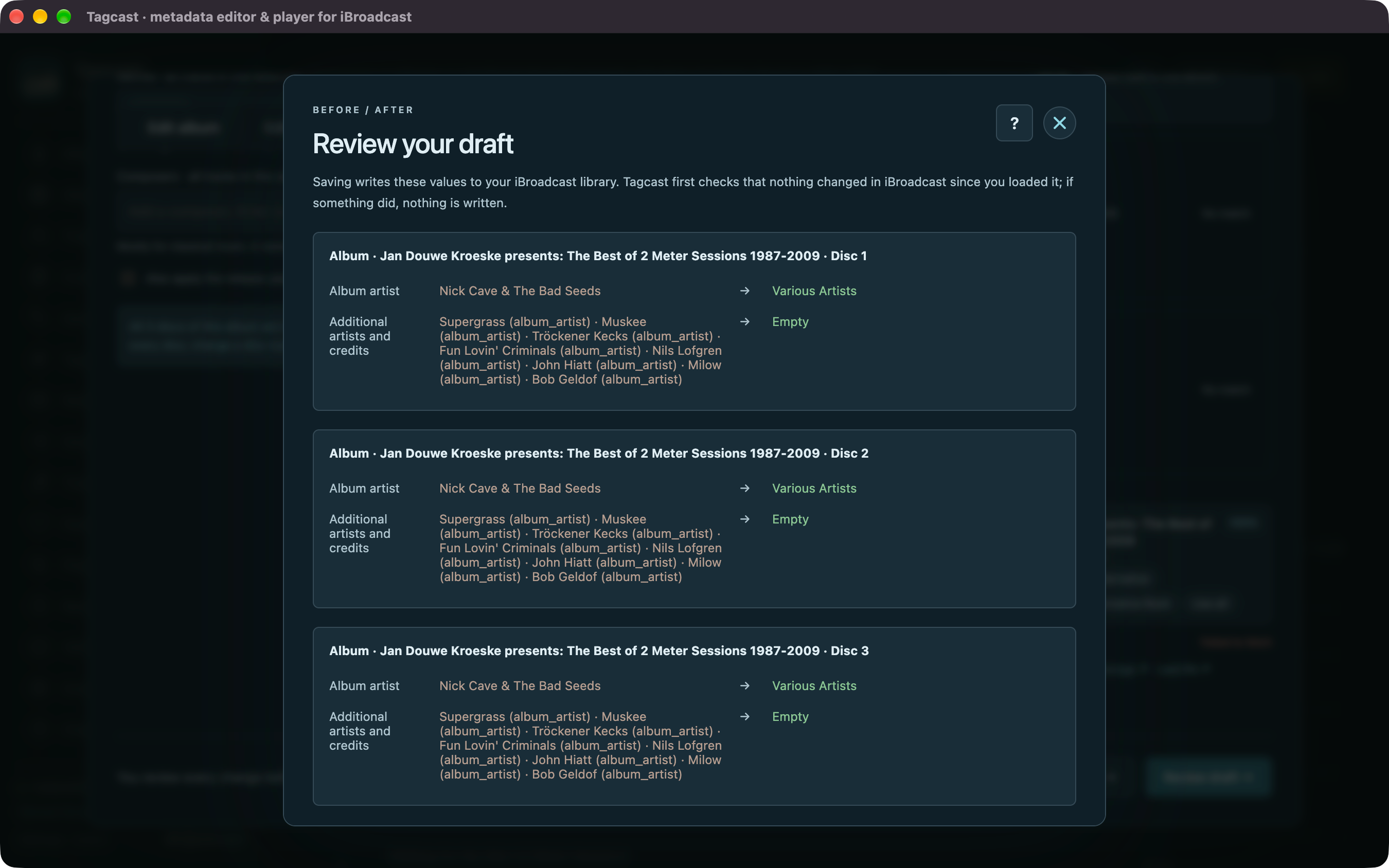
Illustrative result
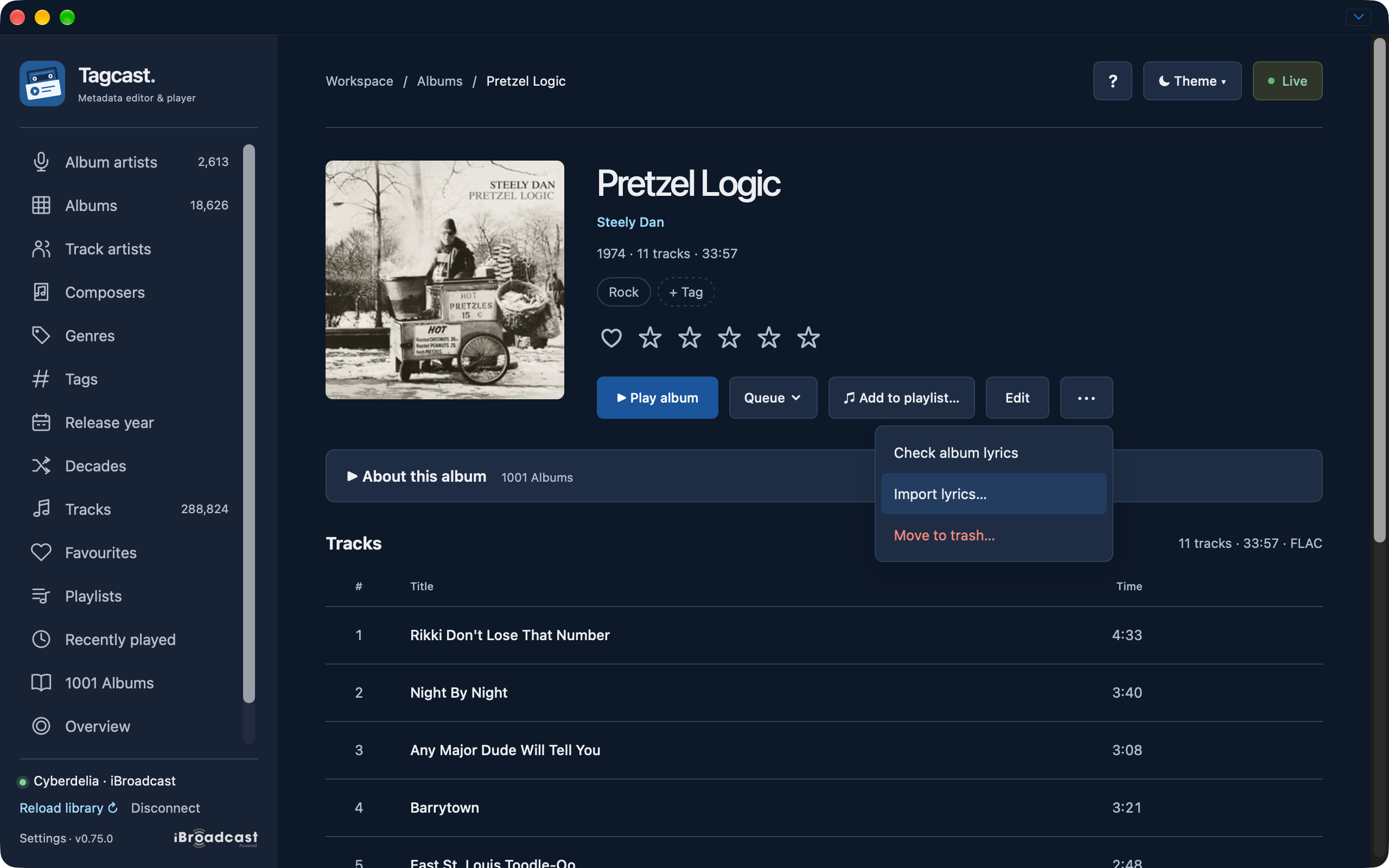
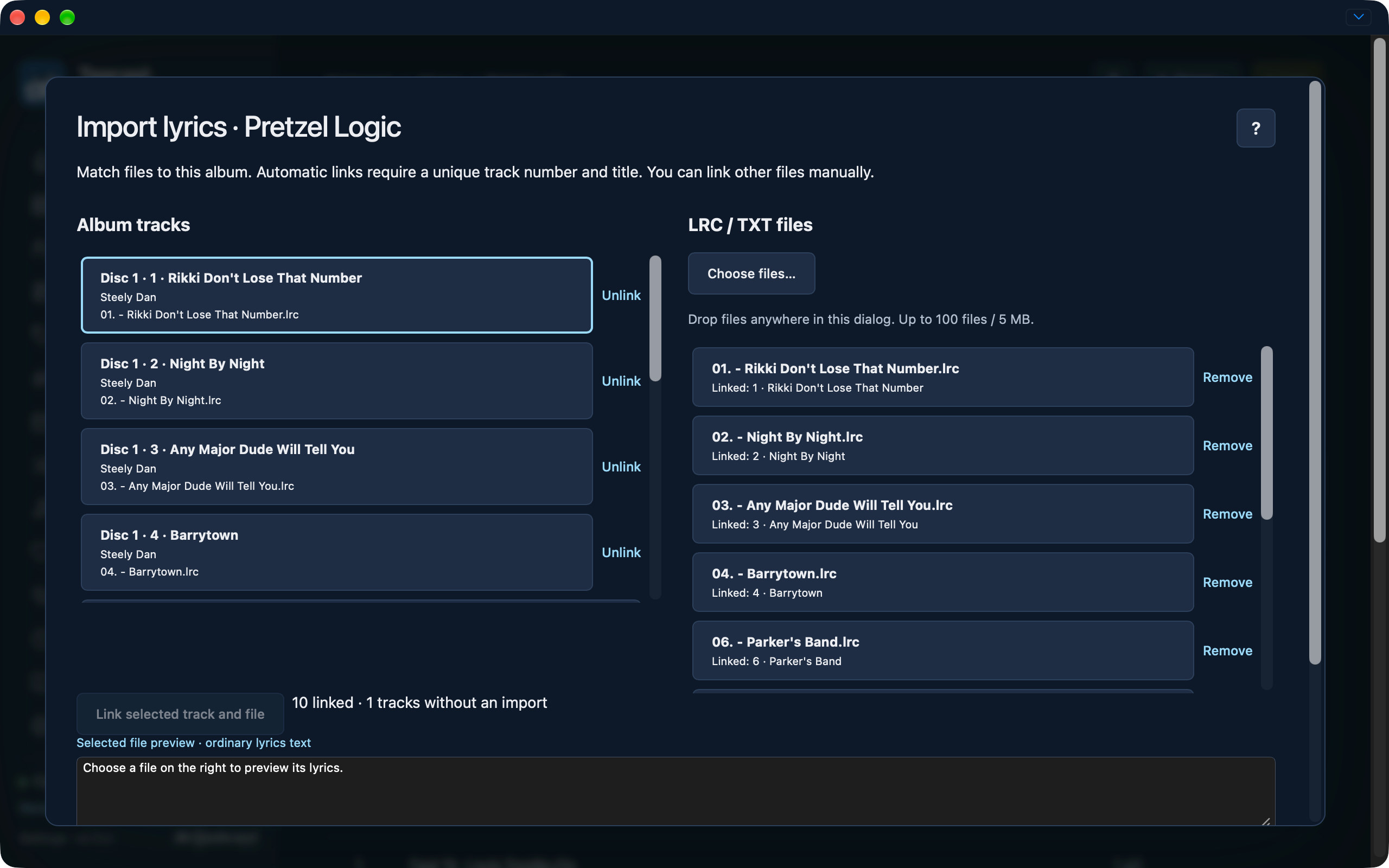
Four contributor-supplied originals show the LRC/TXT album import in a local test build. They retain their 0.75.0 badge; the feature first ships in 0.80.0. See the import instructions and the original-file inventory with SHA-256 hashes.
Open Import lyrics from the album More menu.
Album tracks on the left and LRC/TXT files on the right, with ten links and one track without an import.
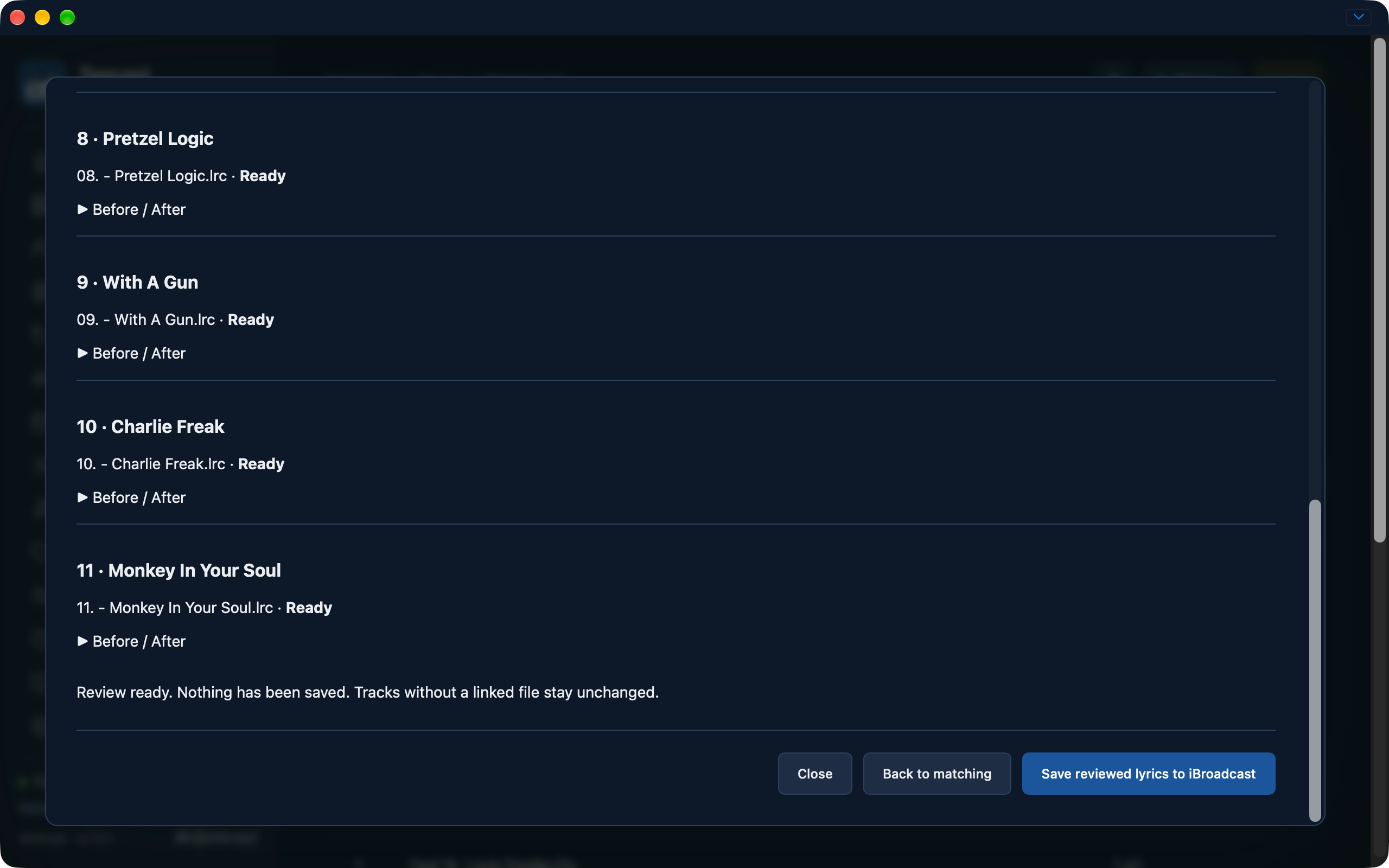
Review ready before saving, with Before / After disclosures and the explicit Save reviewed lyrics button.
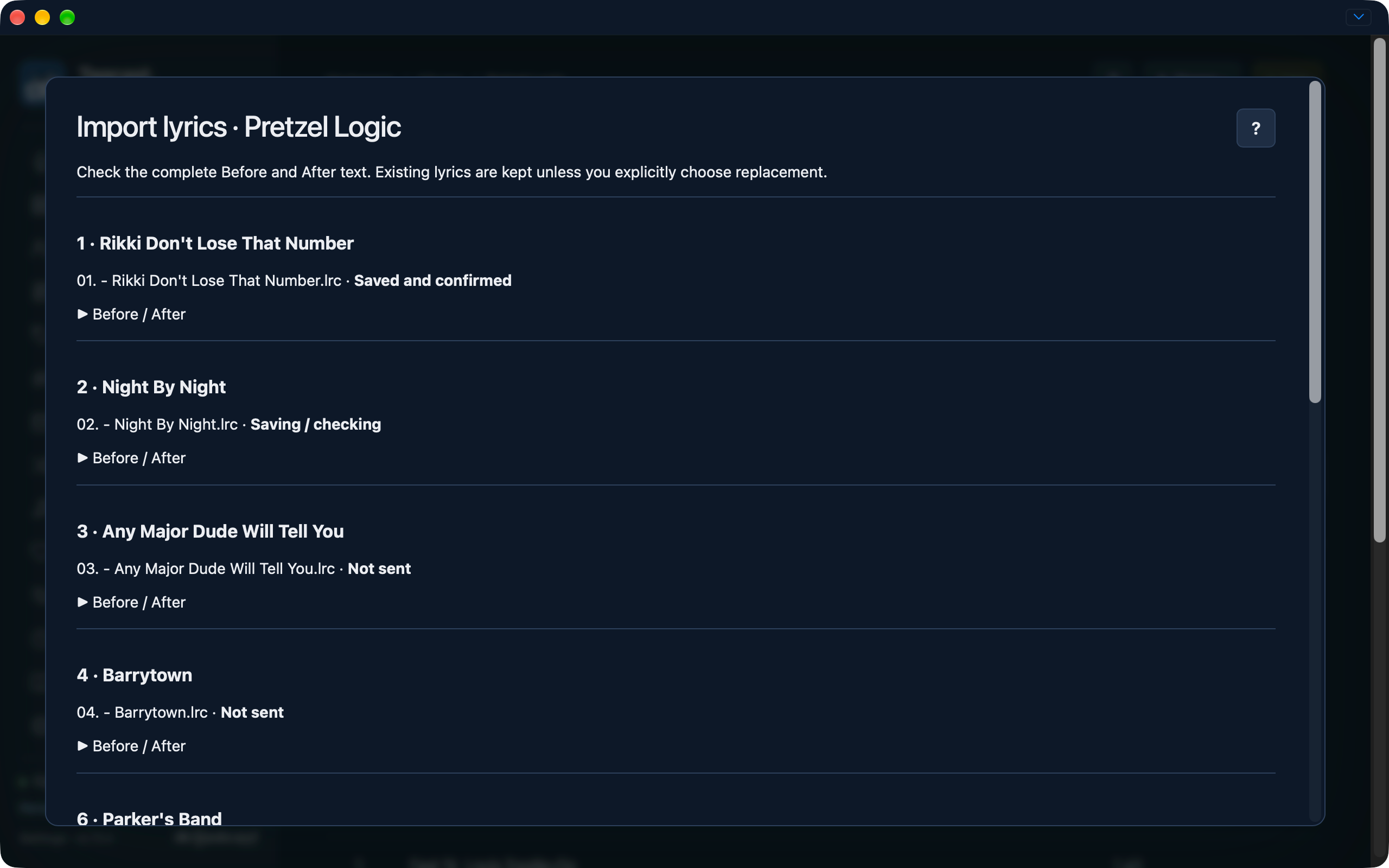
Save in progress: the first track is confirmed, the second is being checked and later tracks have not been sent.
62 original screenshots supplied by the contributor, including a seven-image public Deezer import, pause and resume sequence. These show a development/test build made before 0.75.0 and retain the earlier 0.70.2 badge. The displayed playlist, import, editor and lyrics additions are included in 0.75.0. Source PNGs are preserved without resizing or edits; the contributor's Overview account-field redaction is retained.
The capture round is complete; secondary dialogs remain documented in text.
Original-file inventory and SHA-256 manifest · Capture checklist
Artists and albums
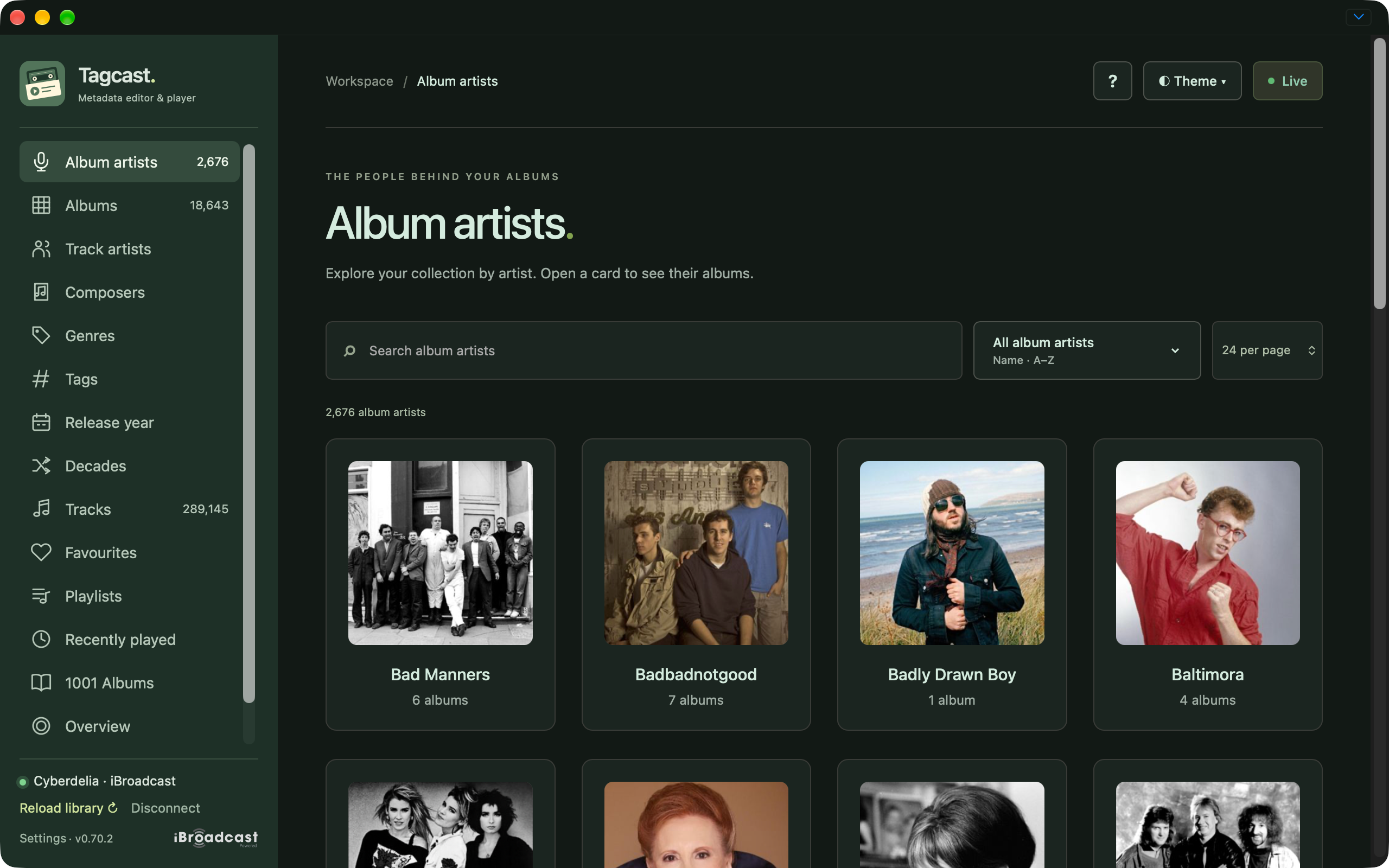
Album artist cards with rounded-square photos and the sidebar separator.
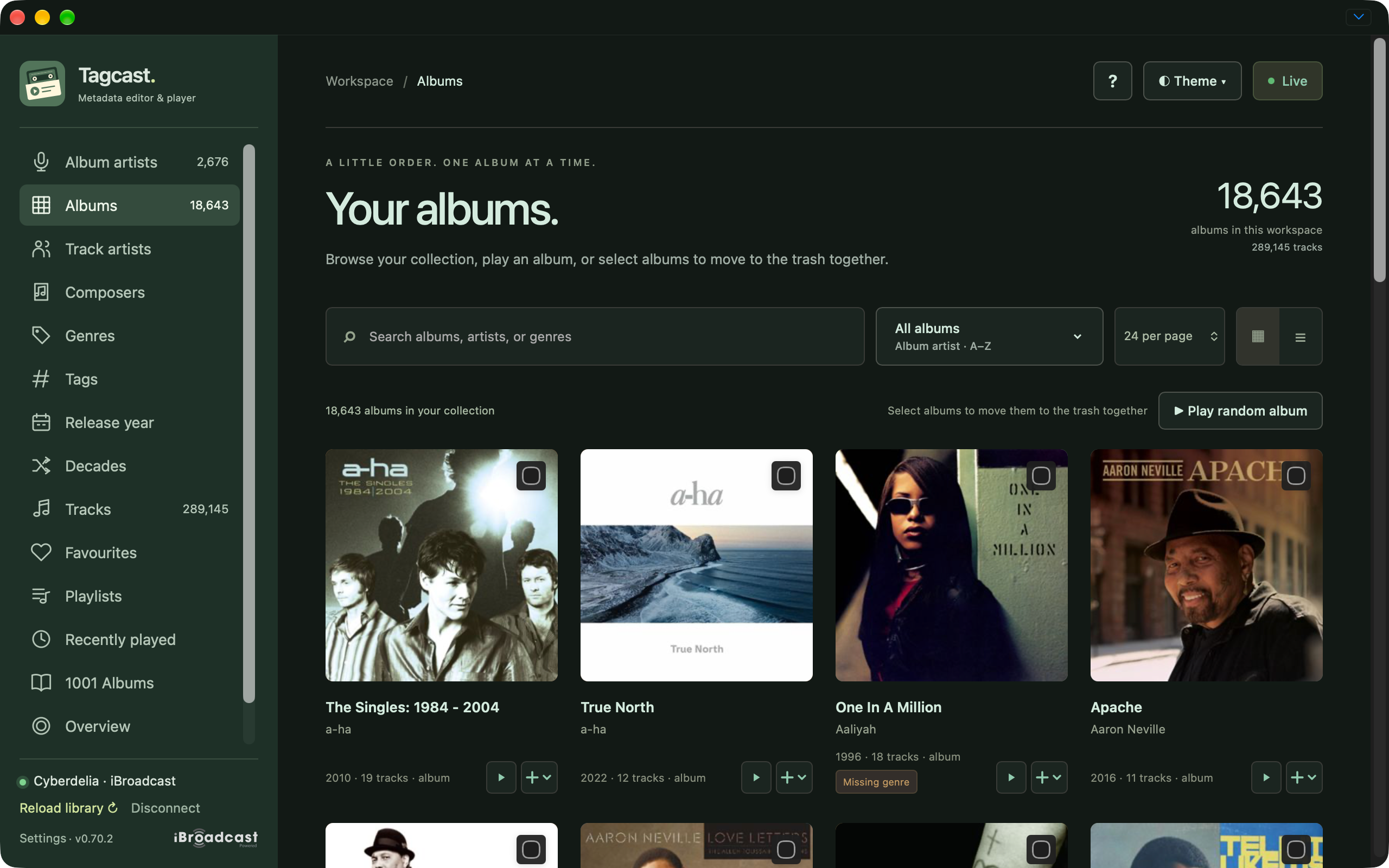
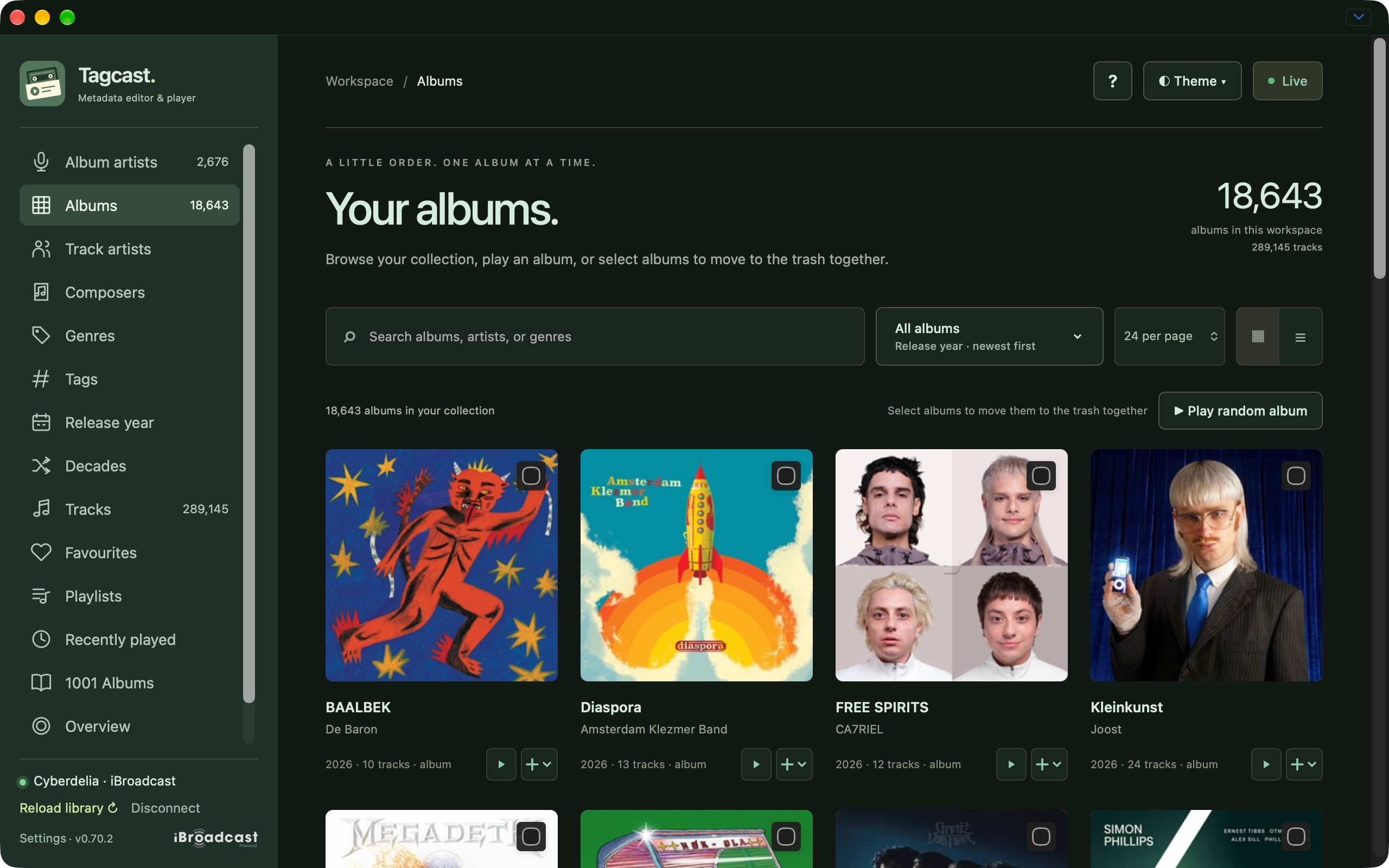
Album collection with filters, sorting and compact playback controls.
Album collection with random ordering.
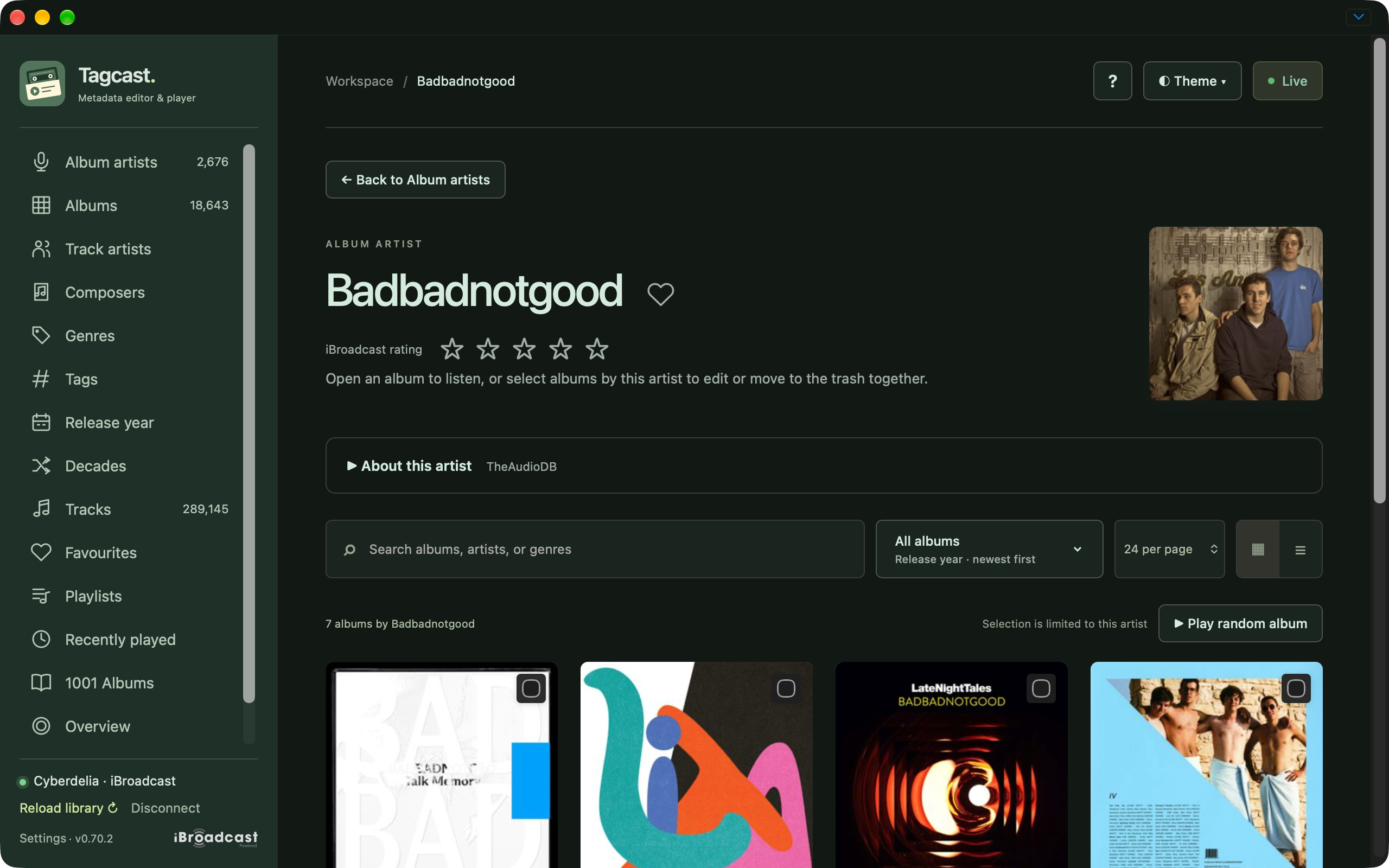
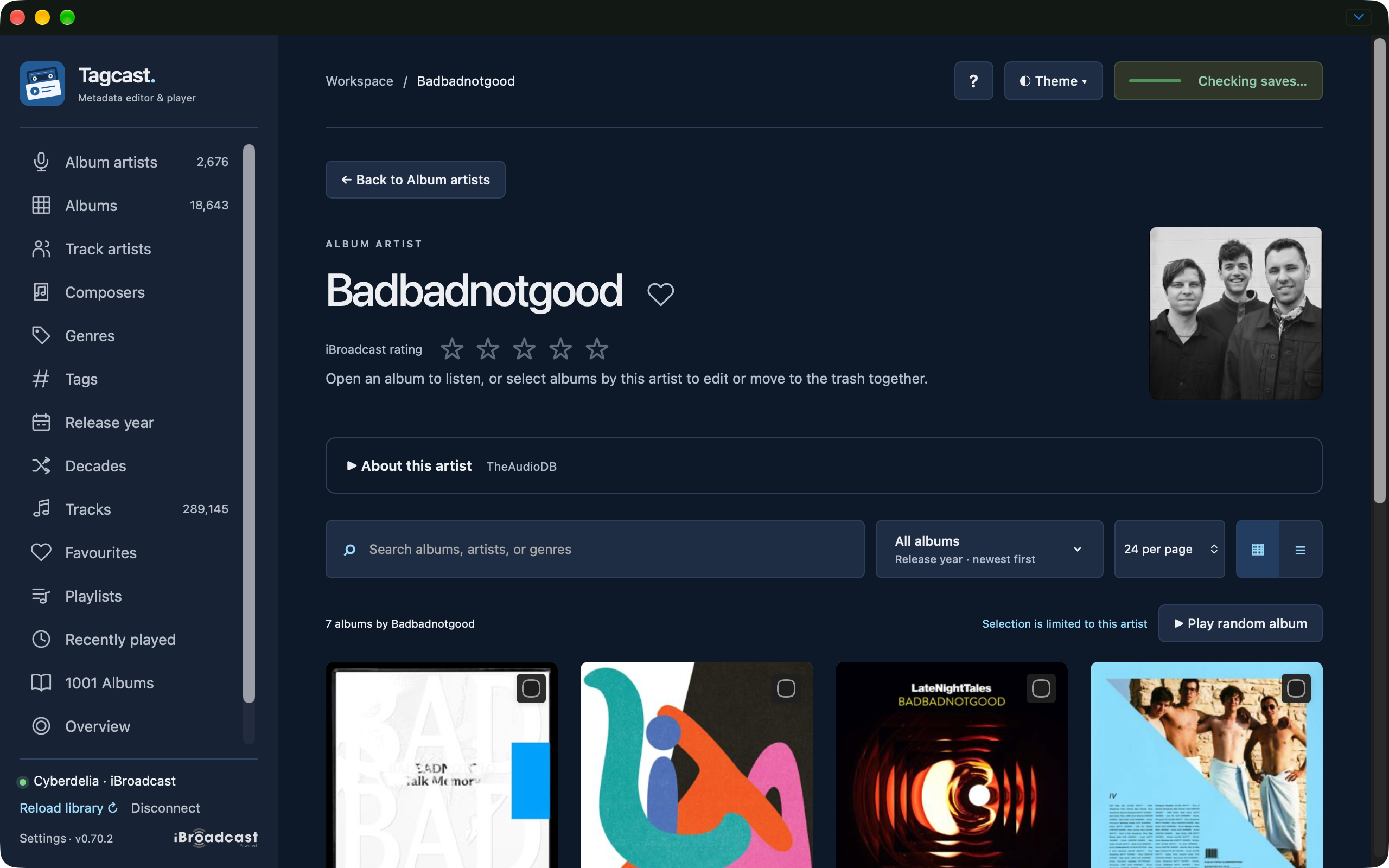
Badbadnotgood artist page with a larger photo above its albums.
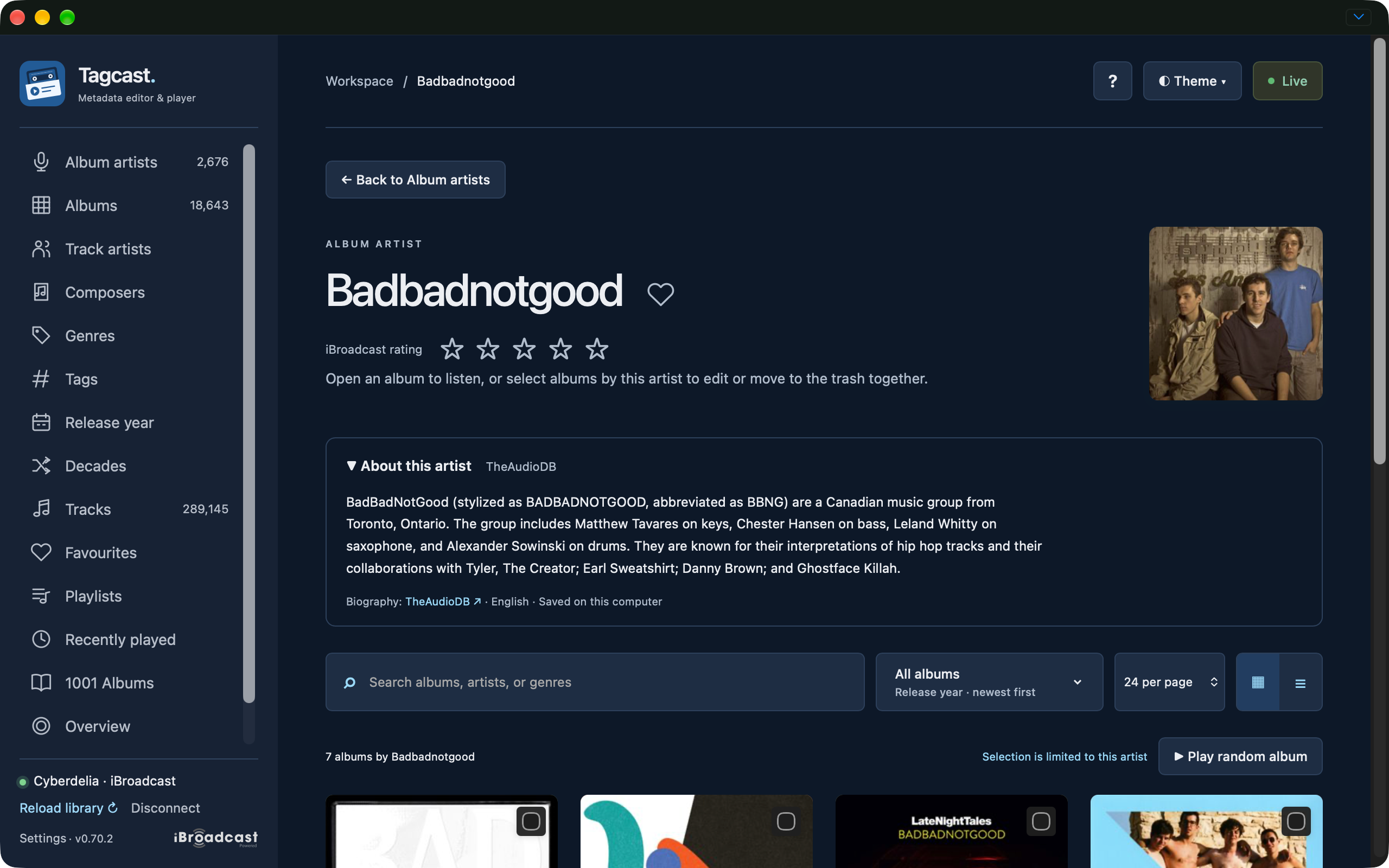
Expanded TheAudioDB artist biography in the iBroadcast-inspired palette.
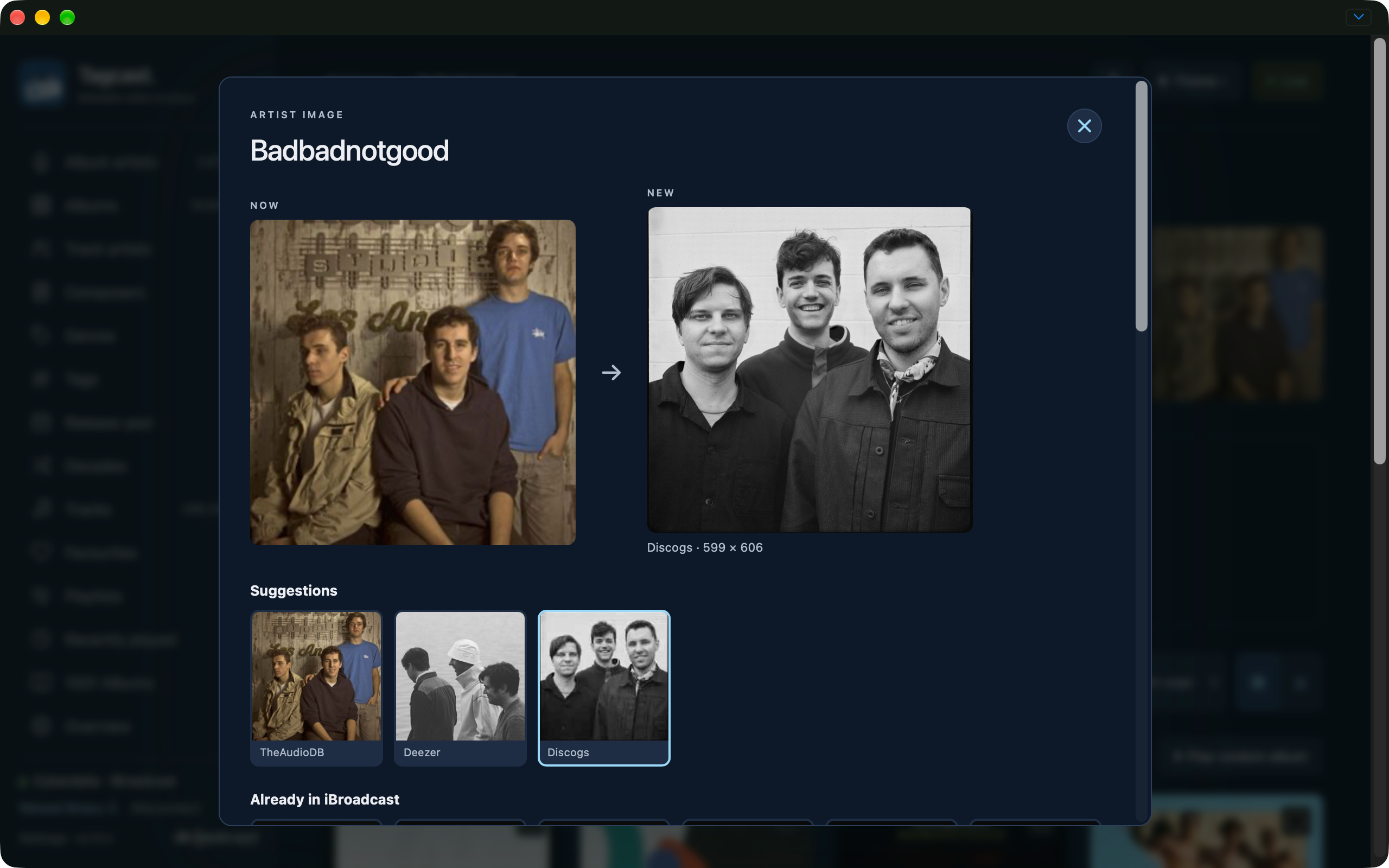
Separate artist-image comparison with suggested replacements.
Changed artist photo with the Checking saves indicator still active.
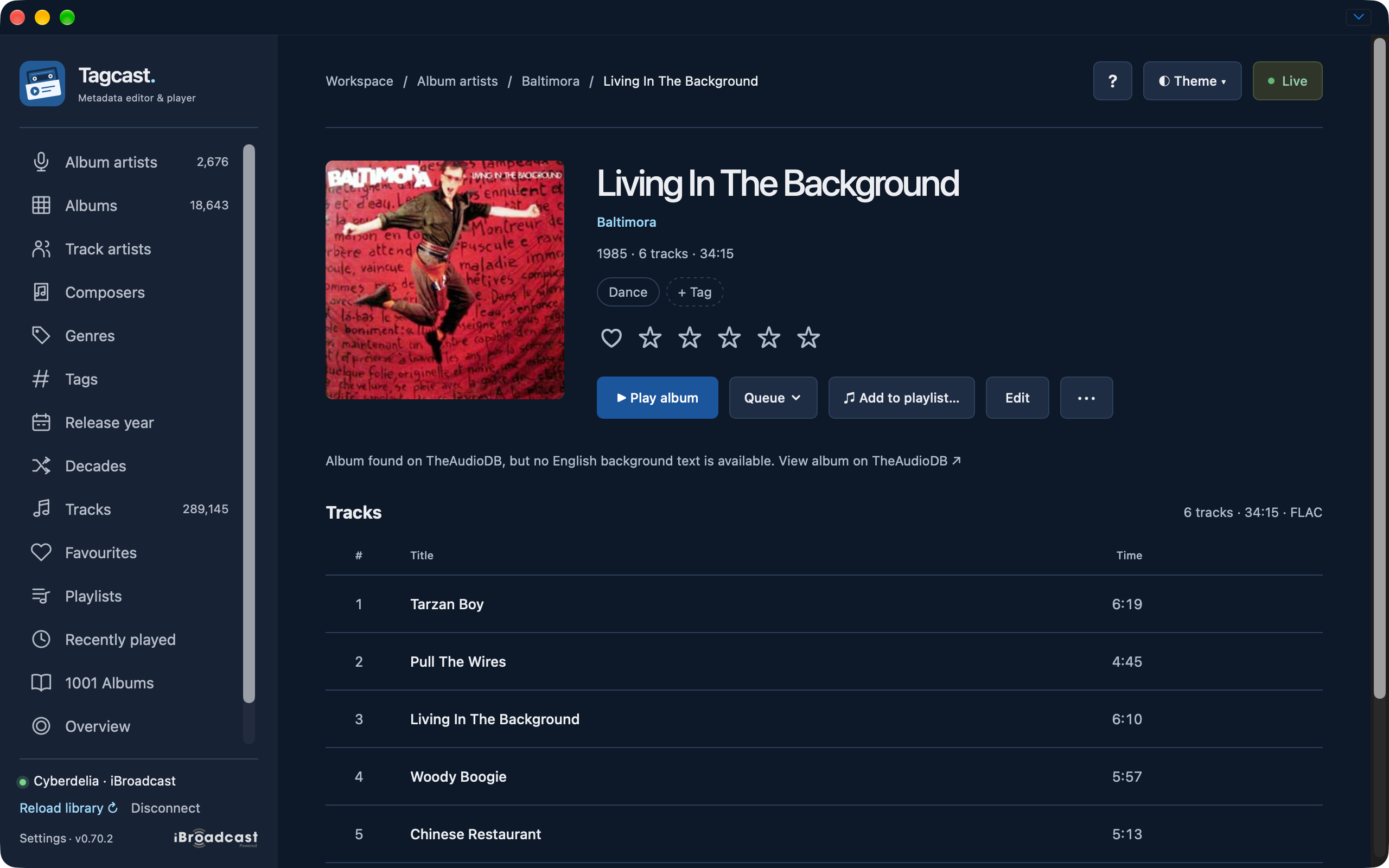
Living In The Background album details, genres, ratings and track list.
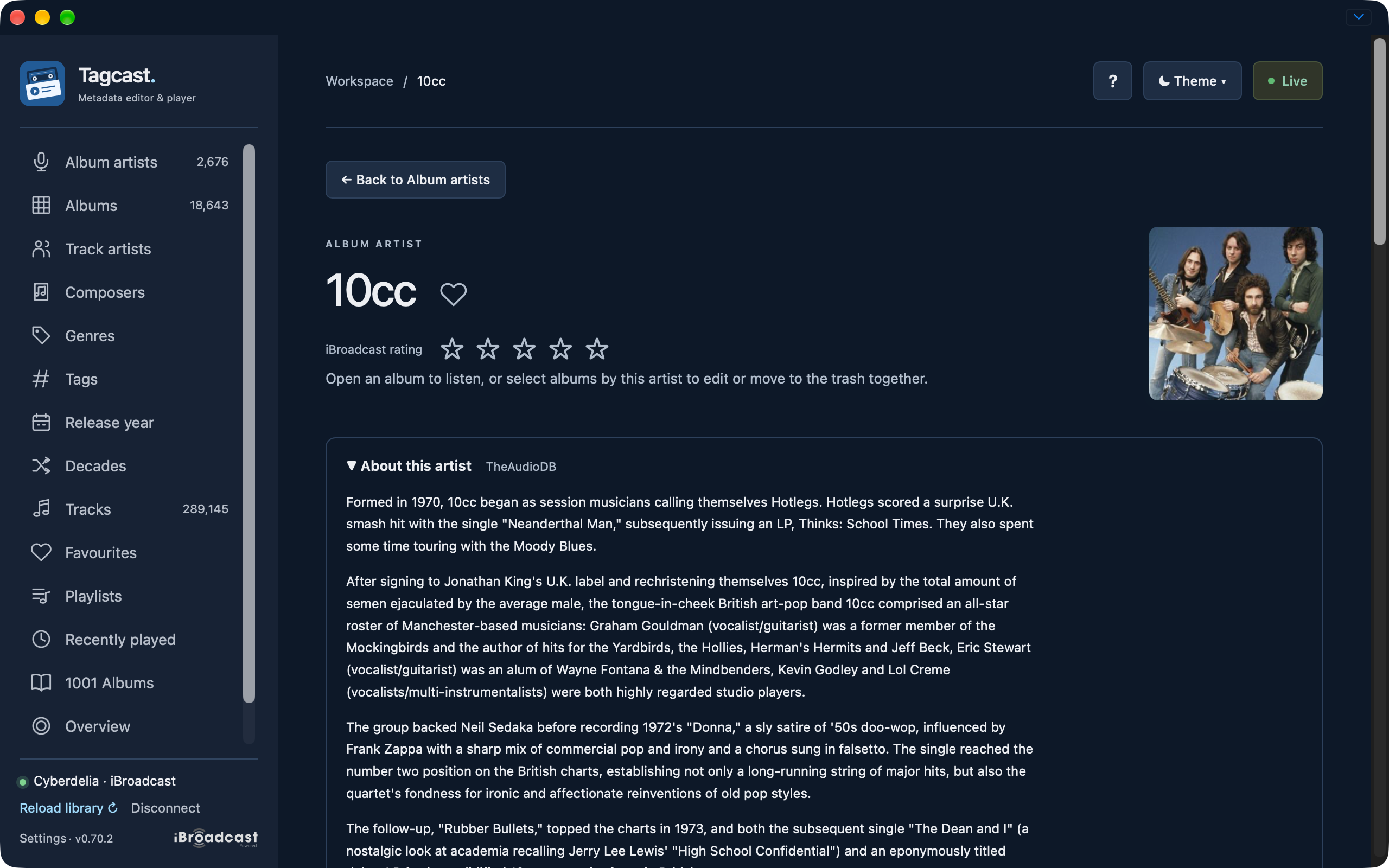
10cc artist biography with TheAudioDB attribution.
Editing and lyrics
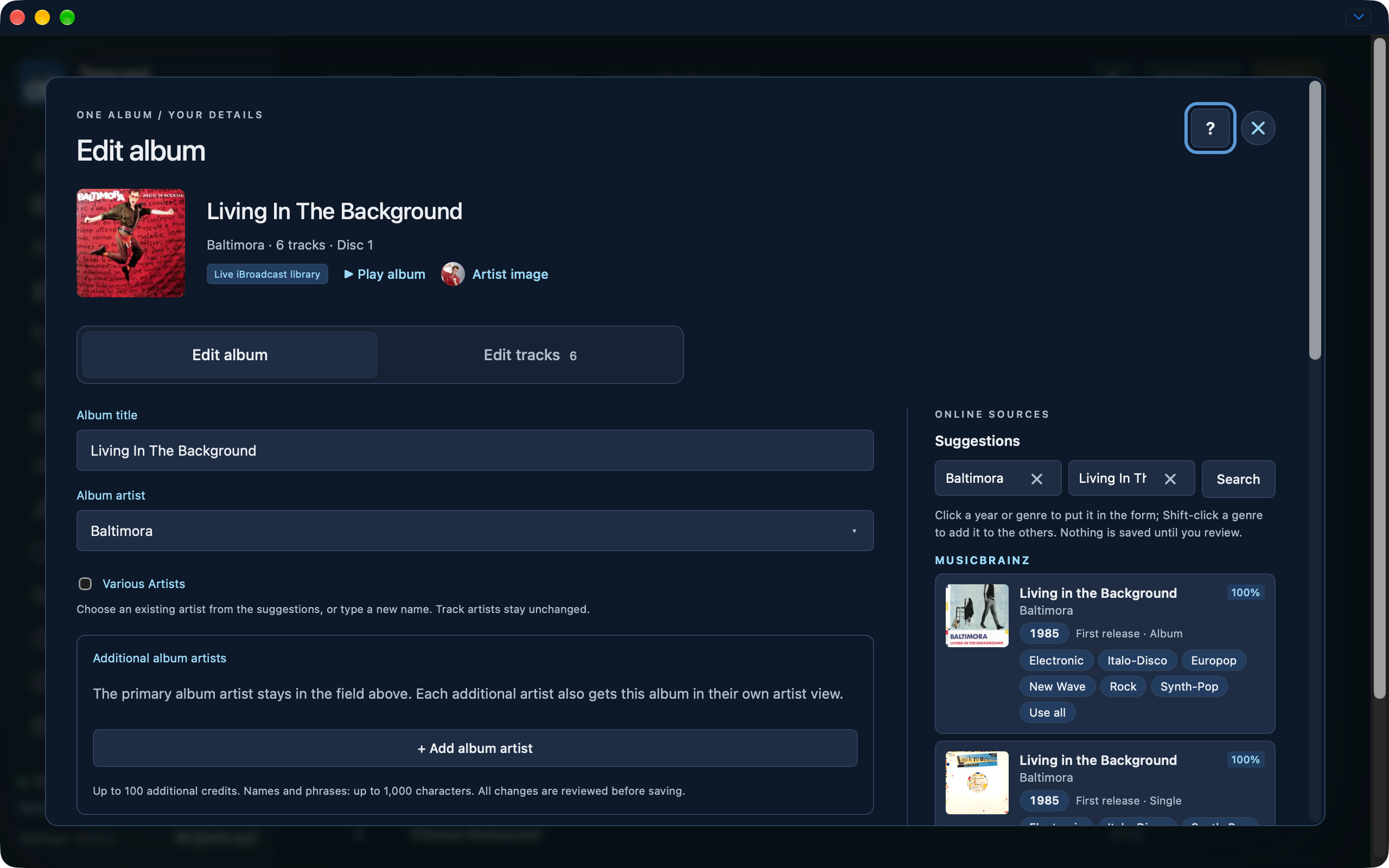
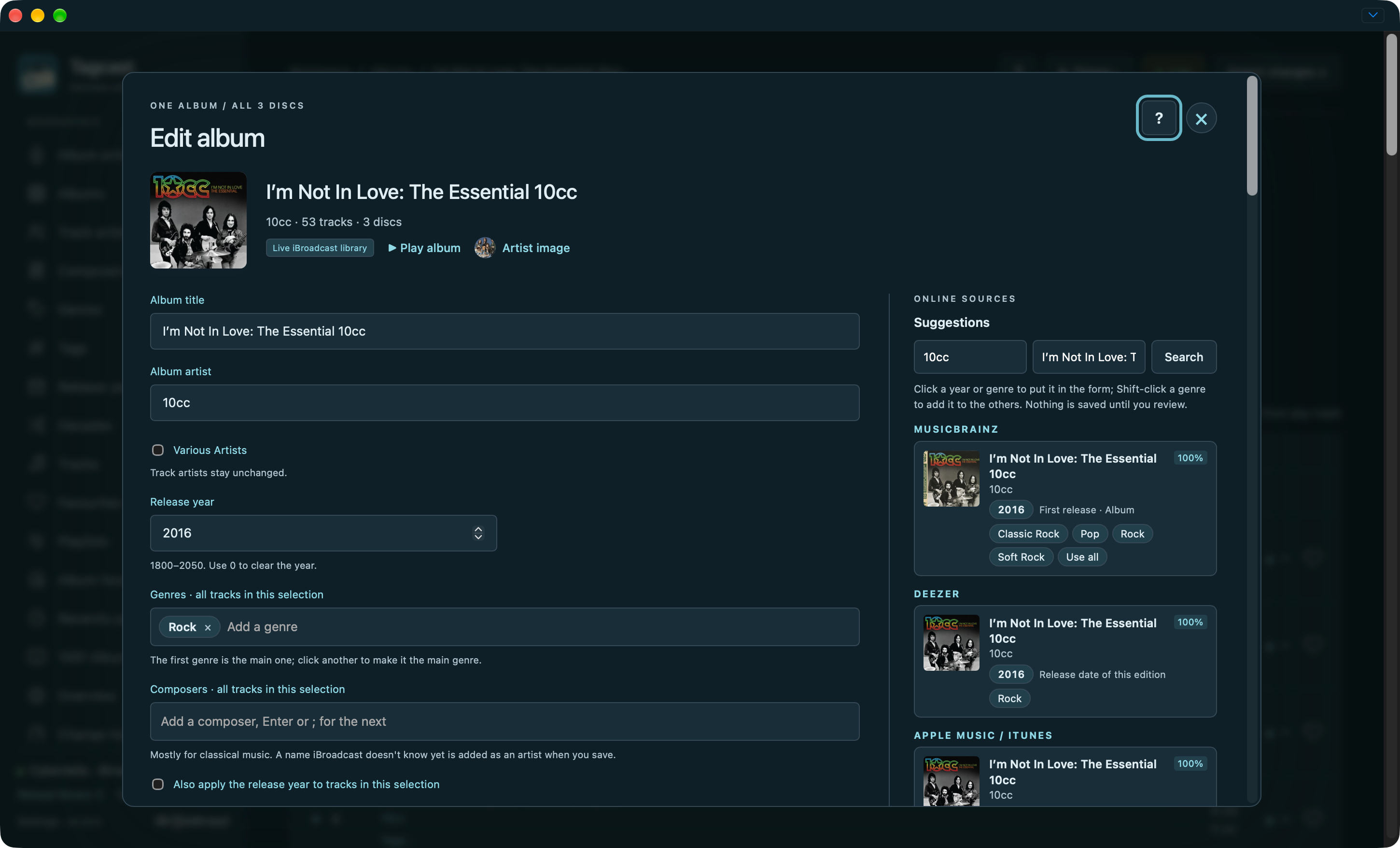
Edit album tab with metadata fields and online suggestions.
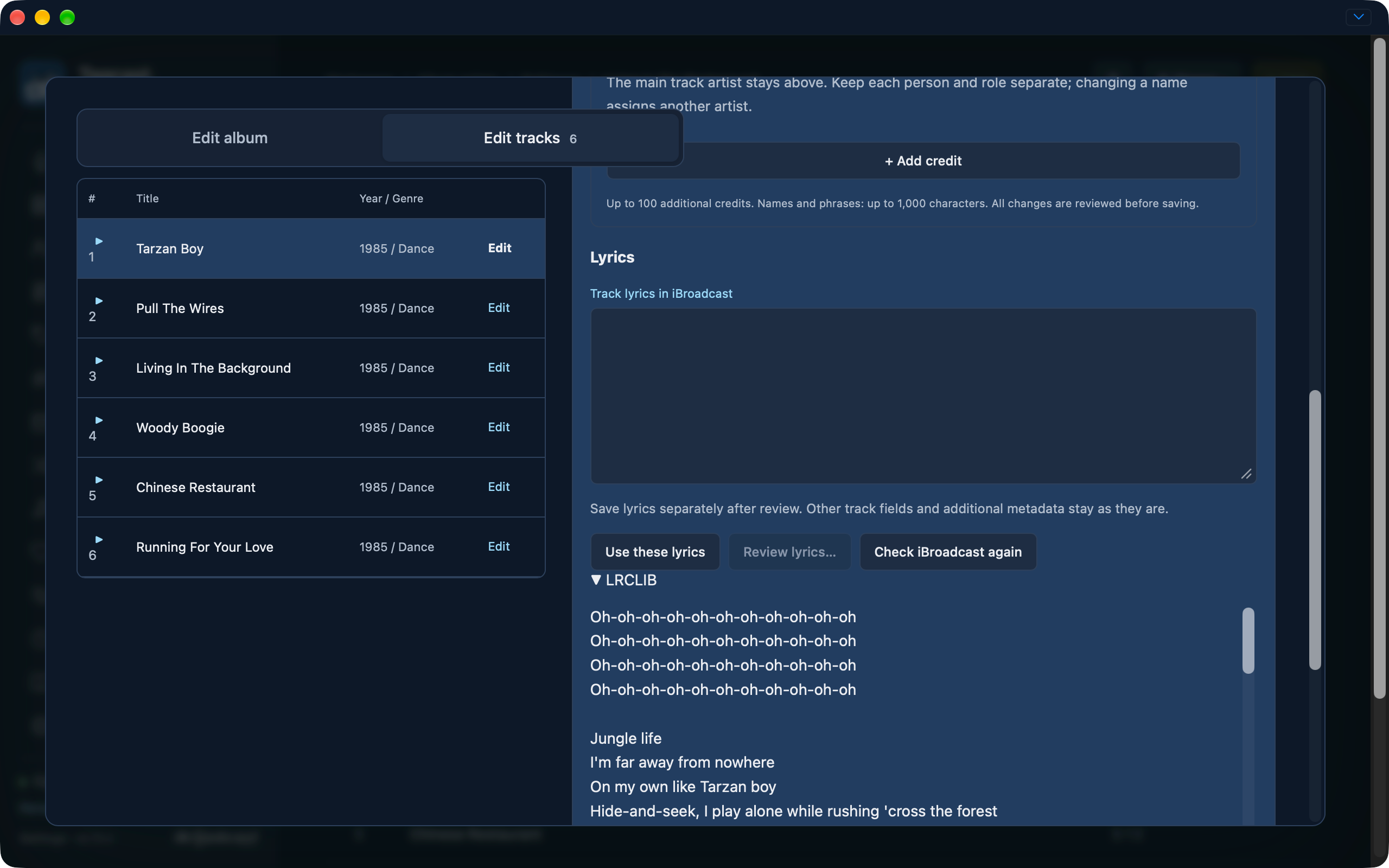
Edit tracks tab with a scrollable track list, lyrics field and explicit LRCLIB result.
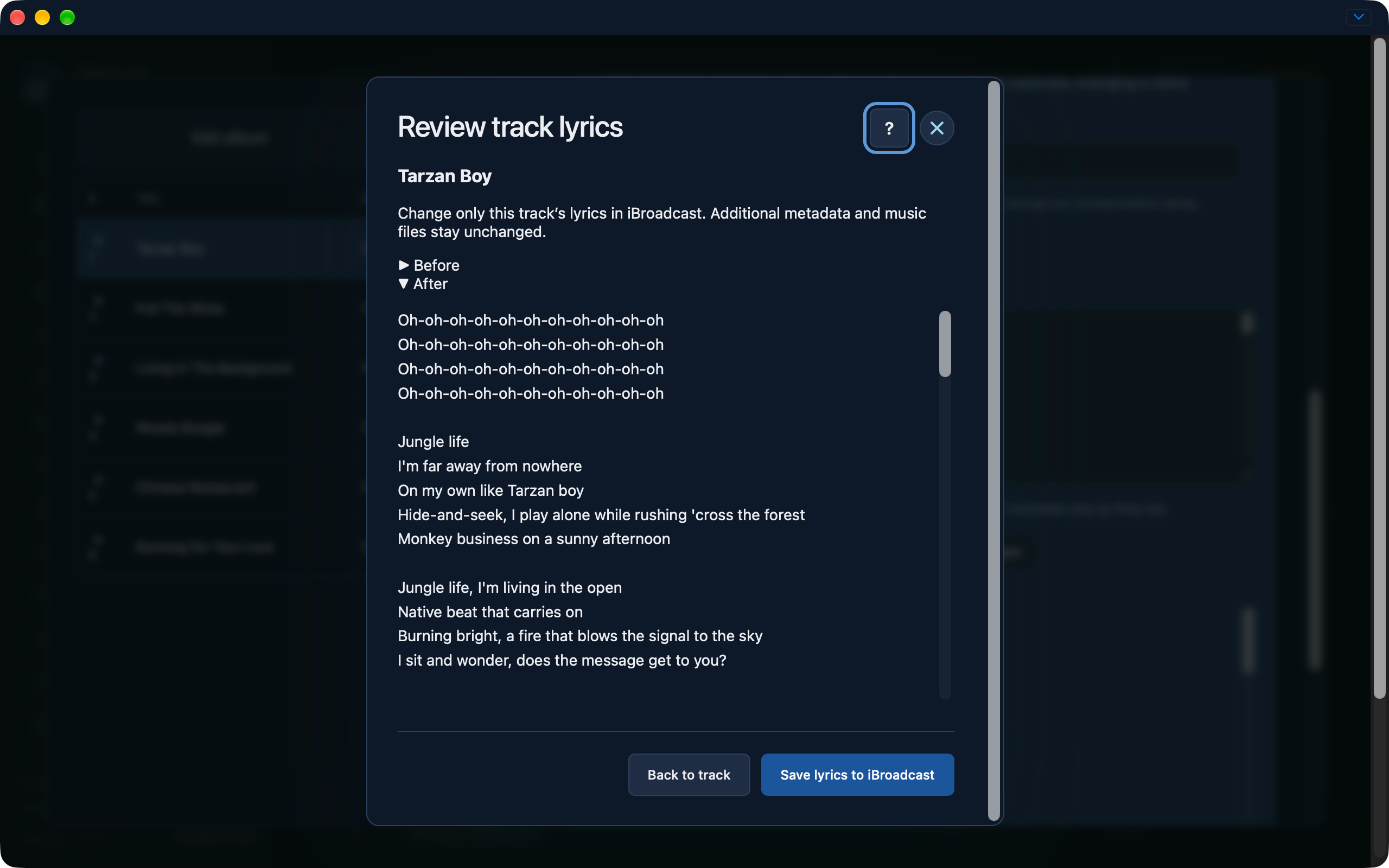
Separate track lyrics review before saving.
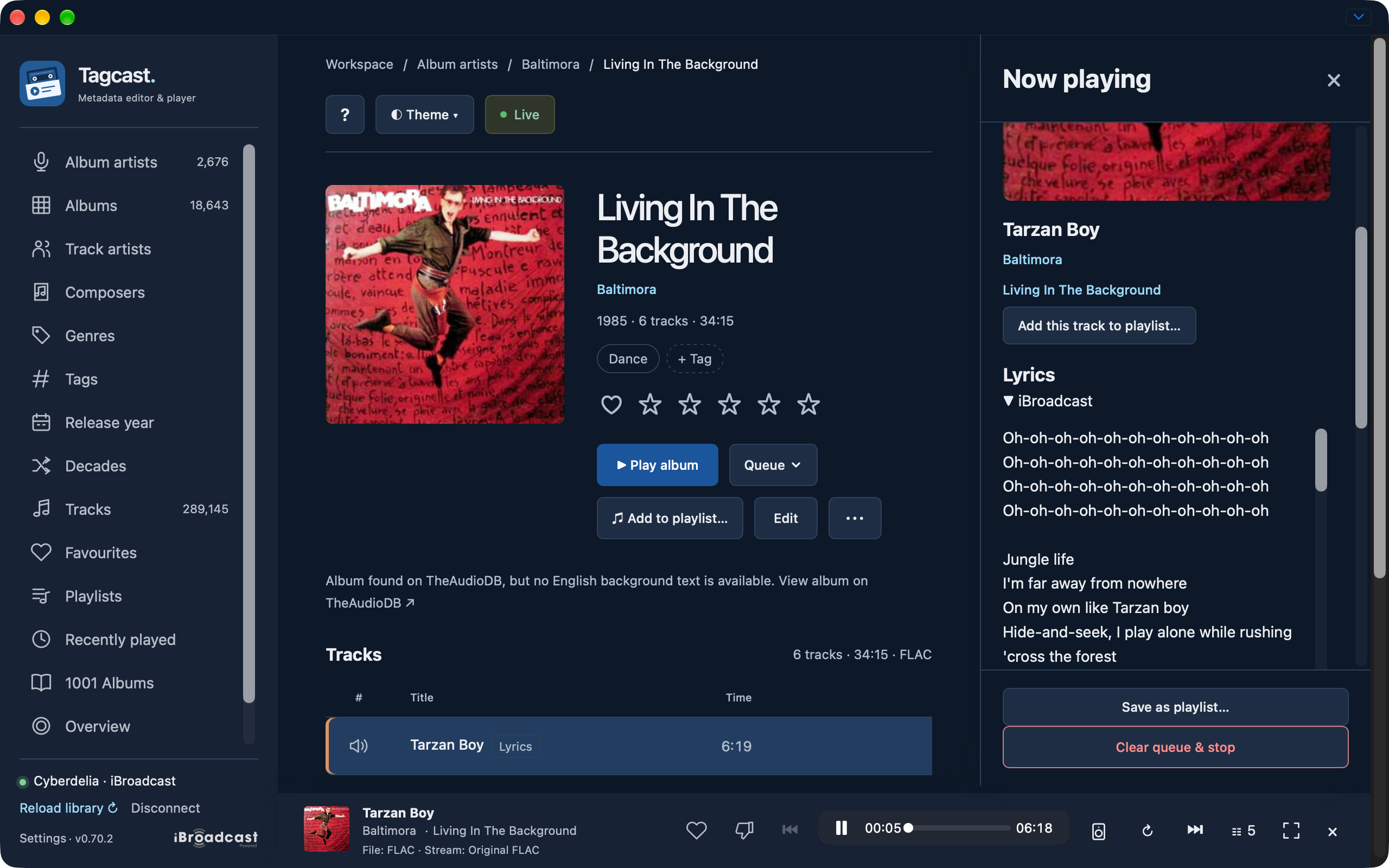
Native iBroadcast lyrics in Now playing and a known Lyrics label on the track.
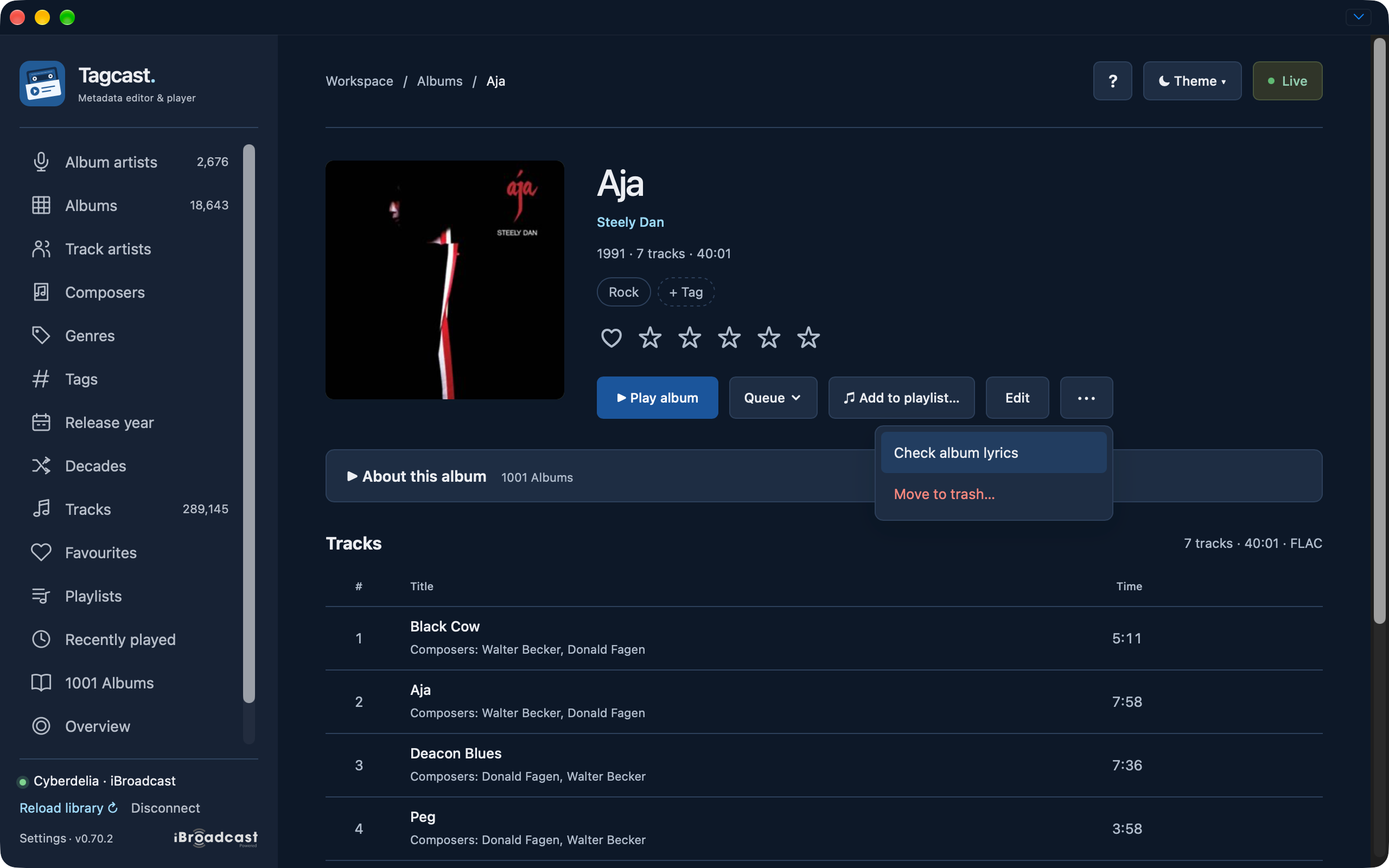
Explicit Check album lyrics action in the album More menu.
Completed seven-track album lyrics check with known Lyrics labels.
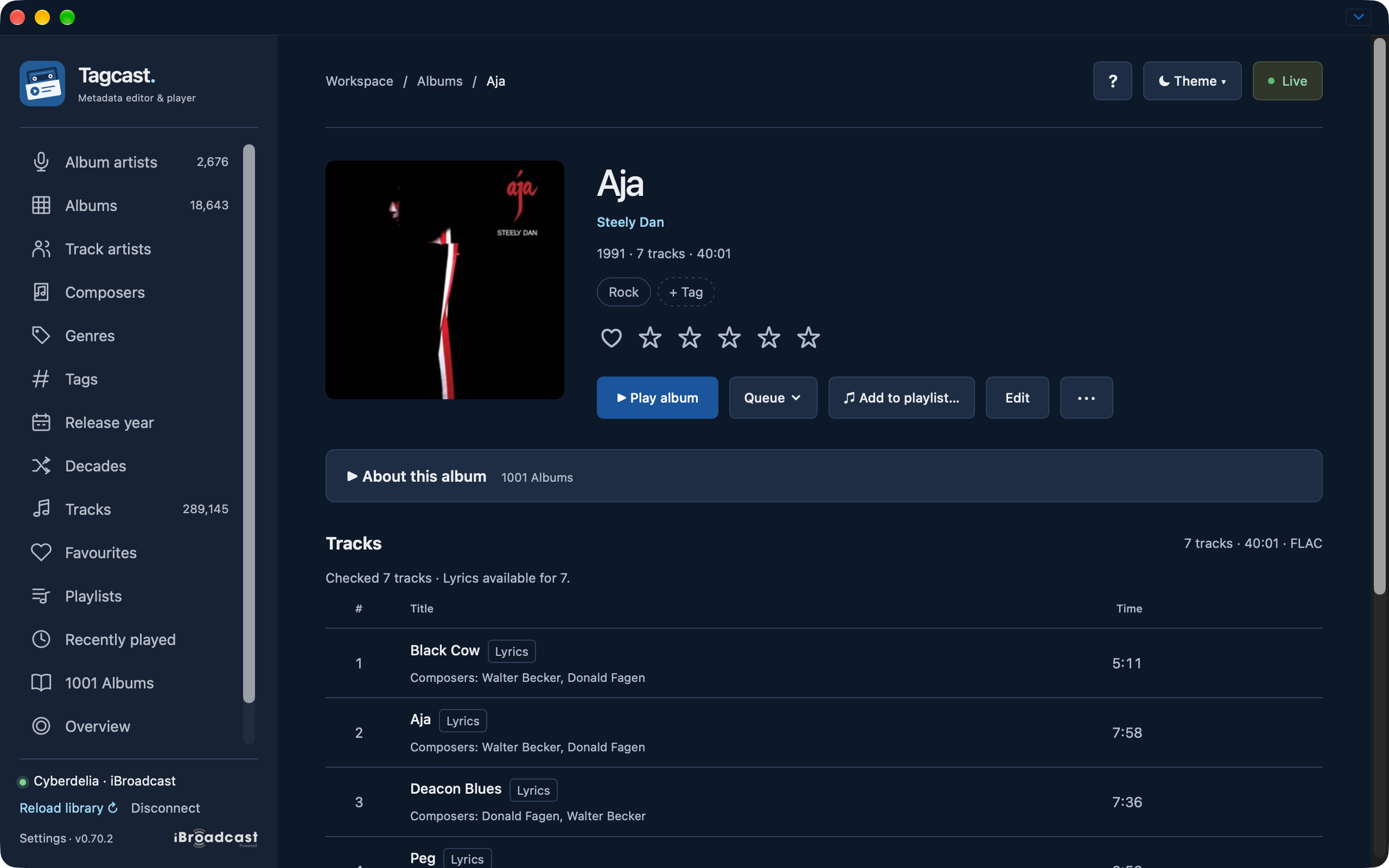
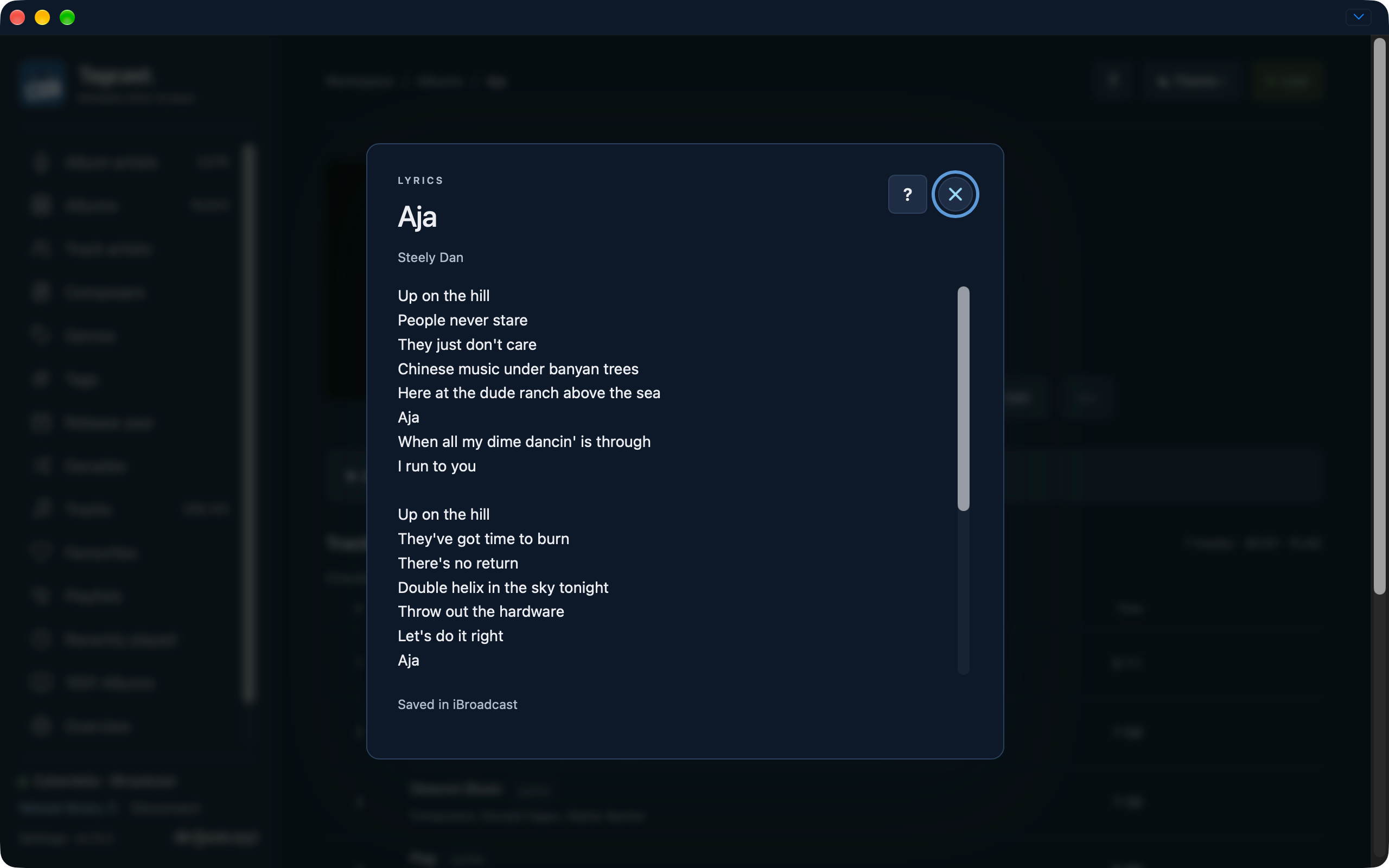
Read-only lyrics viewer showing text saved in iBroadcast.
Browsing and discovery
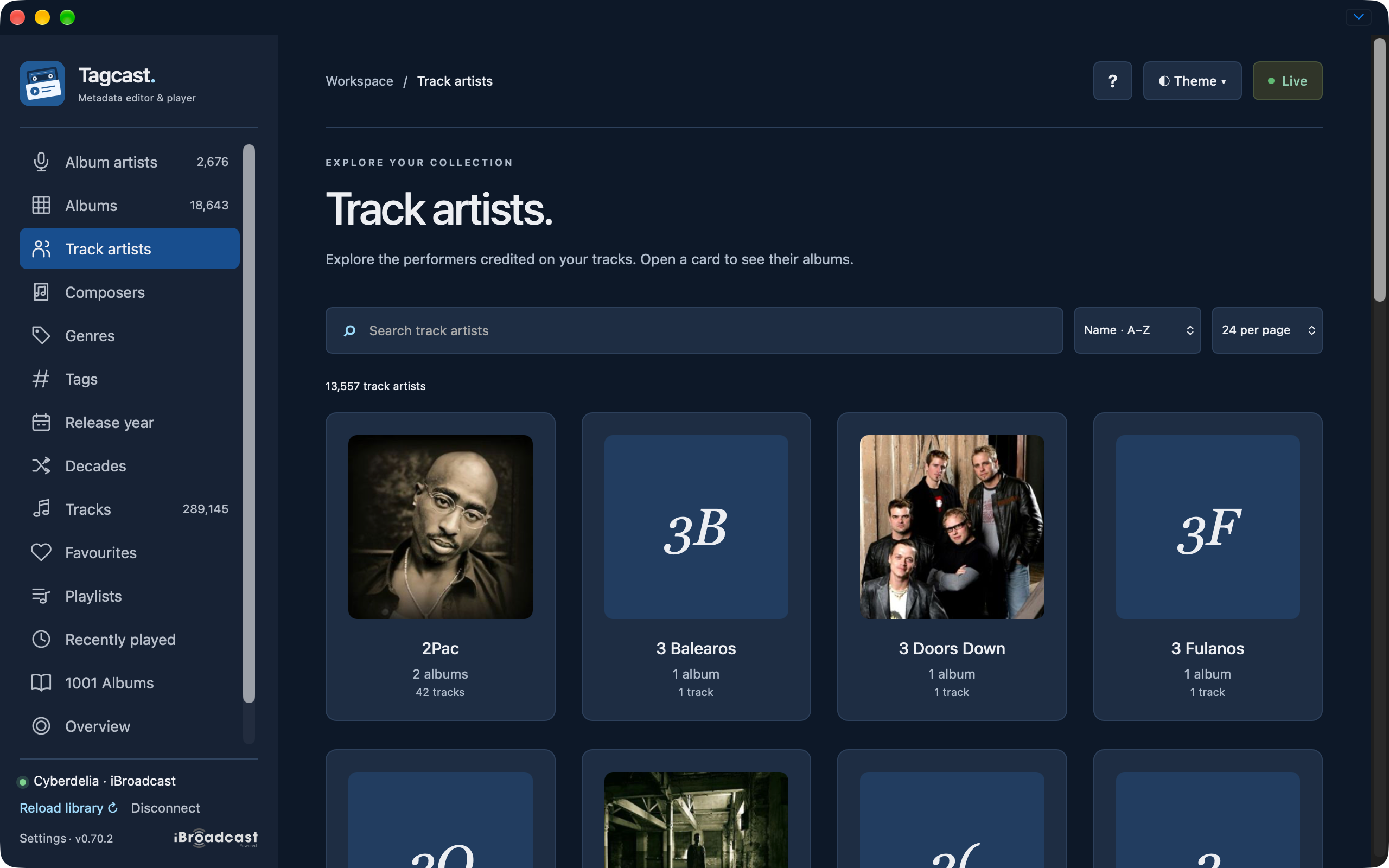
Track artist overview with album totals.
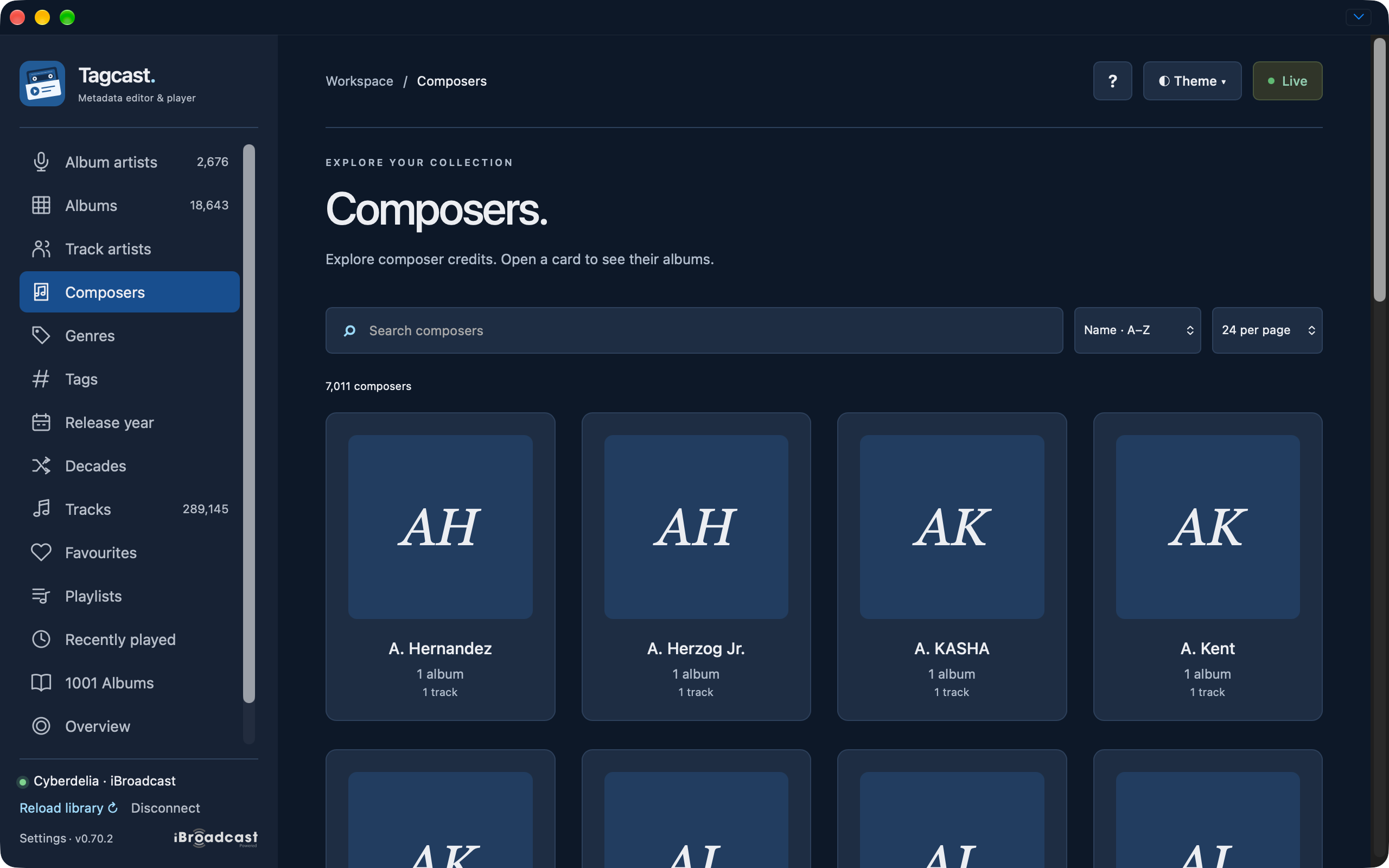
Composer overview with compact album totals.
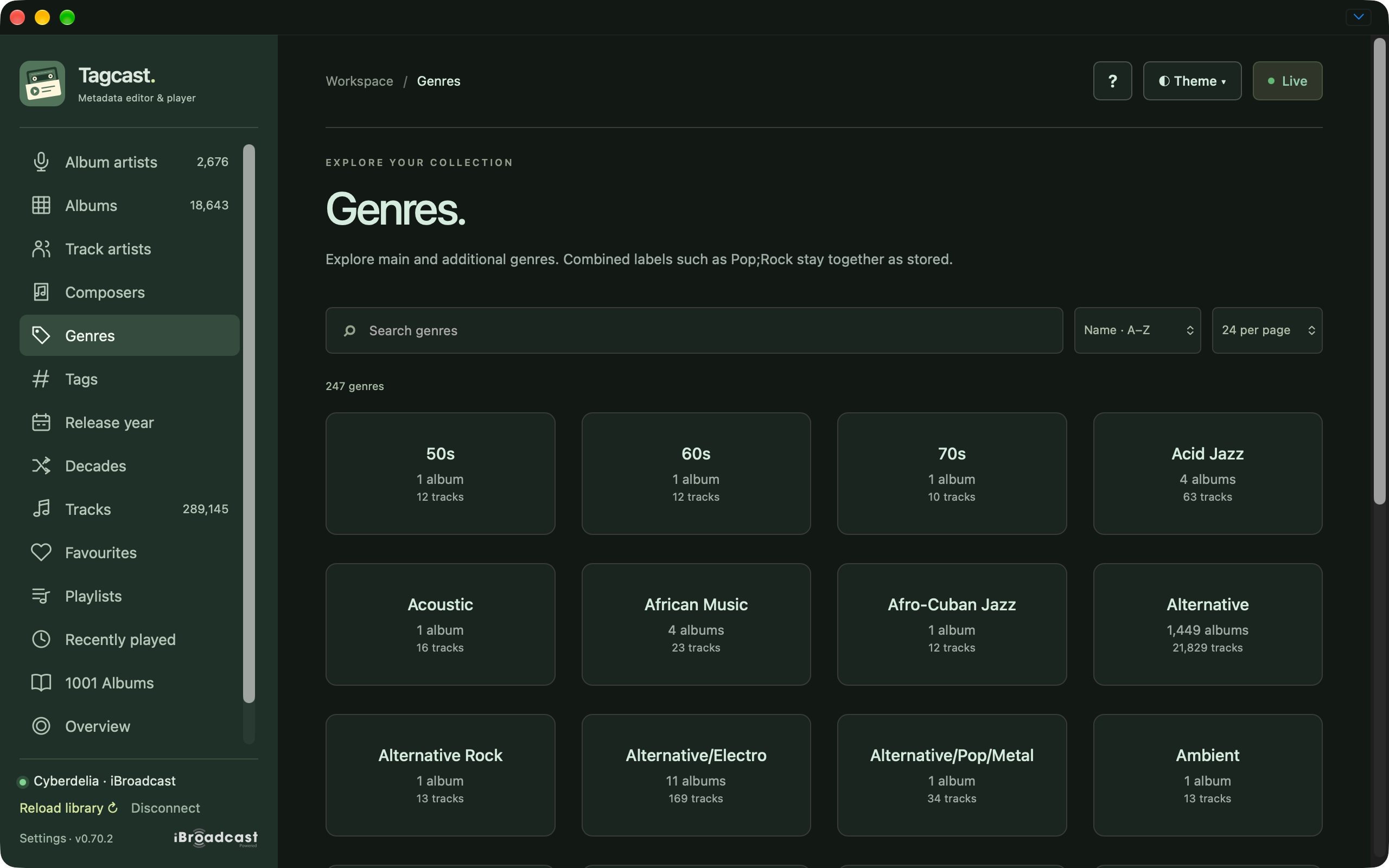
Genre overview with album and track counts.
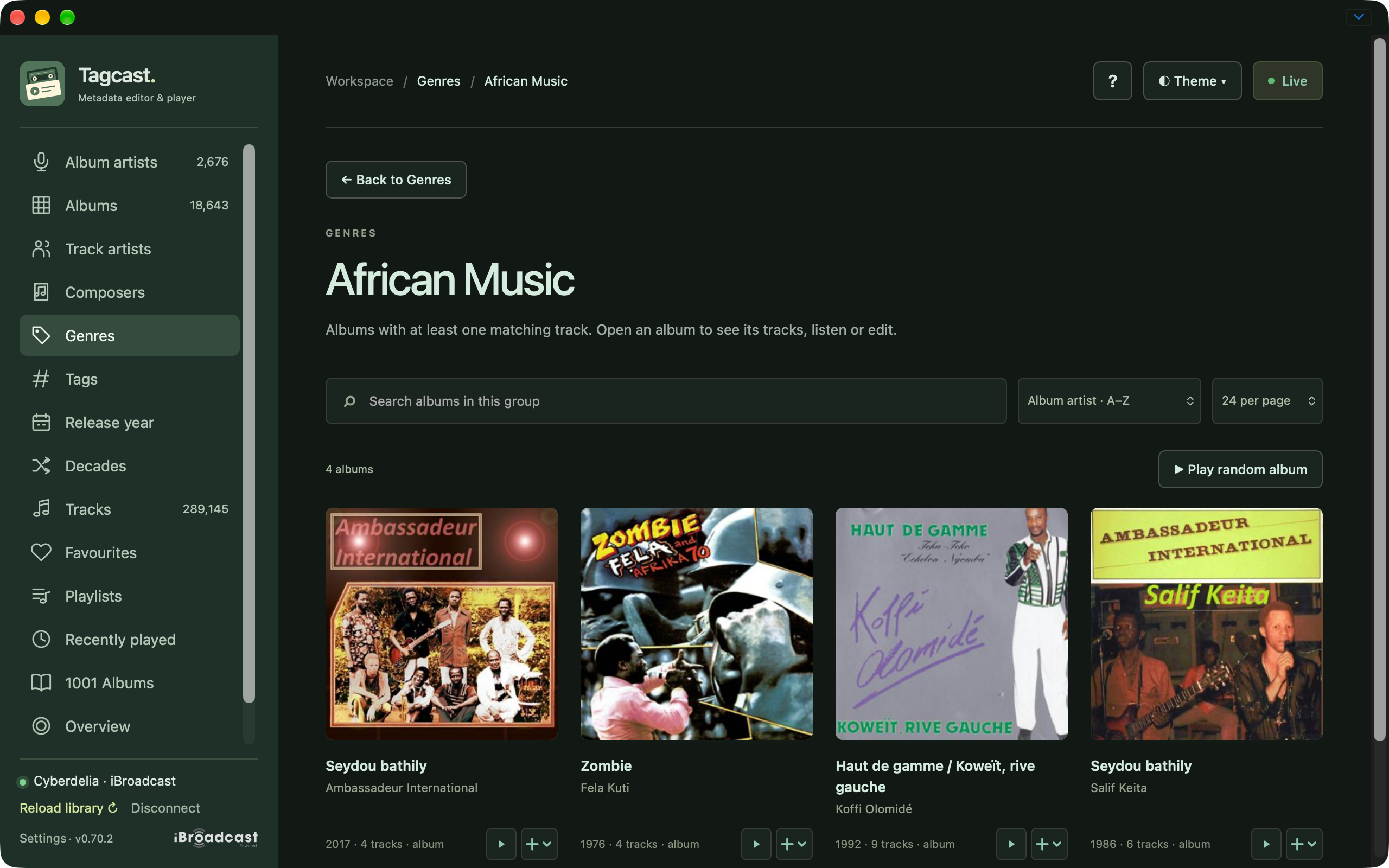
Albums in the African Music genre.
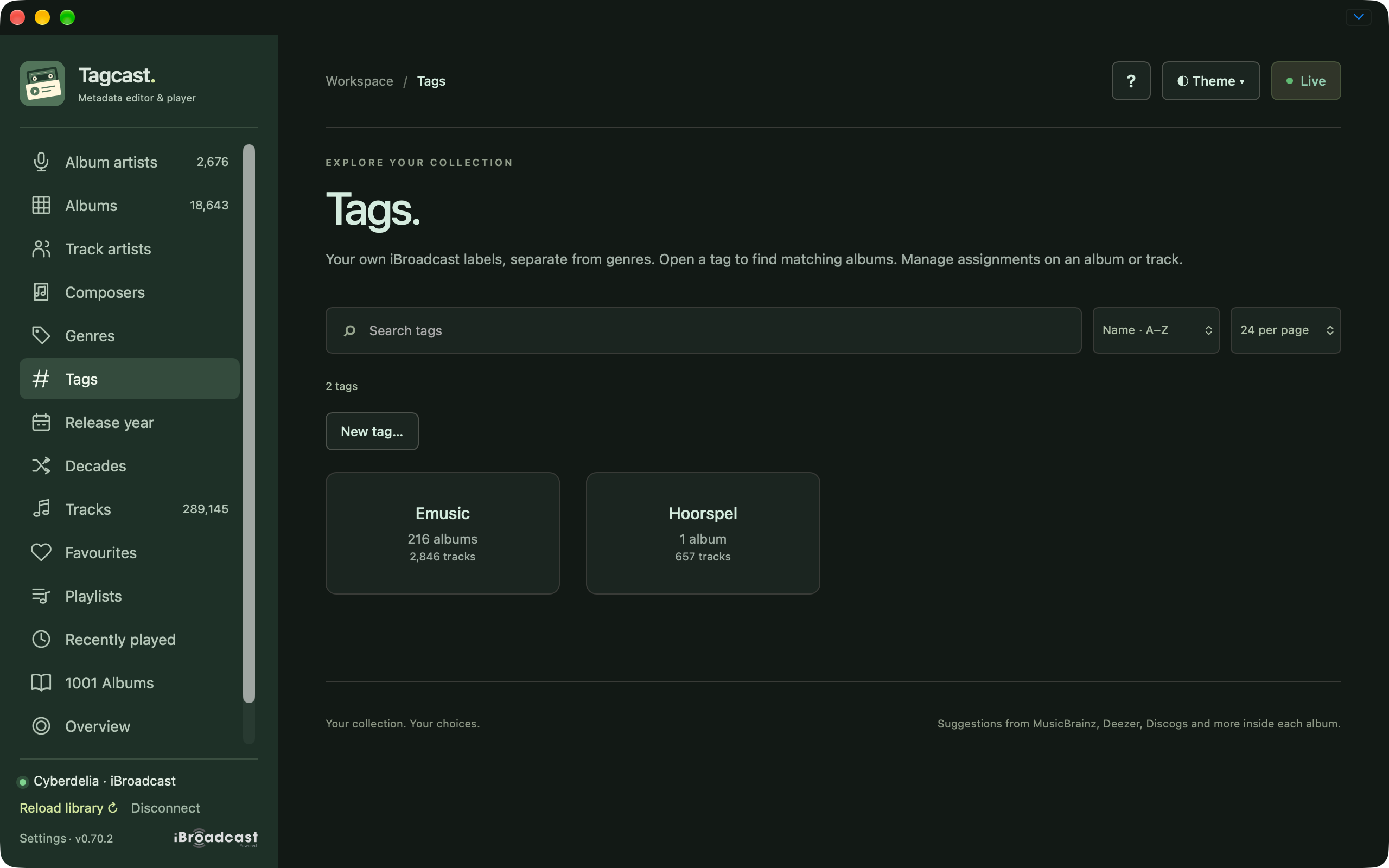
Native iBroadcast tags, separate from genres.
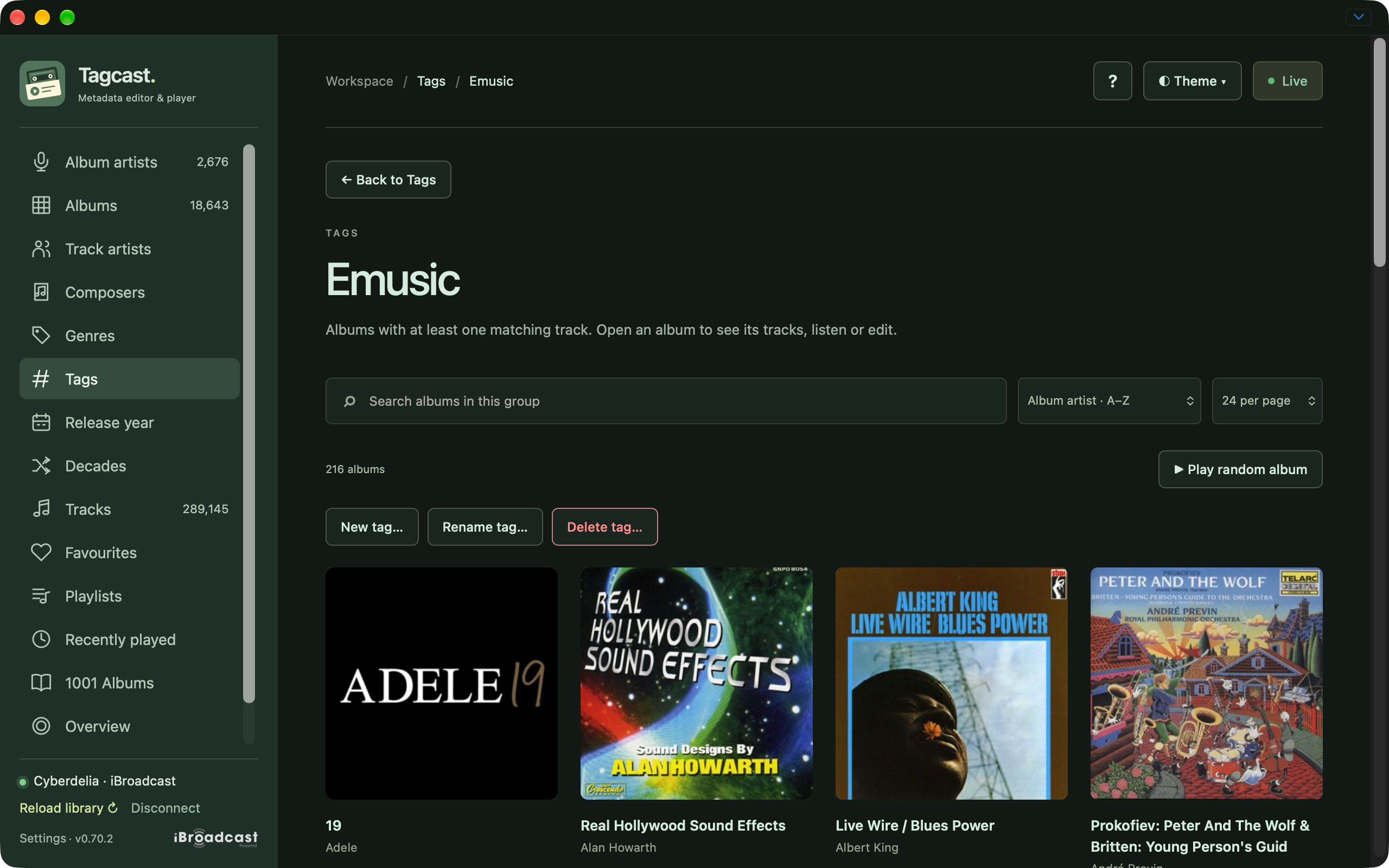
Albums reached through the Emusic tag.
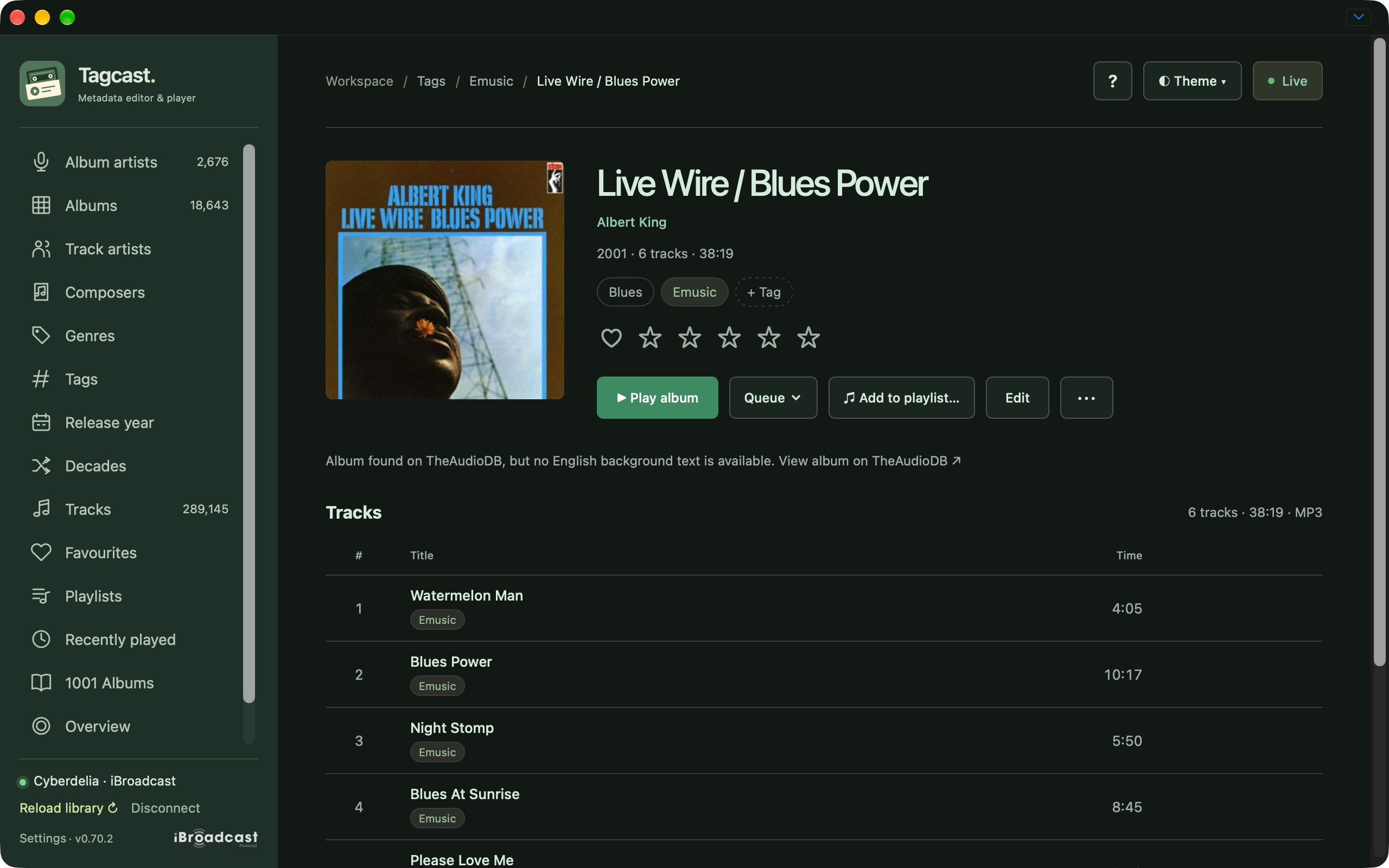
Live Wire / Blues Power reached through a tag with the origin breadcrumb and tag chips.
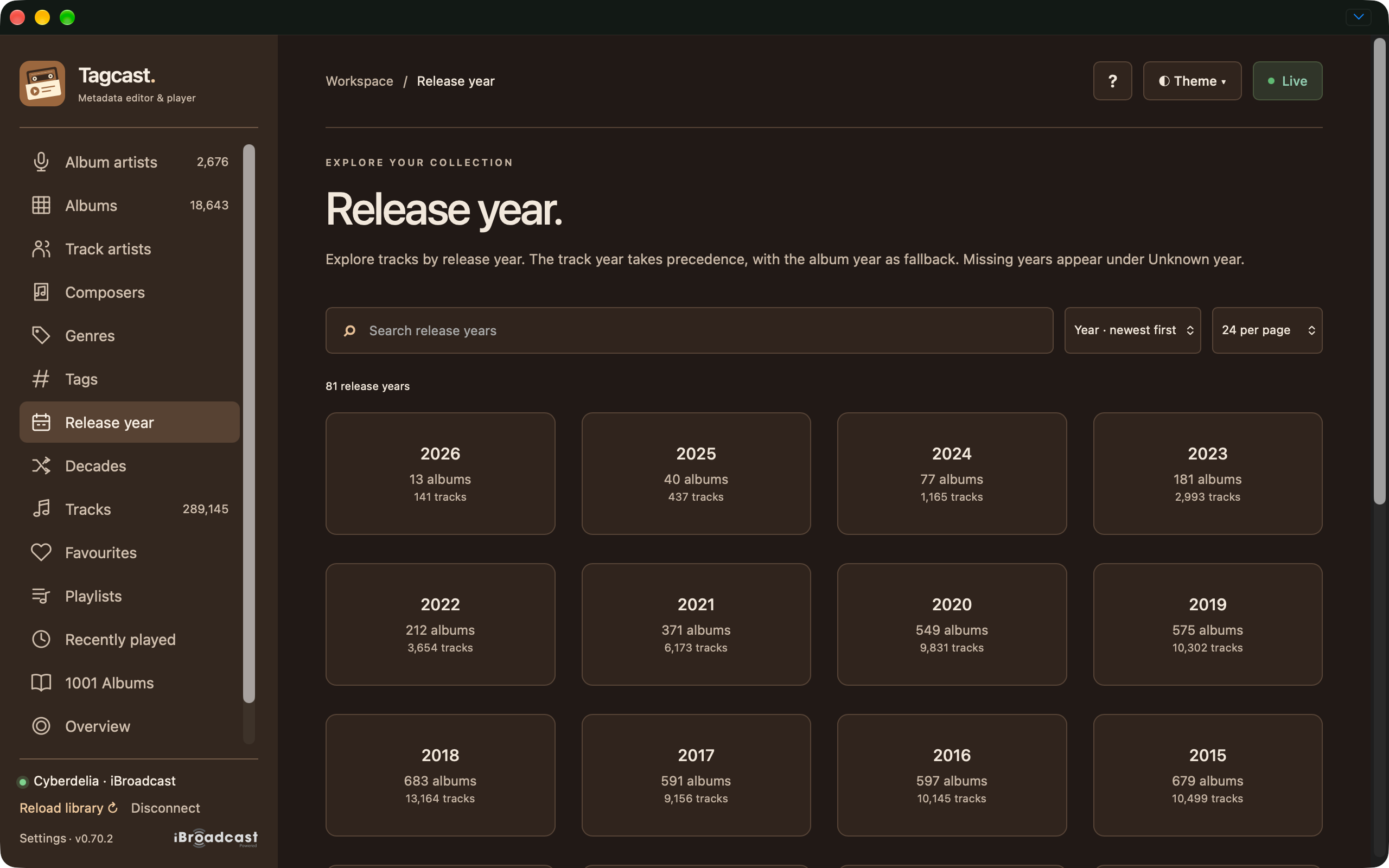
Release-year overview in the Warm palette.
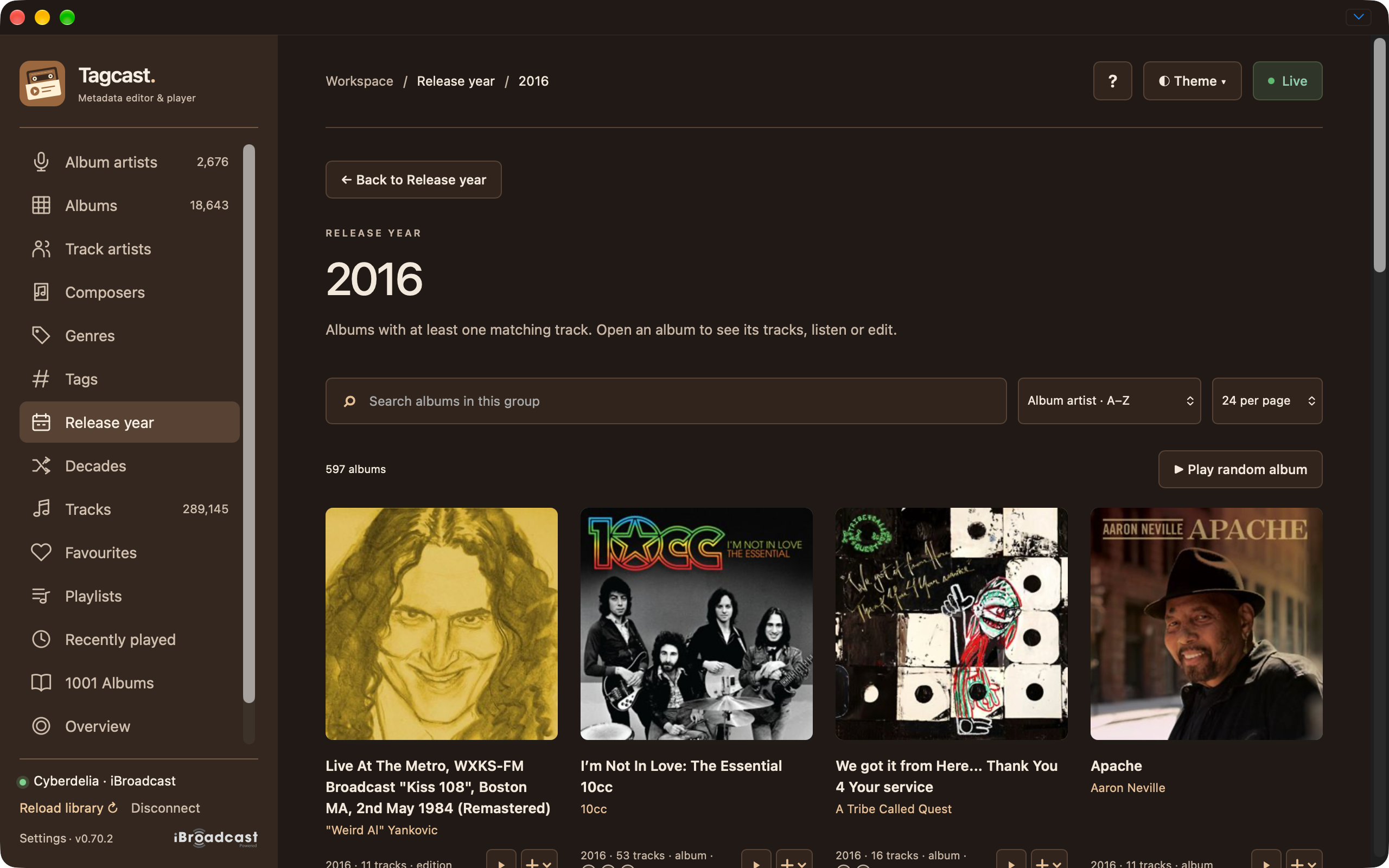
Albums released in 2016.
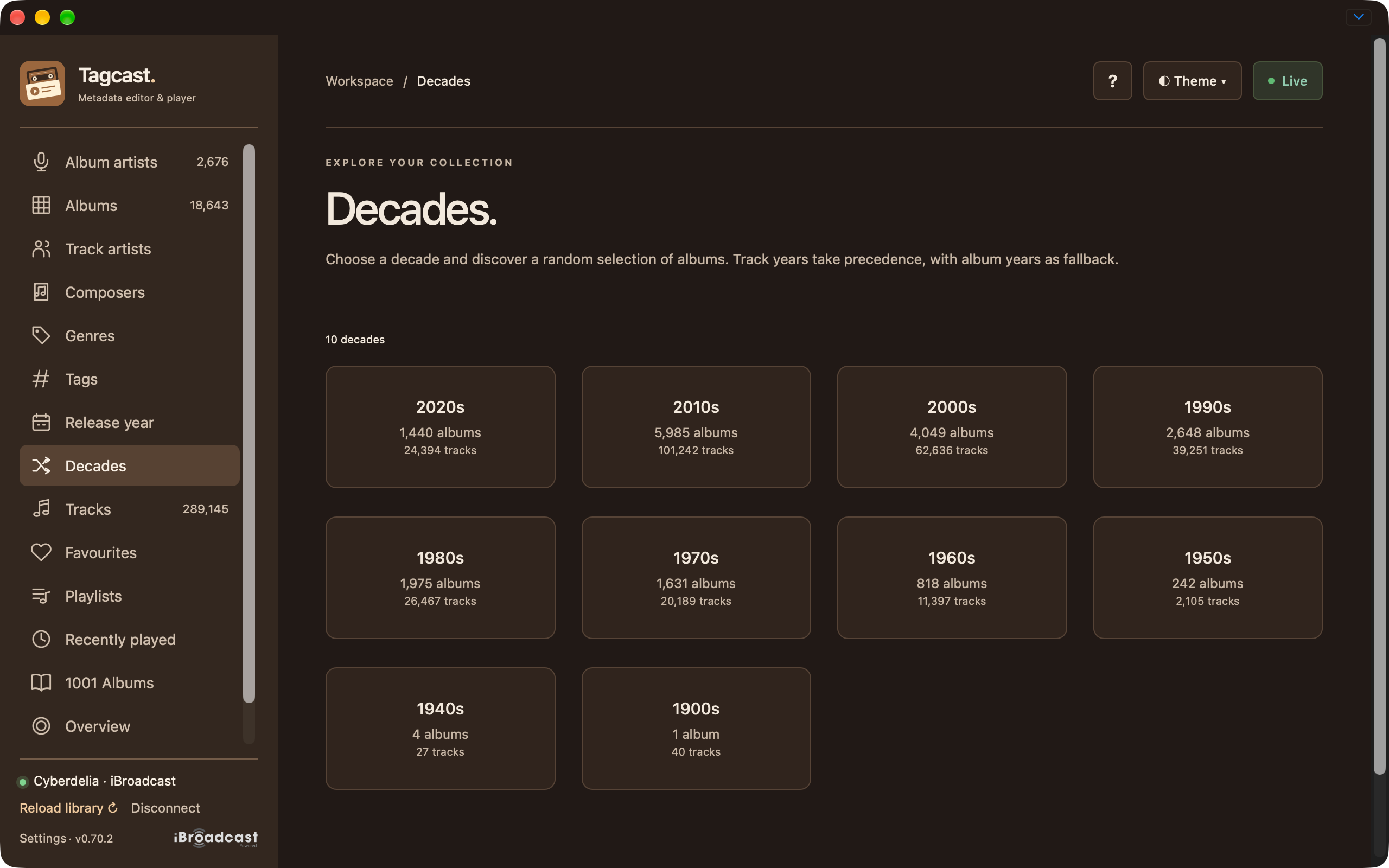
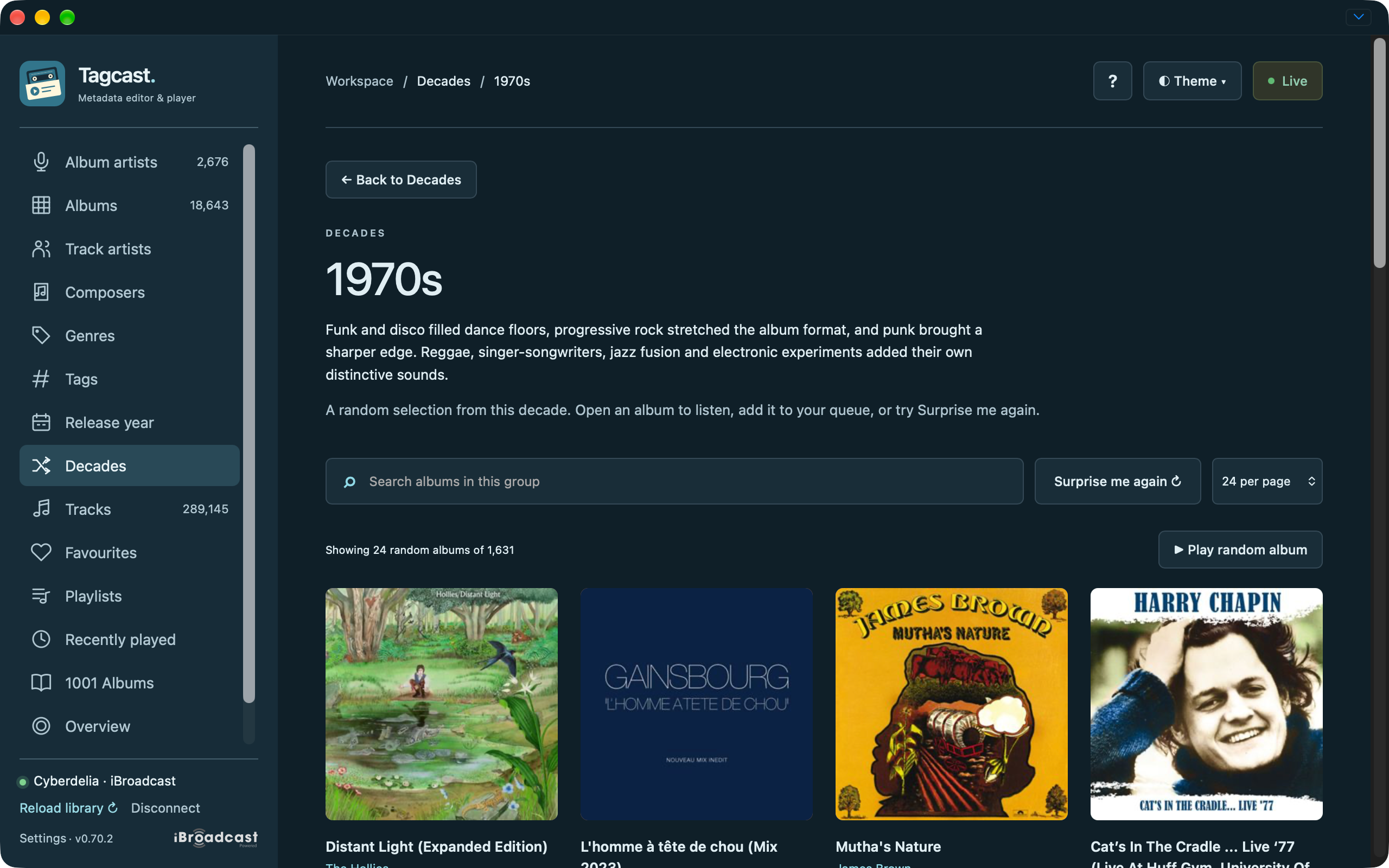
Decade overview in the Warm palette.
1970s album discovery with its introduction and random selection.
Favourites and listening history
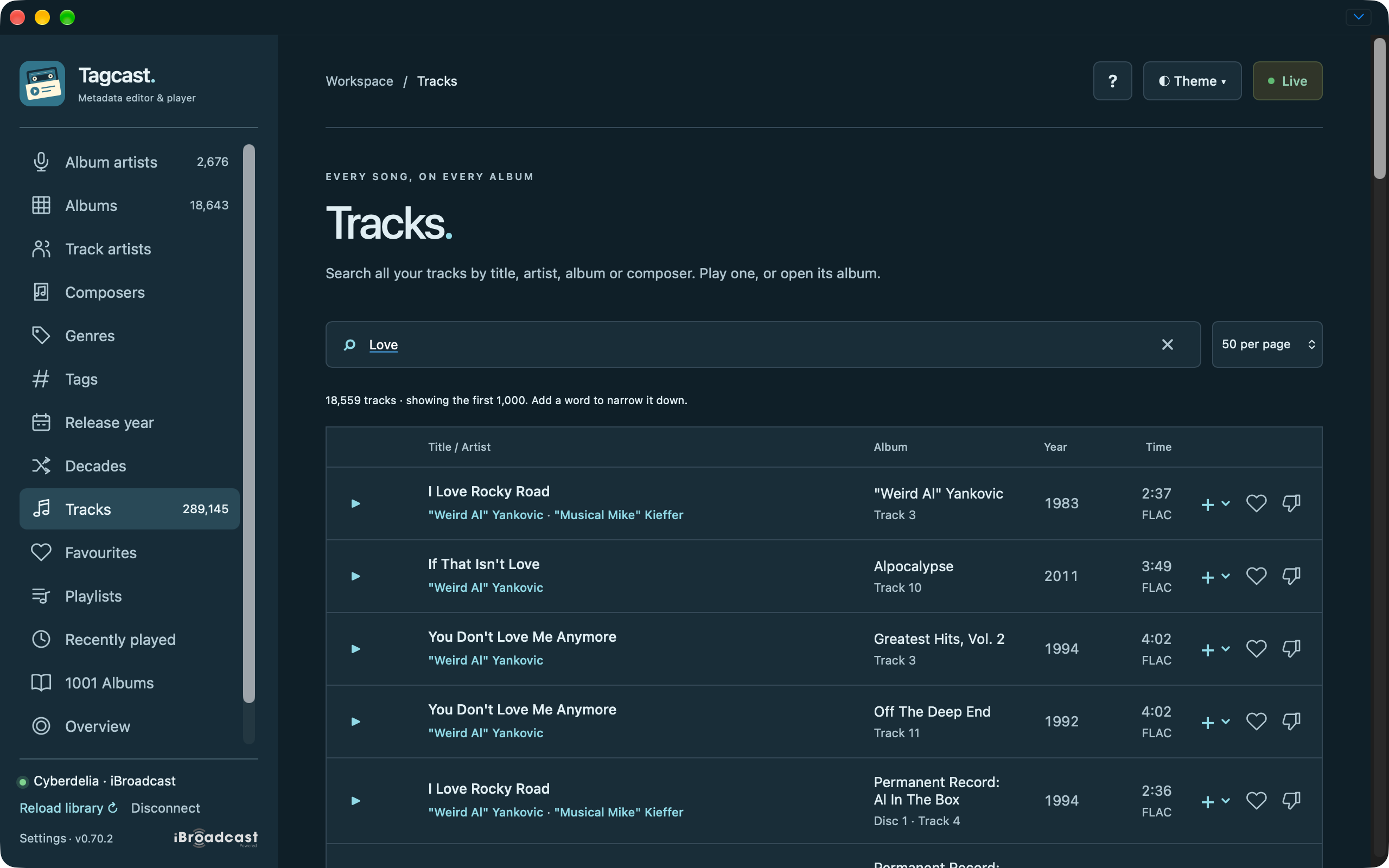
Track search with format, queue and rating controls.
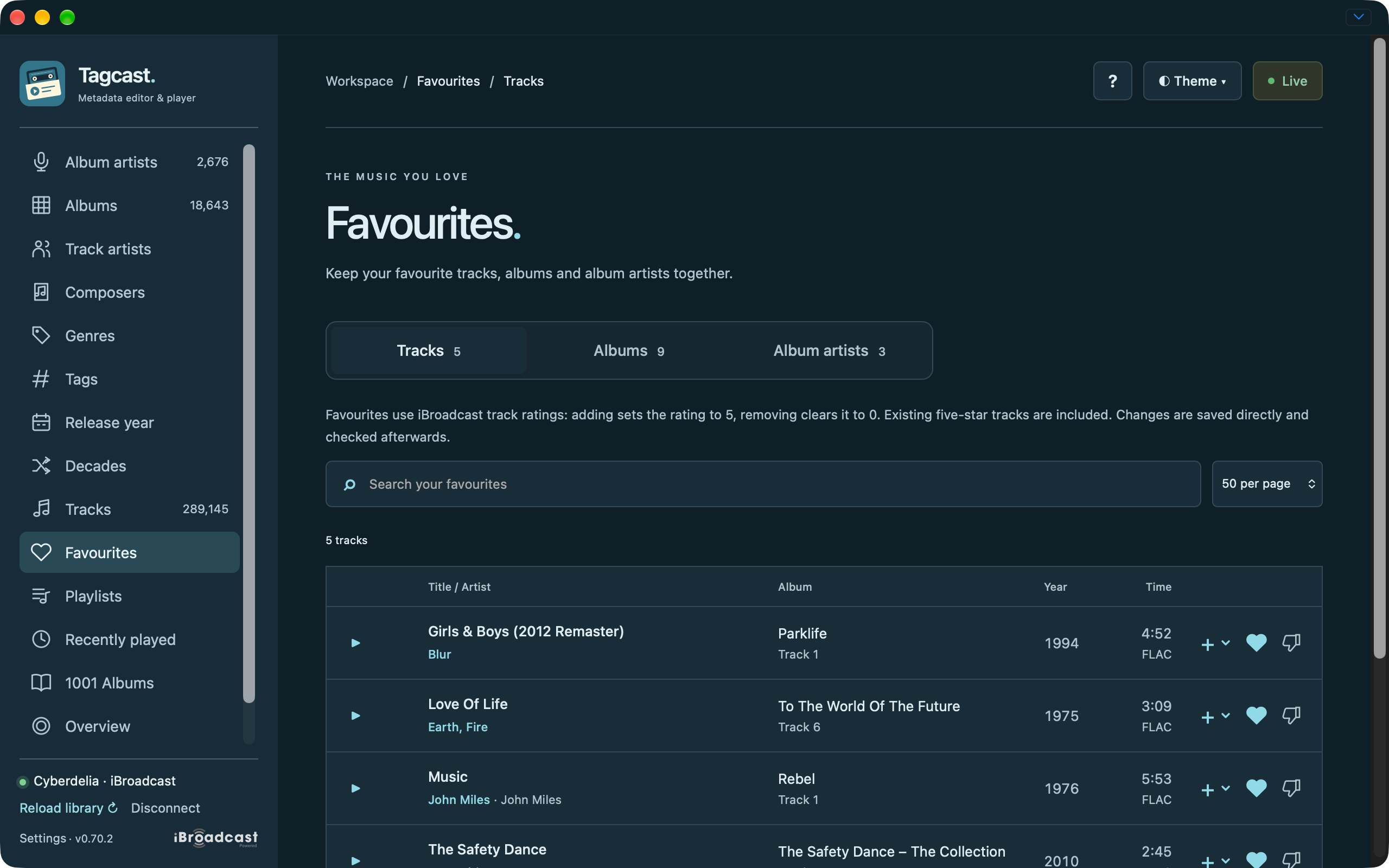
Favourites hub with the Tracks tab selected.
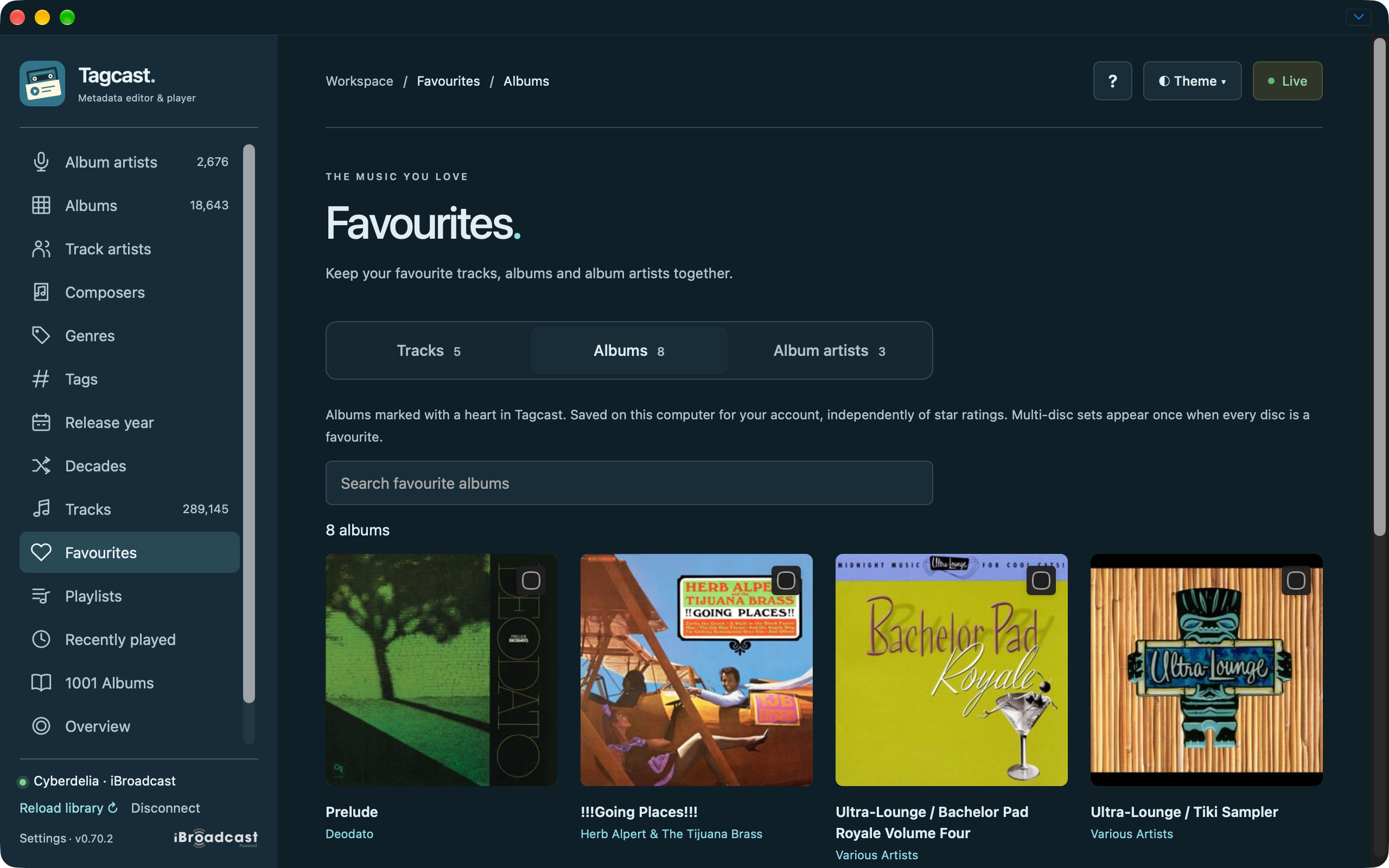
Favourites hub with the Albums tab selected.
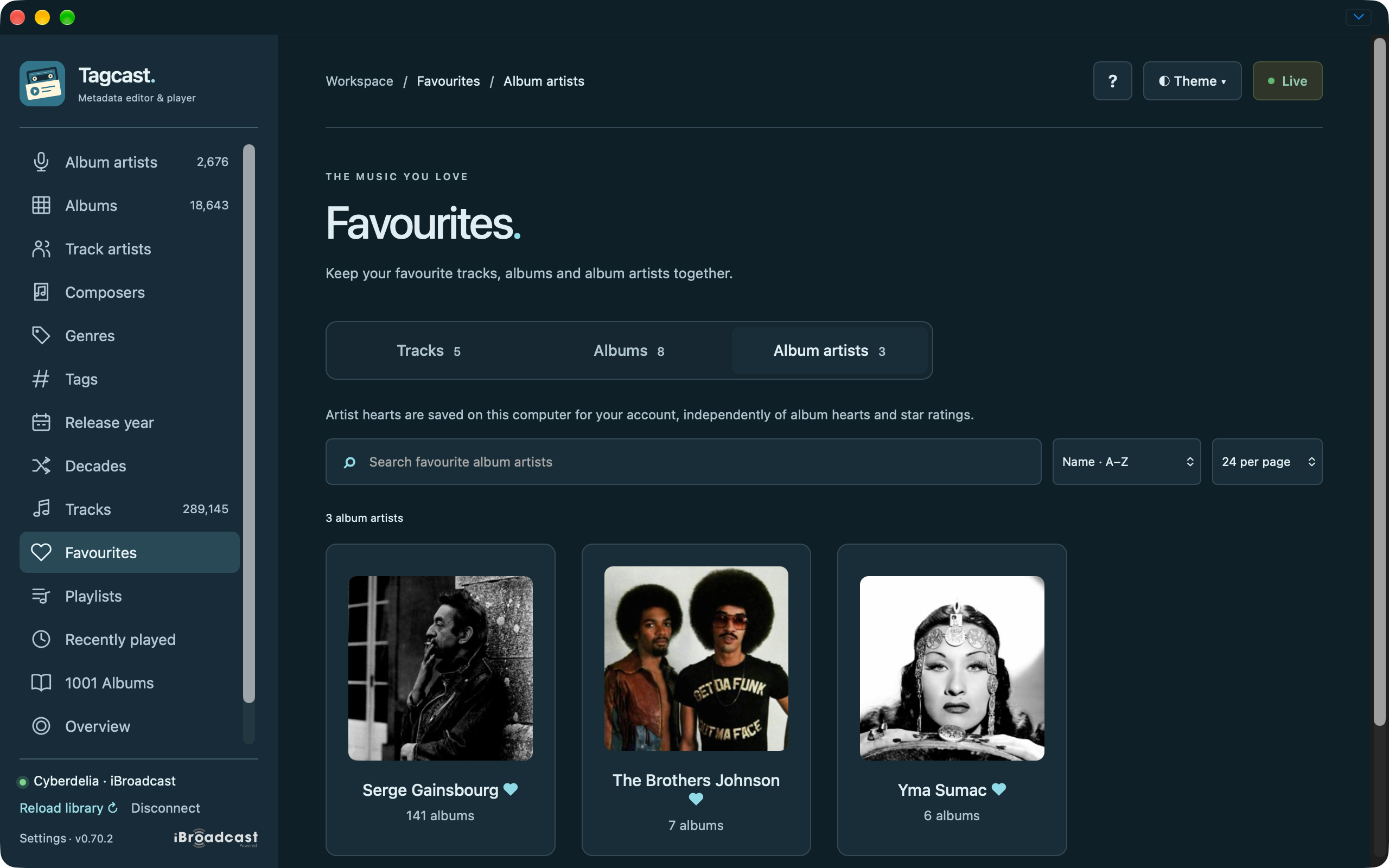
Favourites hub with the Album artists tab selected.
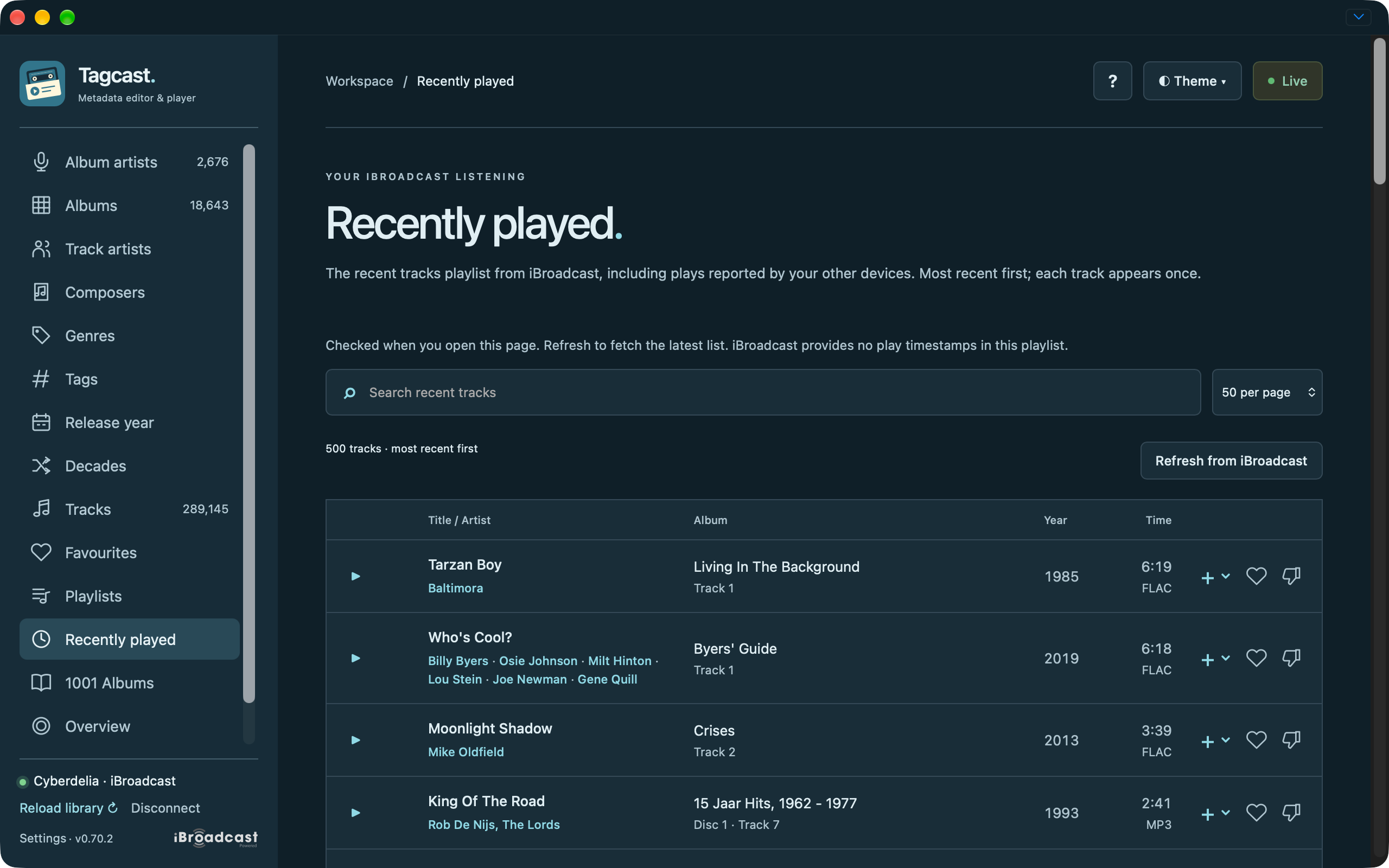
Recently played tracks with search and playback controls.
Playlists and ordering
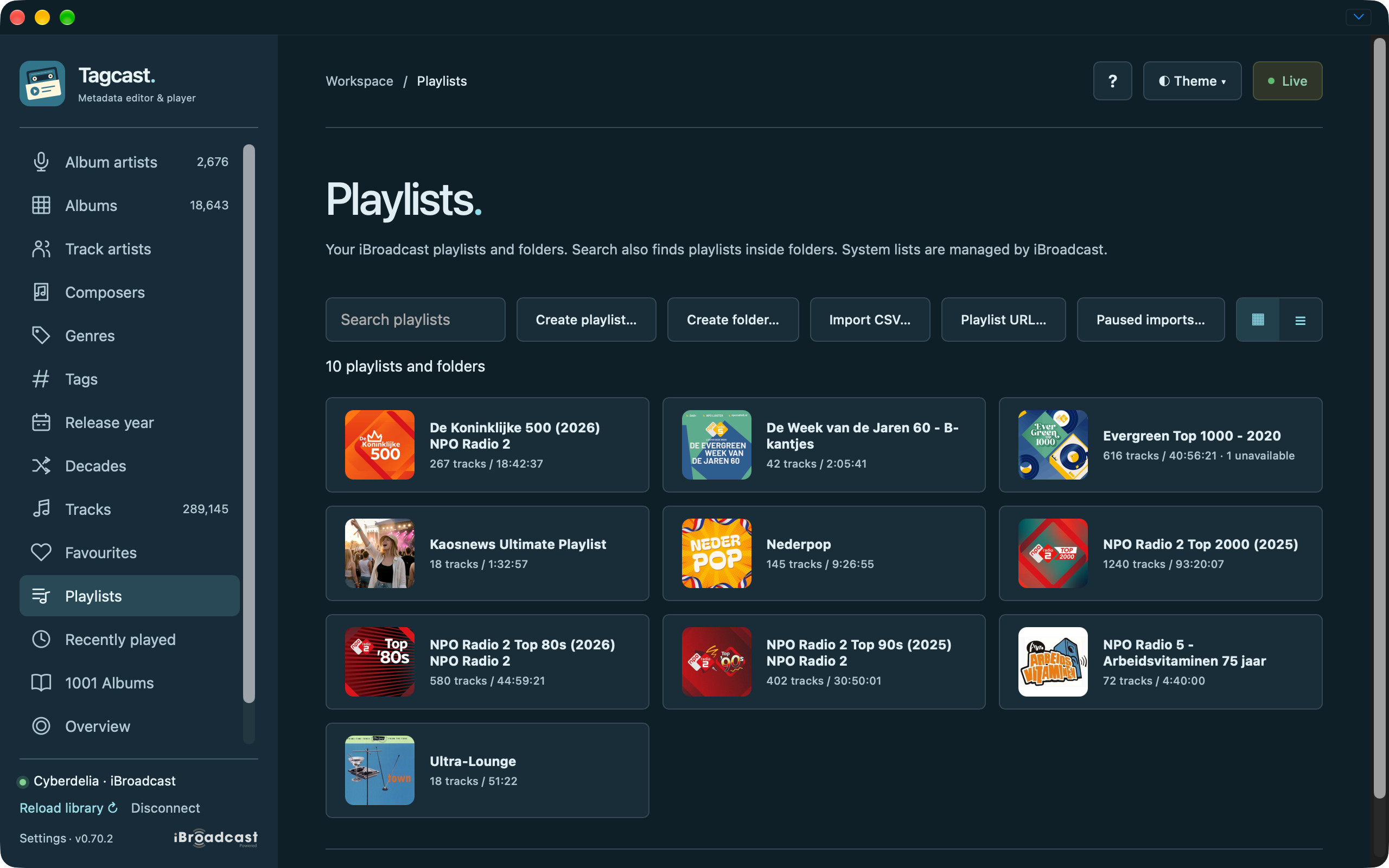
Playlist cards with track counts and total duration.
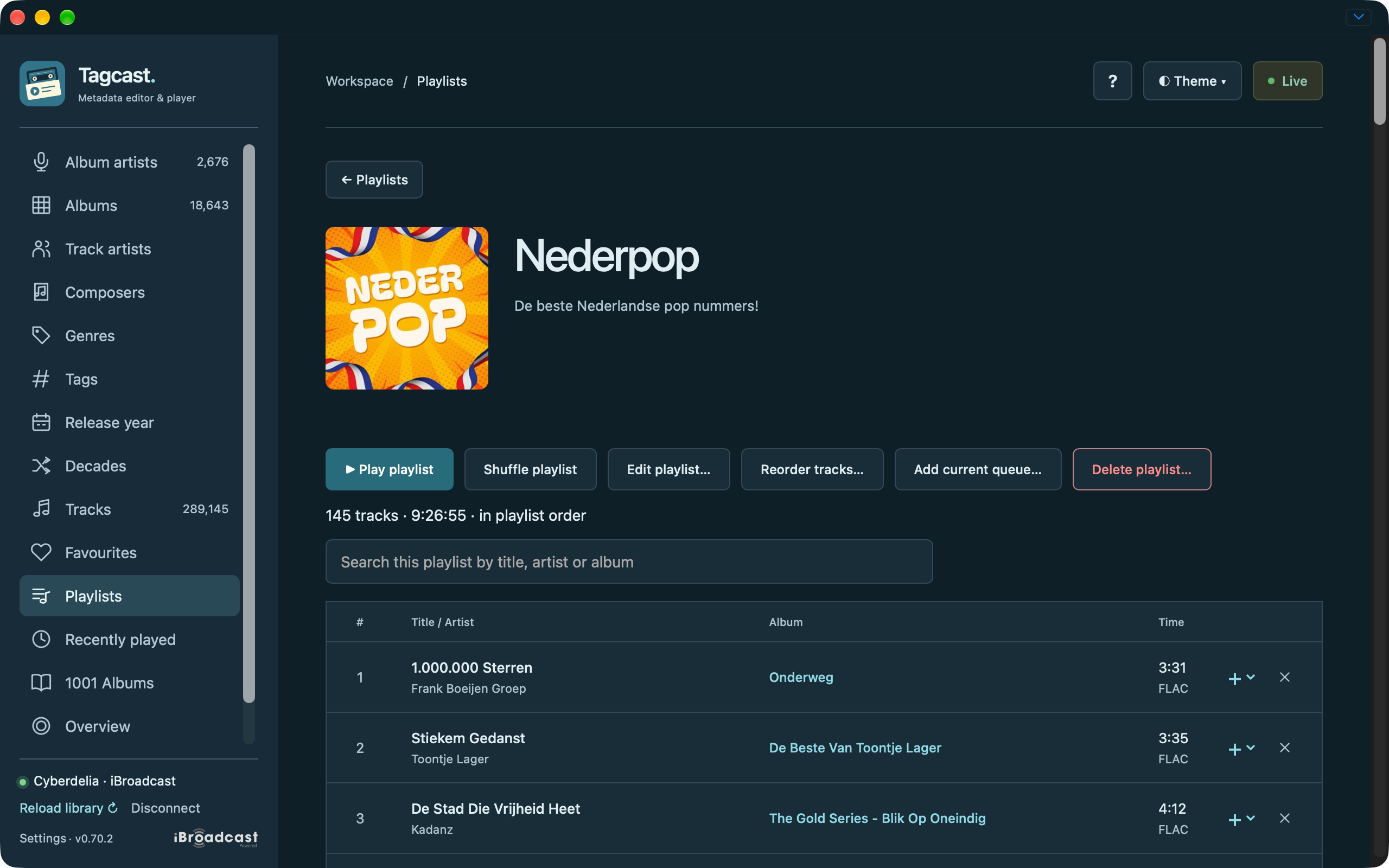
Playlist details with search, duration, queue actions and row-removal crosses.
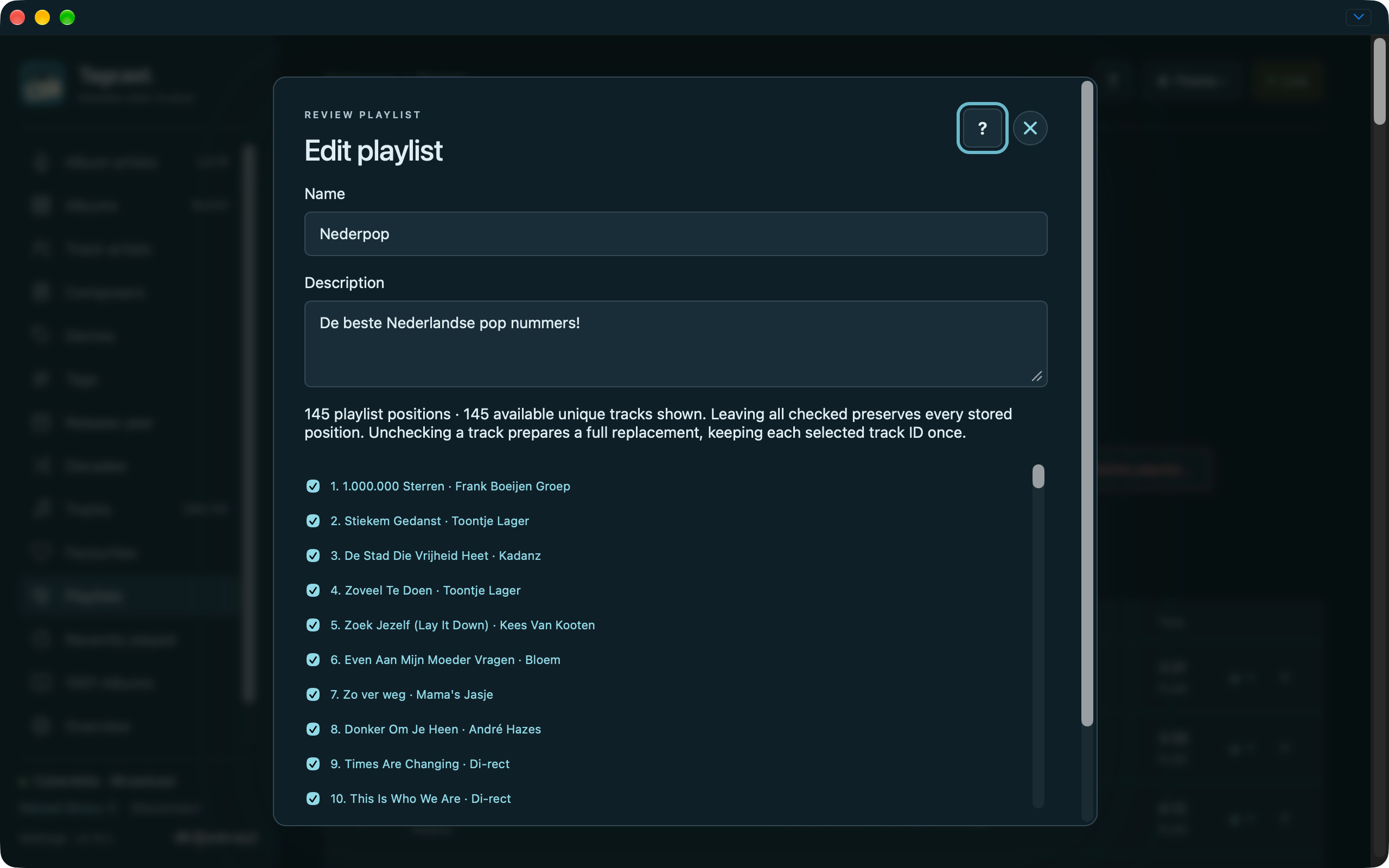
Playlist text and membership editor before review.
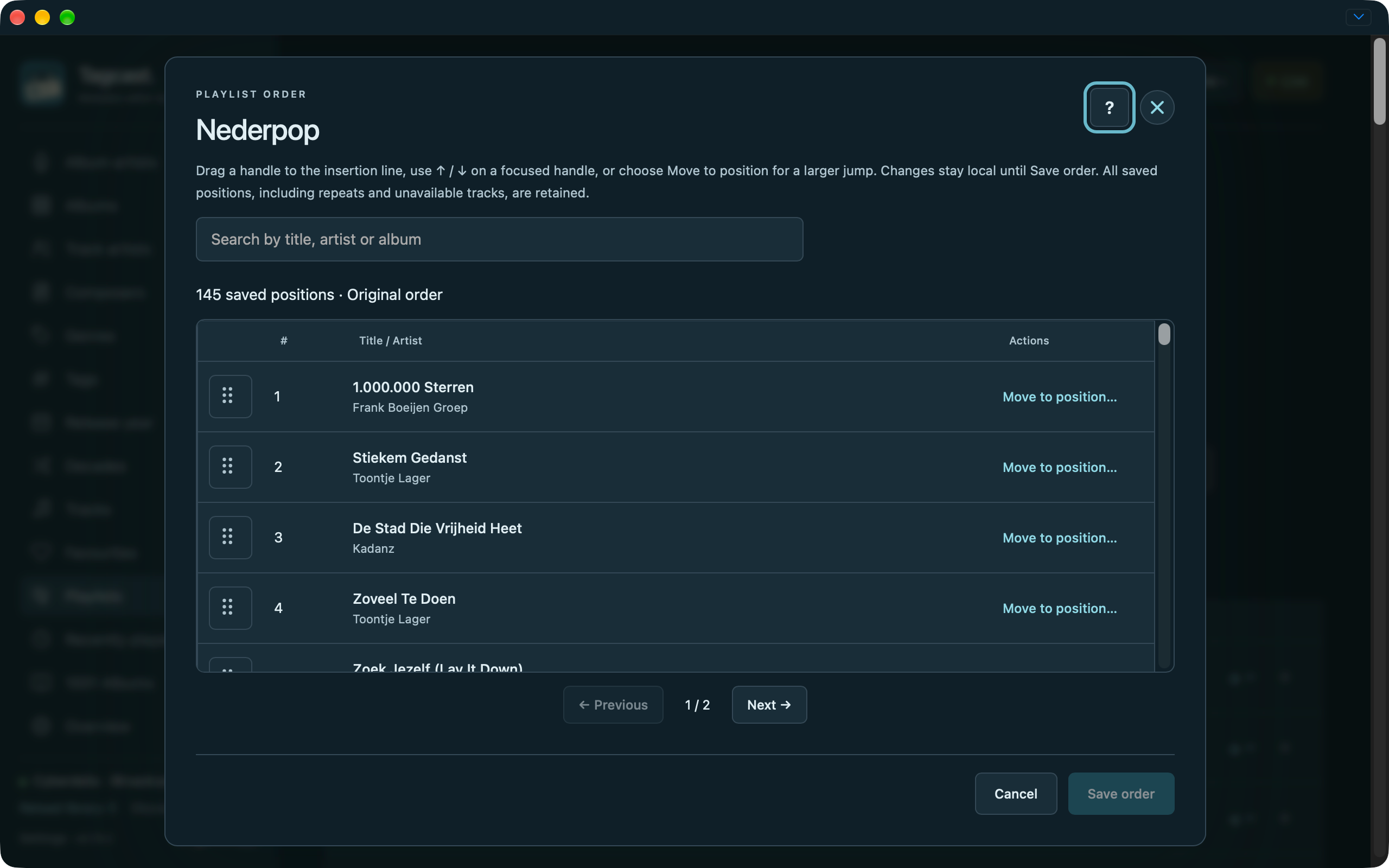
Separate playlist order editor with search, drag handles, Move to position, Save order and Cancel.
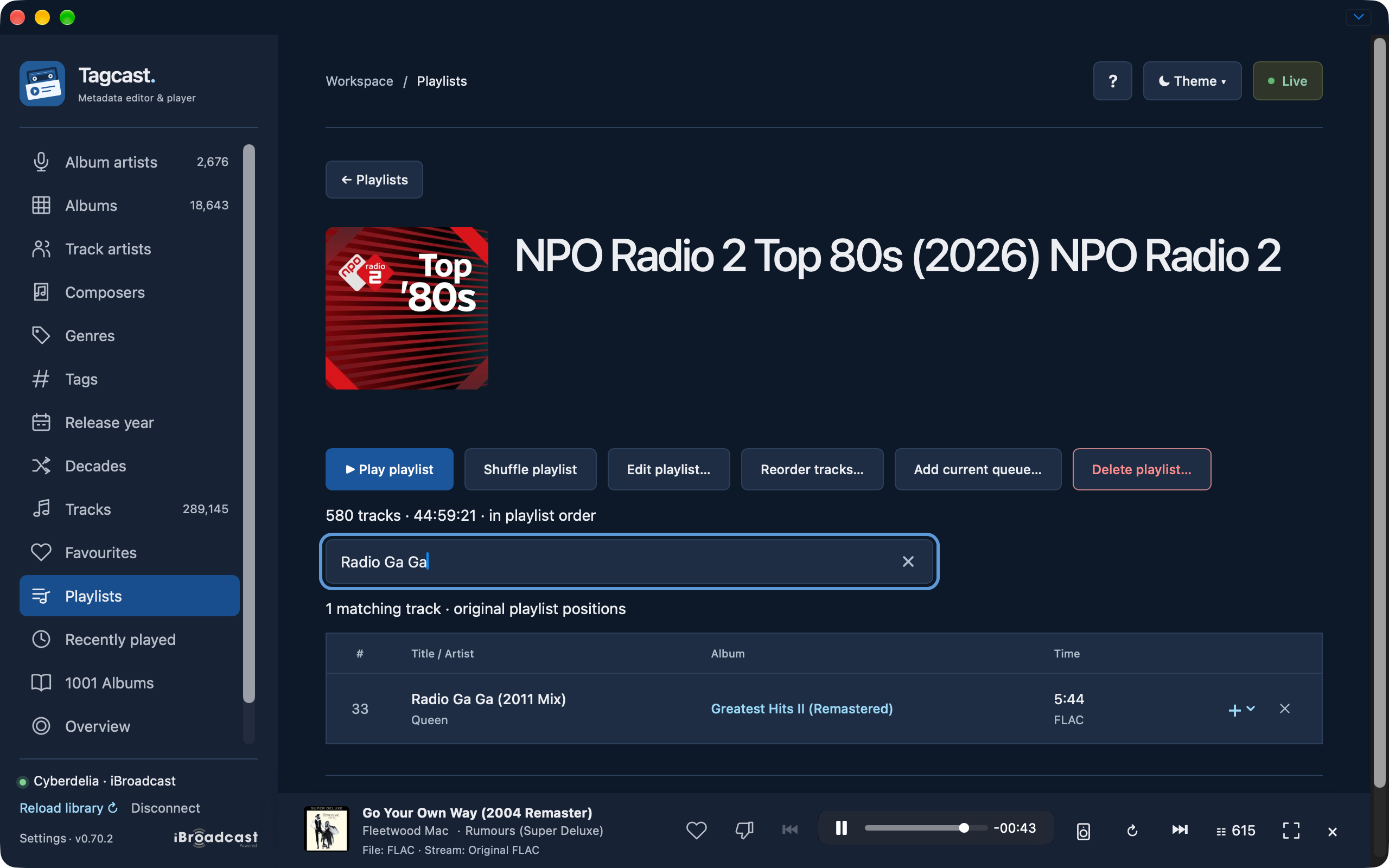
Playlist search for Radio Ga Ga with one match at original position 33.
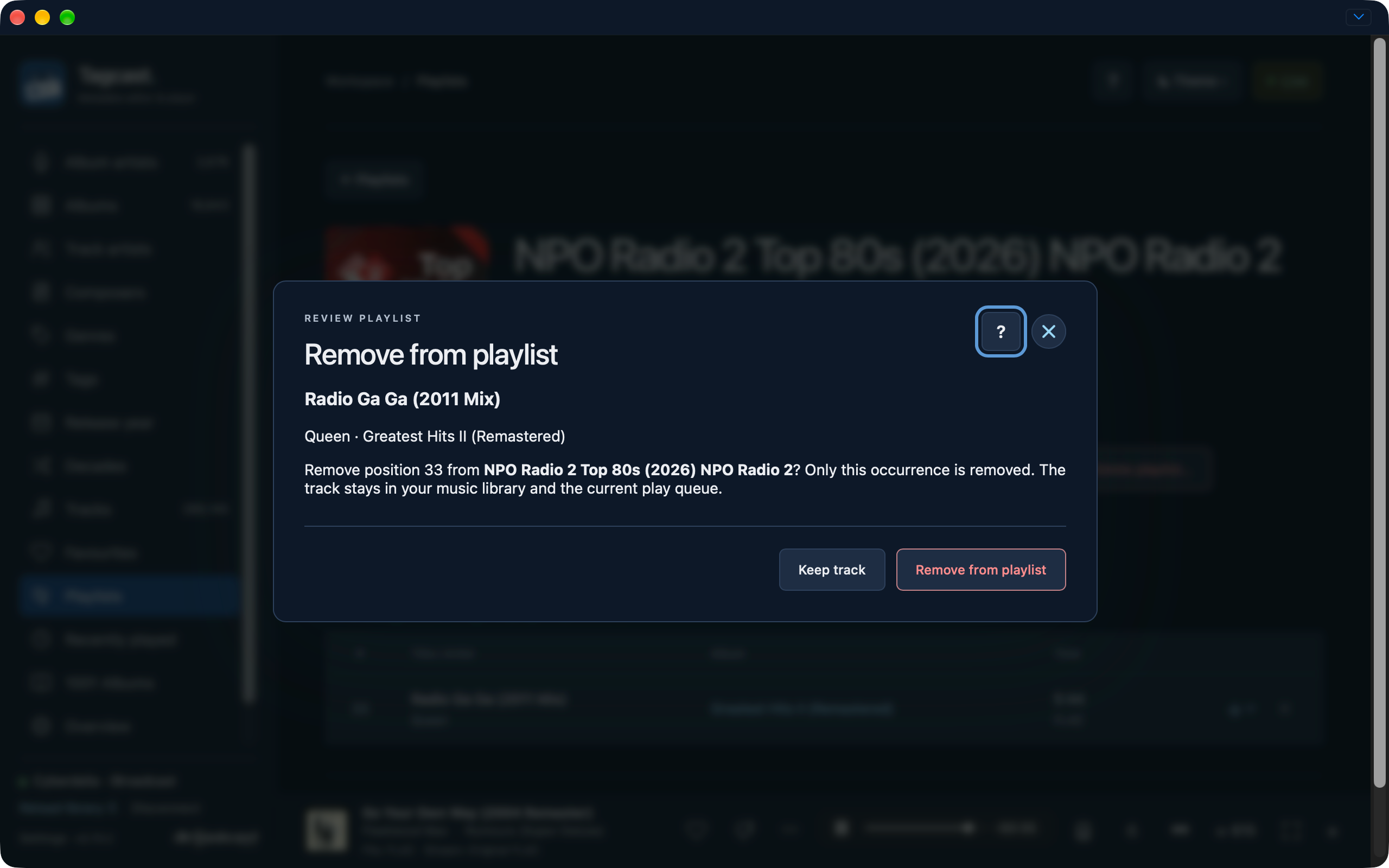
Review removing one playlist occurrence while keeping the library track and play queue.
Full playlist replacement review retaining 266 selected tracks before saving.
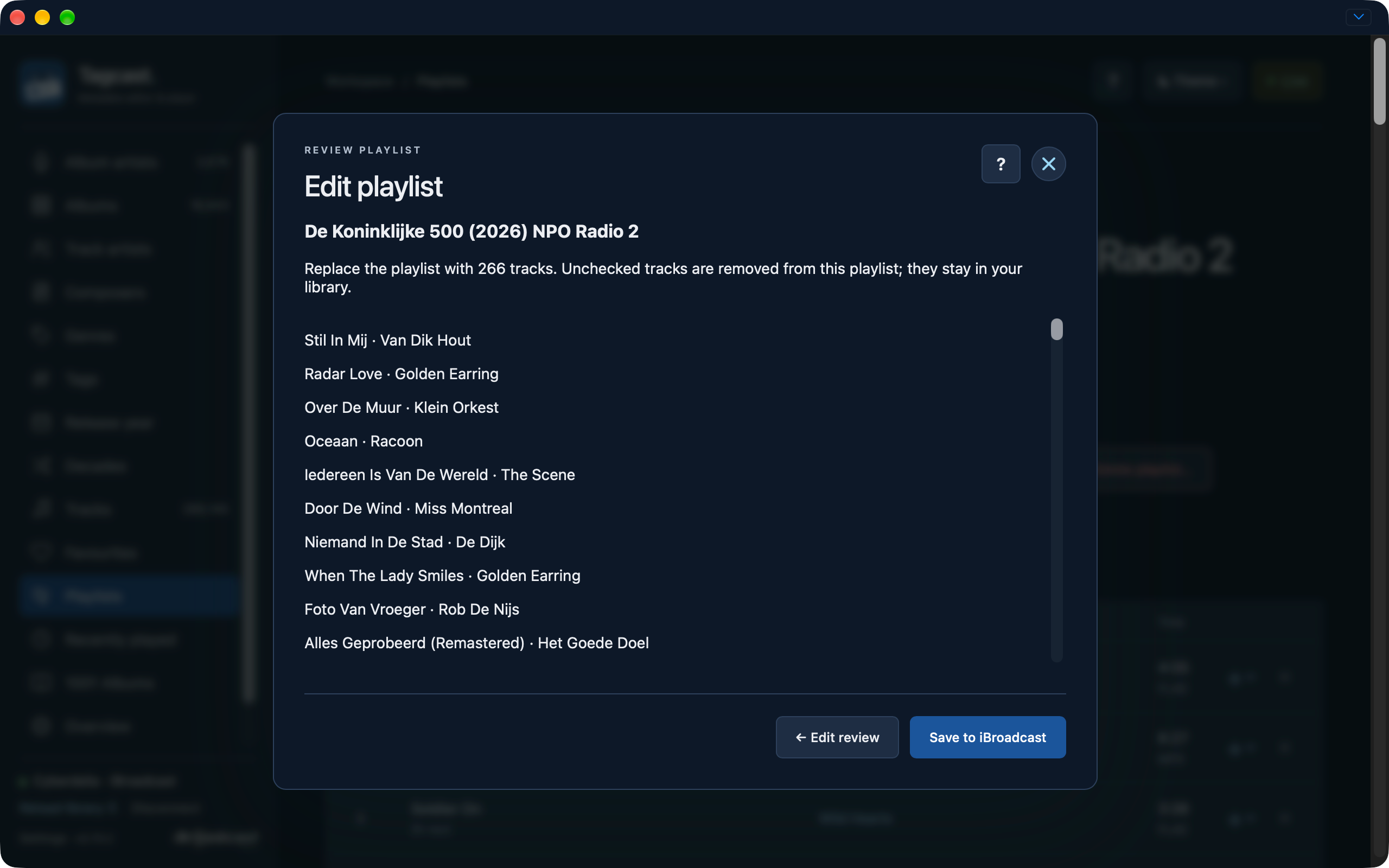
Original 266-position order with separate search, paging, Save order and Cancel controls.
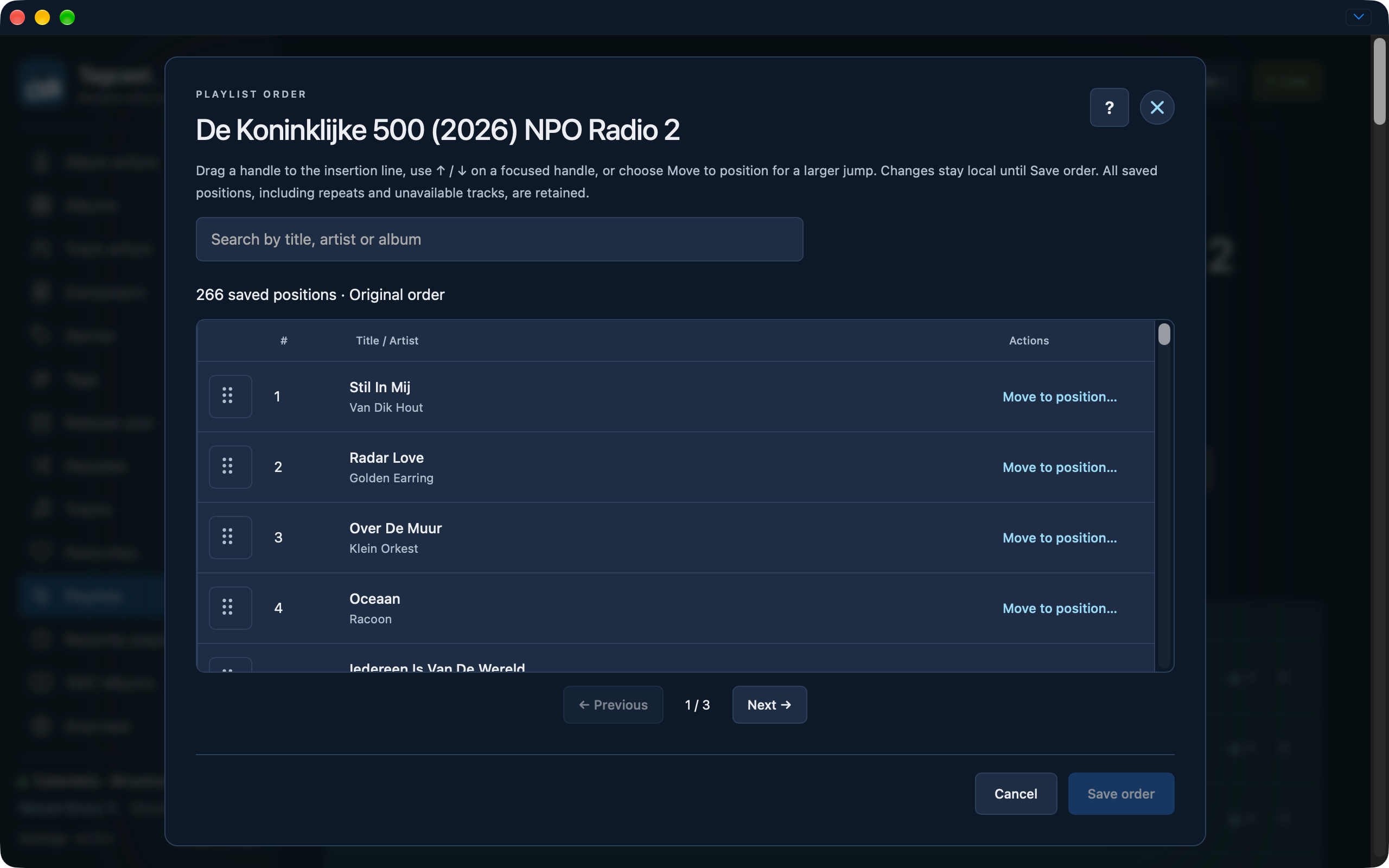
Unsaved move of Over De Muur from position 3 to position 1 with three changed positions.
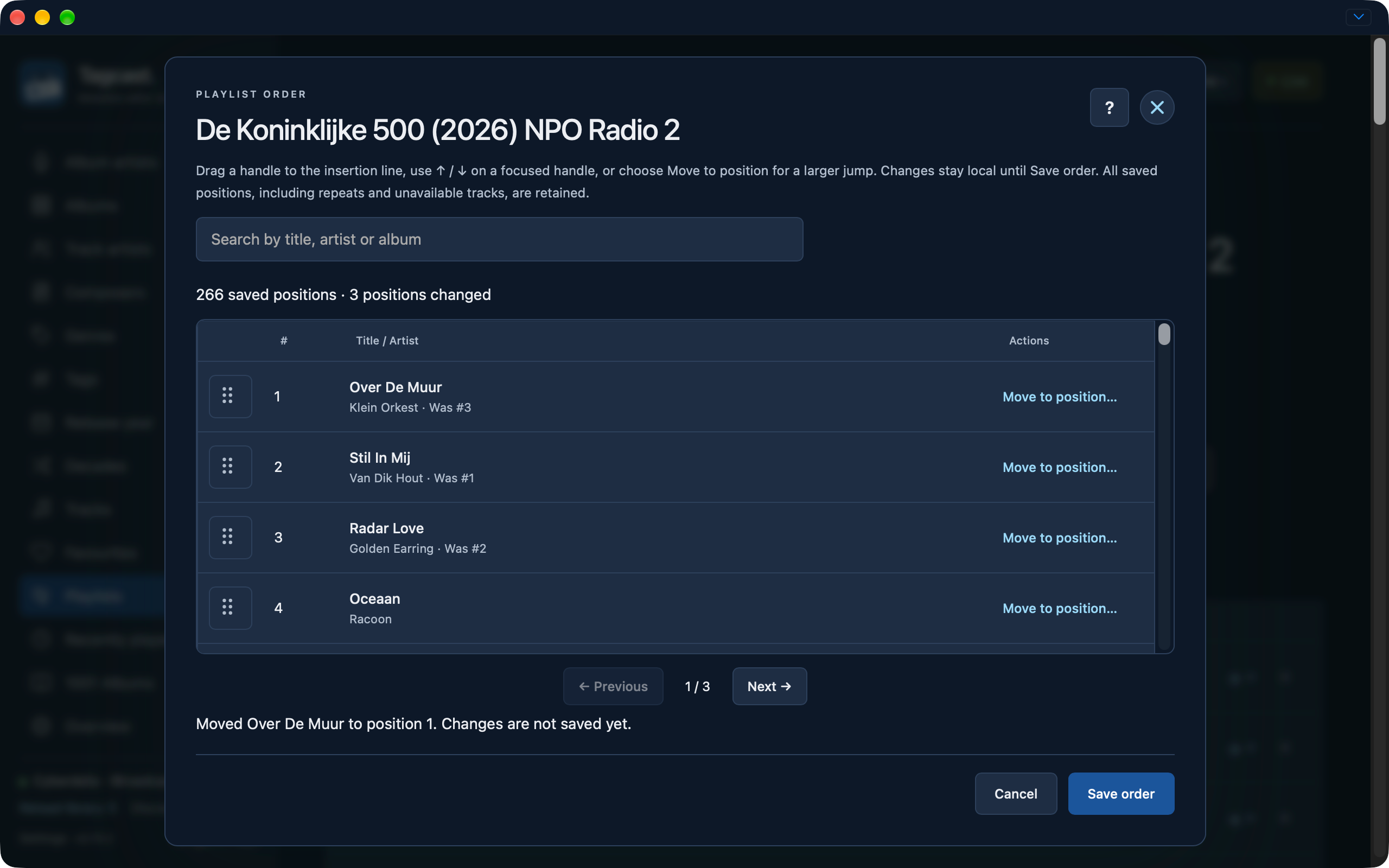
Playlist order save during the iBroadcast checking phase with editing controls disabled.
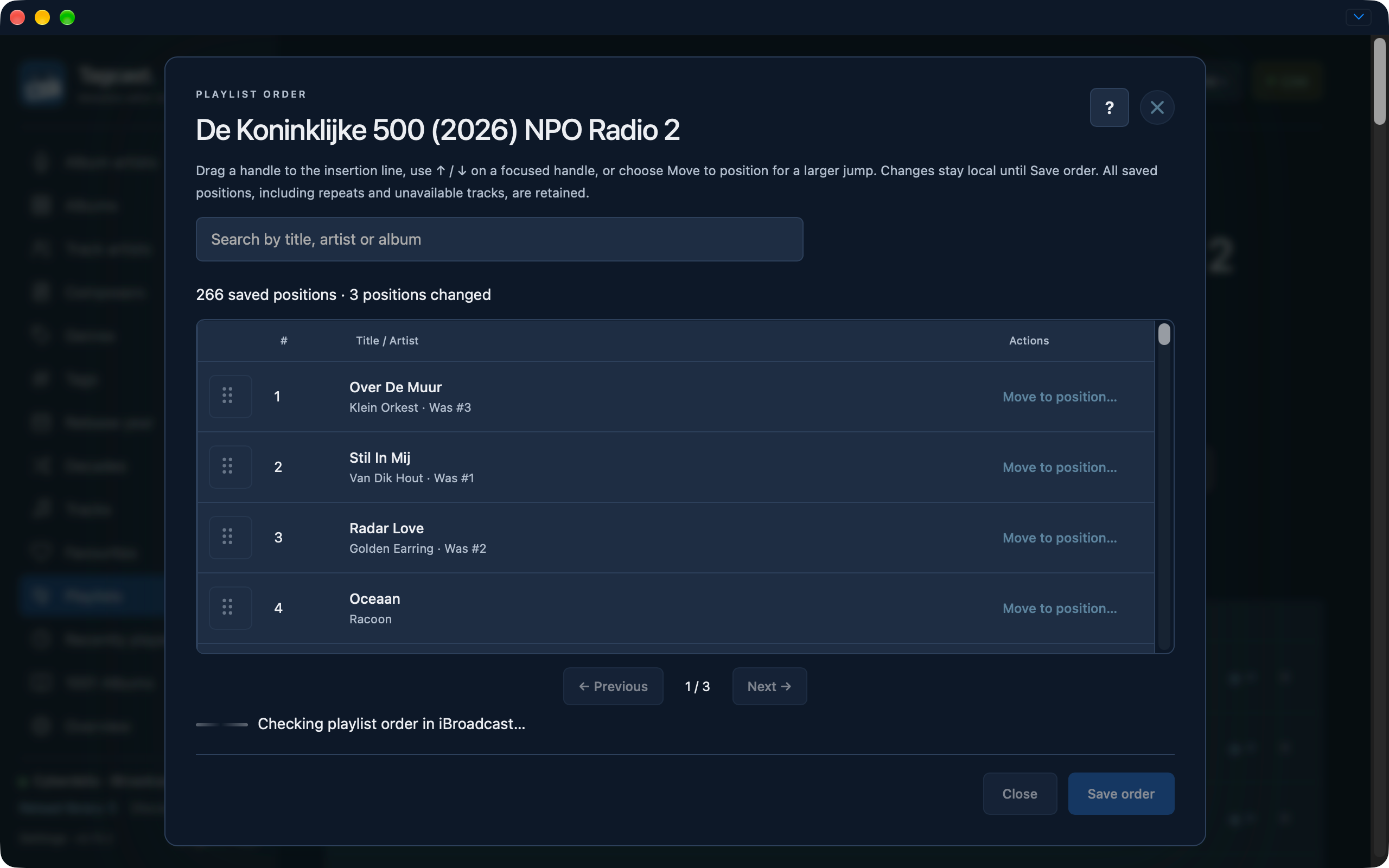
Playlist details after reordering with Over De Muur shown first.
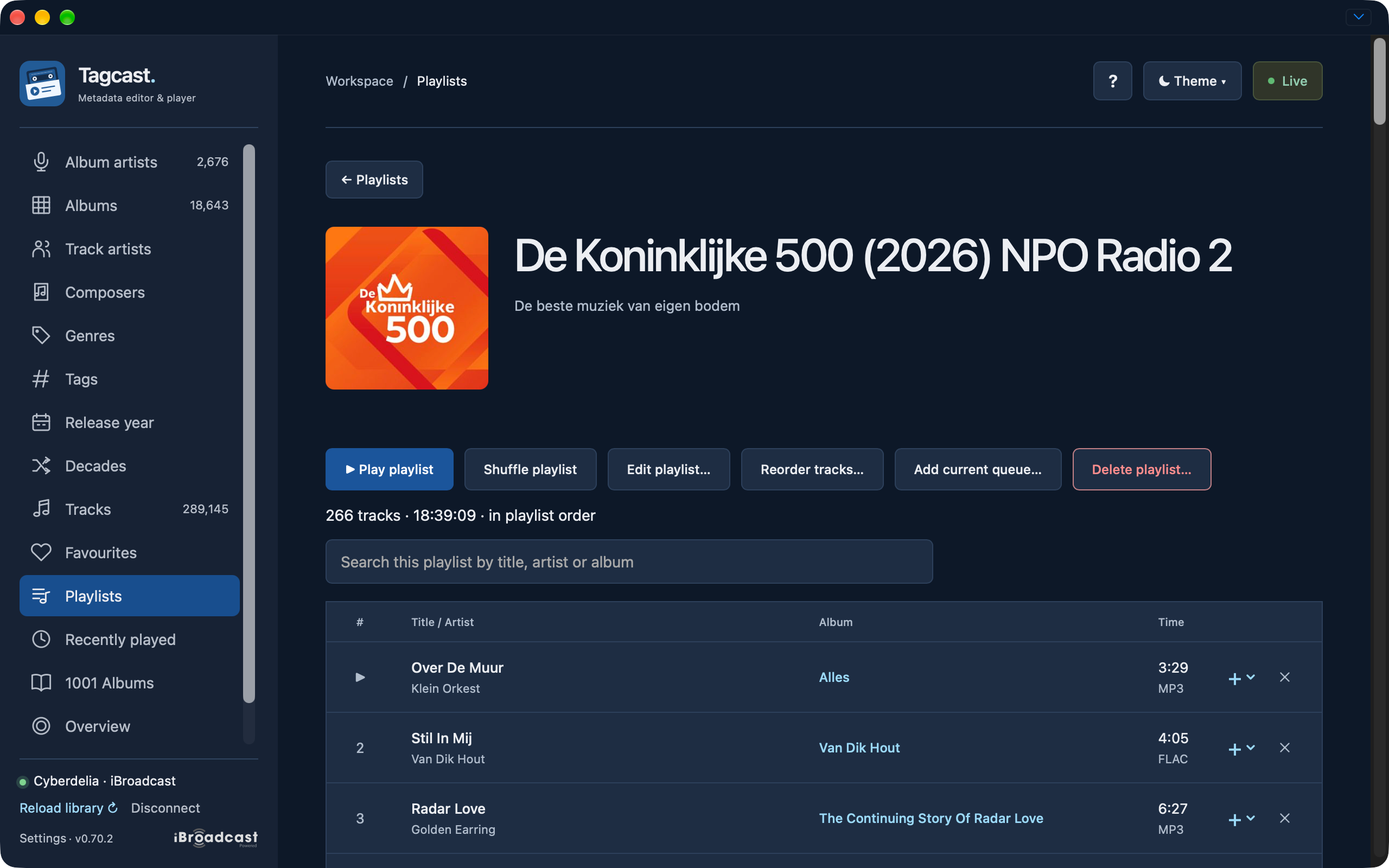
Playlist artist search for electr with two Electric Light Orchestra matches at original positions 155 and 508.
1001 Albums
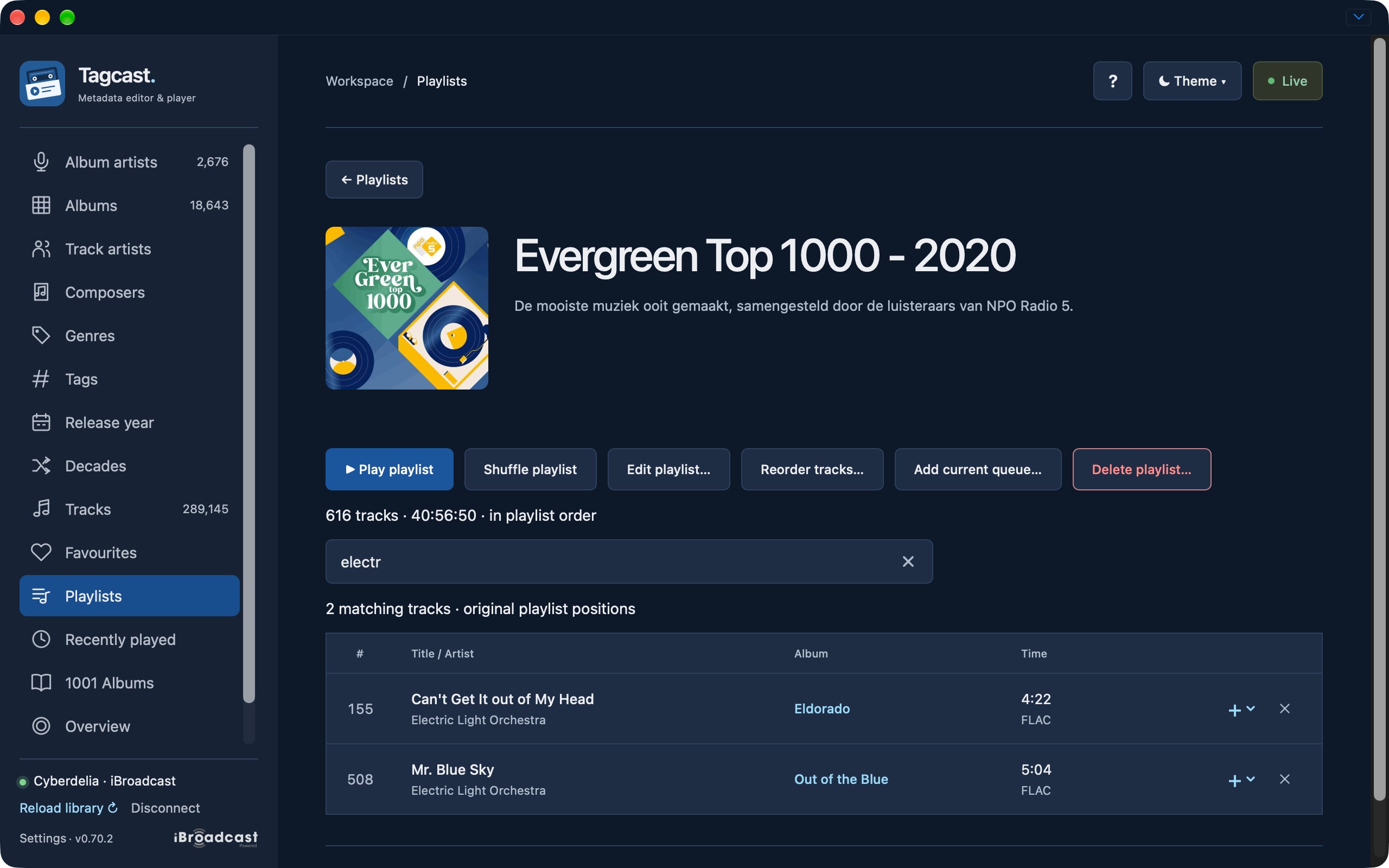
1001 Albums reference list with matched library albums.
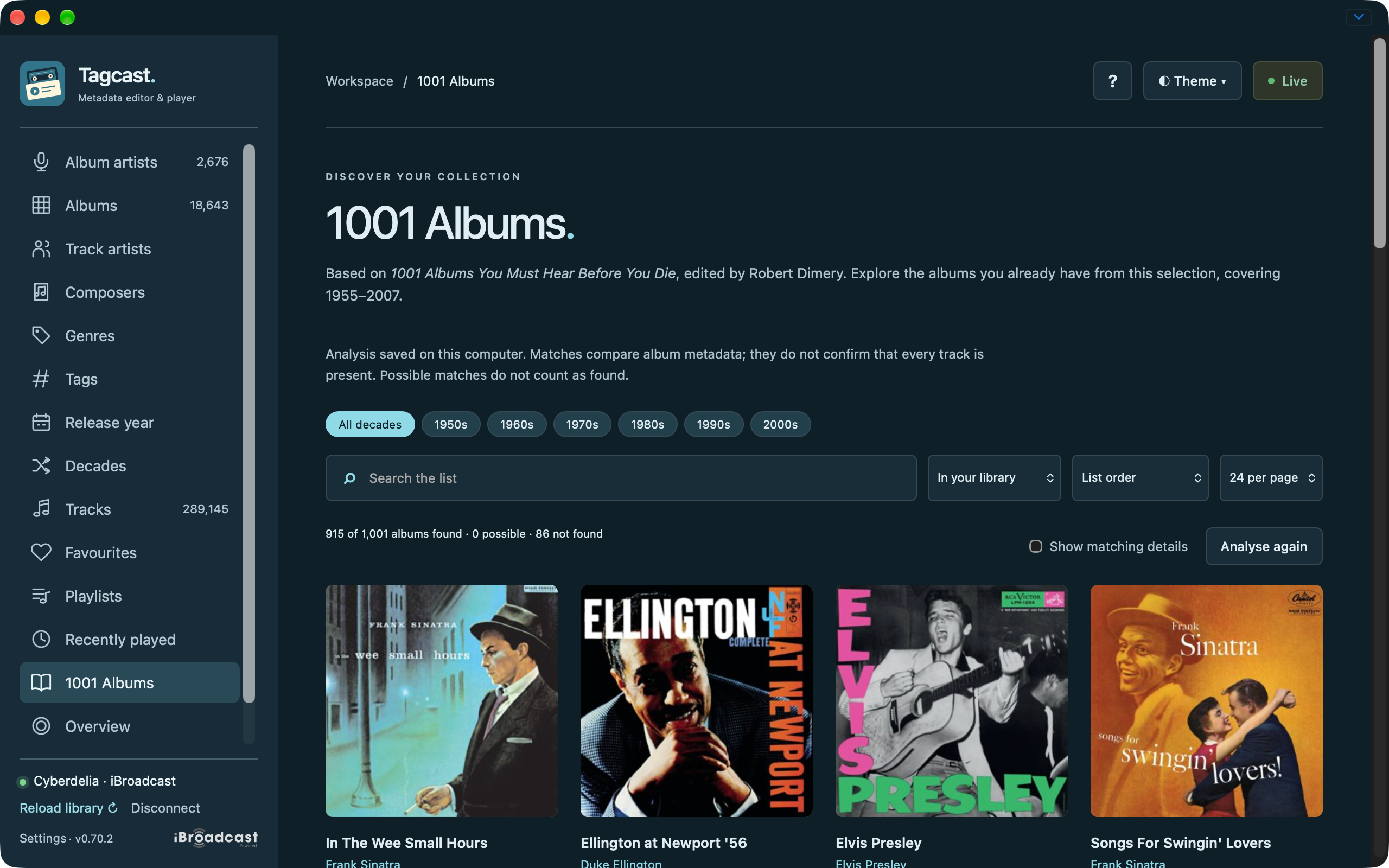
1001 Albums reference list filtered to the 1970s.
Overview and cleanup
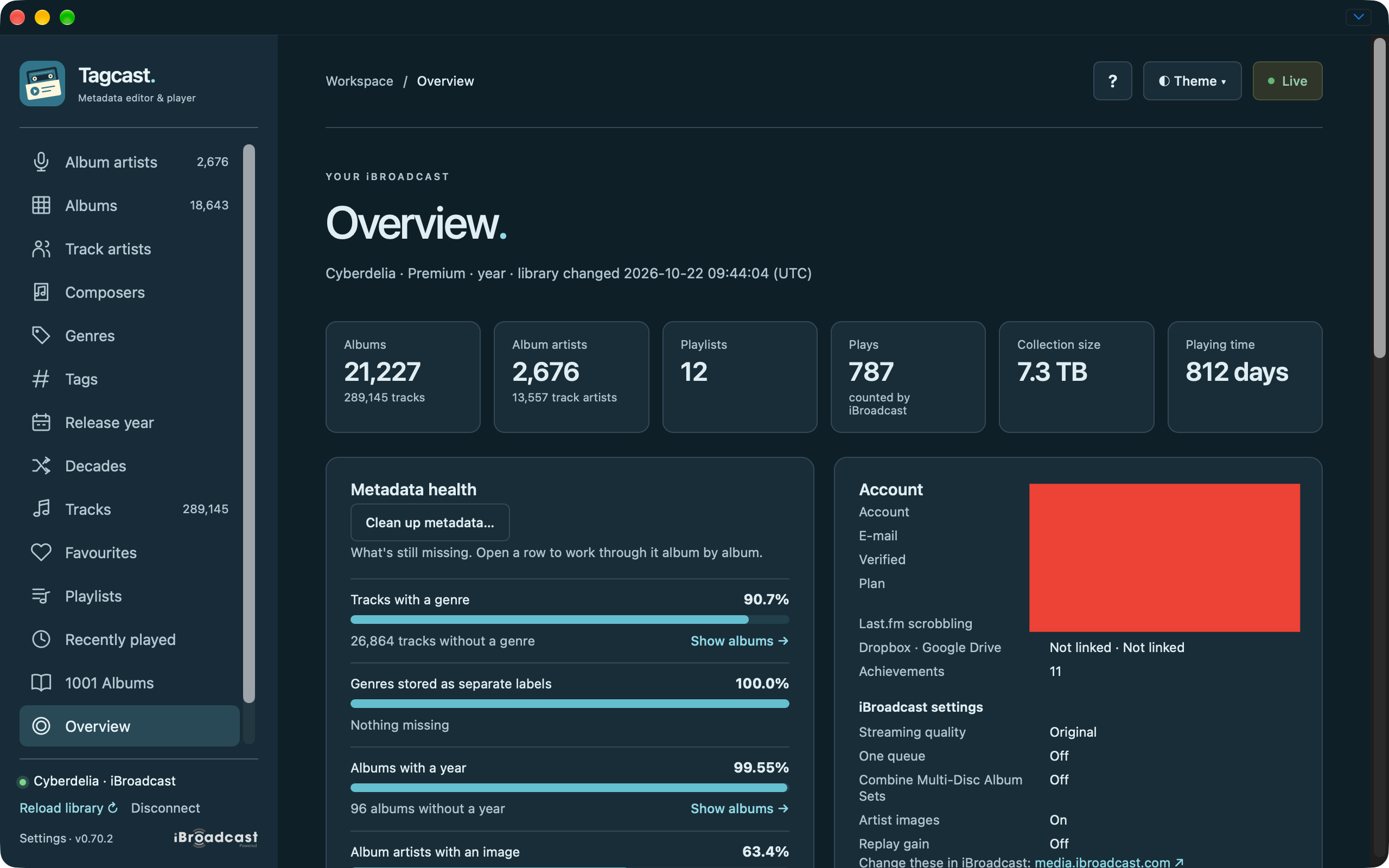
Overview with collection totals, metadata health and contributor-redacted account fields.
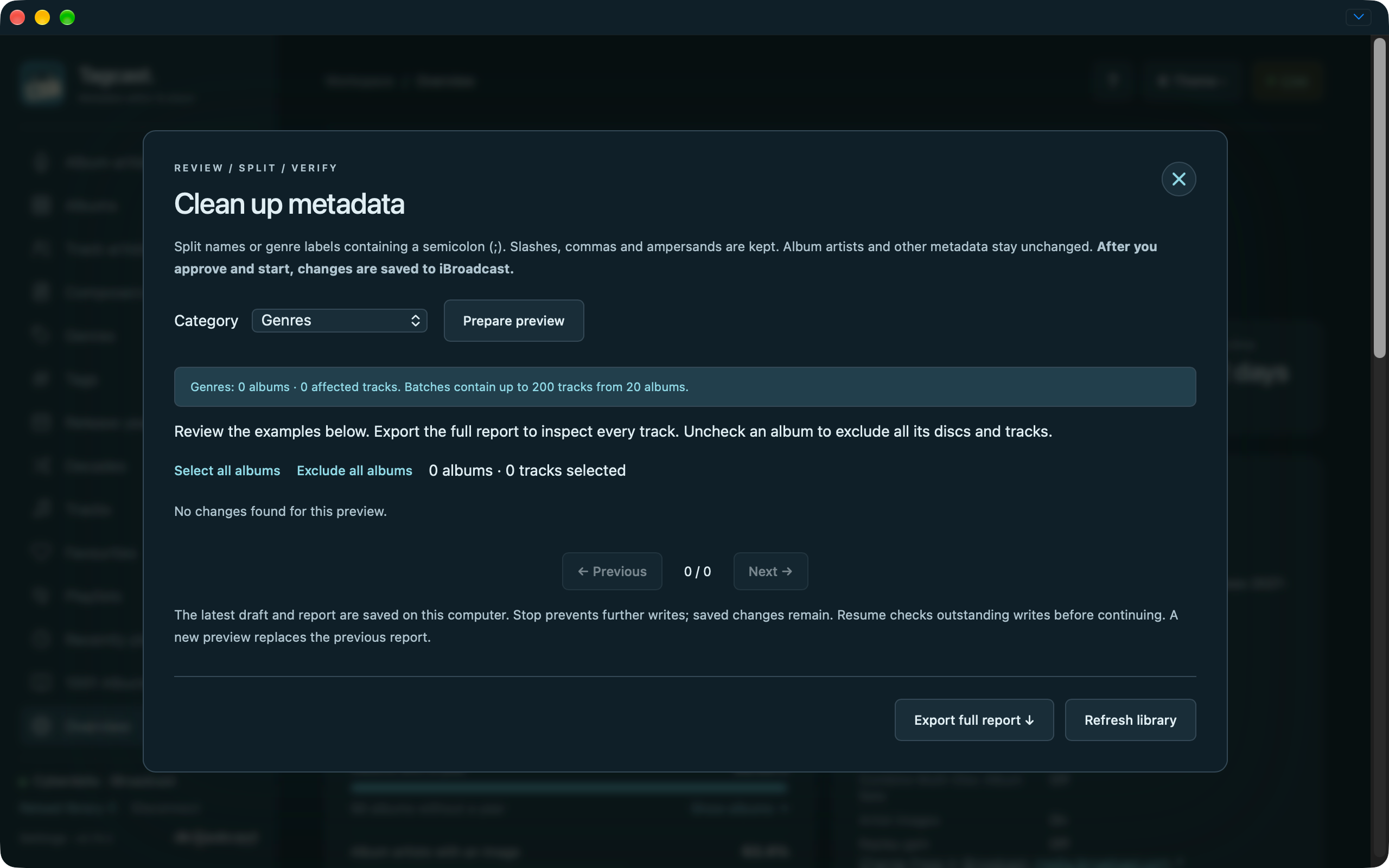
Composer cleanup preview with no proposed changes.
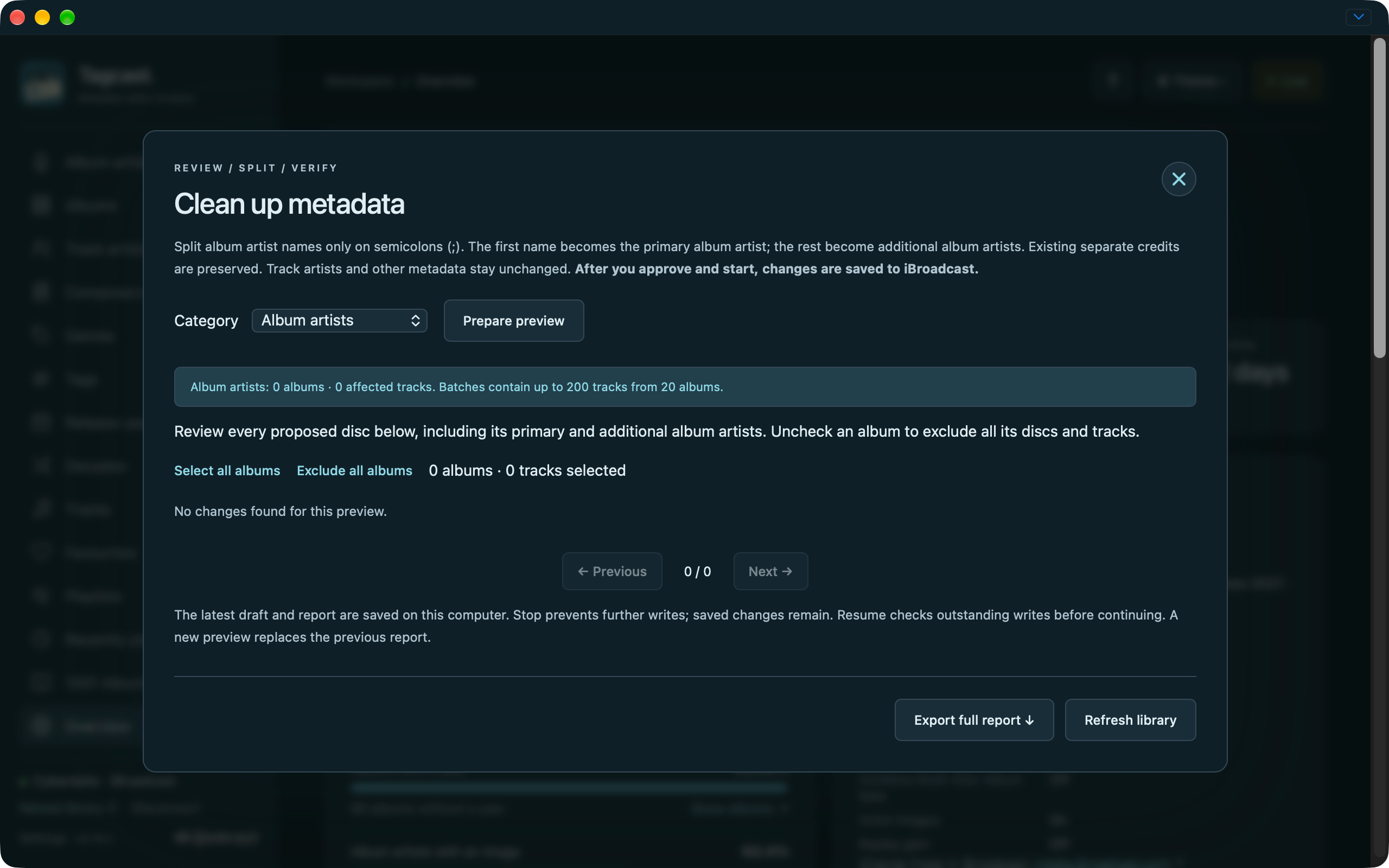
Album artist cleanup preview with no proposed changes.
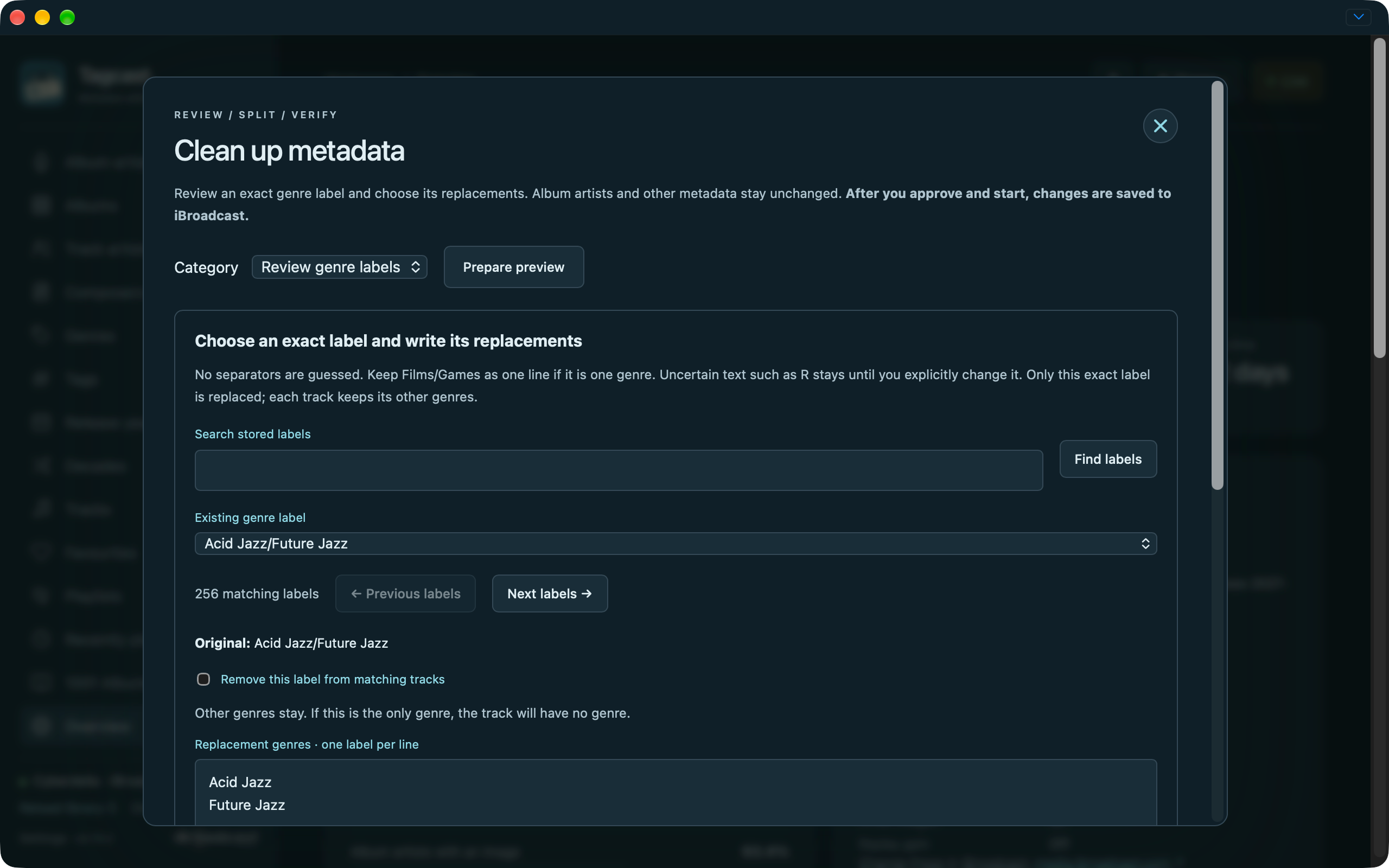
Exact genre-label replacement form before preparing its preview.
Settings
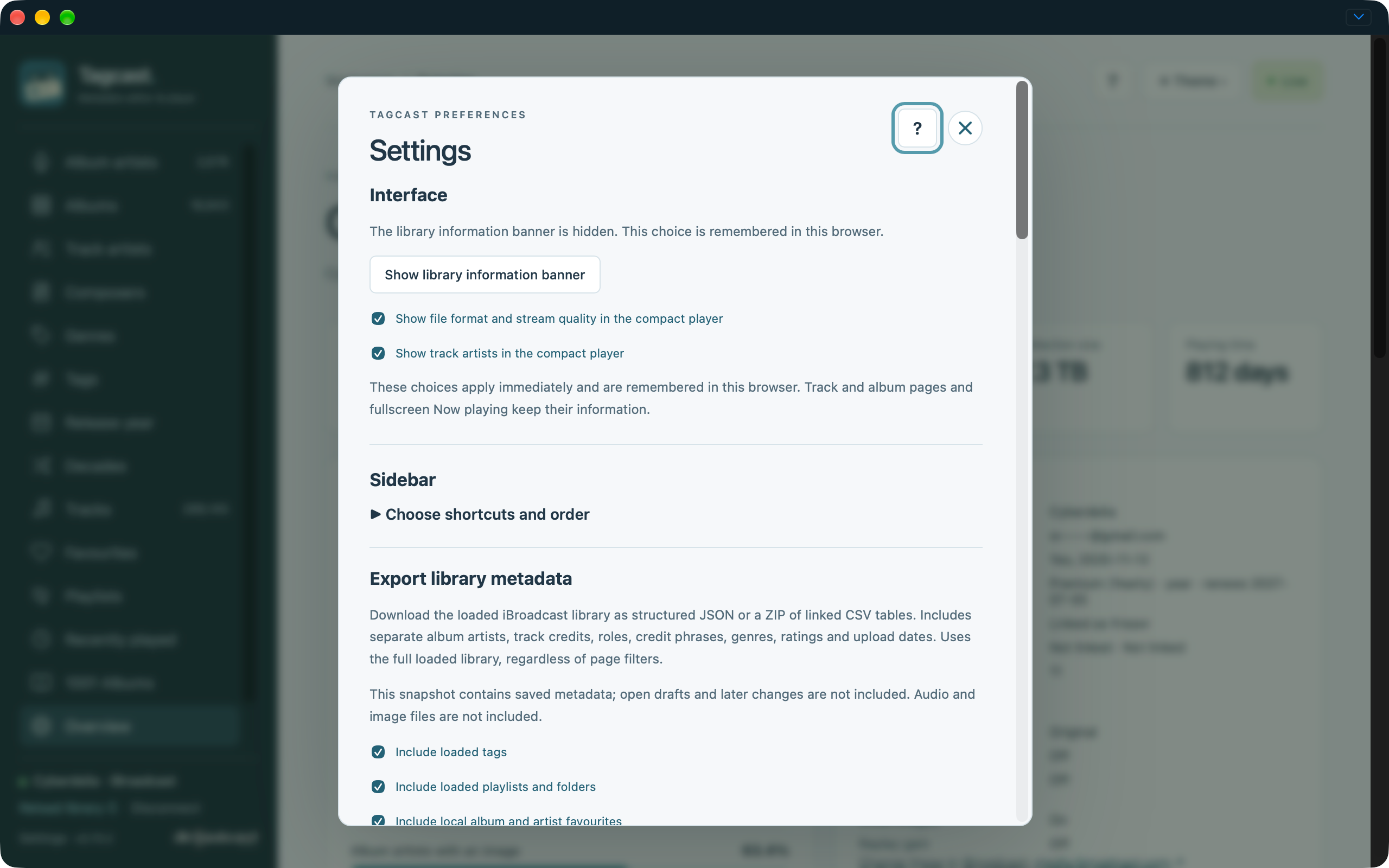
Light appearance with interface preferences and metadata export settings.
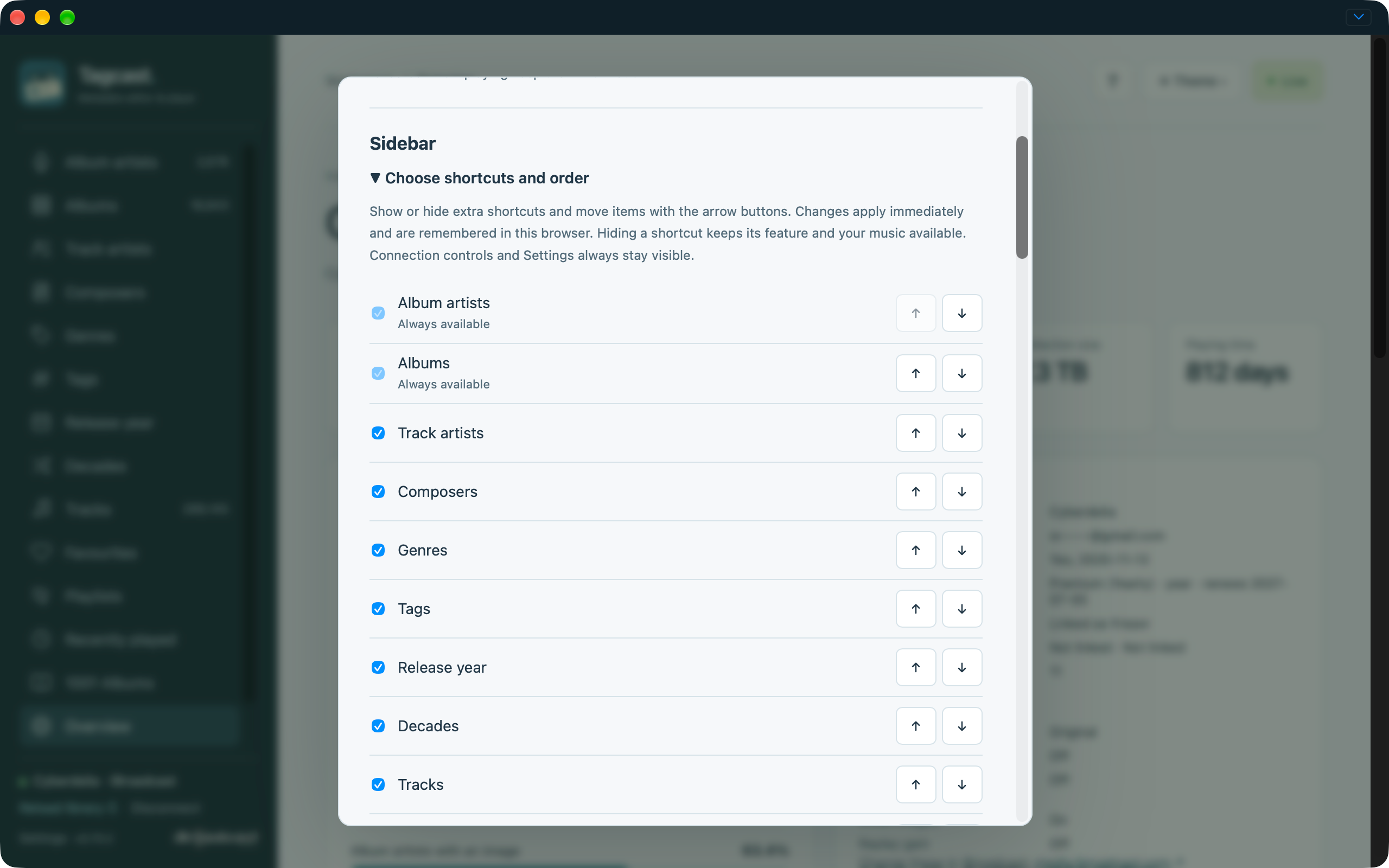
Expanded sidebar shortcut visibility and ordering preferences.
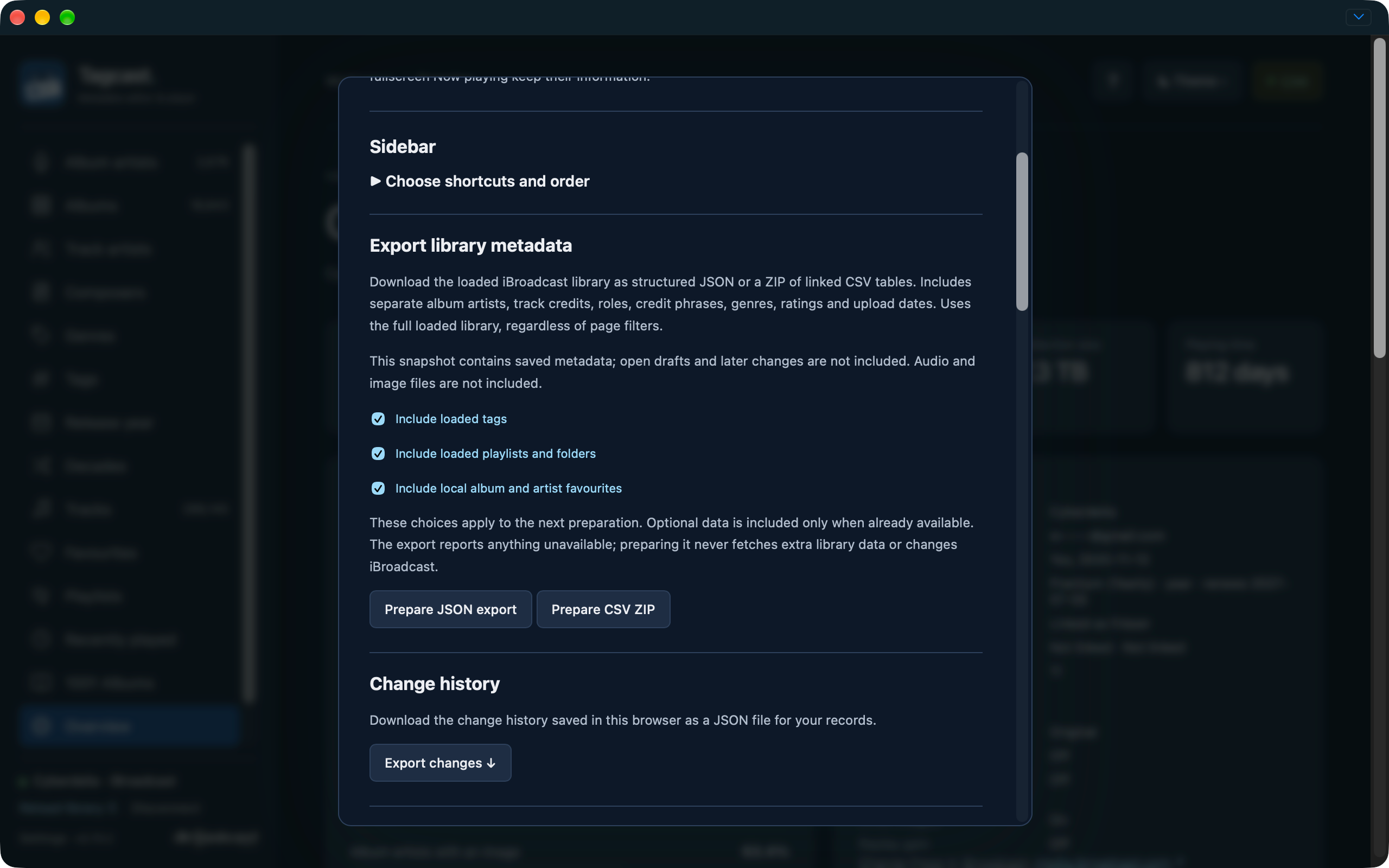
Metadata export and Change history settings.
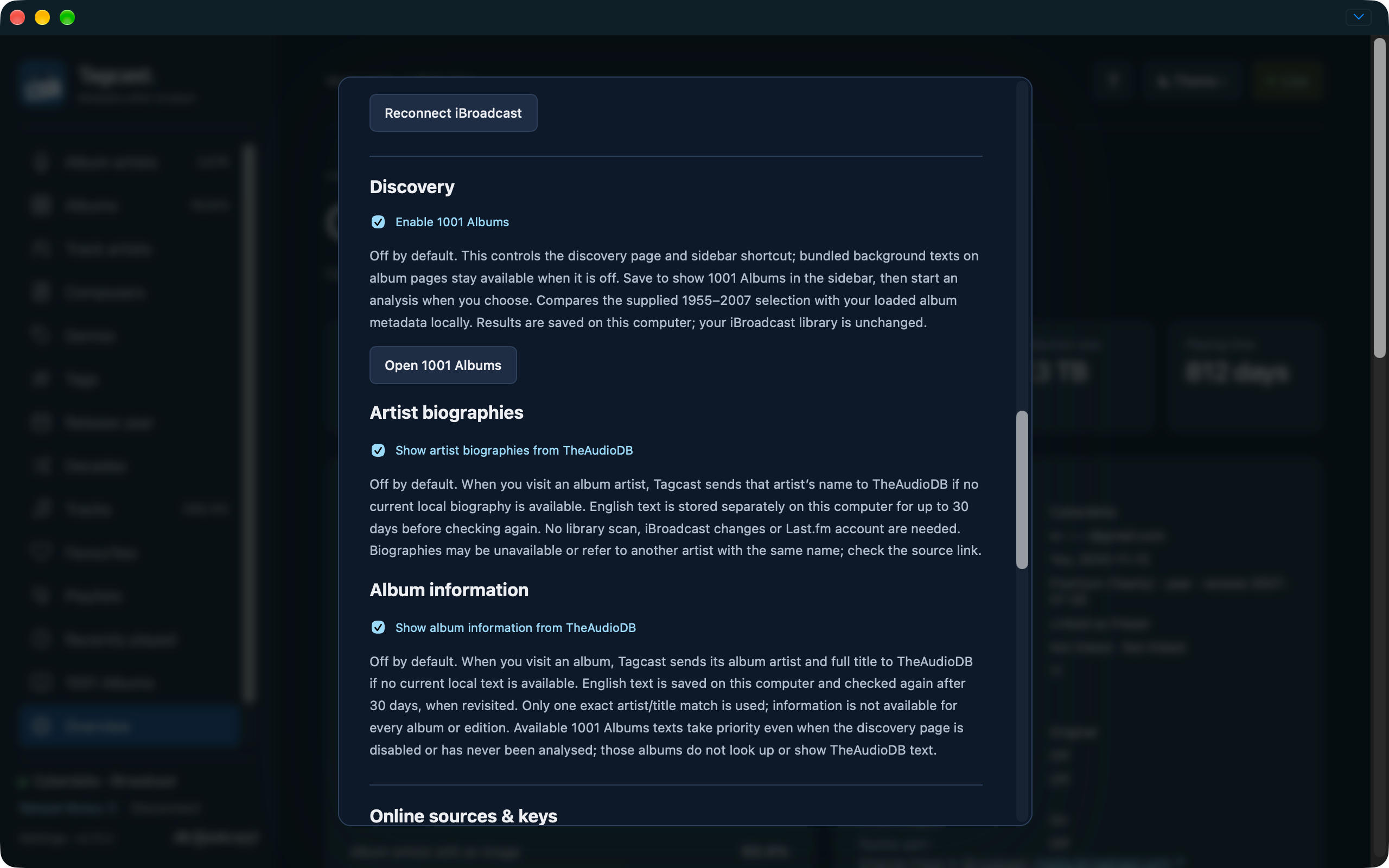
1001 Albums, artist biography and album information switches.
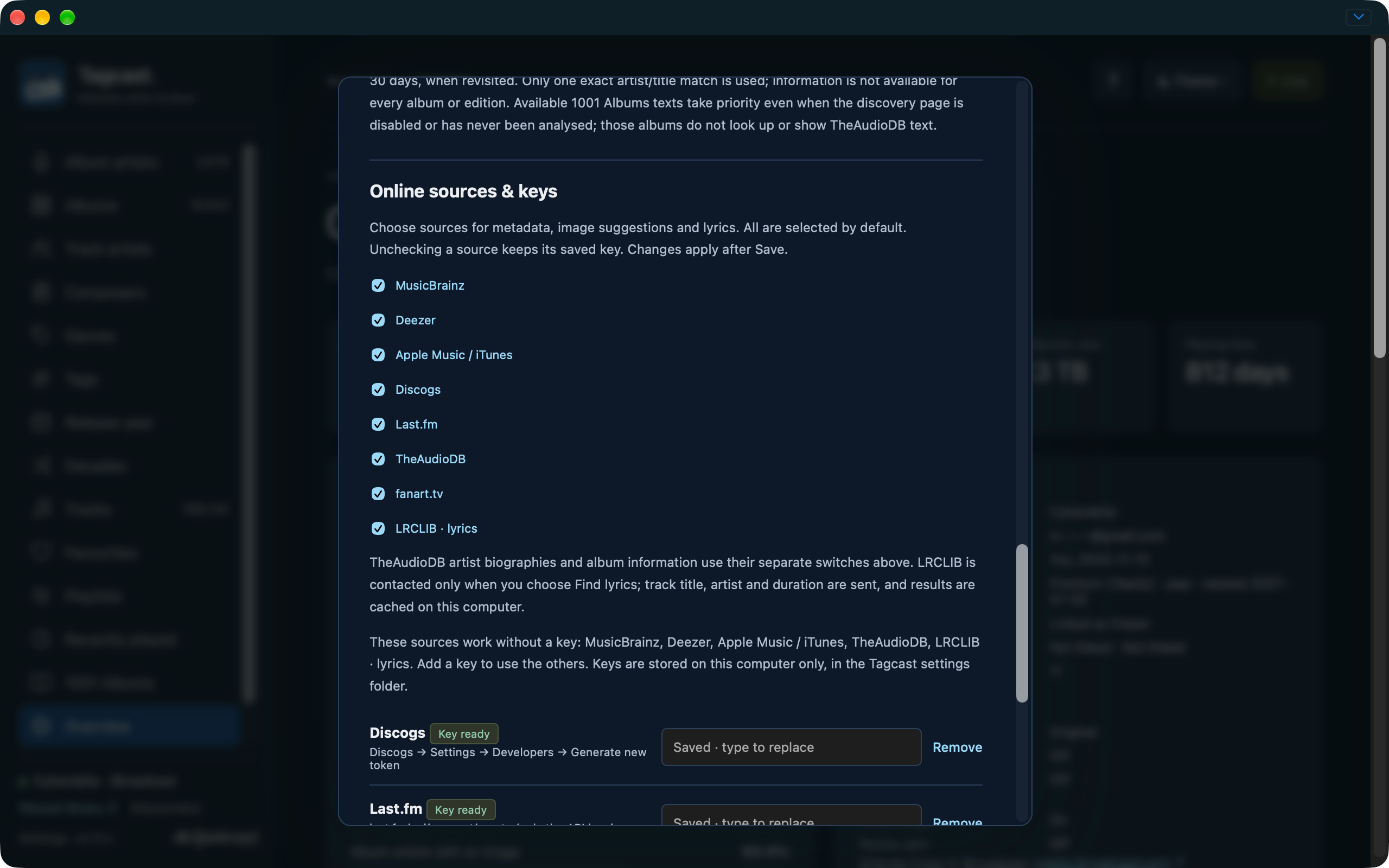
Online source switches including LRCLIB, with saved keys masked.
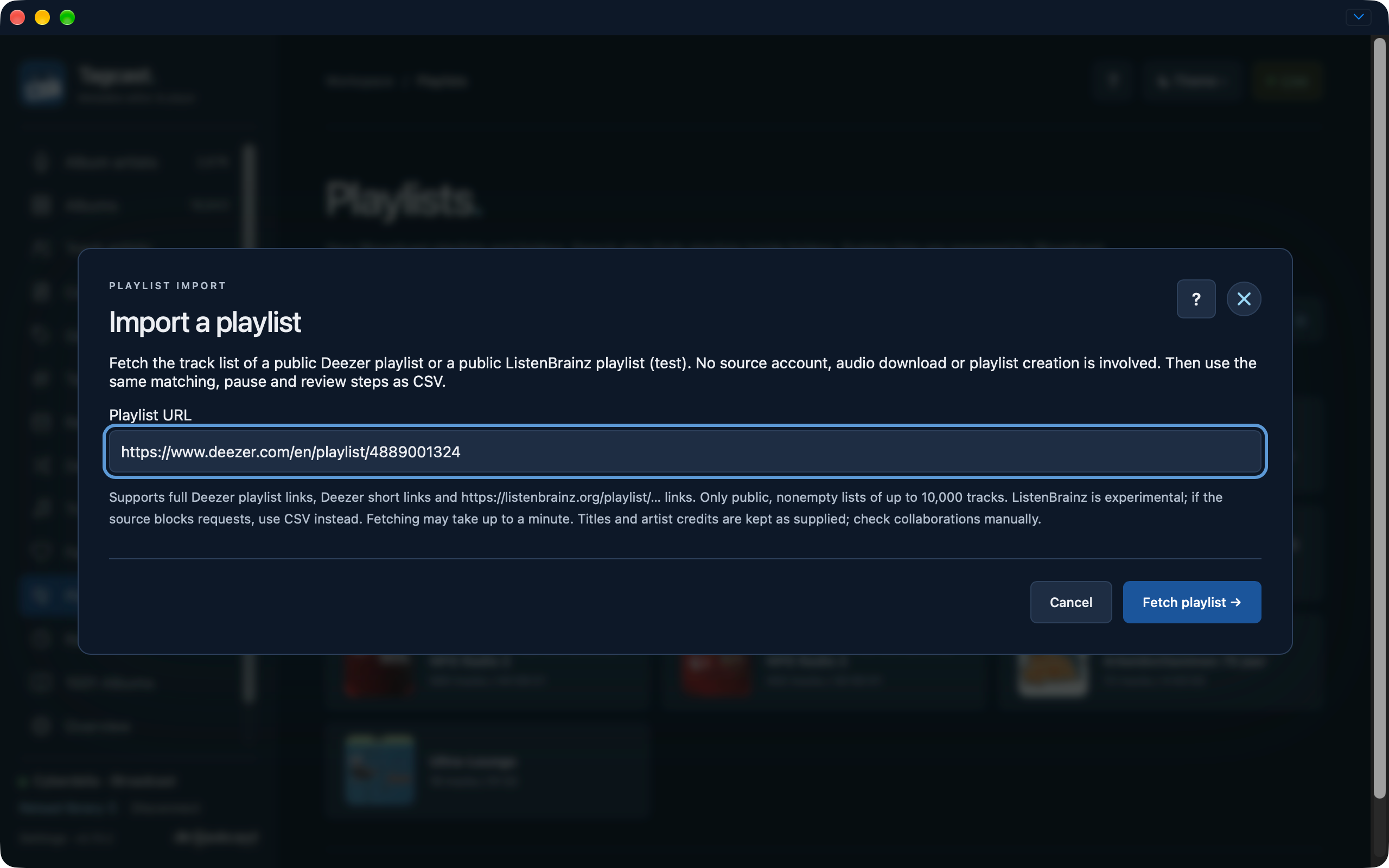
Public Deezer import and pause
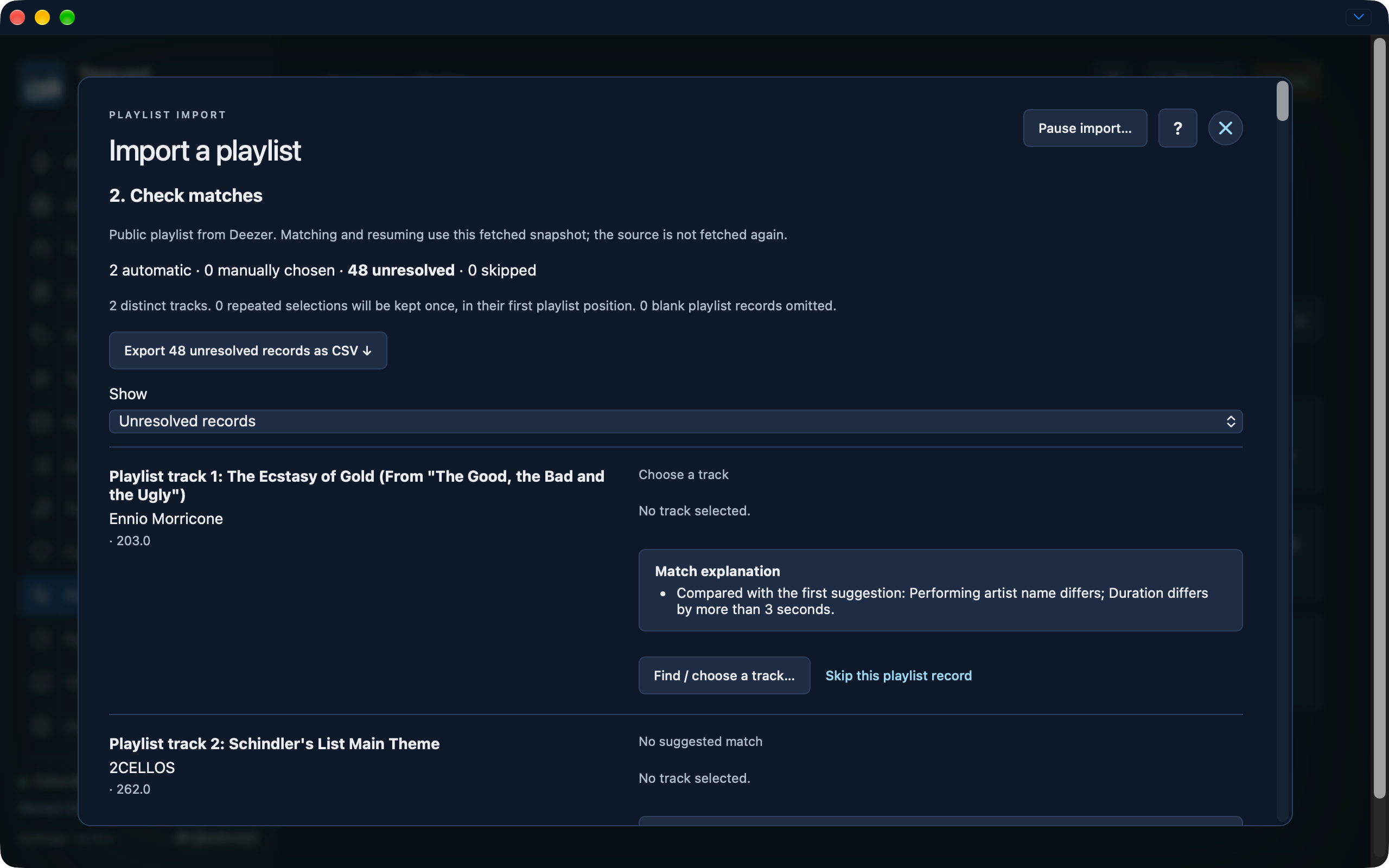
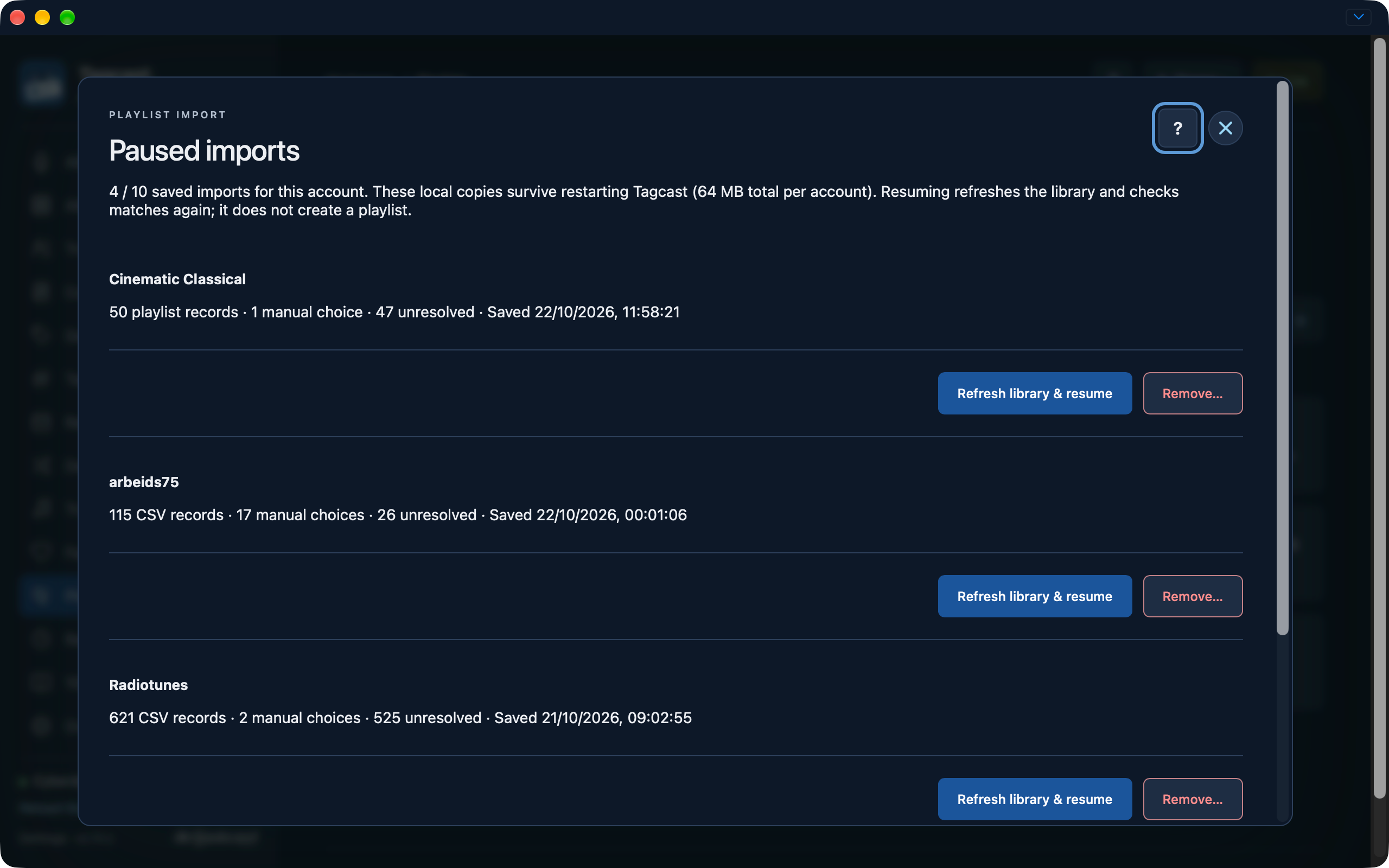
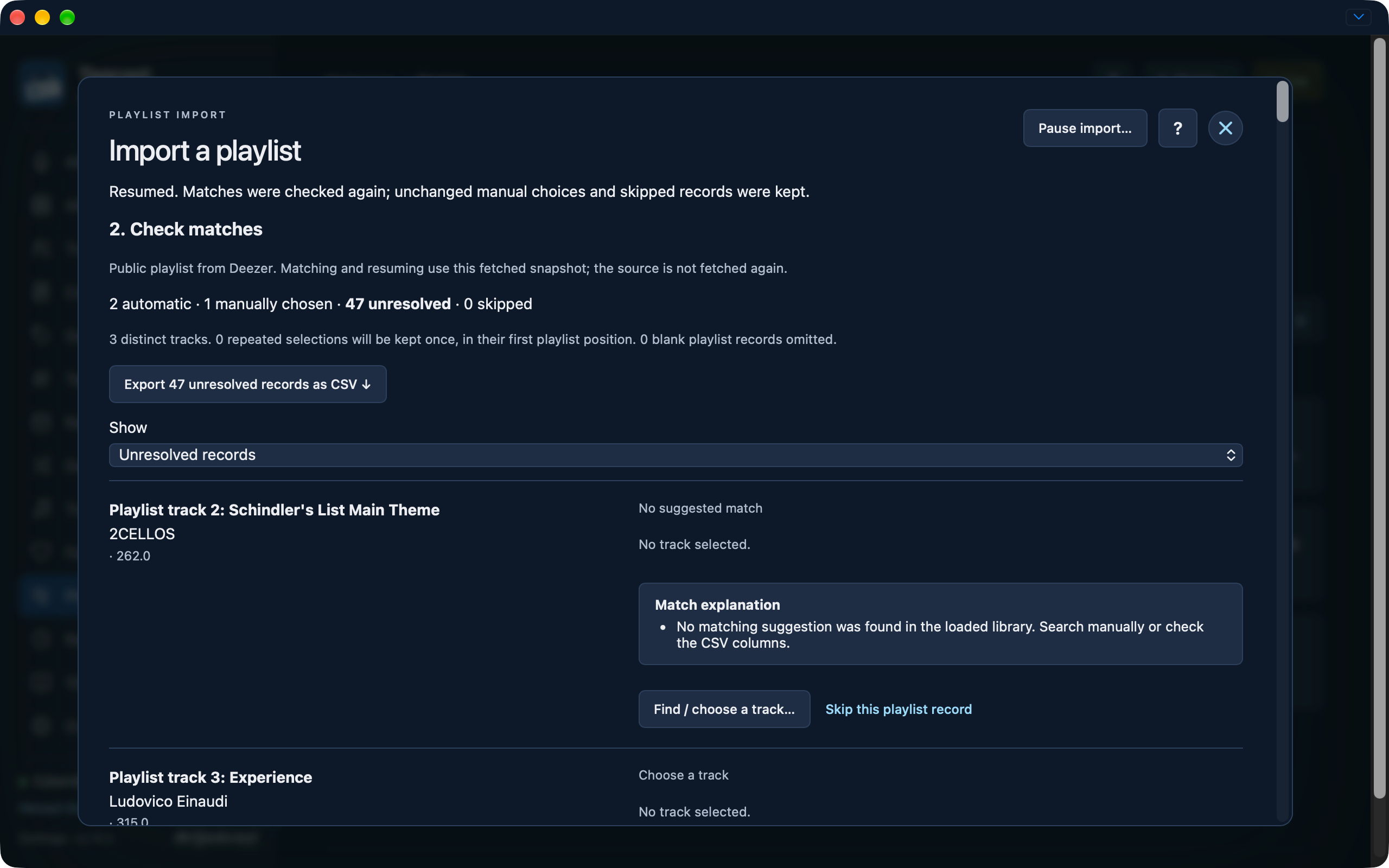
This sequence includes a saved checkpoint and a resumed Deezer import retaining a manual choice. It does not show final creation or establish a successful ListenBrainz fetch.
Public Deezer playlist URL before the explicit fetch.
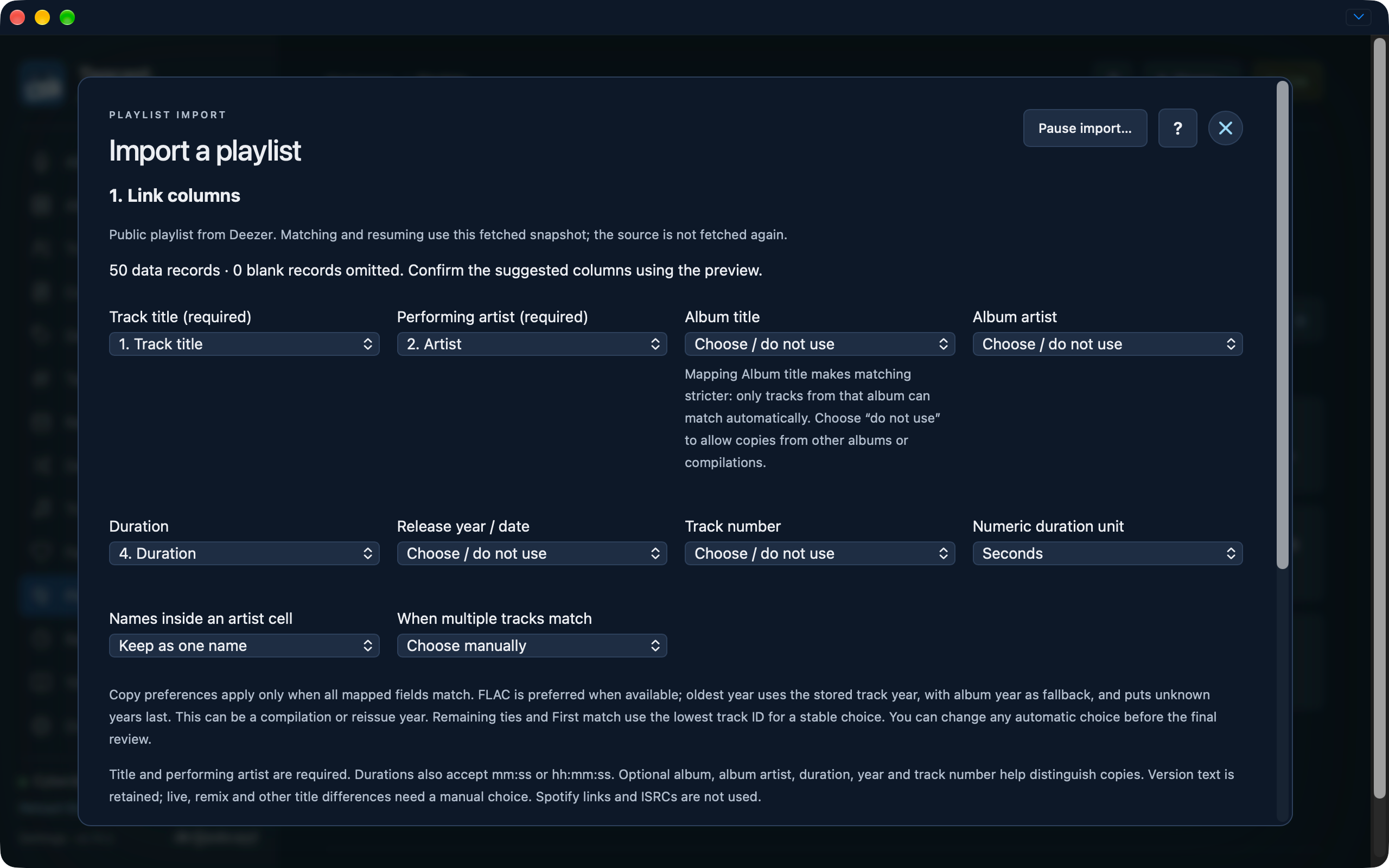
Fetched 50-track Deezer snapshot with title, artist and duration mapped and Album left optional.
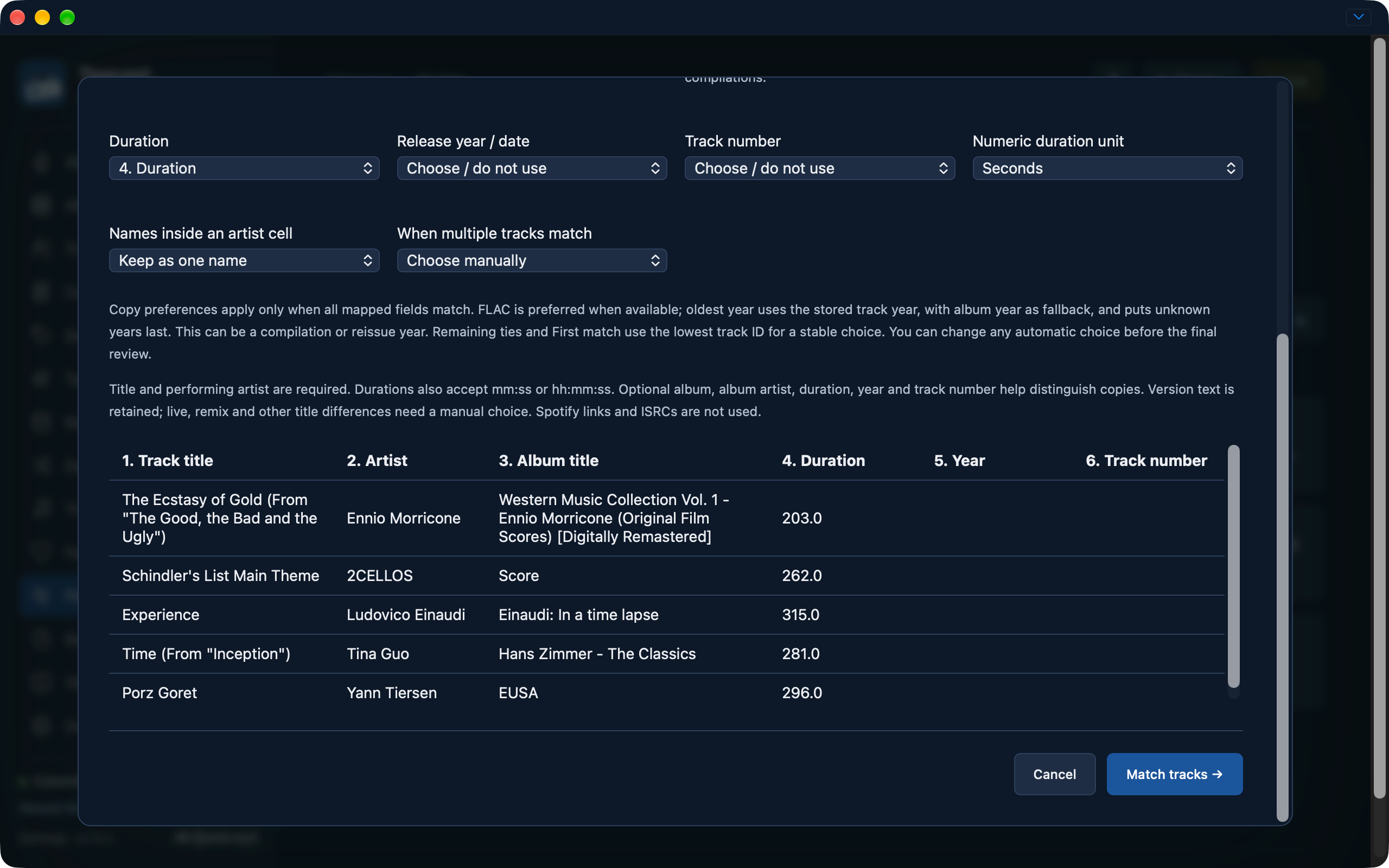
Copy preferences, duration units and preview of fetched Deezer records.
Two automatic matches and 48 unresolved source records with match explanations.
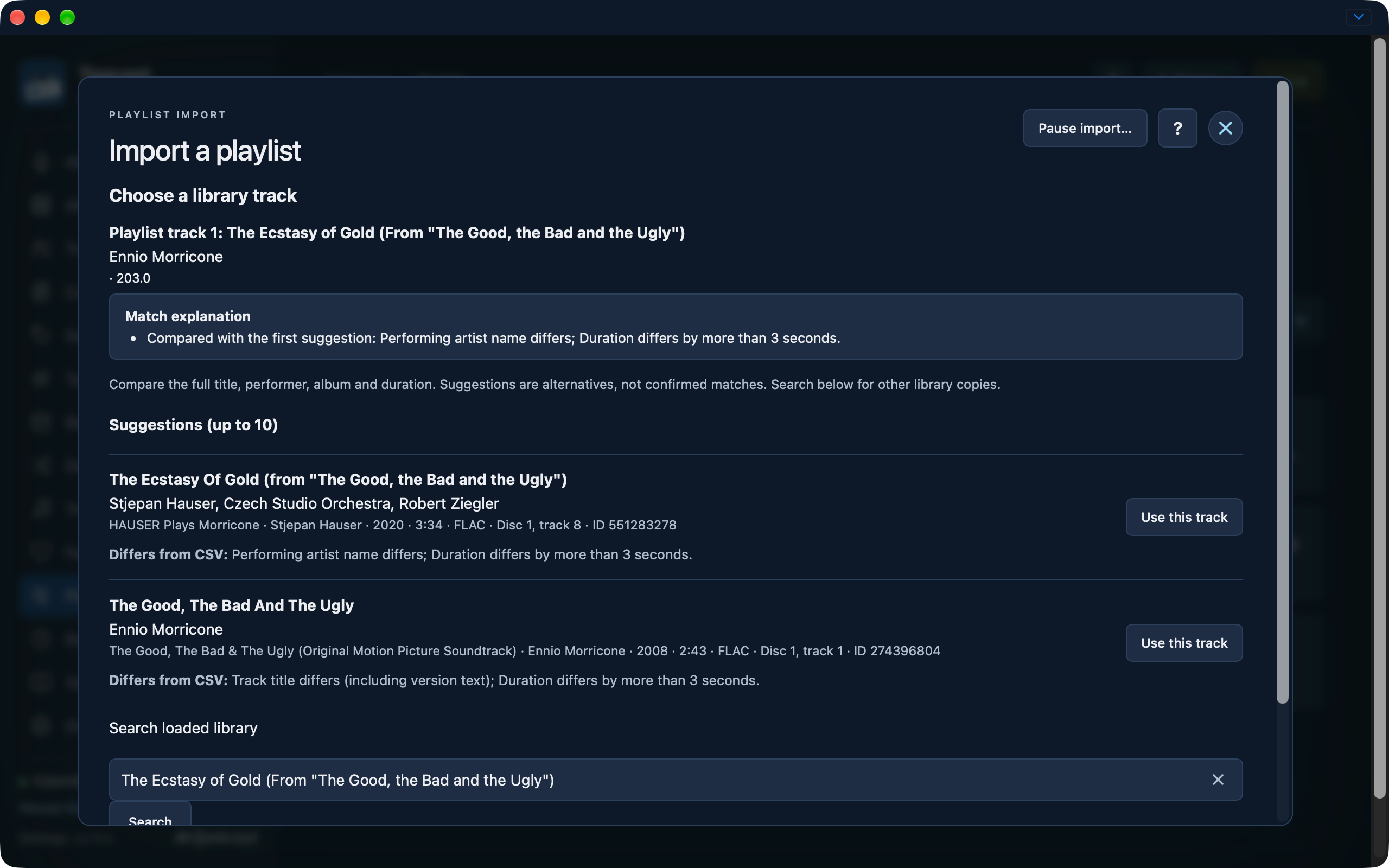
Manual library-track comparison with title, performer and duration differences.
Saved Deezer and CSV checkpoints with explicit Refresh library and resume controls.
Resumed Deezer import with one retained manual choice, two automatic matches and 47 unresolved records.
These earlier-interface captures are retained as historical examples, including Sound, mobile, metadata reviews and cleanup progress. Consult the linked task guides for current instructions. Their original capture dates remain visible.
Most screenshots were captured on 16 October 2026 while preparing 0.50.0, with the cassette logo, compact sidebar, album breadcrumbs, tags and Sound controls. Some captures still show the previous development version beside Settings. All supplied originals are indexed in the capture checklist, which also records the supplied views and accepted earlier-interface examples. The older sign-in illustration and linked cleanup examples retain their earlier styling. The album artist cleanup screenshot was supplied on 18 October 2026 and shows the source build used to prepare 0.70.0; it is labelled below.
Artists, albums and reviewed album selection
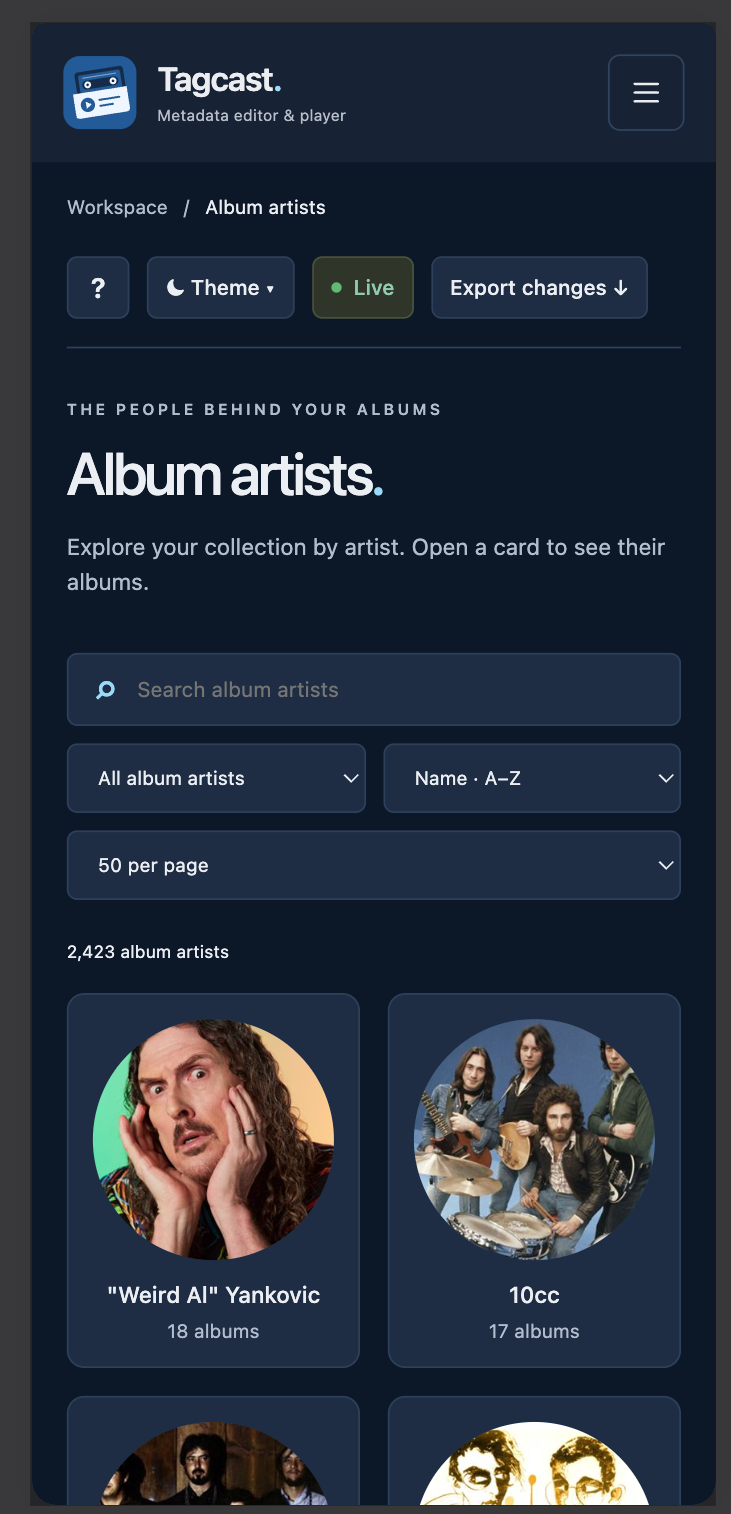
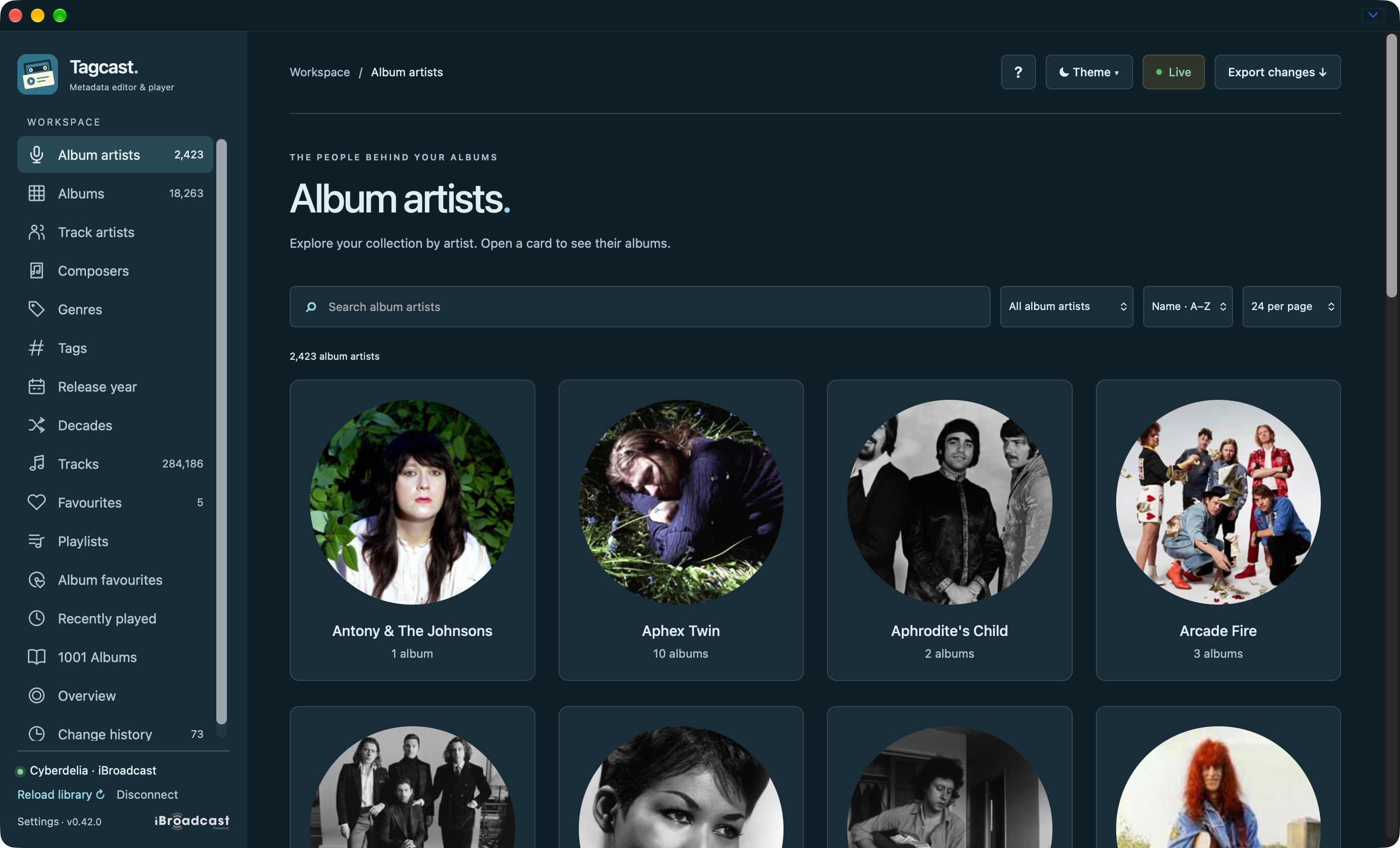
Album artists: searchable artist cards with the refreshed sidebar.
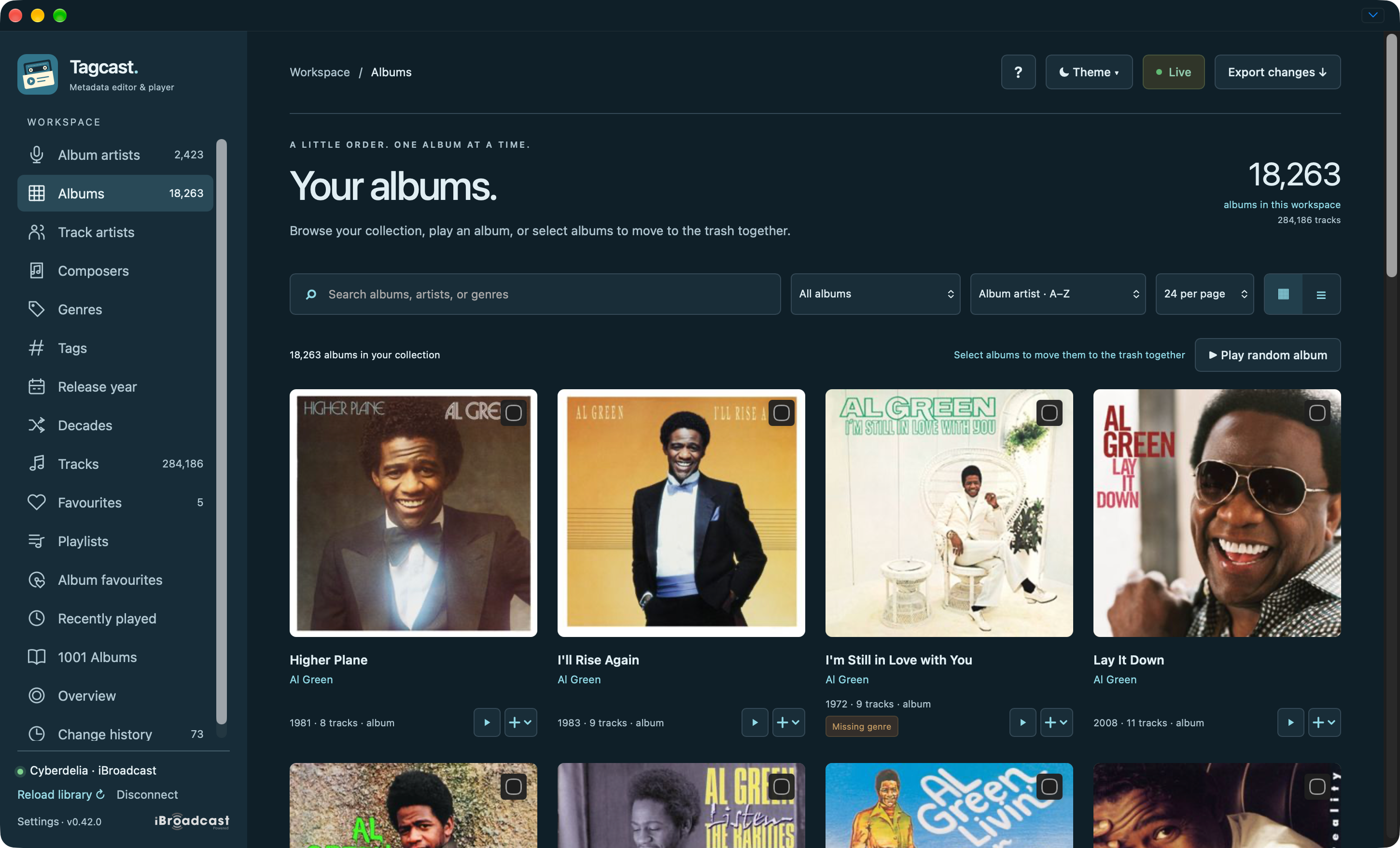
Albums: search/filter/sort controls and compact Play / + actions on cards.
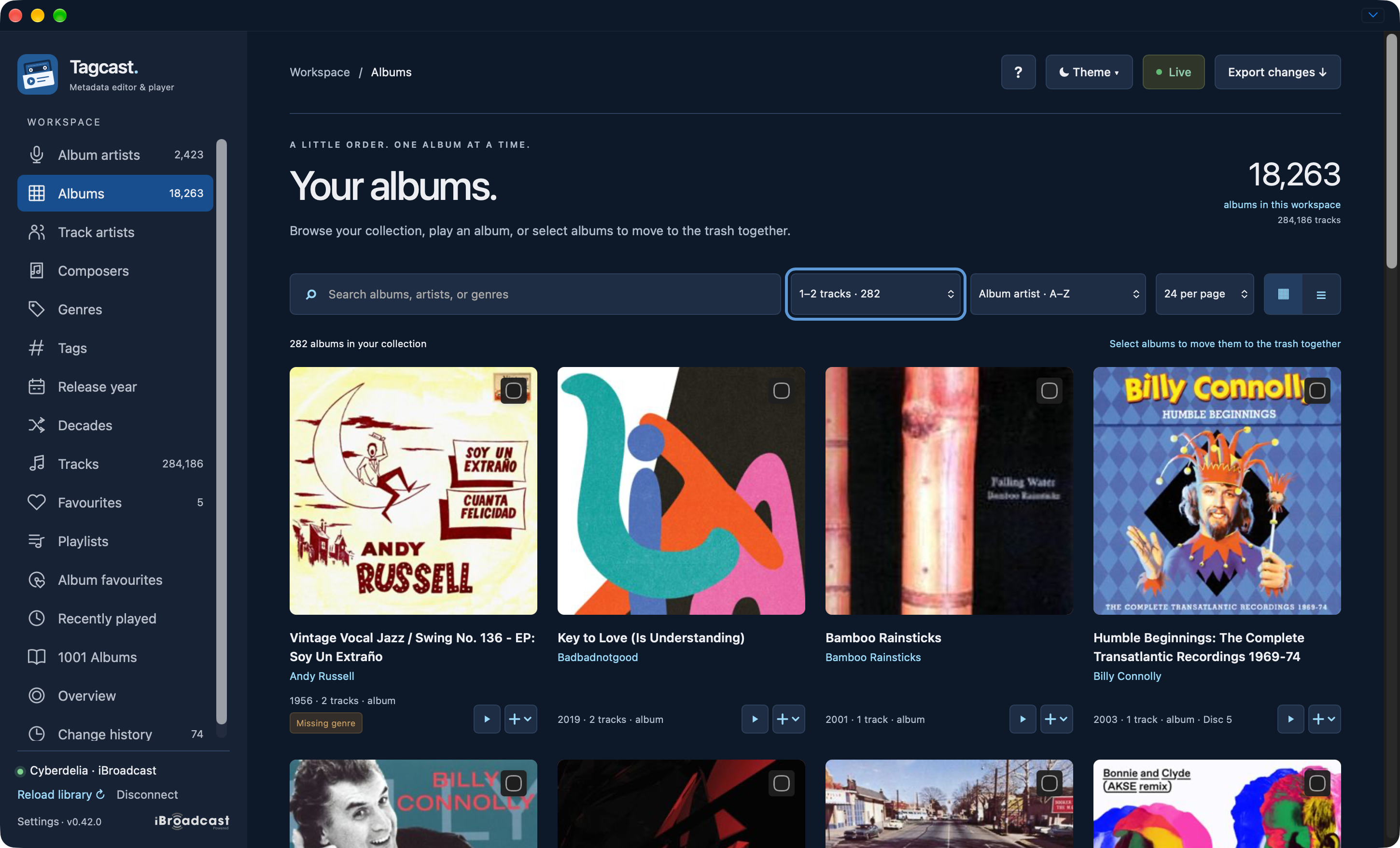
Filtered collection: the 1–2 tracks filter keeps album selection available; random playback is hidden for this cleanup filter. No albums are selected in this capture.
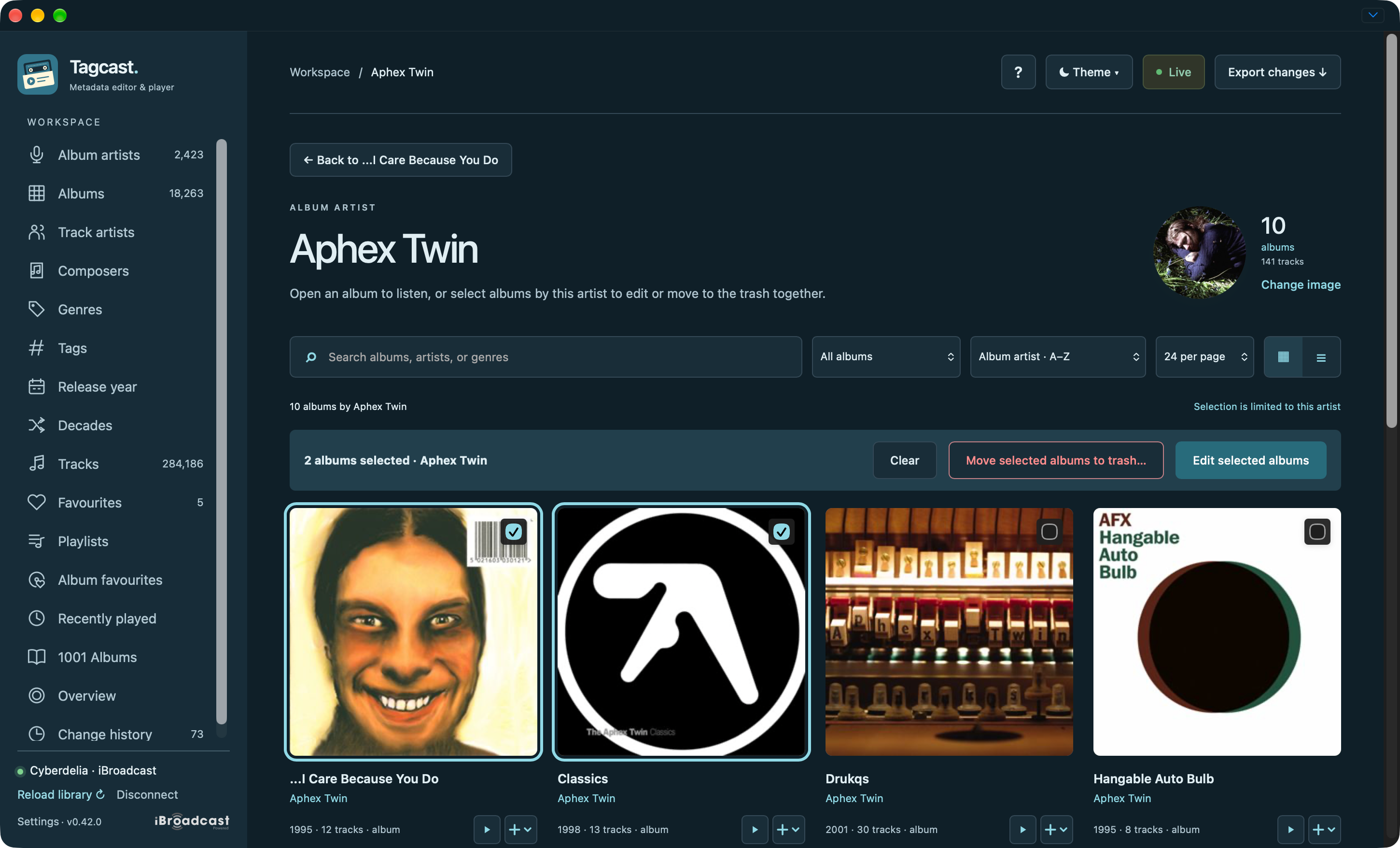
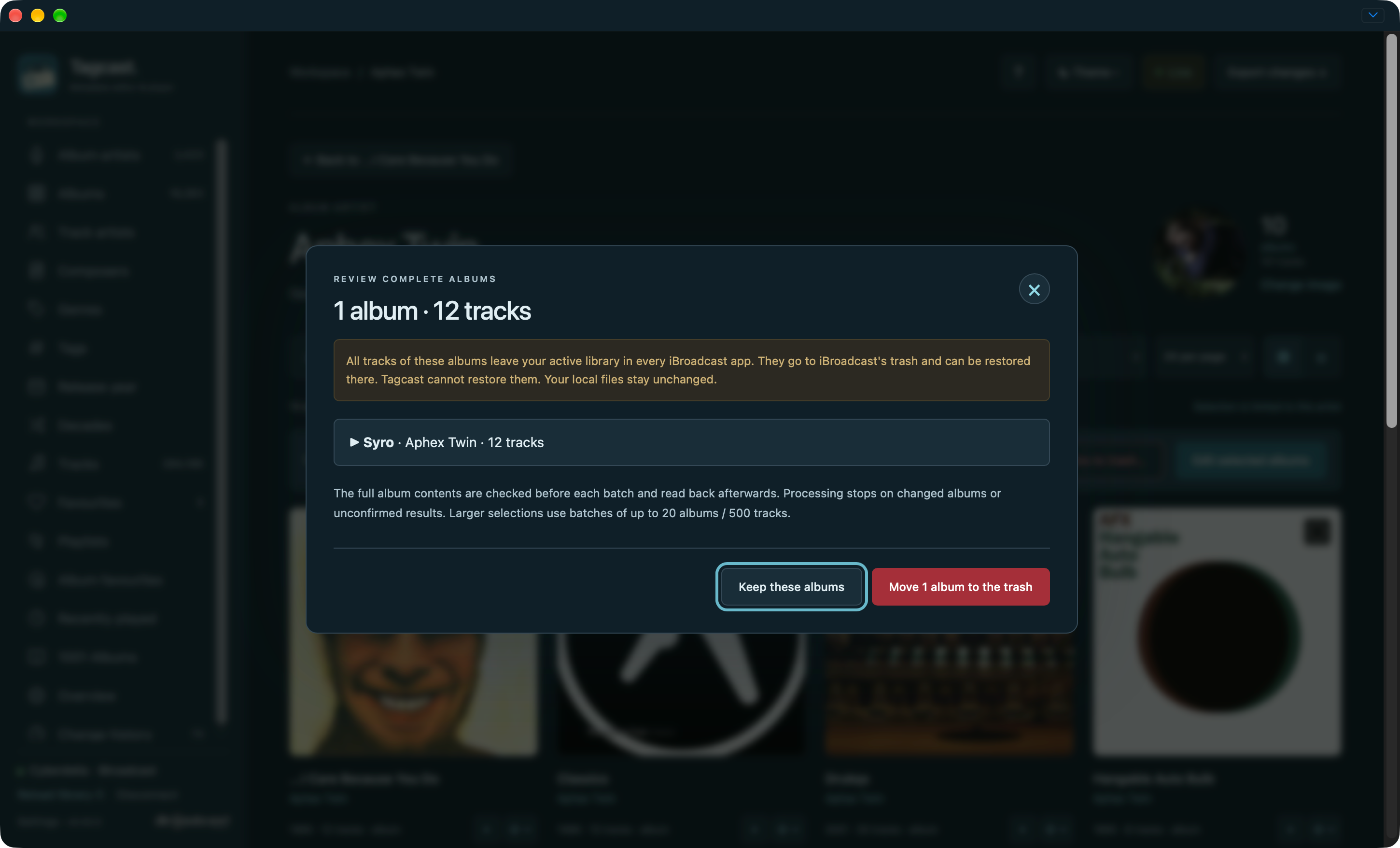
Select an artist's albums: edit together or review complete albums for the trash.
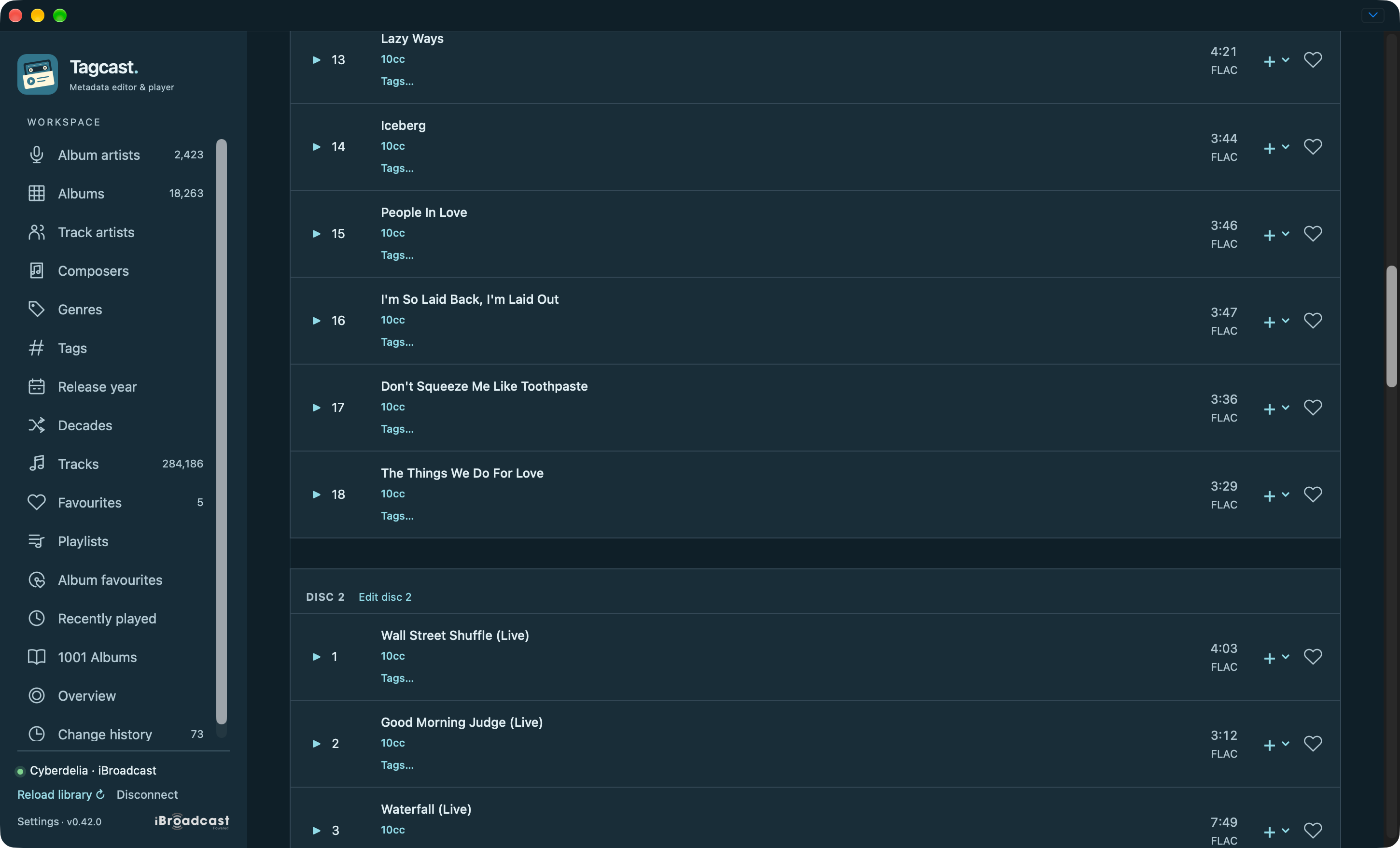
Multi-disc albums: tracks stay in disc sections with separate Edit disc actions. This capture is scrolled to the boundary between discs.
Native tags and their reviews
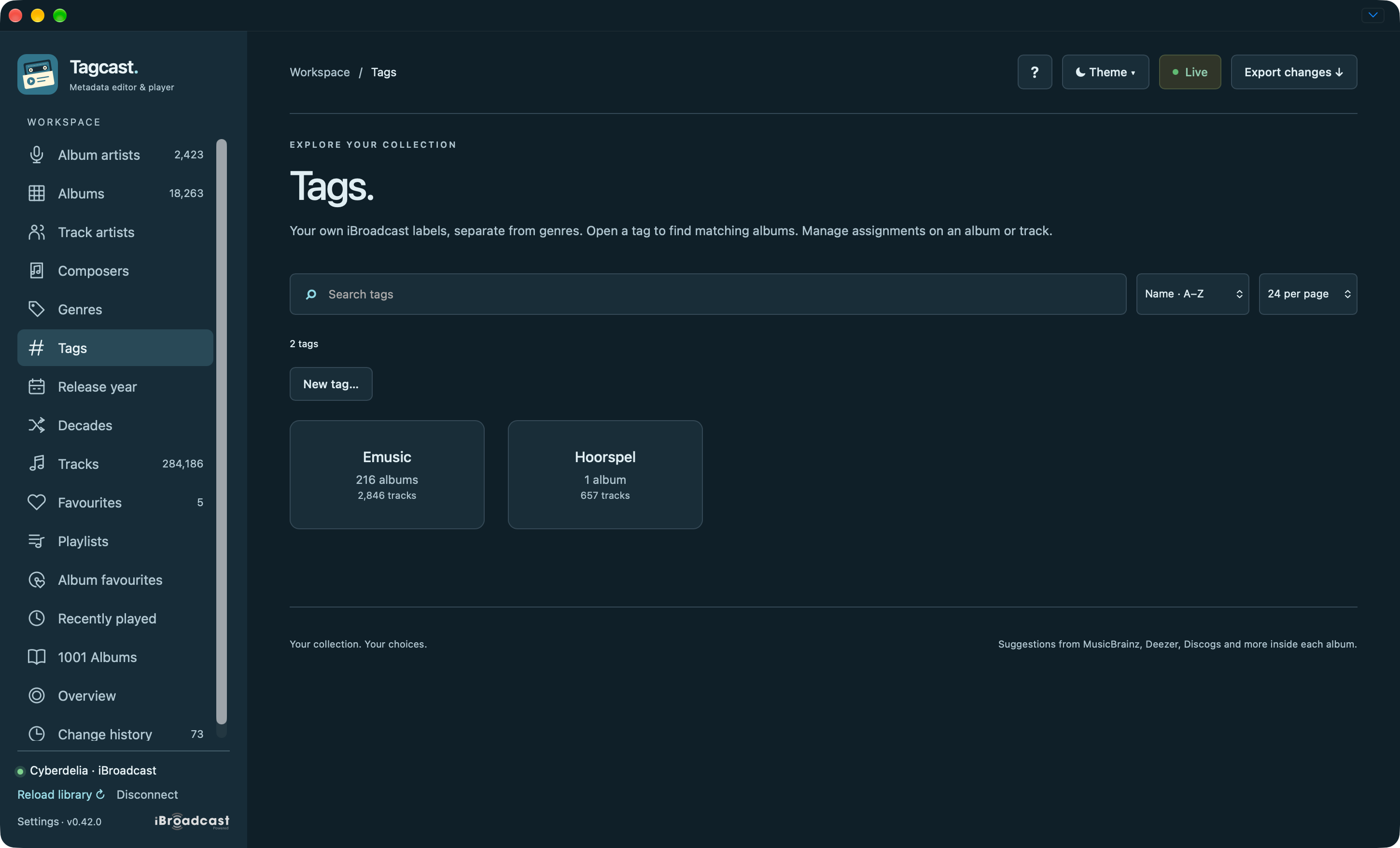
Tags: browse your iBroadcast labels, separate from genres.
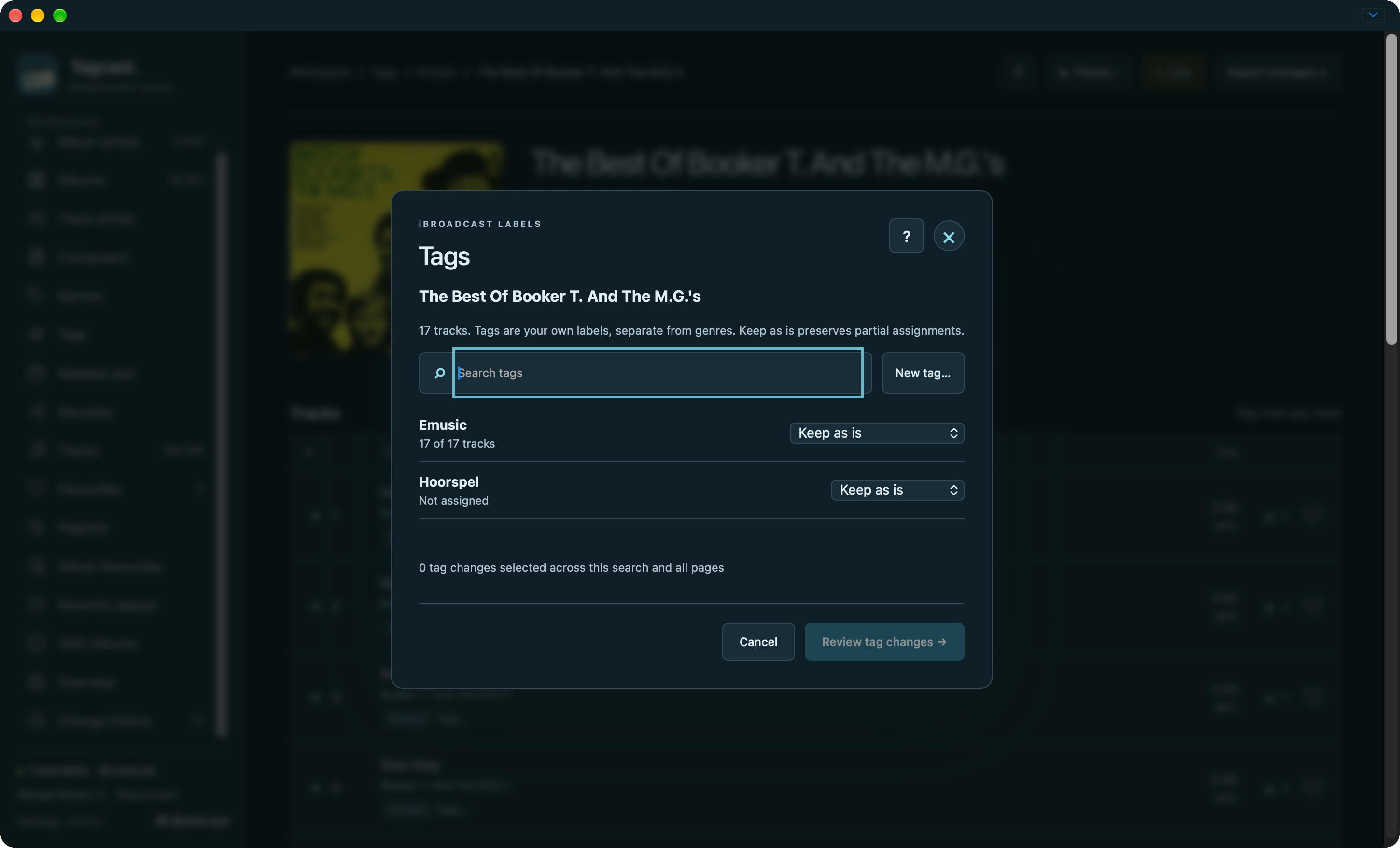
Manage assignments: keep existing values or choose explicit add/remove operations.
Review: inspect the label and track count before saving.
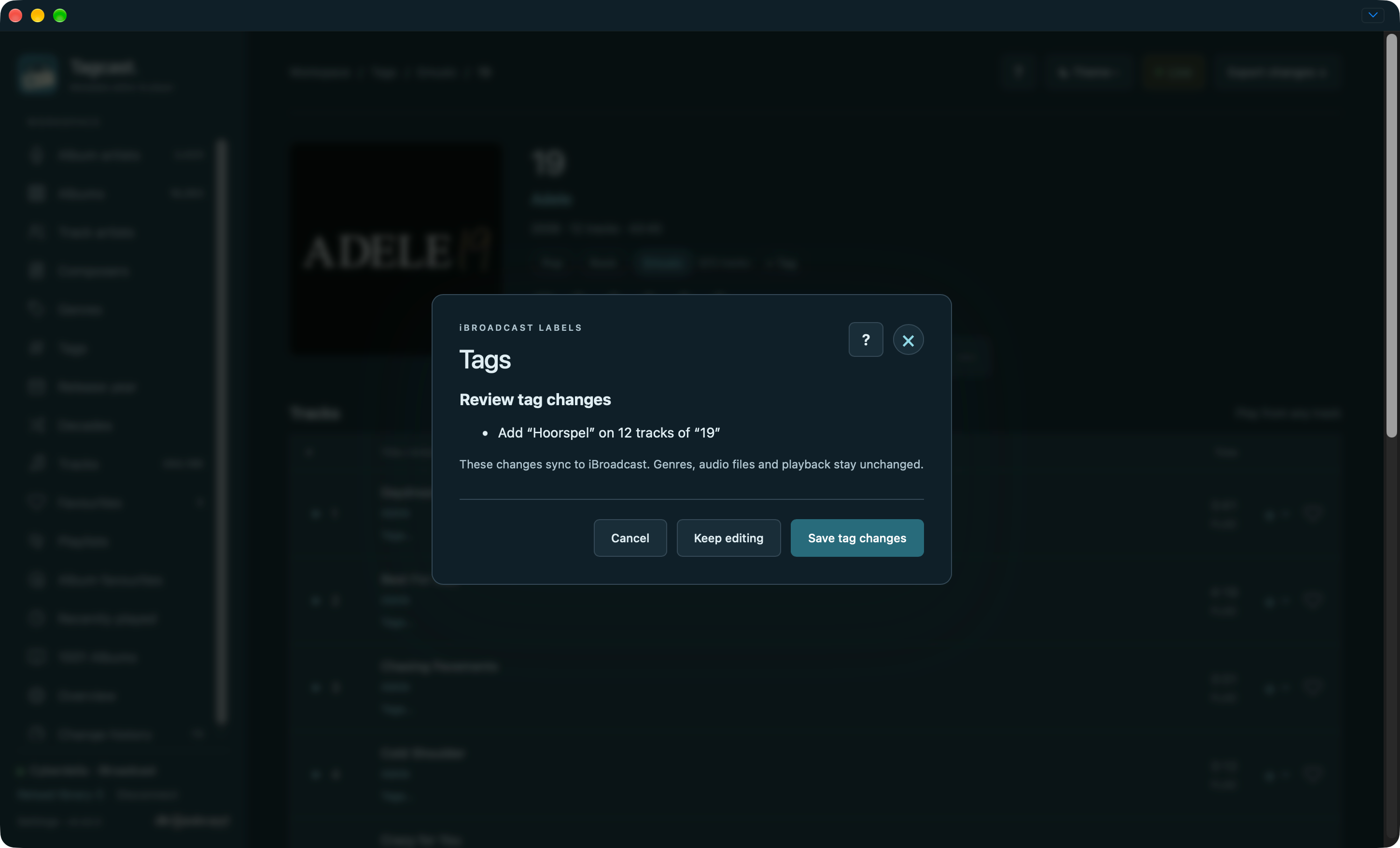
Metadata drafts, review and artwork
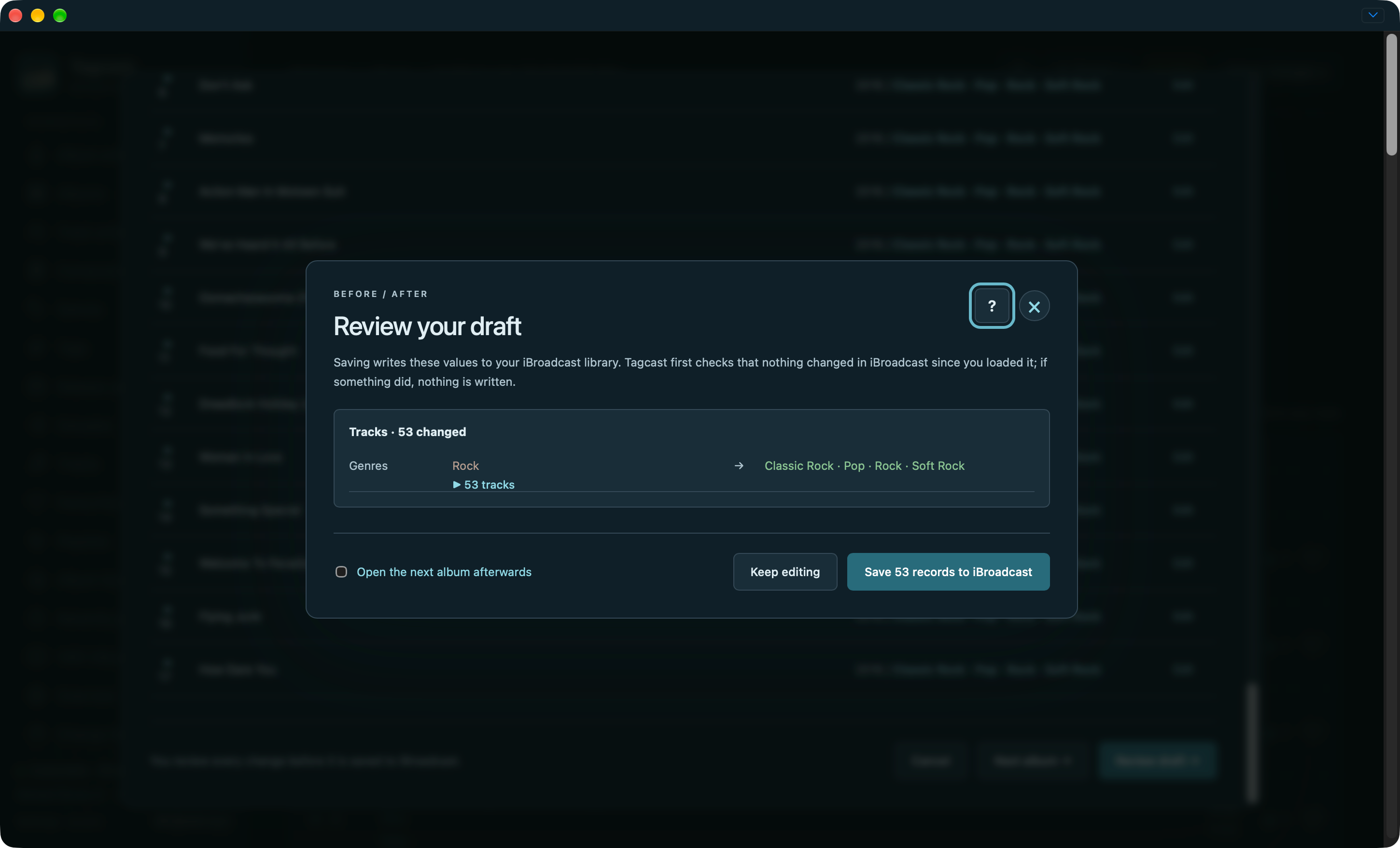
The editor combines album/track fields with source suggestions. Changes still need an explicit before/after review.
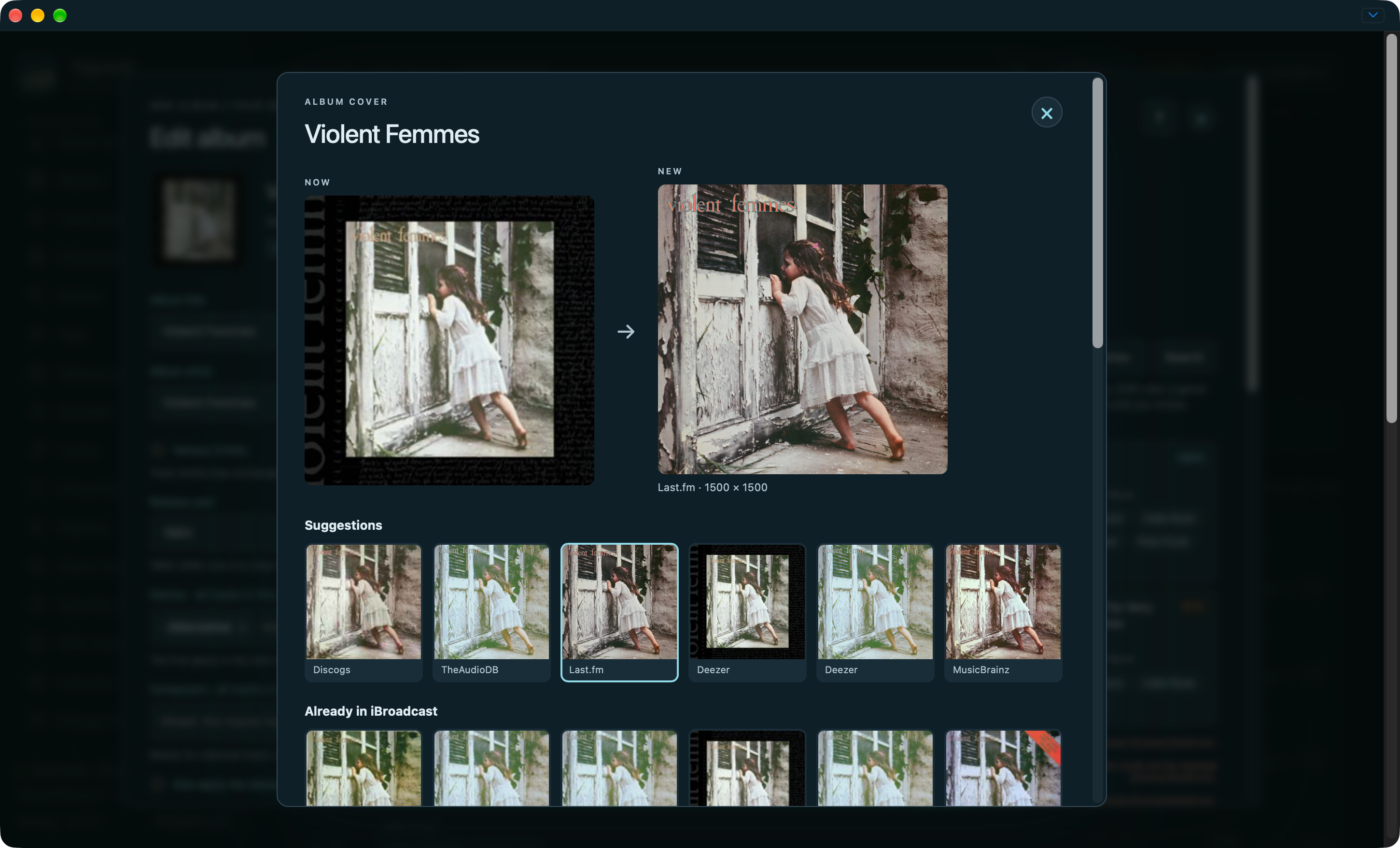
Artwork has its own comparison and save action.
Earlier-interface credit cleanup preview · Earlier-interface genre cleanup progress. These earlier examples are retained; a new cleanup session is not needed for documentation.


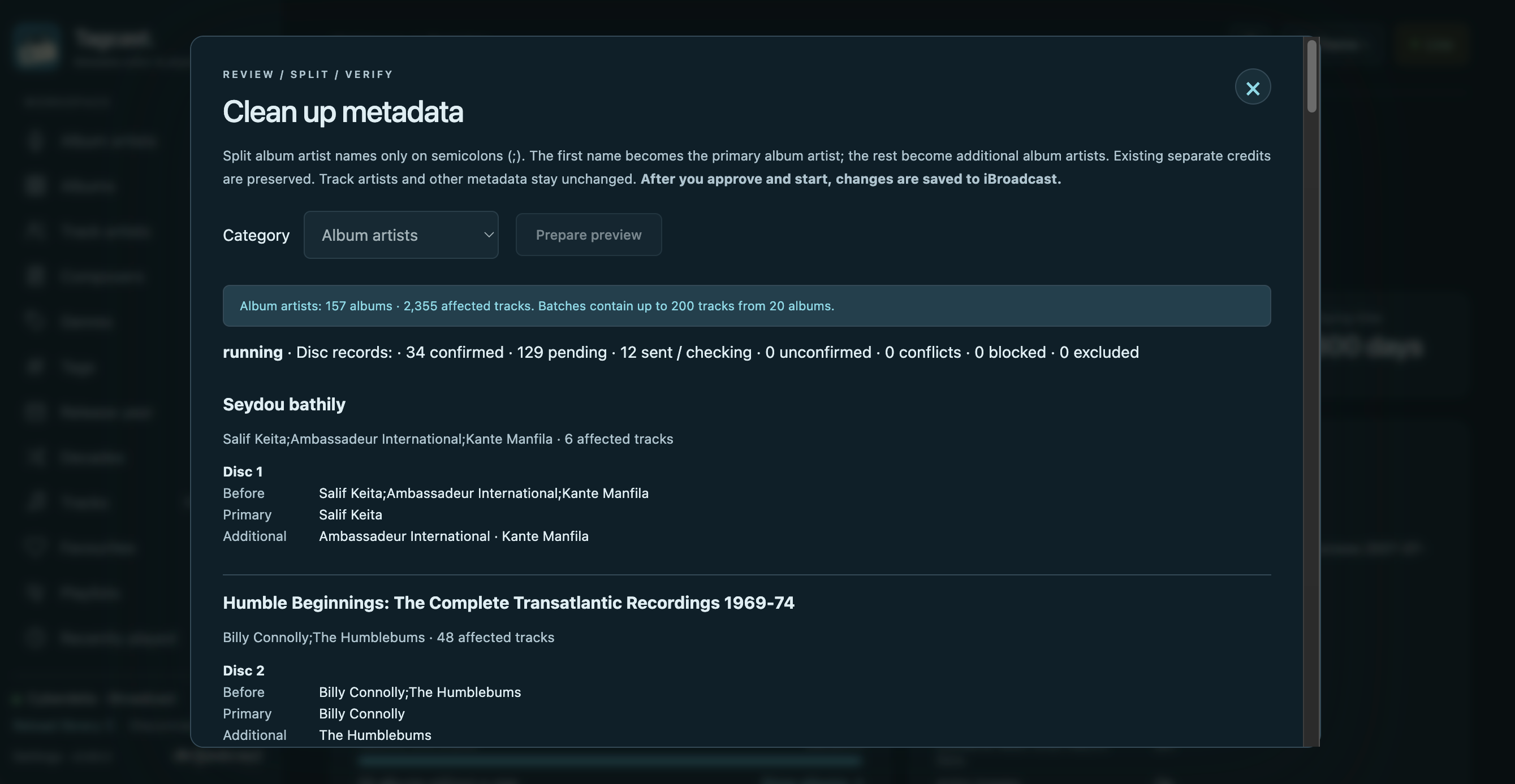
Album artist cleanup: an approved run splitting semicolon-separated names into a primary artist and additional album artists. This original capture from 18 October 2026 shows progress, not a completed job. Available in Tagcast 0.70.0; see Cleanup.
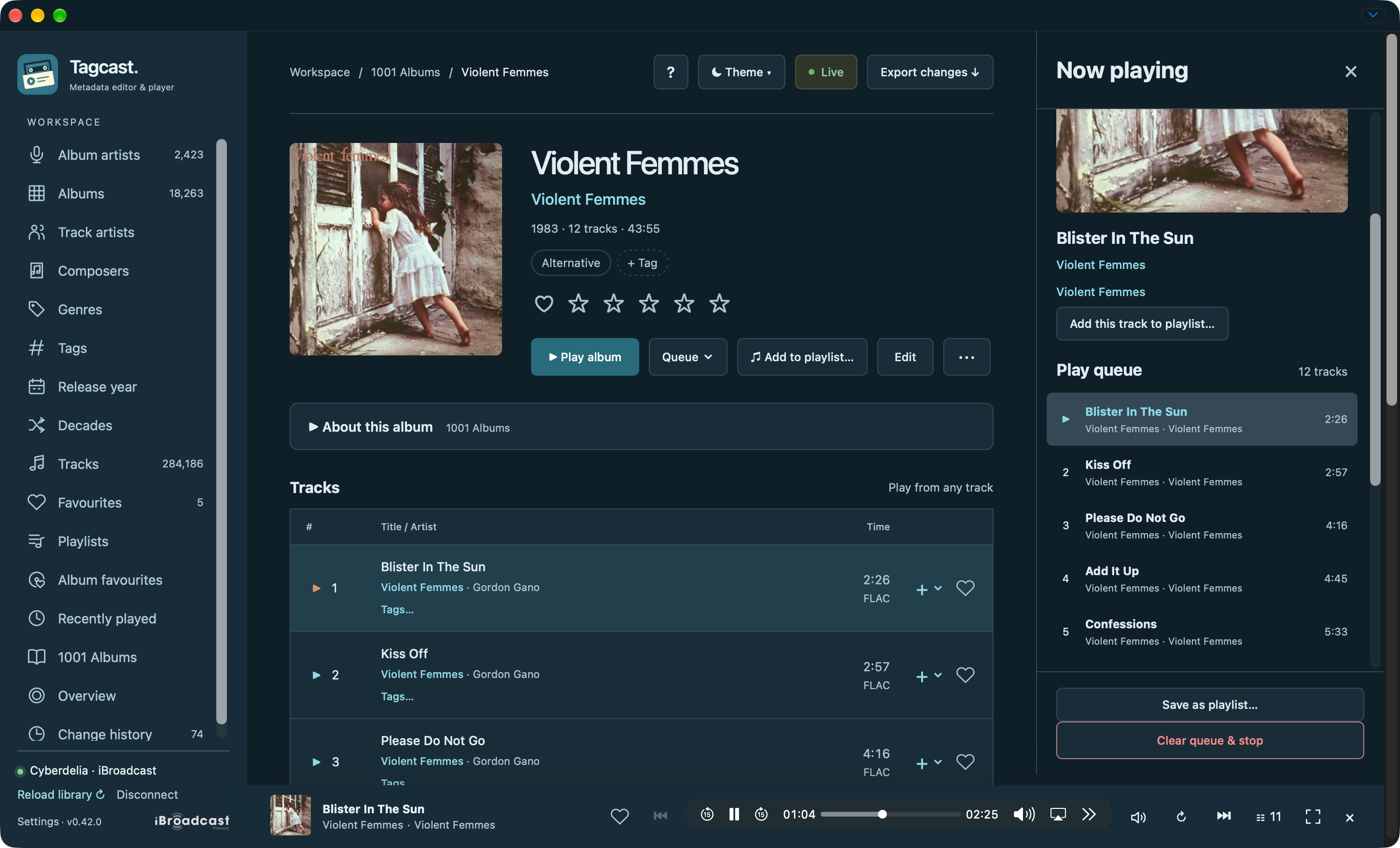
Playback, queue, fullscreen and Sound
The compact player and queue remain active while browsing other pages.
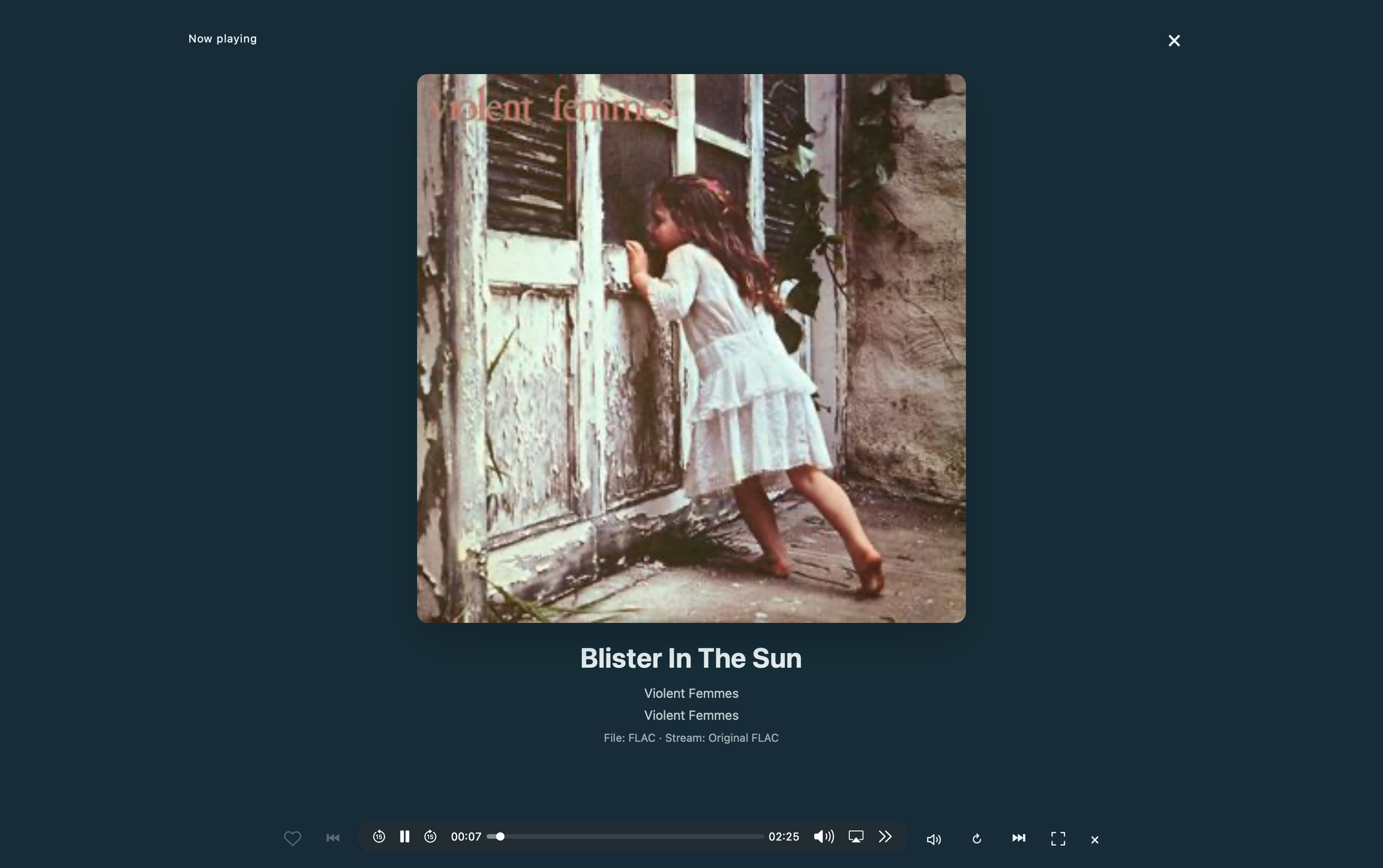
Fullscreen Now playing: a large cover and controls using the same audio element.
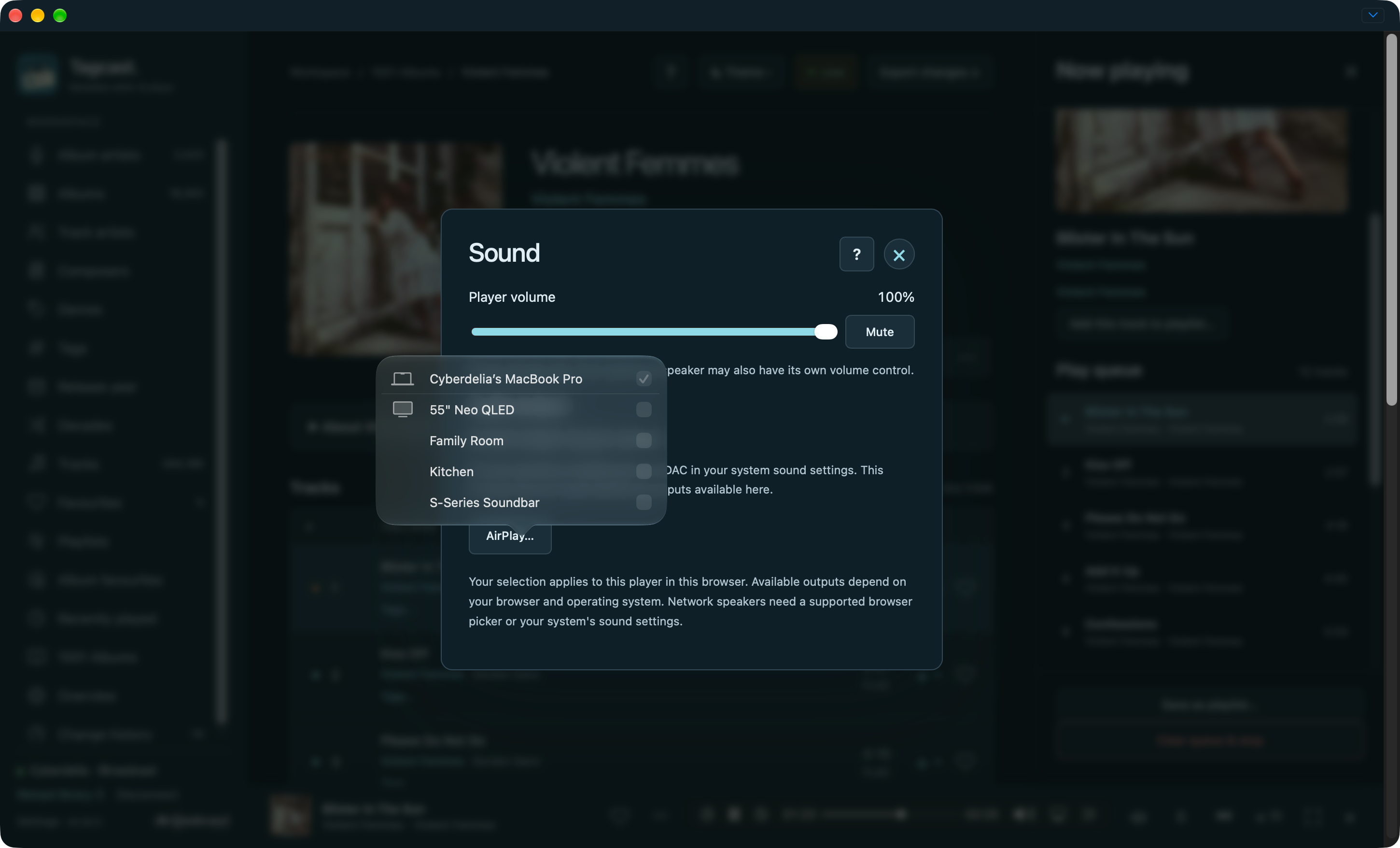
Sound: player volume and mute stay separate from the chosen output. This example shows Safari's native AirPlay picker; other browsers expose the outputs they support or direct you to system sound settings.
Genres, composers and decades
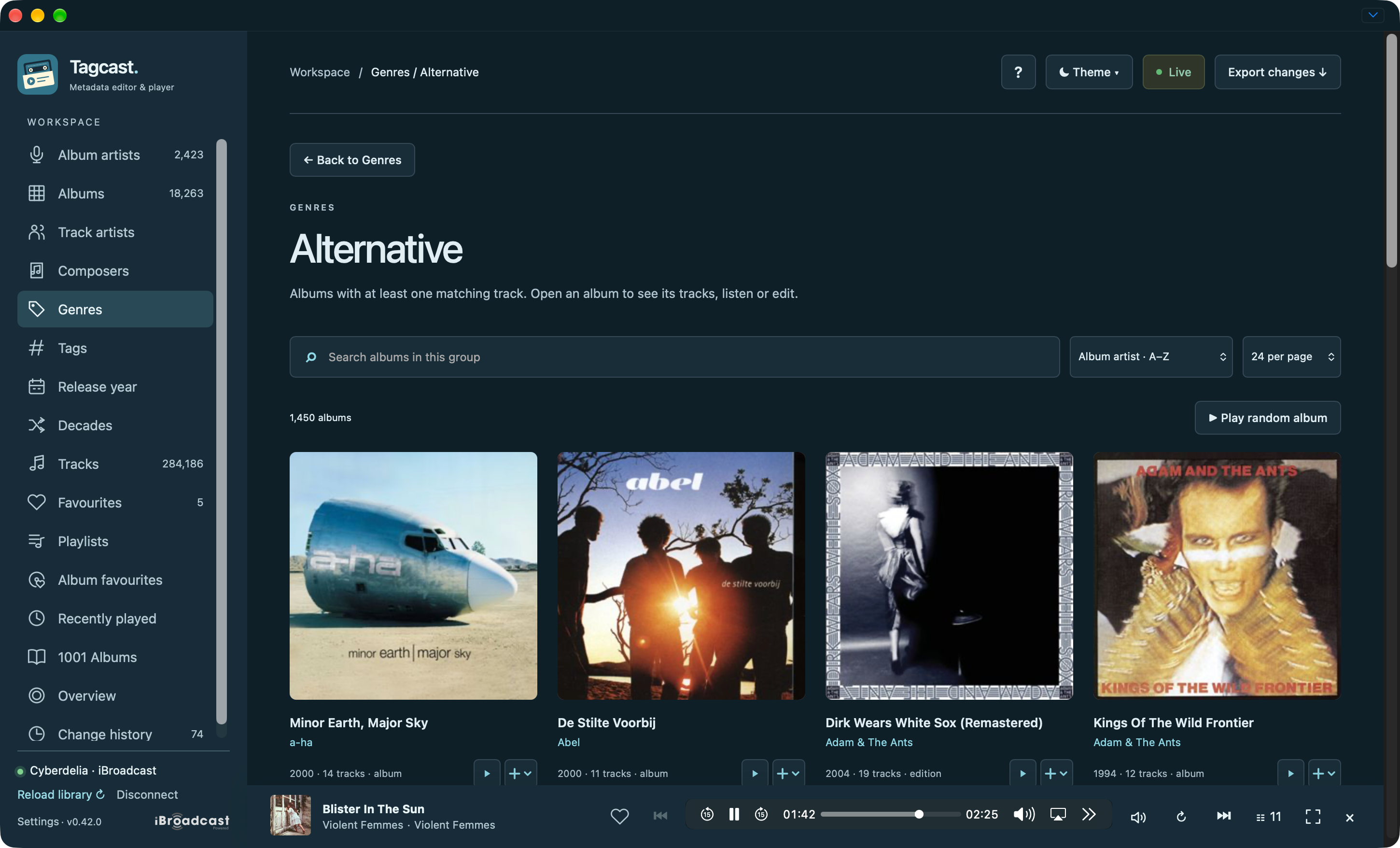
Genres: albums containing matching tracks, with random playback available.
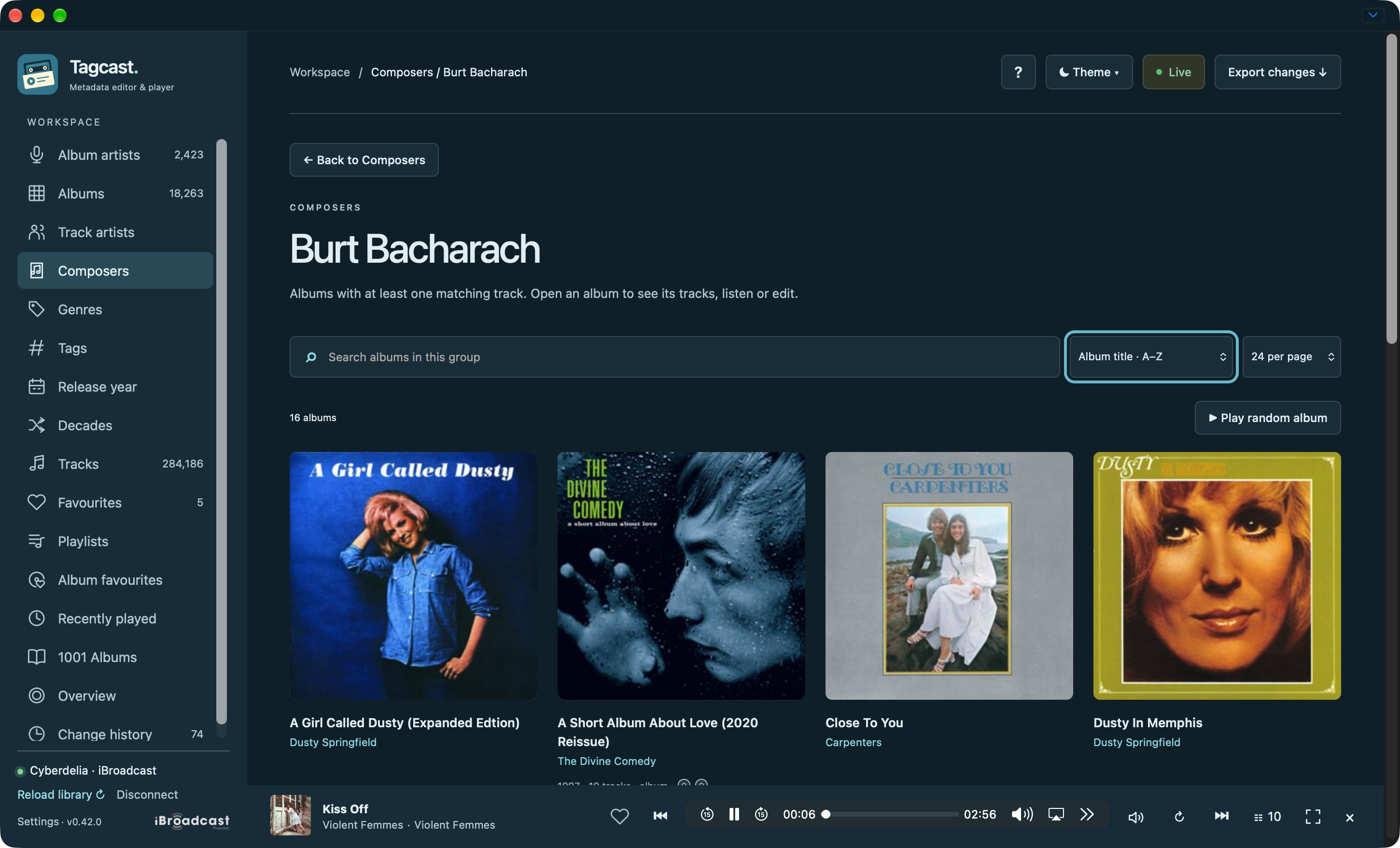
Composers: browse albums with tracks credited to Burt Bacharach.
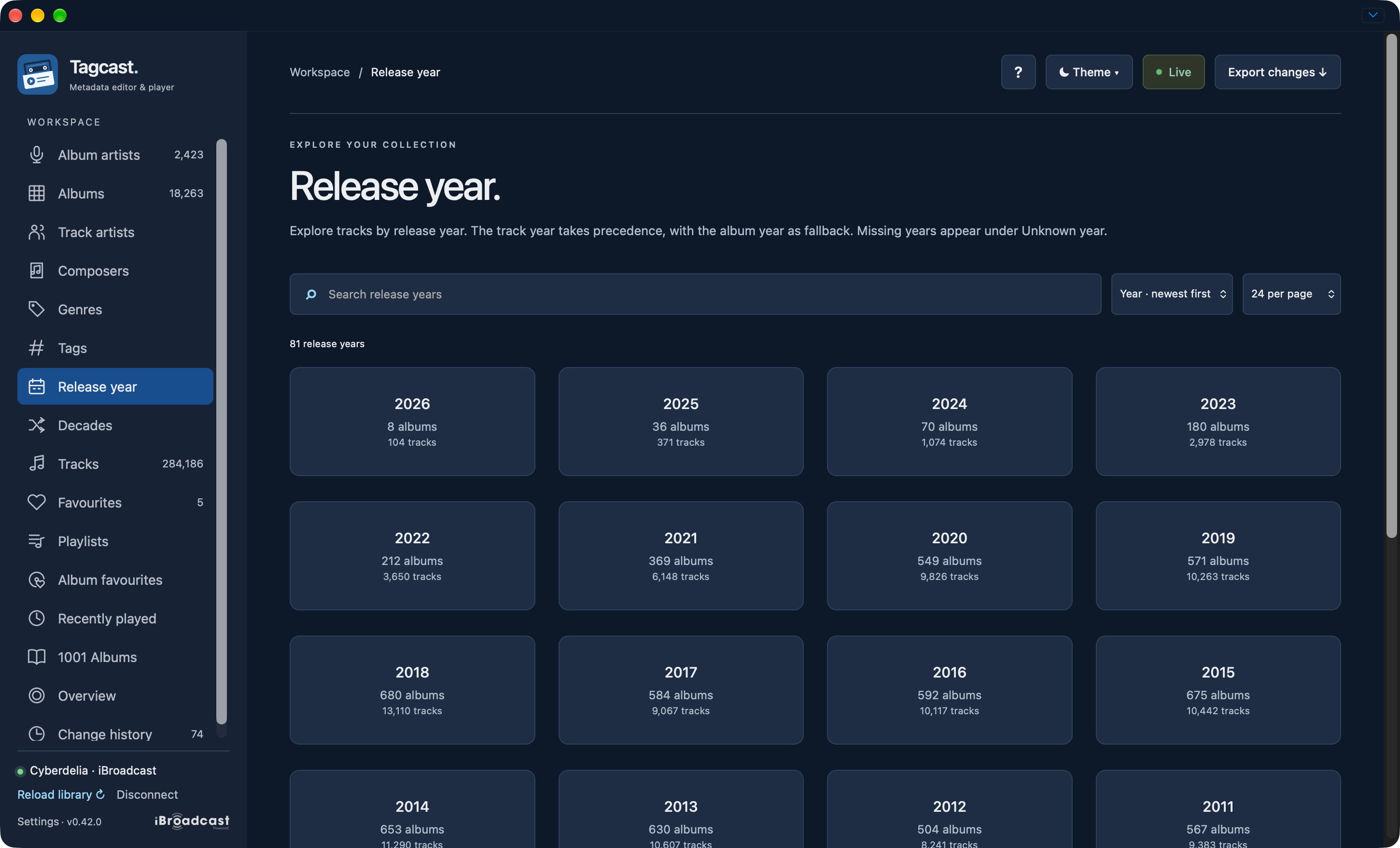
Release year: choose a year card to browse its matching albums. A known year on an album page opens the matching year group directly.
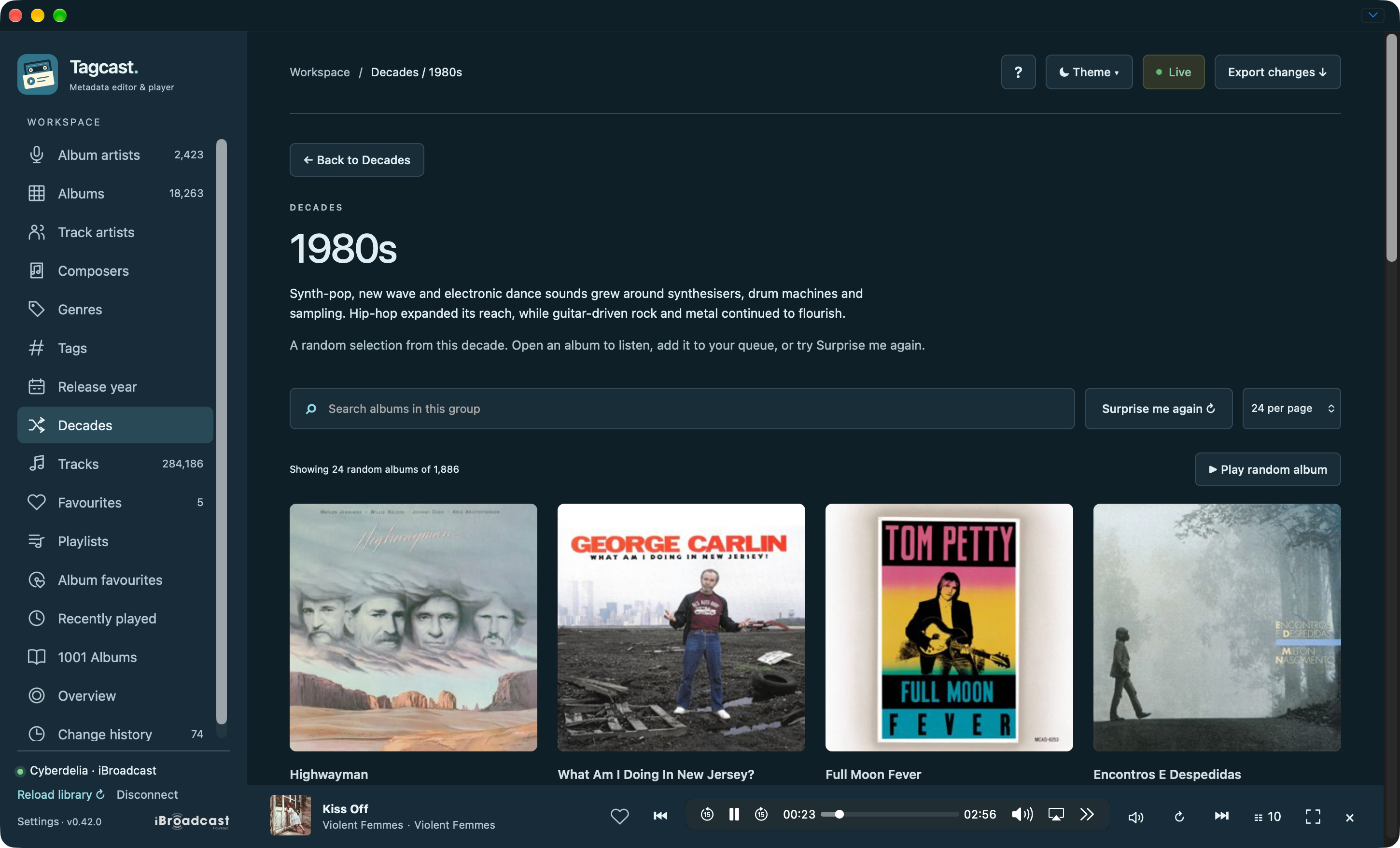
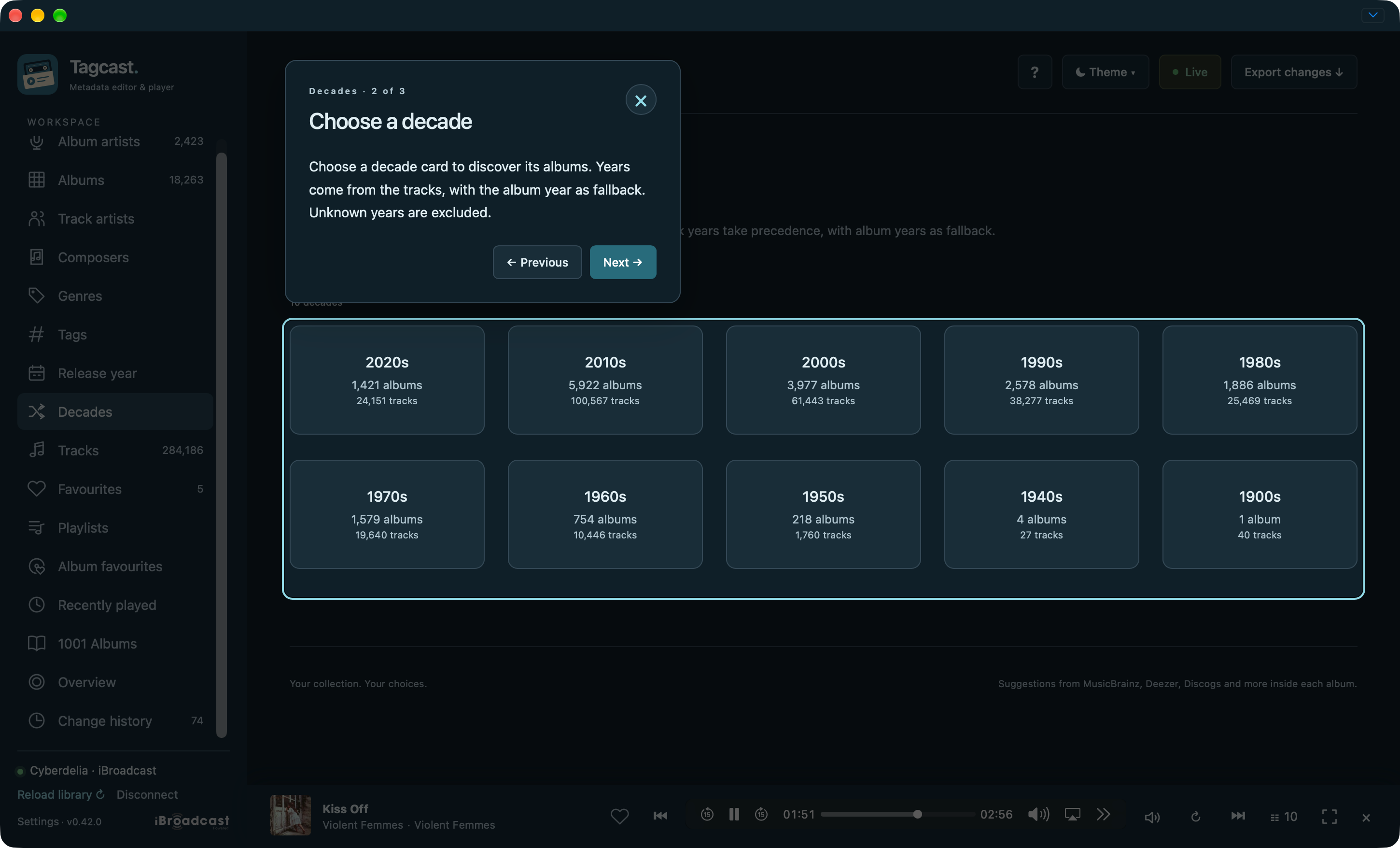
Decades: discover a sample and choose Surprise me again for another selection.
Favourites and Recently played
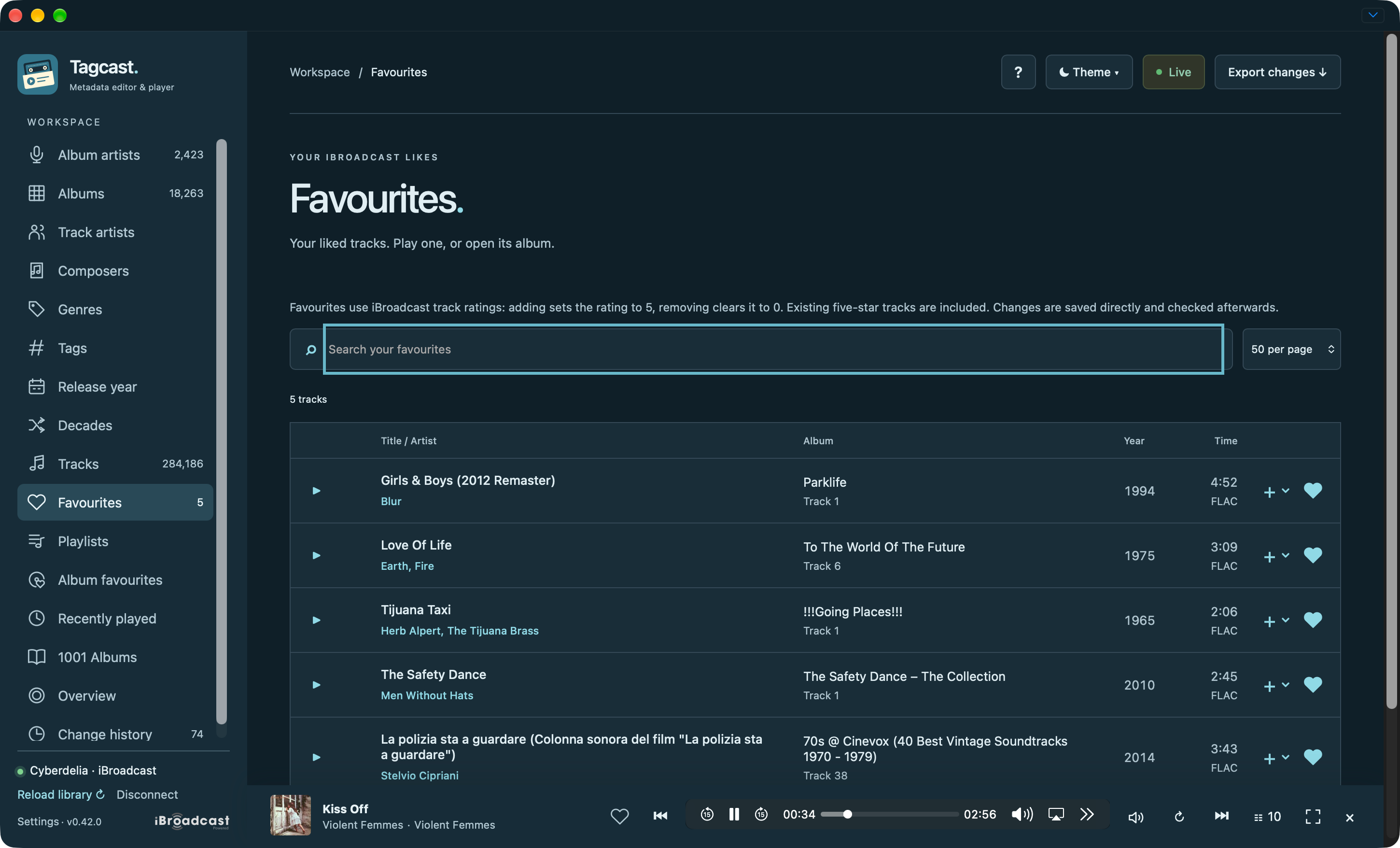
Favourites: search native track favourites and play or queue them.
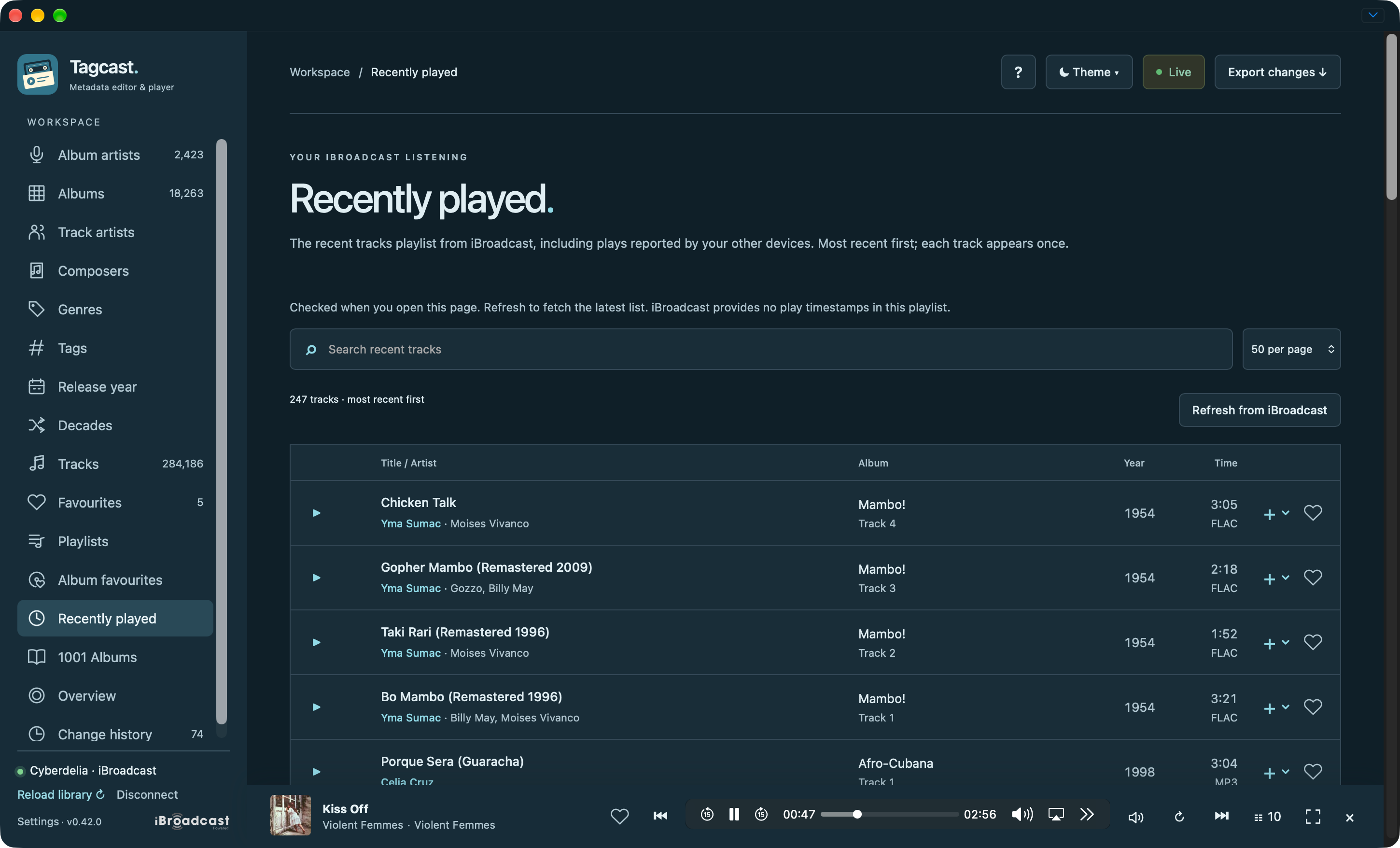
Recently played: native listening history with search and playback controls.
Overview, History, Settings and contextual help
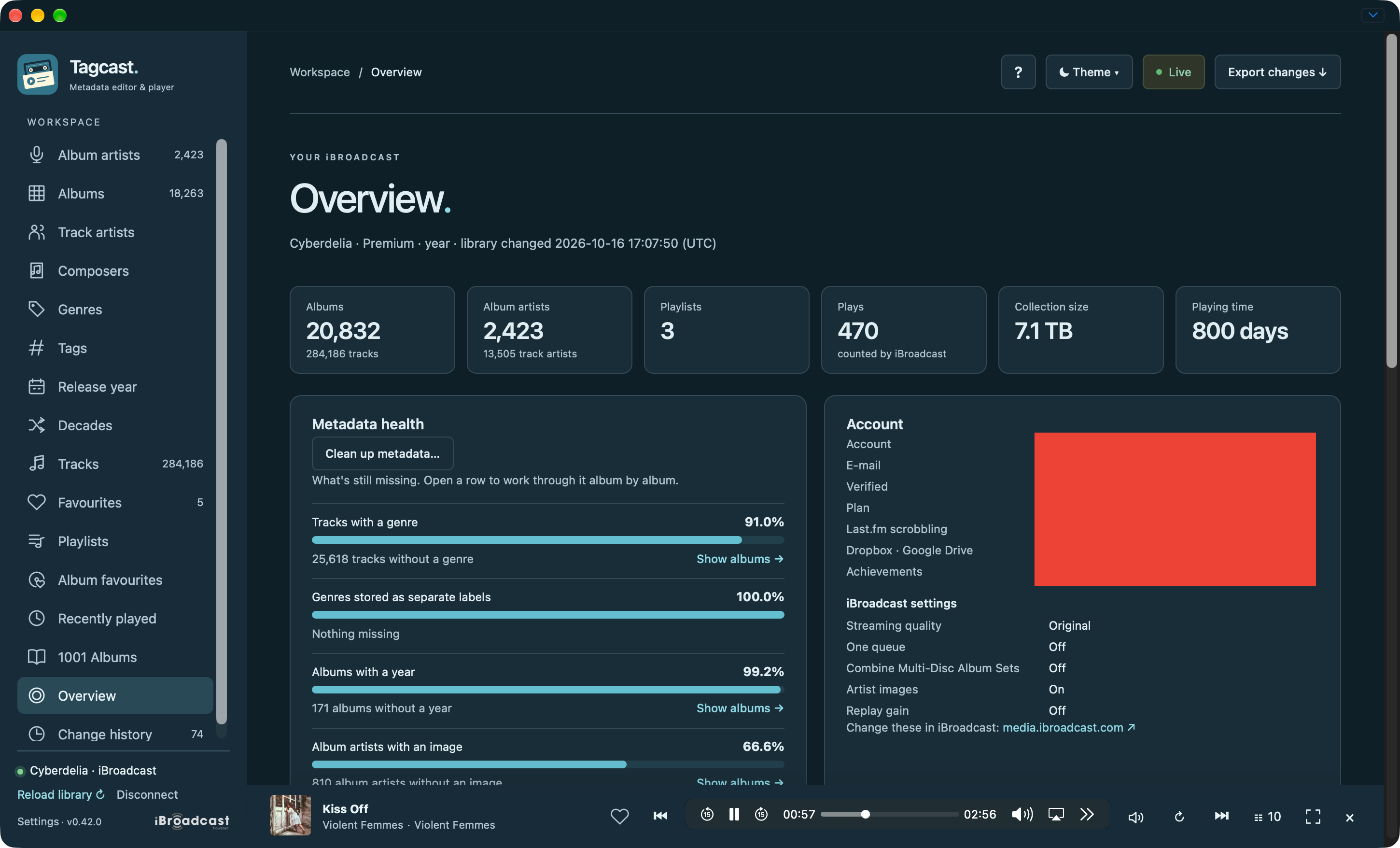
Overview: collection totals, metadata health and iBroadcast settings. The account fields in this capture were redacted by the contributor.
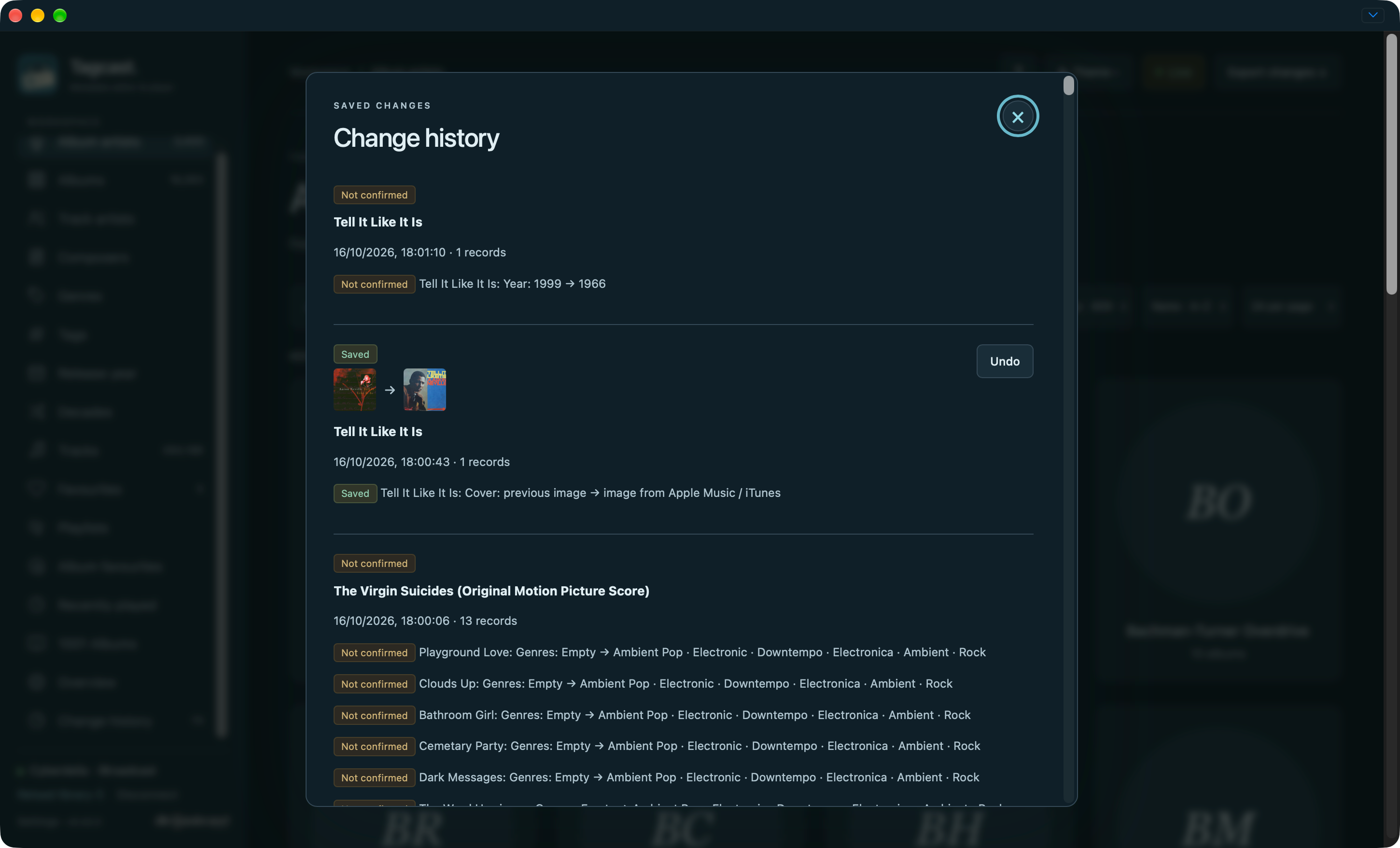
Change history: confirmed saves and unconfirmed outcomes stay distinct.
Settings: the library banner, sidebar preferences, stream quality and optional play reporting.
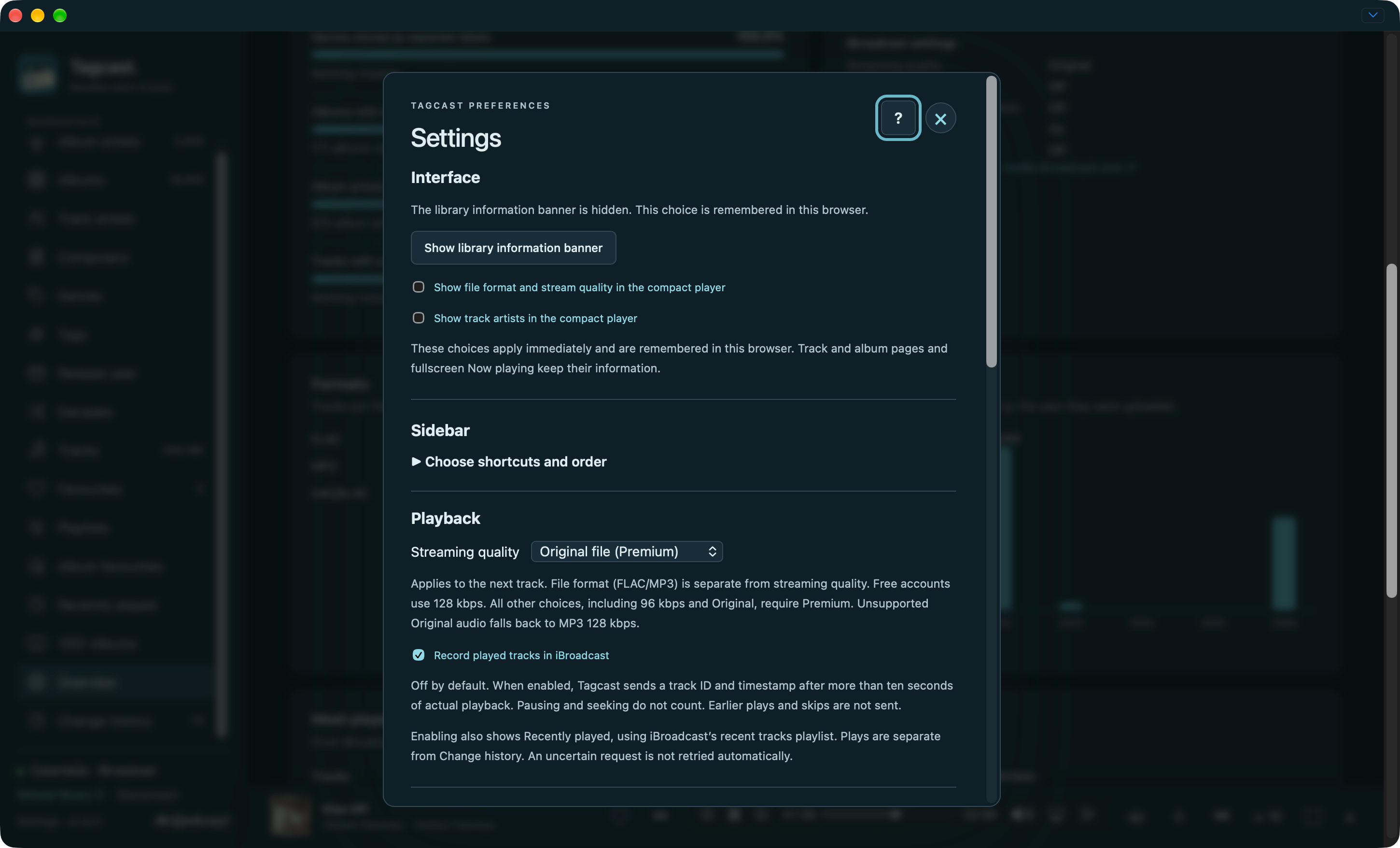
Help: the ? tour explains the current context without triggering actions.
Light appearance and mobile layout
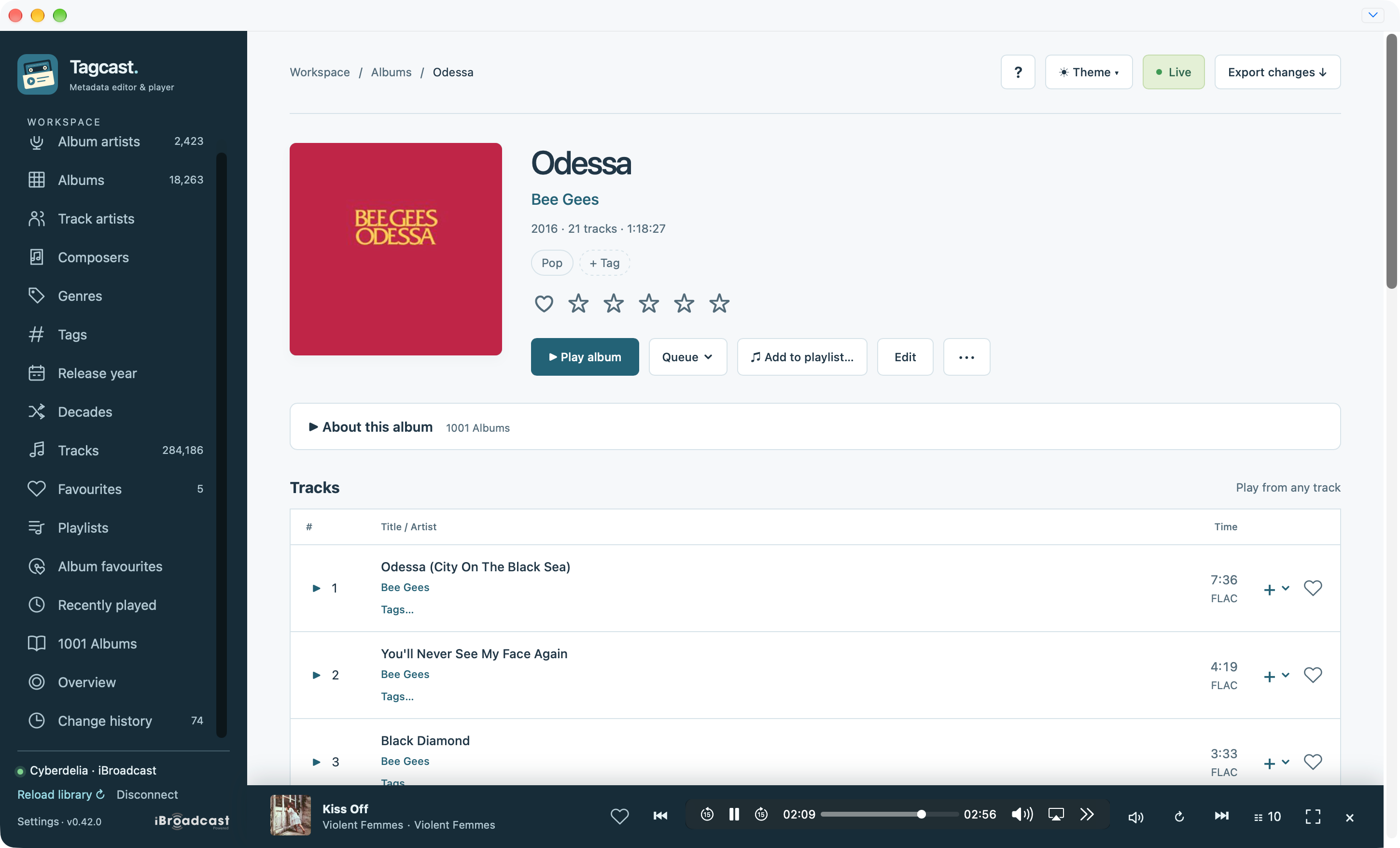
The same album controls with light content surfaces and the independent sidebar.
Mobile: the sidebar becomes a menu button and the artist grid adapts to the width.