Repository navigation
Importing public playlists
Fetch a public playlist once, then match its records to your existing iBroadcast library. No source account is required and no audio is downloaded.
| Source | Status / prerequisite |
|---|---|
| Deezer | Public full/short playlist URLs. Enable Settings → Online sources & keys → Deezer, then Save. |
| ListenBrainz | Experimental — ListenBrainz (test) in the chooser. A successful live import has not been confirmed; a provider browser check can block it. Use a CSV export/import if blocked. |
Both need complete public, nonempty lists; neither requires a source login/key. Spotify, Apple Music and TIDAL URLs are not supported.
Playlists → Playlist URL… accepts public Deezer playlists and public ListenBrainz playlists as an experimental test source. Paste a full playlist link and choose Fetch playlist. Deezer short links are also supported. No provider login or API key is required. The Deezer prerequisite is shown above. Opening the dialog or Help does not contact either service; only Fetch requests playlist metadata, never audio or artwork.
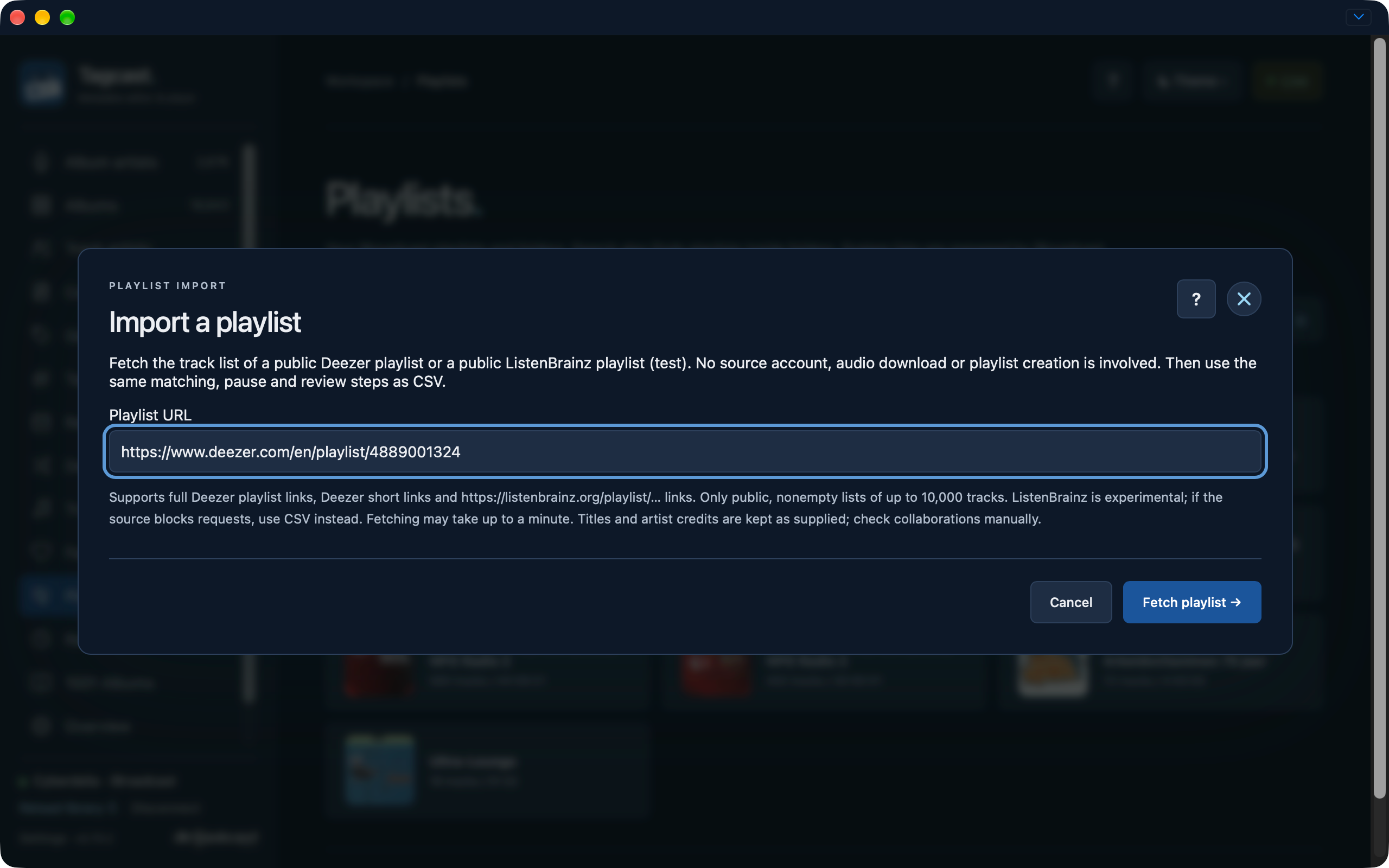
Earlier development interface, 22 October (0.70.2): paste a public URL, then fetch explicitly. The example does not require a source login. Select a screenshot to open the full-size image.
Fetched lists enter the existing column mapping, matching, copy preferences, manual choices and final private-playlist review. Title, performing artist and duration are mapped by default; Album stays available without making matching stricter unless selected. Artist credits are kept as supplied; collaborations may need manual choices. The playlist name is prefilled and editable. Order and repeated source positions are retained; repeated selected library IDs still collapse once at their first position. Missing source metadata remains visible for review rather than dropping the track.
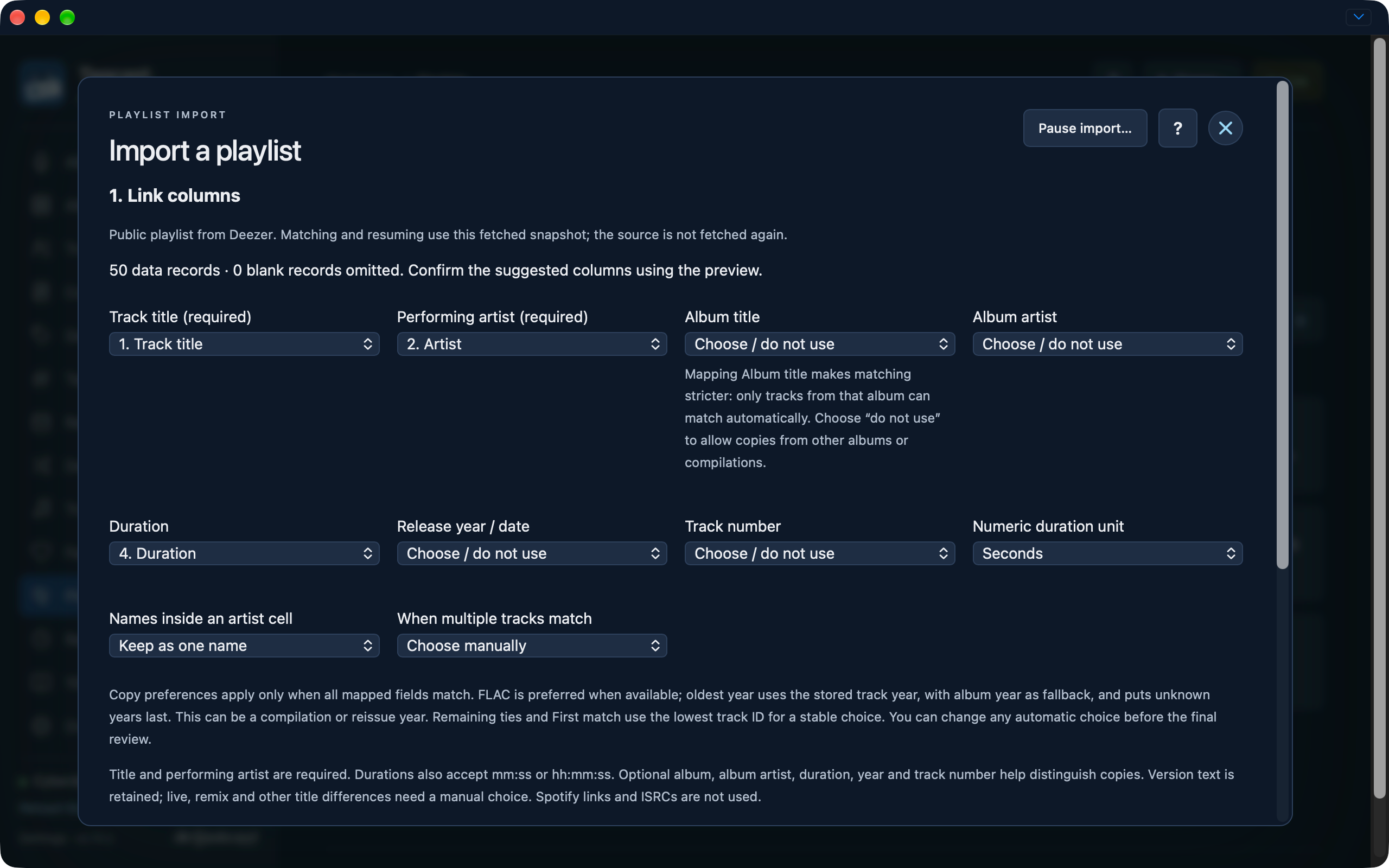
Earlier development interface, 22 October (0.70.2): check the suggested column mapping. Leaving Album title unused avoids requiring a copy from that album.
Pause import saves the fetched snapshot with the same ten-import/account limits. Resuming refreshes iBroadcast for matching, without fetching the provider again. Manual choices, skips, copy preference and source identity survive restart. A new final review is still required. Unresolved rows can also be exported as CSV.
Only complete, nonempty playlists of up to 10,000 tracks are accepted. Requests have bounded duration, size and pagination; malformed, private, changed or incomplete lists produce an error without preparing a partial import. Browser checks and rate limits are reported with a CSV fallback. The experimental status above describes the live ListenBrainz limitation; schema/mock checks alone do not establish provider availability. There is no Spotify, Apple Music or TIDAL URL input. CSV cells containing links remain plain text and are never fetched.
These original 22 October development captures show Cinematic Classical from URL input through a locally paused checkpoint. Automatic match counts reflect one library, not a provider-wide success rate. Review alternatives before choosing: a similar title may have a different performer, version or duration.
The earlier development screenshot archive contains the rest of the 0.70.2-badged fetch, matching, manual choice, pause and resume sequence. It shows progress, not final creation or ListenBrainz success.
The matching, manual choices, copy preferences, pause/resume and final creation review are explained in CSV and playlist matching.