Repository navigation
Home
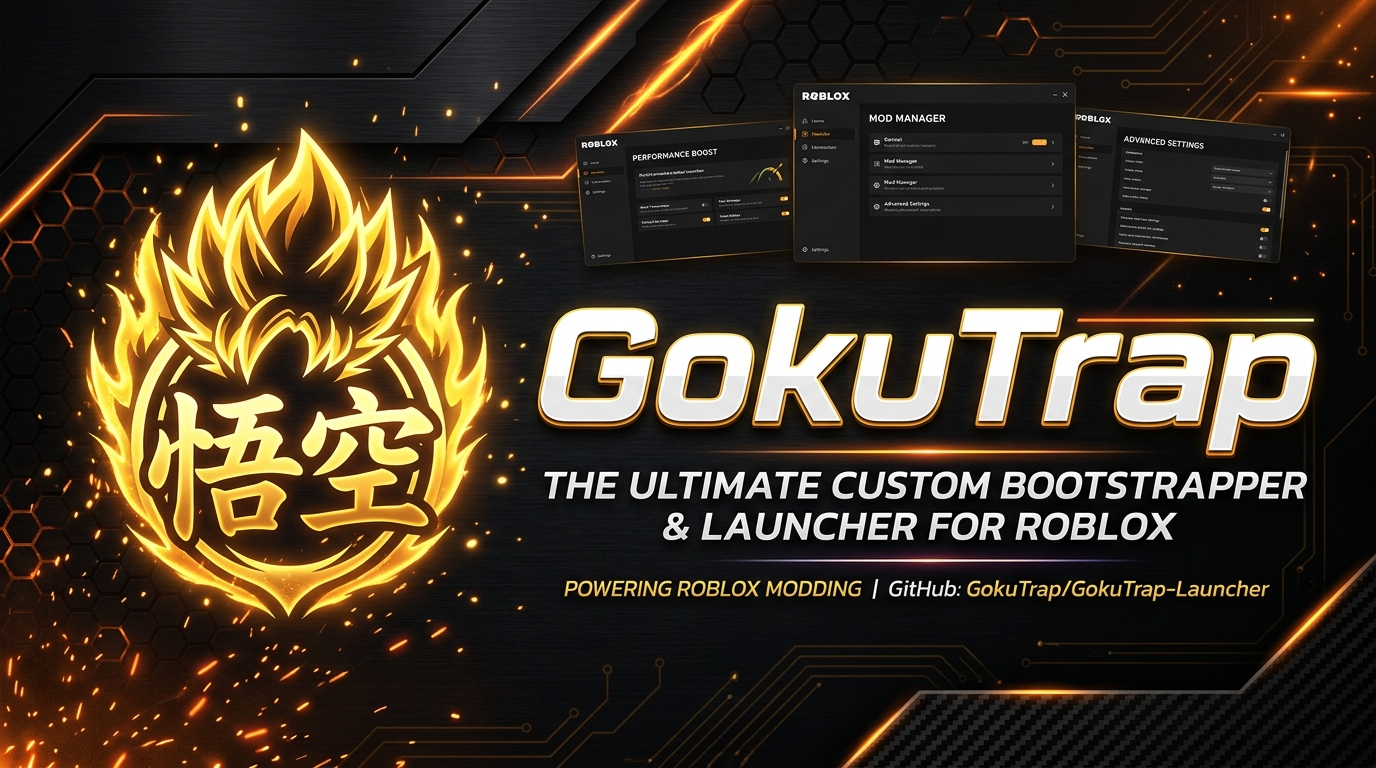
GokuTrap is an all-in-one custom bootstrapper and launcher for Roblox on Windows. It gives you control over how the Roblox client is installed, themed, configured and integrated with the rest of your system.
Caution The only official places to download GokuTrap are the GitHub repository and its official releases. Any other site offering downloads or claiming to be us is not controlled by us.
This wiki documents the shipped application. Where a requested capability is not technically possible on the Roblox platform, we say so plainly instead of shipping a placeholder — see Platform-Limits.
| Page | What it covers |
|---|---|
| Getting-Started | Install, first launch, and your first Roblox session |
| System-Requirements | What you need, and what GokuTrap will not run on |
| Downloads-and-Verification | Where to get GokuTrap and how to check it is genuine |
| Page | What it covers |
|---|---|
| Launcher-Interface | The settings window and how its sections fit together |
| Launch-Menu | The multi-choice launcher and its actions |
| Desktop-Shortcuts | Creating desktop, Start Menu and function shortcuts |
| Page | What it covers |
|---|---|
| Settings-Overview | How saving, tabs and defaults work |
| Appearance | Theme, acrylic, language, icons and titles |
| Bootstrapper-Styles | The eleven bootstrapper designs and custom XML themes |
| Bootstrapper-Behaviour | Update checks, confirmation prompts, language, cookie access, cleaner |
| Deployment-and-Channel | Channels, version hashes, domains, distributions |
| Mods | Fonts, cursors, character sounds, skyboxes and emoji |
| FastFlags | Engine flags, built-in presets and the raw flag editor |
| Global-Basic-Settings | In-game graphics, framerate cap, UI and sensitivity |
| Integrations | Discord Rich Presence, server location, custom integrations |
| About | Version, licences, contributors, supporters and translators |
These are the pages the launcher links to directly from its settings.
| Page | What it covers |
|---|---|
| Account-Access | What GokuTrap can and cannot do with your Roblox account |
| What-is-activity-tracking | Activity tracking, server location querying, desktop app behaviour, Discord Rich Presence |
| A-guide-to-FastFlags | Presets, the allowlist, and DPI scaling fixes |
| Adding-custom-mods | Supplying your own client files |
| Using-Roblox-icons-for-your-shortcuts | Extracting and applying icons |
| Information-on-Roblox-app-localisation | Interface language vs Roblox language |
| Discord-Rich-Presence-does-not-work | Troubleshooting Discord integration |
| Roblox-crashes-or-does-not-launch | When Roblox will not start |
Seven optional tools, all off by default and all reversible. See Feature-Tools-Overview for the shared rules that govern them.
| Page | What it covers |
|---|---|
| Saiyan-Mode | Process priority and CPU affinity for Roblox Player |
| Sound-Packs | Launcher cues and character audio slots |
| Account-Profiles | Public profiles and desktop session validation |
| Community-Hub | Curated FastFlag presets from a validated catalog |
| Region-Radar | Honest region status and manual server discovery |
| Crosshair-Overlay | External click-through crosshair window |
| Application-Updates | Checking, verifying and rolling back GokuTrap updates |
| Page | What it covers |
|---|---|
| File-Locations | Every file and folder GokuTrap creates |
| Settings-File-Reference | Every key in Settings.json
|
| Command-Line-and-Handoff | Launcher arguments and internal handoffs |
| Platform-Limits | What Roblox and Windows do not allow us to do |
| Troubleshooting | Symptoms, causes and fixes |
| FAQ | Common questions, answered directly |
| Glossary | Terms used throughout this wiki |
| Localization | How translations work and what falls back to English |
| Security-and-Privacy | What is stored, what is sent, what is never touched |
| Page | What it covers |
|---|---|
| Building-from-Source | Prerequisites, build, test and publish commands |
| Verification-Harness | The 69-check automated suite and what it covers |
| Architecture-Overview | How the code is organised |
| Contributing | How to submit a change, including AI-assisted work |
| Release-Process | How releases are built and published |
- Bugs — open an issue
- Security — please do not open a public issue; contact the maintainers first
- Questions — the GokuTrap Discord
When reporting a bug, include your GokuTrap version, your Windows version, and the contents of the most recent log file. See File-Locations for where logs live.