Repository navigation
en articles langbot cloud multi user workspaces
This article is synchronized from the LangBot Blog. Read the canonical version.
Published 2026-08-25 · Author: LangBot Team
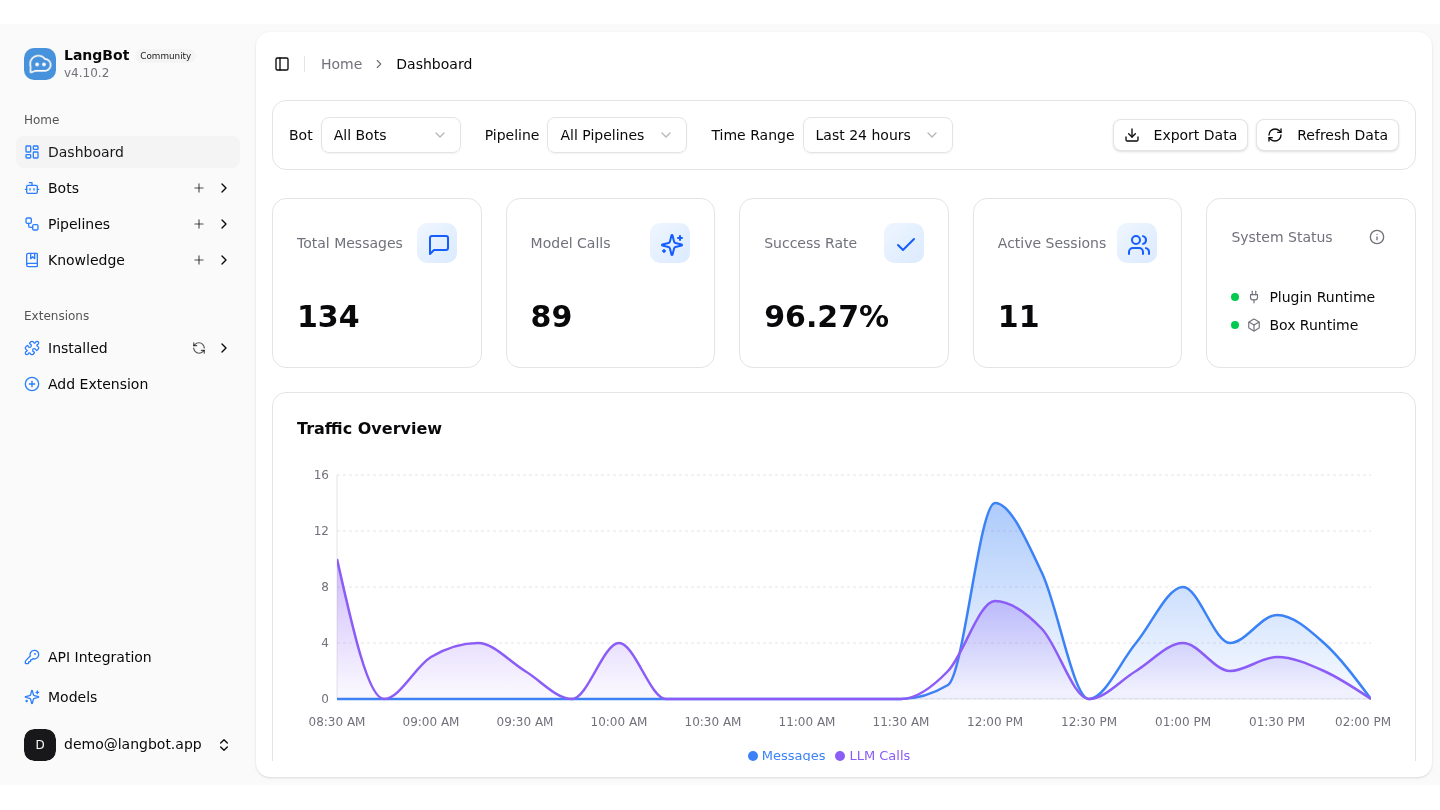
The new LangBot Cloud is live. This release tackles a practical question: when a team uses LangBot together, who can access which resources?
The same multi-user foundation is now available in the open-source edition. Cloud and self-hosted LangBot still have different operating models, but they share the same basic approach to members, invitations, and permissions.
LangBot is an open-source platform for building and operating AI bots across messaging apps. A single dashboard manages bots, message pipelines, knowledge bases, models, and extensions, then connects them to Discord, Telegram, Slack, LINE, QQ, WeChat, WeCom, Lark, DingTalk, and KOOK. LangBot also supports Satori and Matrix; Matrix bridges can extend a deployment to networks such as WhatsApp, Signal, Messenger, Mattermost, Google Chat, IRC, XMPP, and Zulip.
The model layer is provider-neutral. LangBot connects to OpenAI, Anthropic Claude, DeepSeek, Google Gemini, xAI Grok, Moonshot Kimi, and Zhipu GLM, while Ollama and LM Studio cover local models. Gateway options include SiliconFlow, Aliyun Bailian, Volcengine Ark, ModelScope, and GiteeAI. Existing agent workflows can also be connected through Dify and MCP.
A team can therefore run AI assistants on several messaging platforms from one place and choose a hosted model, a local model, or an existing agent workflow for each use case.
LangBot Cloud now uses LangBot Account for sign-in. New users start with a personal Workspace and can accept invitations to join team Workspaces. If an account belongs to several Workspaces, the current one can be switched from the interface.
Bots, pipelines, models, knowledge bases, and extensions belong to the active Workspace. Switching Workspaces does not mix one team's configuration or data with another's.
Cloud continues to provide the hosting, updates, and runtime environment. It is the simpler option for teams that want to configure a bot without maintaining a server first.
An Owner, or another role with member-management permission, can send a one-time invitation. The recipient accepts it with their own account and enters the Workspace with the assigned role.
That is a better long-term setup than sharing one administrator password: each person has an identity, and access can match the work they actually do.
Five fixed roles are available today:
- Owner — owns the Workspace and its highest-level membership controls.
- Admin — manages members and most Workspace settings.
- Developer — configures bots, pipelines, models, and extensions.
- Operator — handles day-to-day operations.
- Viewer — read-only access.
The self-hosted edition is not turning into a multi-Workspace SaaS. One LangBot instance still has one Workspace, but that Workspace can now include several users.
The account created during initialization becomes the Owner. It can invite other people later. When SMTP is configured, LangBot can deliver the invitation by email; otherwise it shows a one-time link that can be shared through a trusted channel.
Members still use the familiar LangBot dashboard. The difference is that resource access is checked against both the Workspace and the member's role, rather than treating every signed-in user as a full administrator.
| LangBot Cloud | Open-source self-hosted | |
|---|---|---|
| Deployment | Hosted and maintained by LangBot | You operate the server and data |
| Workspaces | Own or join multiple | One per instance |
| Members and invitations | Included | Included |
| Fixed role-based access | Included | Included |
| Best for | Getting a team running quickly | Private deployment and infrastructure control |
To start with the hosted edition, visit cloud.langbot.app. To keep the runtime and data on your own infrastructure, deploy LangBot from GitHub.