Repository navigation
ja articles dify agent discord telegram slack
この記事は LangBot Blog から同期されています。 Blog の原文を読む.
公開日:2025-12-11 · 著者:LangBot Team
この記事の日本語版はまだ公開されていないため、英語版を掲載しています。
Want your Dify Agent to break free from the browser and chat directly in WeChat, QQ, or Telegram? Combine LangBot with Dify and you can set it up in under 10 minutes.
LangBot is the most powerful open-source multi-platform chatbot framework available. It supports major Chinese IMs (QQ, WeChat, Feishu, DingTalk) and international platforms (Telegram, Discord, Slack, LINE). Its core strength is connecting AI backends to messaging apps.
Dify is one of the hottest AI app development platforms, offering visual Agent orchestration, 50+ built-in tools, and RAG knowledge bases. Together, they let you build a multi-platform AI assistant fast.
Three commands with uvx:
mkdir langbot-instance
cd langbot-instance
uvx langbot@latest
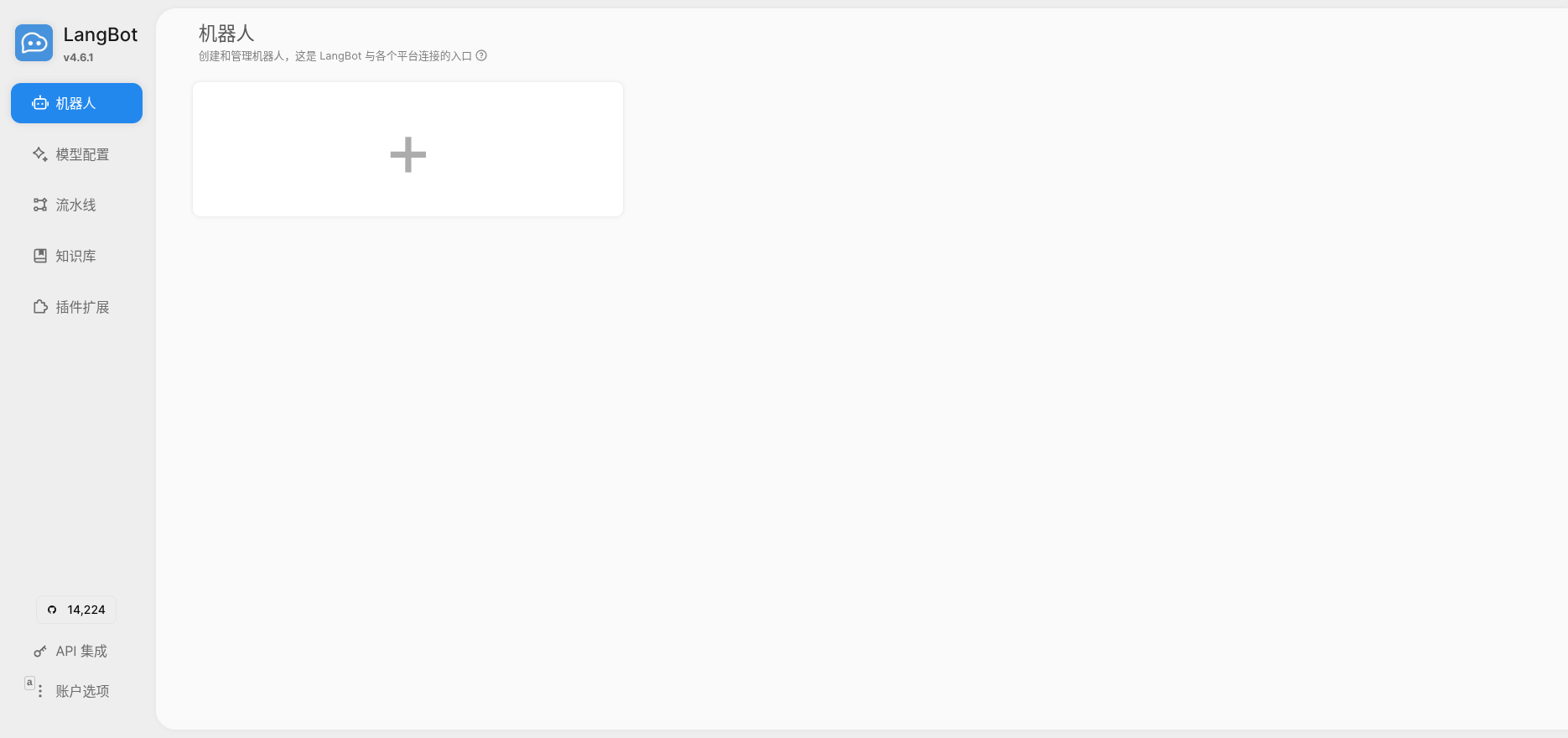
Visit http://127.0.0.1:5300 and register an admin account:
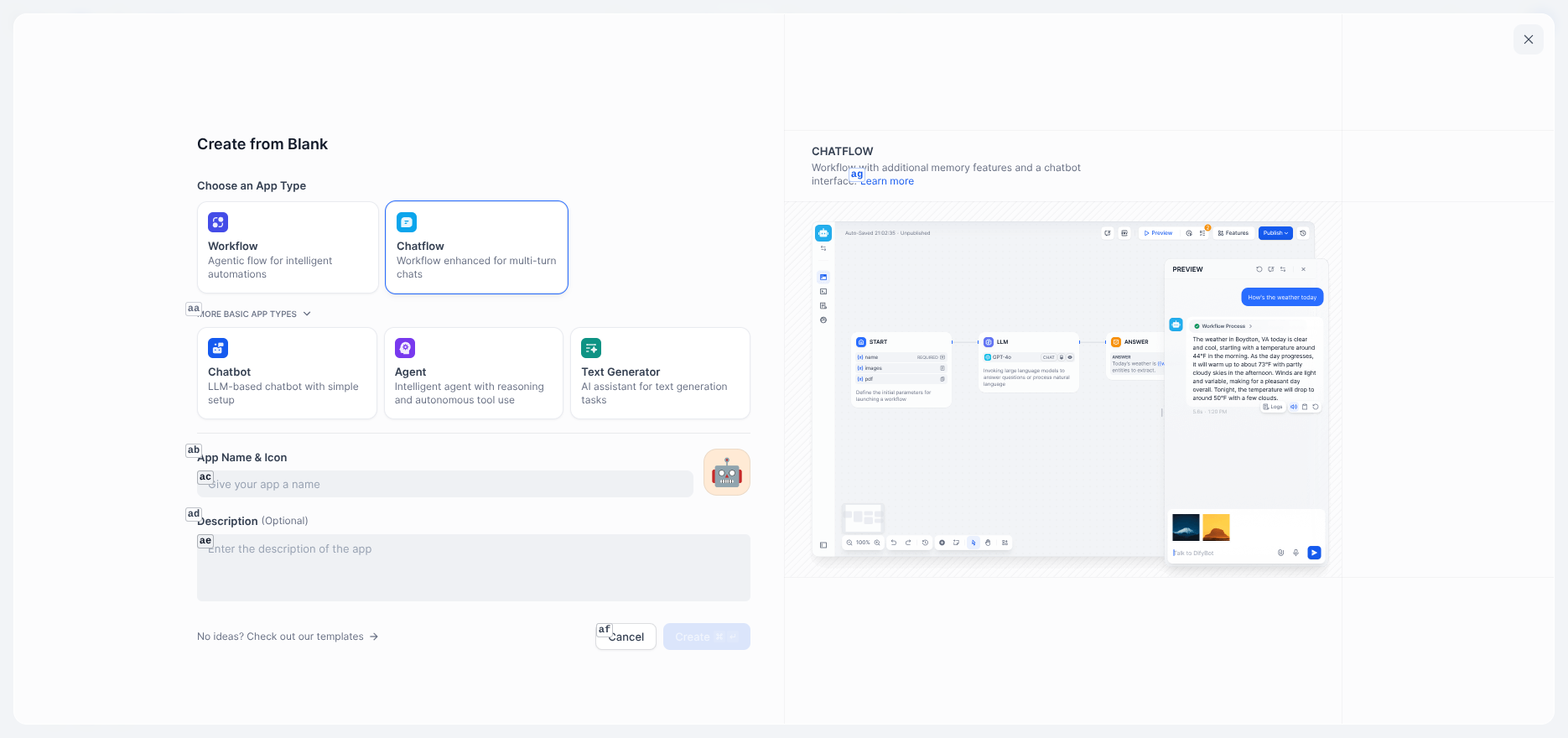
Log in to cloud.dify.ai and create a new app. Choose Agent type - unlike basic chat apps, Agents can reason autonomously and call tools for complex tasks.
In the orchestration interface, set up:
System Instructions - Define the Agent's role:
You are an intelligent assistant that helps users complete various tasks. You have the following capabilities:
1. Answer various user questions
2. Query weather information
3. Retrieve webpage content

Please always maintain a friendly and professional attitude. If you need to use tools to get information, proactively call the relevant tools.
Add Tools - Pick from Dify's 50+ built-in tools, like Weather and Web Scraper:
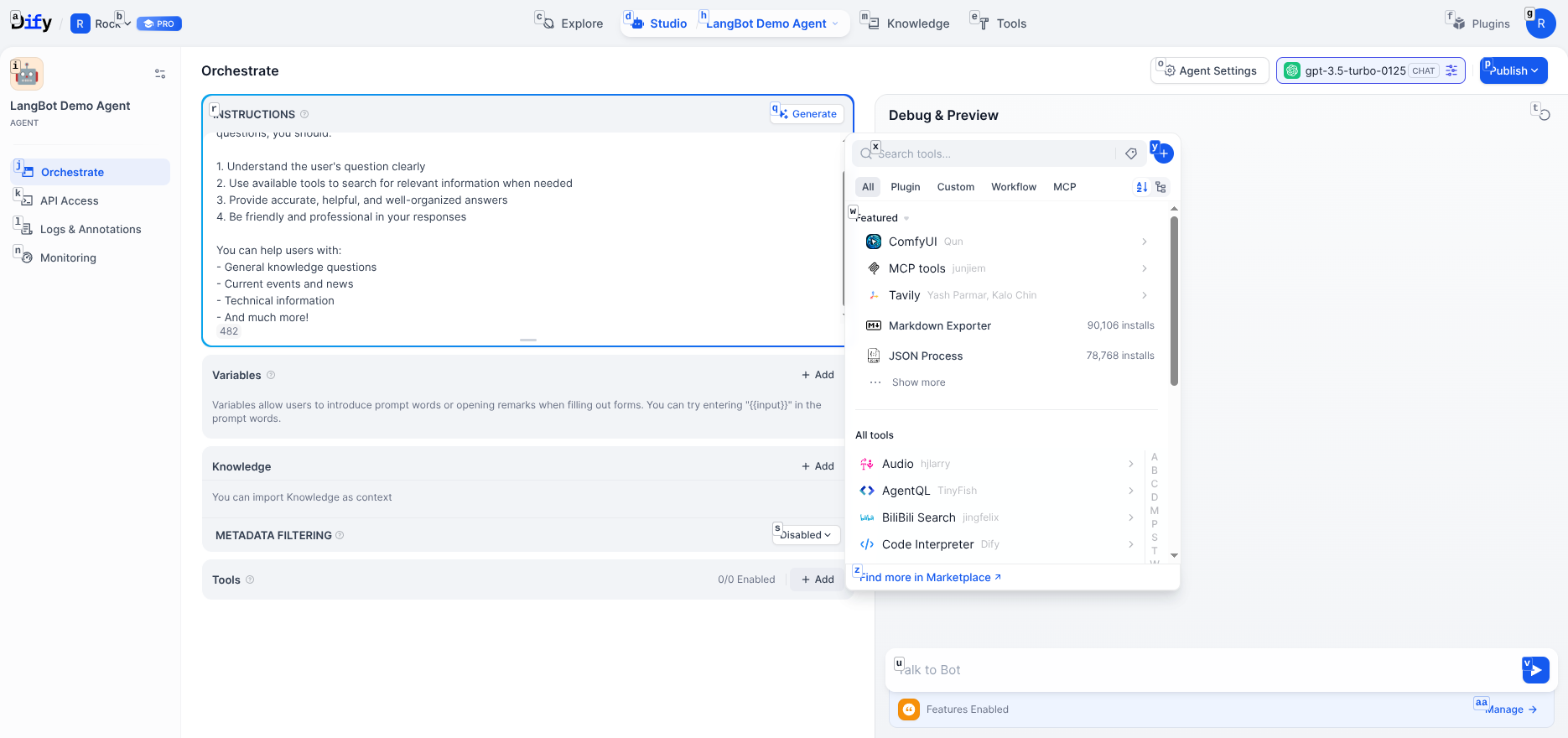
Select Model - Supports GPT, Claude, Gemini, DeepSeek, and other major LLMs.
Final configuration:
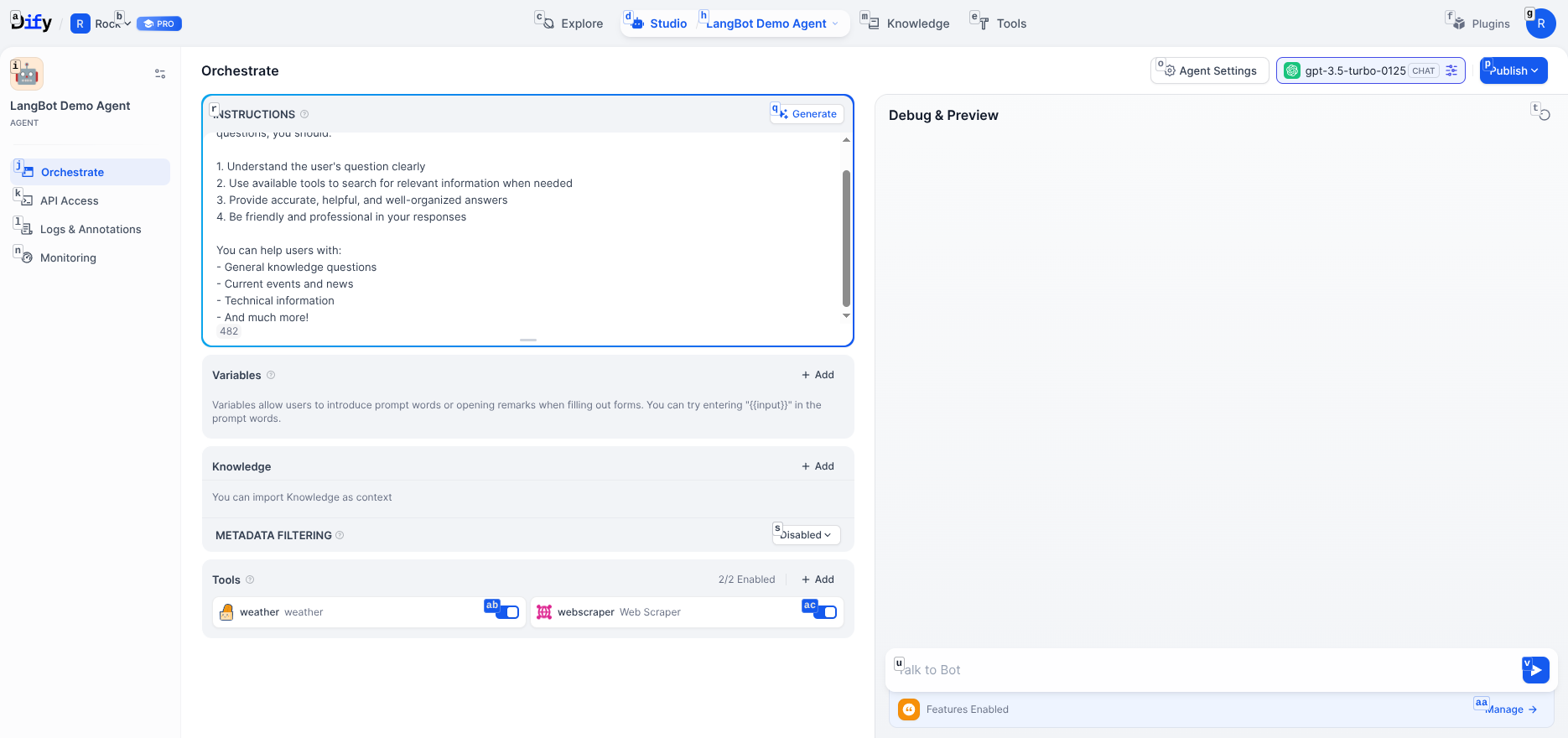
Click "Publish", then go to "Access API" to create a key:
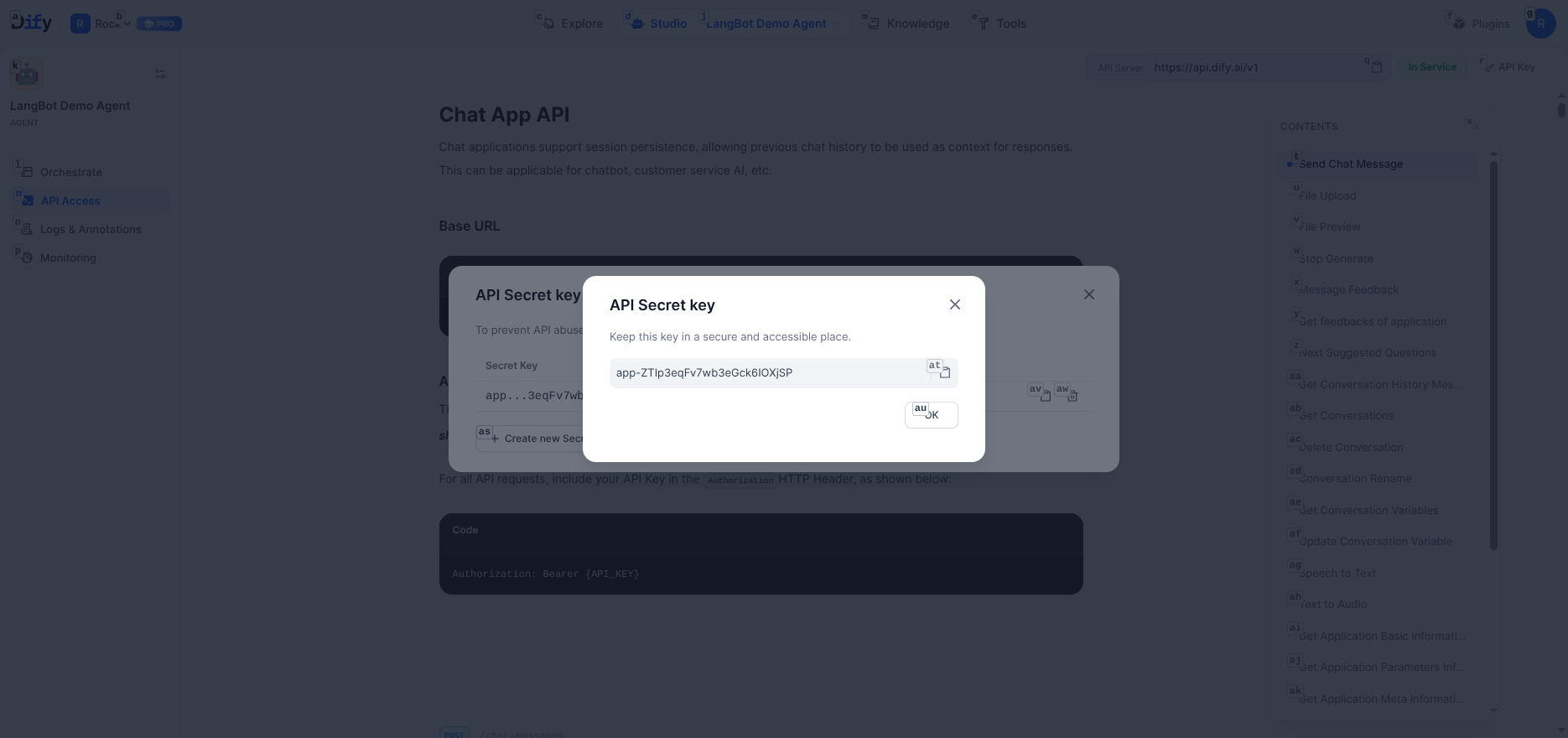
Save the API key and server address https://api.dify.ai/v1.
Back in LangBot, go to Pipelines > ChatPipeline > AI Capability:
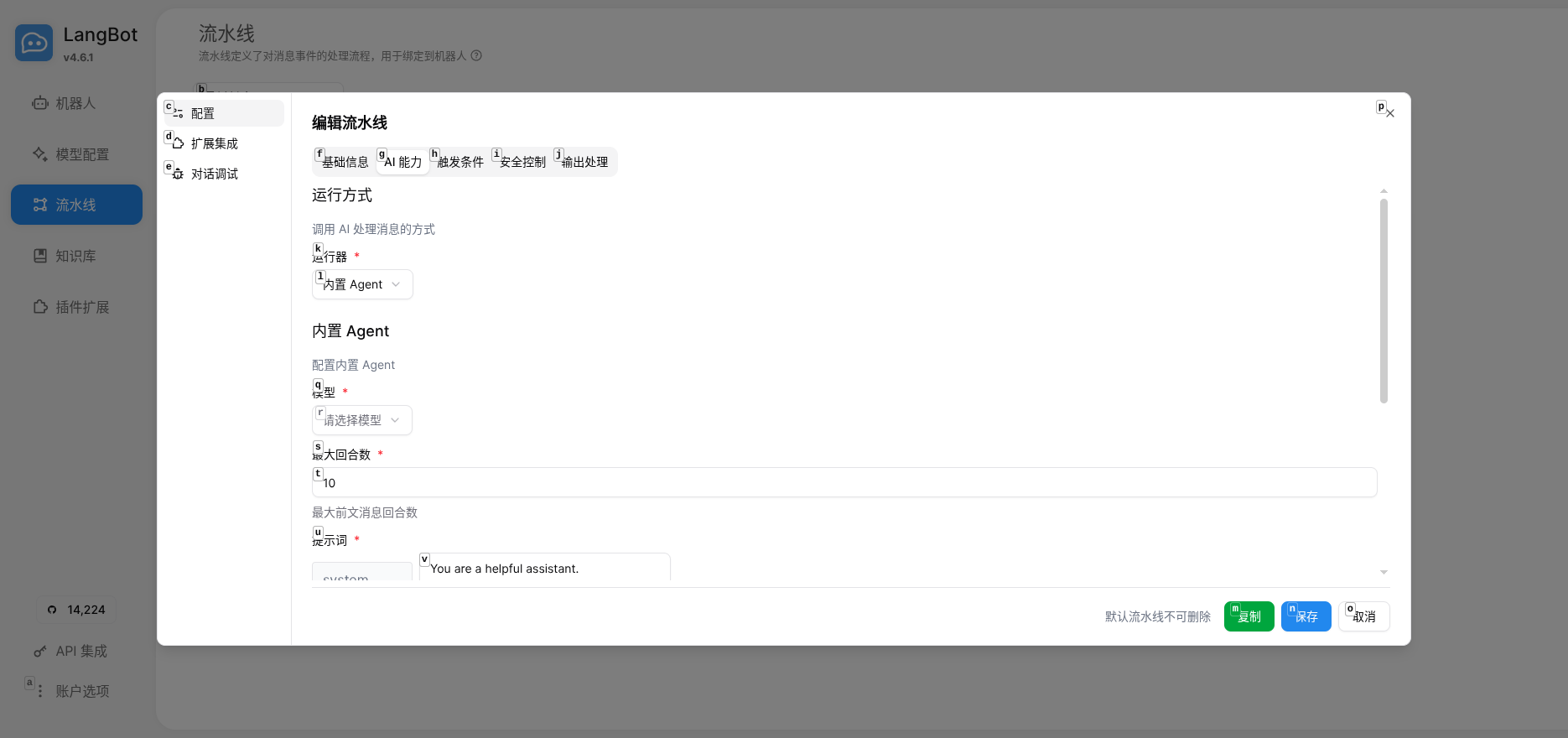
Select Dify Service API as the Runner:
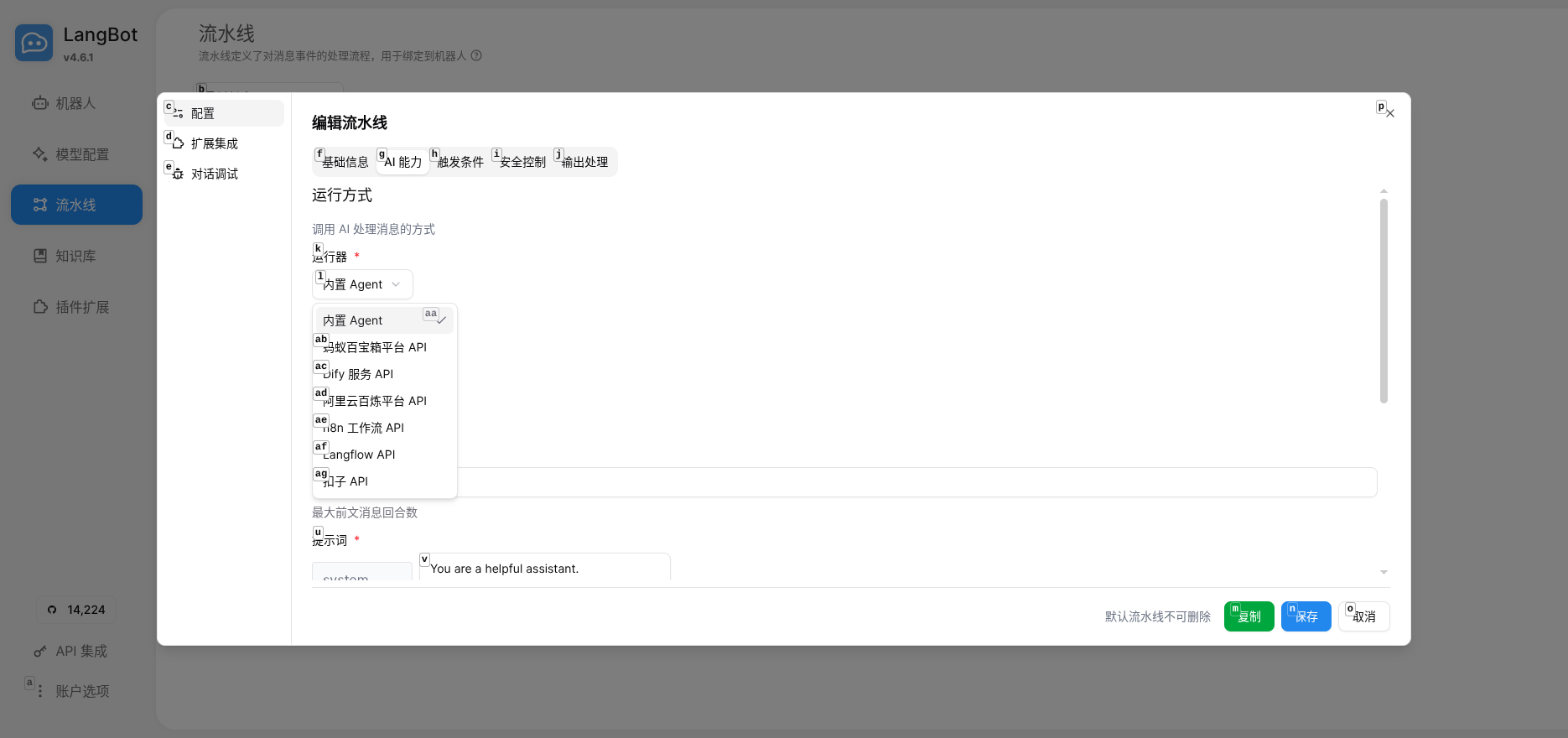
Enter the configuration:
-
Base URL:
https://api.dify.ai/v1 - API Key: The key you just created
- App Type: Chat (including Chatflow)
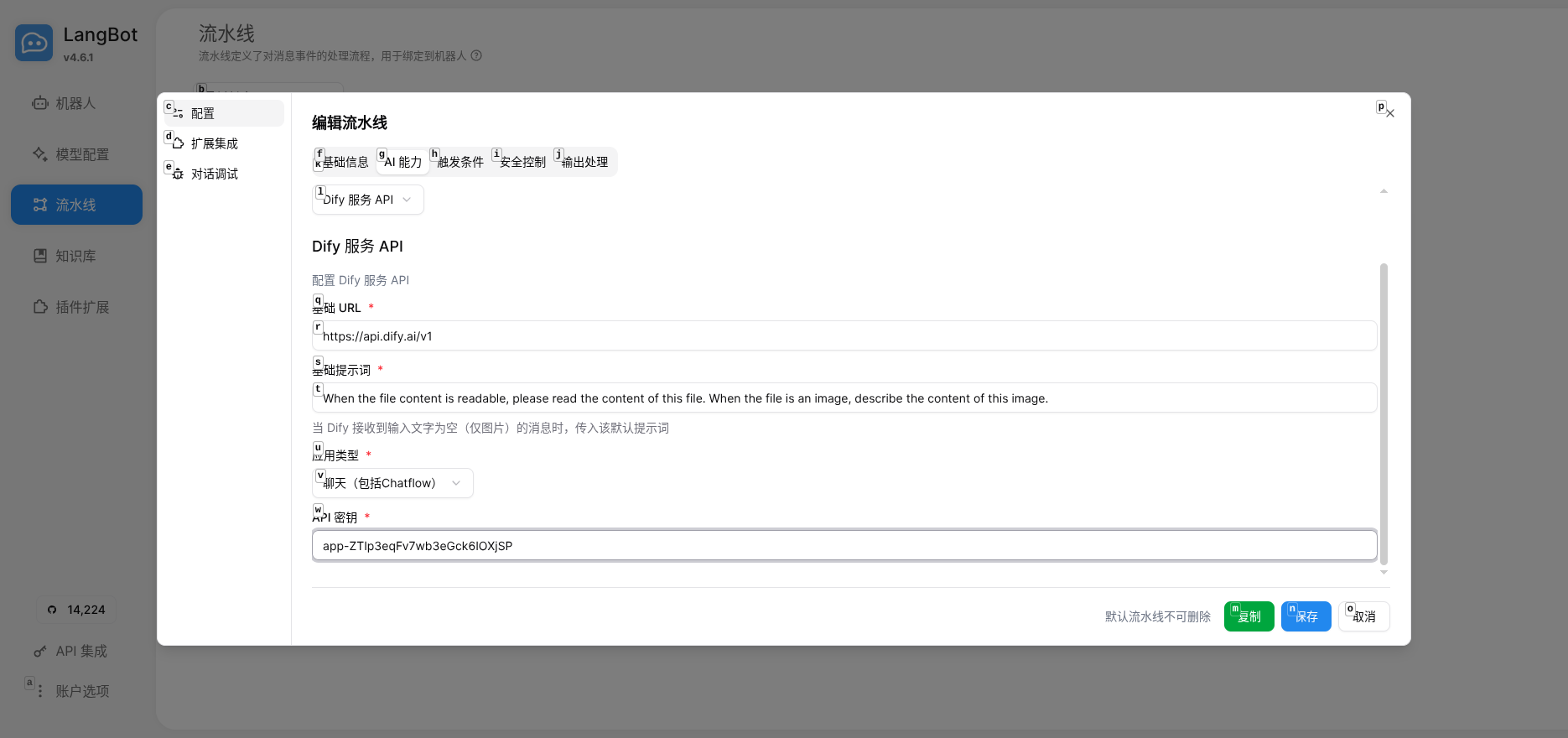
Save and click "Debug Conversation" to test:
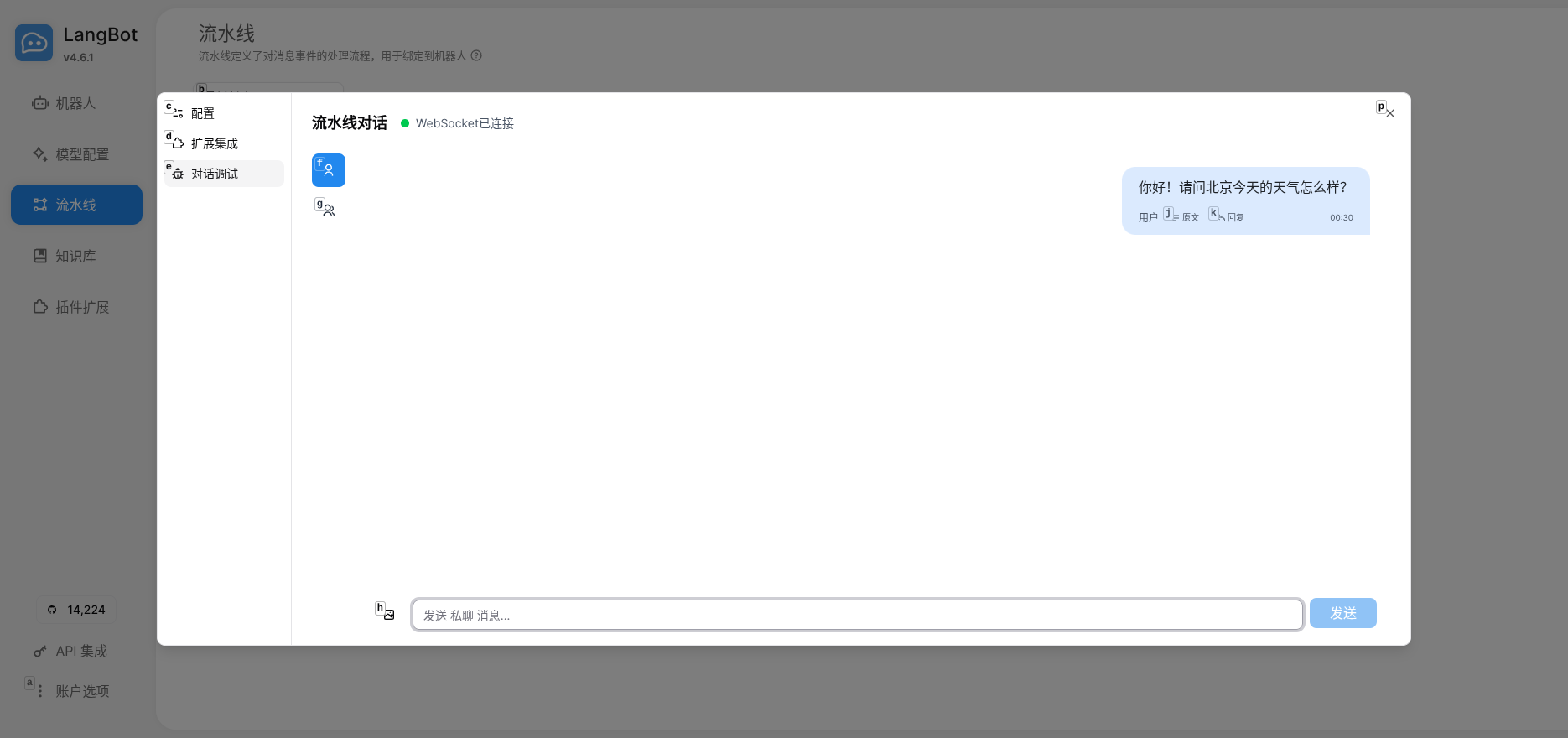
If the Agent responds correctly and calls tools, the integration is working.
- Decoupled Design: Agent capabilities live in Dify, LangBot handles message routing - each does what it's best at
- One Config, Multi-Platform: Same Agent serves QQ, WeChat, Telegram, and more simultaneously
- Easy to Extend: Add RAG knowledge bases, Workflow orchestration, or more tools in Dify later
- Configure messaging platforms in LangBot (QQ bot, WeChat personal account, etc.)
- Add more tools in Dify (database queries, API calls)
- Try Dify Chatflow for complex conversation flows
If you're using n8n, FastGPT, Coze, or Langflow, LangBot supports those too.
Resources