Repository navigation
Entrance Camera Packs
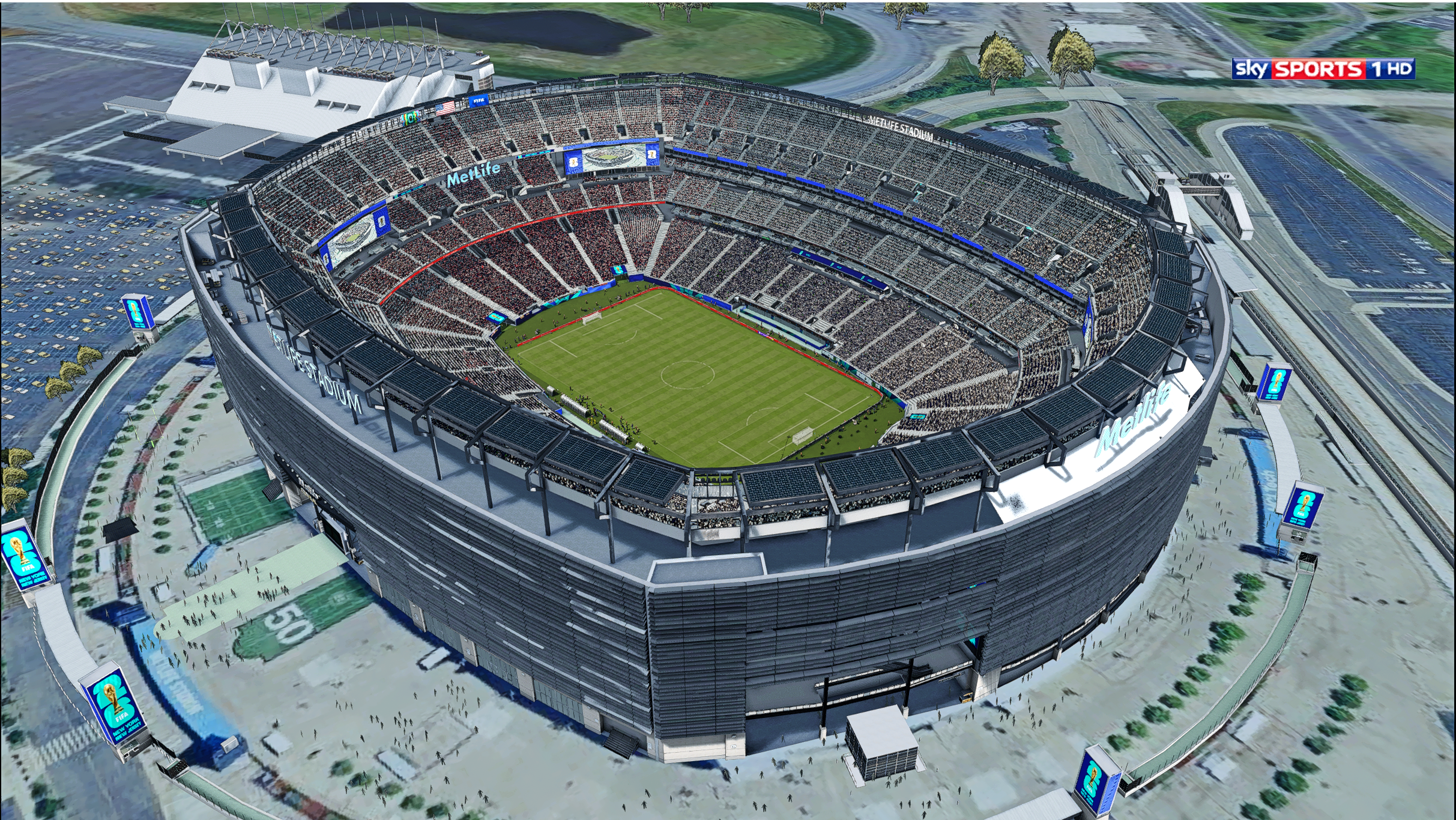
The entrance/exterior camera (bcstadiumcams_176.dat / bcstadiumcams_261.dat) can come from the stadium's own EntranceScene/ folder, or from a shared, named pack that you assign to as many stadiums as you like — so one exterior camera can be reused without copying it into every stadium folder:
FSW/Camera/EntranceScene/
  <pack name>/
    bcstadiumcams_176.dat
    bcstadiumcams_261.dat
    preview.png                  (optional, static preview image)
As with the gameplay camera, ship both files with the same content — the game reads whichever matches the injection slot (176 or 261) the stadium lands in.
To try the feature without making your own pack first, tick Entrance Camera Packs (sample cameras, FSW/Camera) in the Setup tab's Run Setup checklist. It is unchecked by default and only adds the bundled sample packs next to yours — it never replaces packs you already have.
Pick an Entrance Camera per stadium name from the "Assign Stadium" dialog's Visual Details card, from the Settings Editor's Stadium Settings tab, or from its "Entrance Cameras By Stadium Name" tab. The choice is stored in FSW/settings.ini under [stadiumentrancecam] (key = stadium name, value = pack folder name), the same way the goalpost packs are.
The assigned pack is only used while the Entrance Camera module is on (Dashboard → Modules → Stadium); with it off, only the stadium's own EntranceScene/ camera is used.
When a custom stadium loads, the camera for the active slot is chosen in this order:
- The assigned pack's
bcstadiumcams_<slot>.dat, if a pack is assigned and contains that file. - The stadium's own
EntranceScene/bcstadiumcams_<slot>.dat. - Neither: the slot's file in
data/bcdata/camera/is deleted so the previous stadium's camera never carries over.
On a match with no stadium assignment (vanilla stadium) or an excluded competition, both bcstadiumcams_* files are removed. The gameplay camera (bcgameplay_*) is not affected by these packs — it stays per-stadium via GameplayCamGBD/. The F12 overlay's stadium wizard does not offer this pick yet; assigning a stadium from F12 keeps whatever entrance camera was already set for it.