Repository navigation
Messages
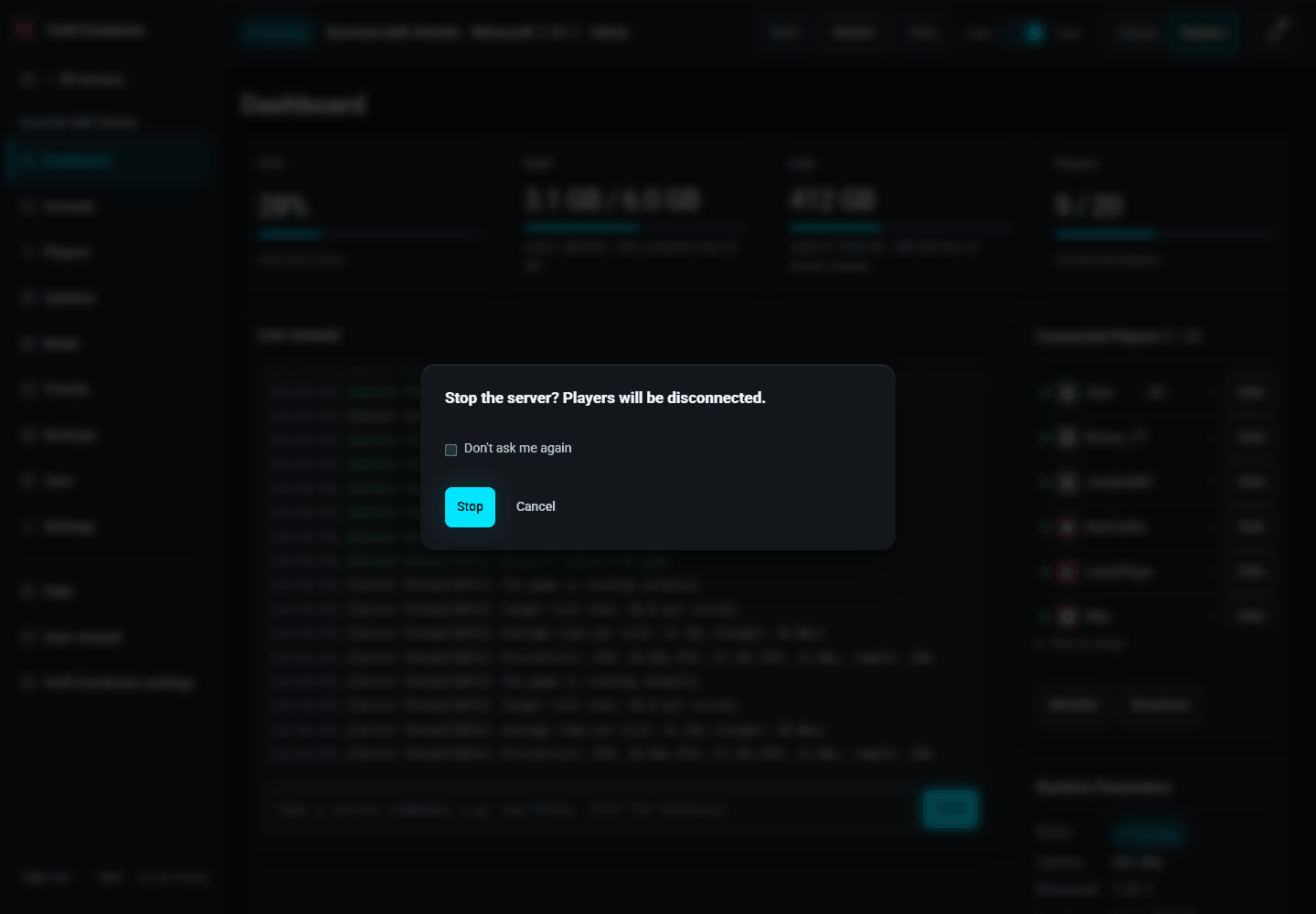
Everyday messages ("Saved", or what went wrong) appear at the top of the screen for a few seconds; click one to dismiss it. When Craft Conductor needs an answer (use Aikar's flags? install an craft-conductor update? a mod test finished), it asks in the middle of the screen with the page blurred behind, and waits until you choose. A long mod test shows its progress at the top while you keep working.

Missed a message? The bell at the top right of every page (🔔, Messages) keeps the last 100, newest first, each with its time and the server it was about (or "Craft Conductor"). It has the everyday messages at the top of the screen, the notices that stay there (Undo, Mod test finished, an update available, being installed from another device, or installed), the browser notifications this browser showed (Notifications, below), and the phone notifications this device got (Phone app). A red dot on the bell means some are unread, and opening the list marks them all read; new ones are marked New until then. Clear empties the list. With the keyboard: Tab to the bell, Enter opens the list, Tab moves through Clear, Close and the messages, and Escape closes it and goes back to the bell. Questions that wait for an answer aren't kept, nor the password of an export.
The list is kept in this browser, for the person signed in: it's still there after a reload or a restart of Craft Conductor, and each phone or computer has its own. Only one person's list is kept in a browser at a time: when someone else signs in here, they start with an empty one (and the one before is removed), and Sign out clears it. When you change what someone you invited may do on a server, what they were told about it goes from their list.
Questions you'll meet again and again ("Stop the server?", "Quit Craft Conductor?", "Update to Minecraft …?", mods with only beta builds, Aikar's flags) have a Don't ask me again box, and notices you've read (online-mode is off, a mod test takes a while, closing the tab doesn't stop Craft Conductor) have Don't show again or Got it. Craft Conductor remembers that in this browser; Craft Conductor settings → Sounds & notifications → Warnings → Show all warnings again brings them all back. Questions about deleting or replacing things always ask.
Warnings about this computer show in a strip at the top of every page while they last: little disk space left on the drive with a server or its backups (under 10 GB, and in red under 3 GB), the CPU busy (90% or more) for five minutes, the computer almost out of memory, or the running servers given more memory than the computer has. Each says what to do. Craft Conductor looks every minute; each warning is also written to the log and sent to phones with notifications on, once when it starts (and again only after it has gone away, at most every six hours). Hide hides it on this page until it changes.
← Creating a server · Your servers →
This page is the user manual that comes with Craft Conductor (Help → User manual in the app). It's made from manual.md: change it there, not here.