Screenshots
Live screenshots of the Sparkilo app, French locale, against the live Prix Carburants (France) API. The UI is fully localised — these are the French strings; every other language renders the same screens.
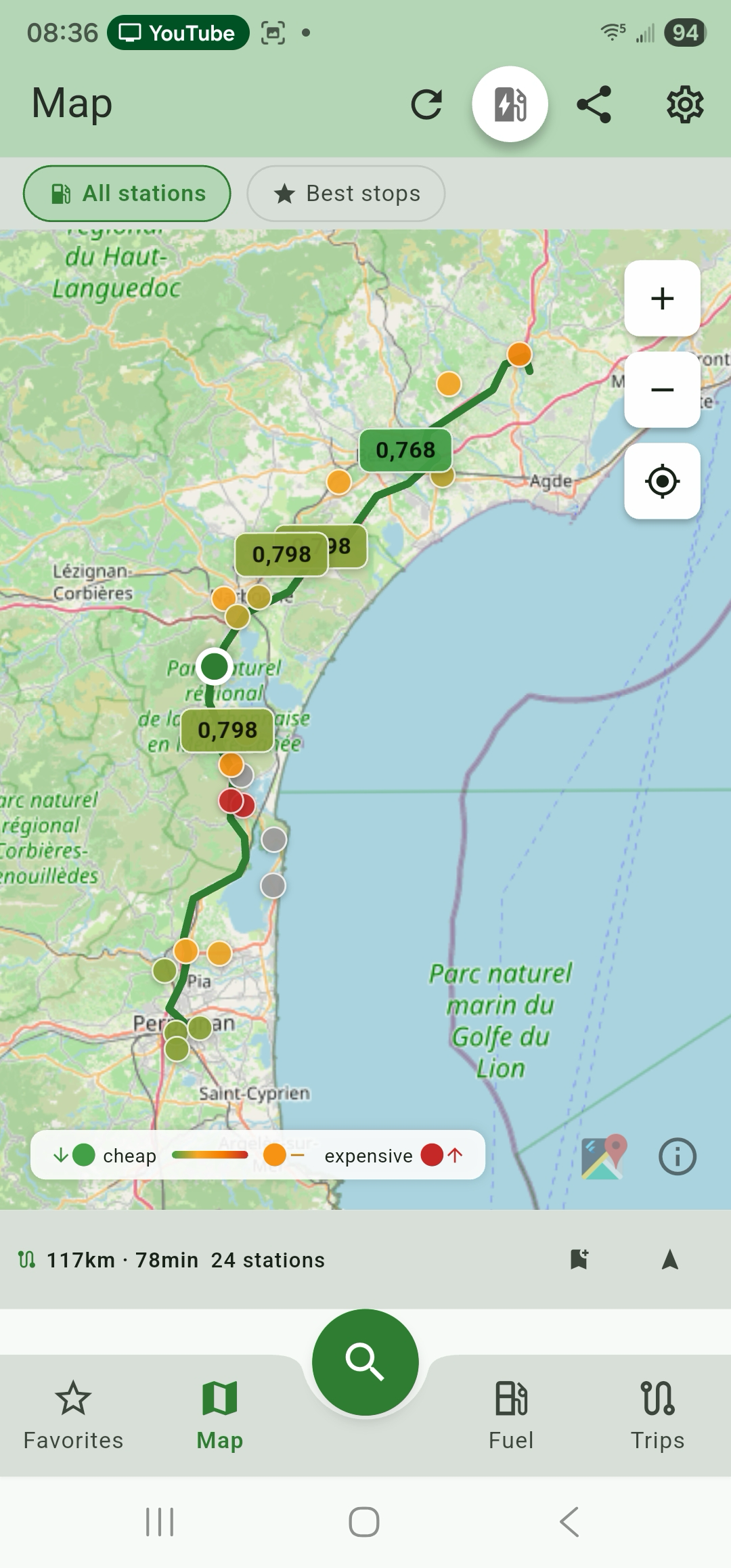
The constant bottom bar is Favoris · Carte · [Recherche] · Carburant · Trajets, with the round green Search button raised in the centre notch. Settings lives in the top-right of each screen, not in the bar.
Note: some shots carry a phone status bar (notification chips). They're usable for documentation; clean recaptures with device frames are ideal for final store publishing.
If you want raw assets to embed elsewhere, every image below is in
screenshots/at original 1080×2316 resolution.
Real-time prices, sortable by Distance / Price / A–Z / 24h, with the official open-data source named at the top. Each card shows price, a trend arrow, a star rating, amenity badges, distance and freshness.

Modal sheet for nearby vs along-route, fuel type, radius slider, open-now / highway, and amenity filters (Shop, Car Wash, Air, WC, …).

Interactive map with green-to-red price pins, the route corridor with per-stop price labels, the All-stations / Best-stops toggle, an EV toggle and a share button. The corridor summary (distance · time · station count) sits at the bottom.
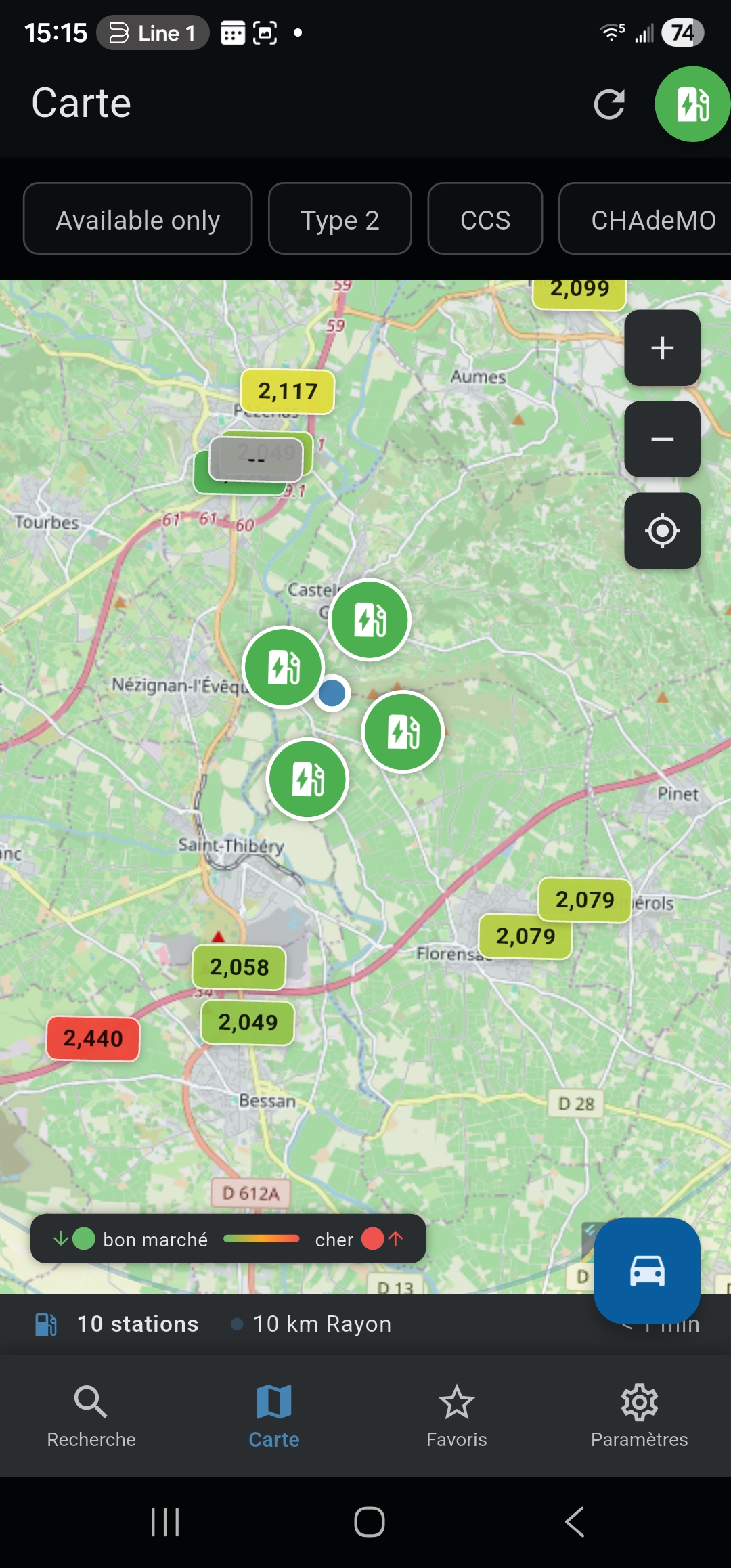
Same map, EV mode: charger filter chips (Type 2 / CCS / CHAdeMO) and connector availability. EV stations from the Open Charge Map integration.
Per-fuel pricing with last-update timestamp, full address, opening hours, and region badge. Star to favorite, bell to set a price alert.

Saved stations with multi-fuel pricing and swipe-to-navigate / swipe-to-remove gestures.

A stats row (Active / Today / This week) tops the screen. Below it: per-station threshold alerts and a Radius alerts section that watches every station within a distance of a chosen point. Background check fires every 30–60 minutes.
| List (per-station + radius) | Create |
|---|---|
 |
 |
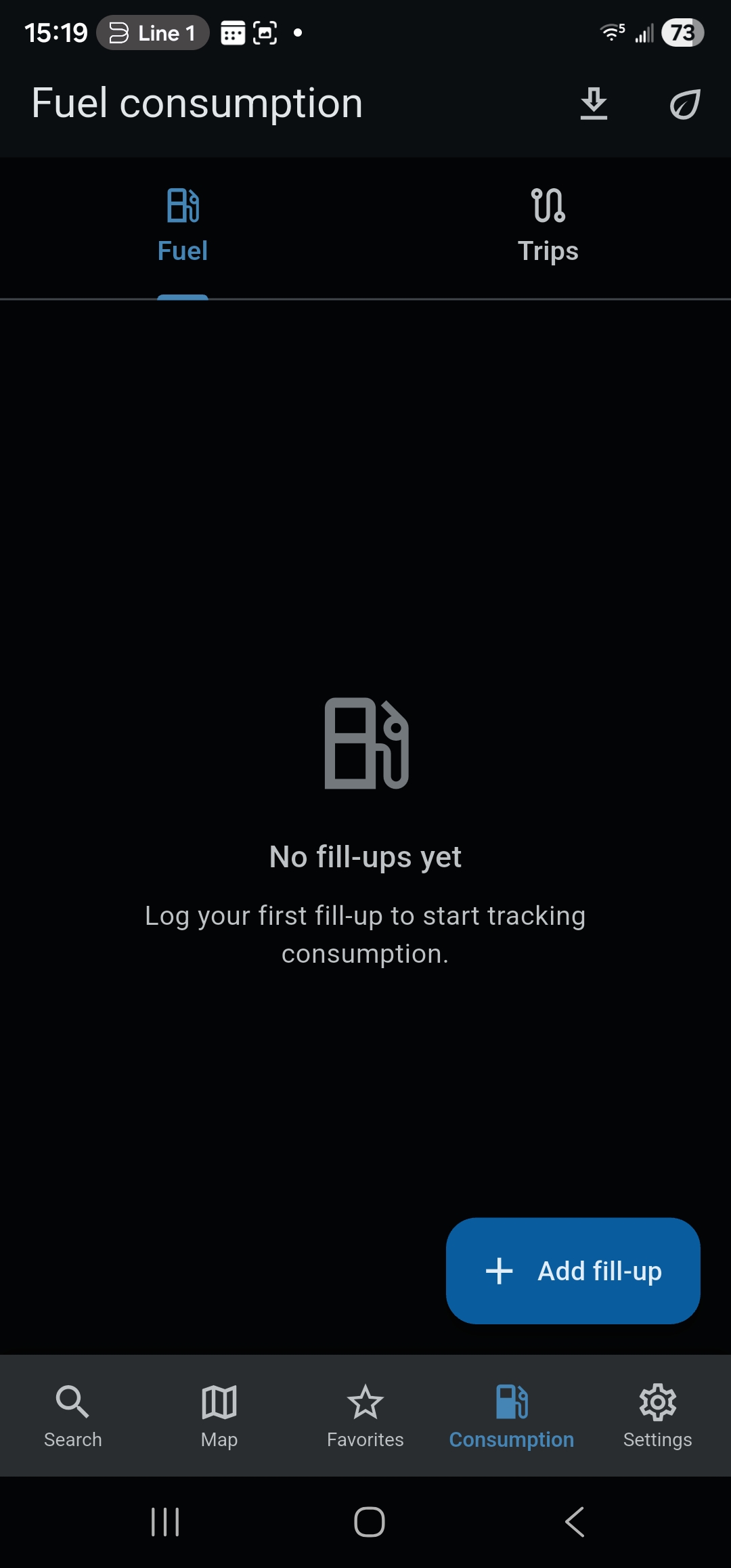
The Consumption tab is hidden under the Basic profile. Pick Medium or Full in Settings → Use mode to surface it.
Fuel + Trips tabs; empty state guides the user to the first fill-up.
Pre-fills brand, fuel type, and current price from the user's recent search results — no manual entry if you already searched the station.

Live tank level and range (OBD2-measured when an adapter is paired), plus the consumption stats card: accuracy (±%), η_v with sample count, avg L/100 km, avg cost/km, total litres, total spent, fill-up count and the running corrections. Fill-up history below shows per-entry % deltas.

Total cost and total CO₂ up top, then consumption broken down by trip length (short / medium / long, with trend arrows) and by speed band (idle → motorway).

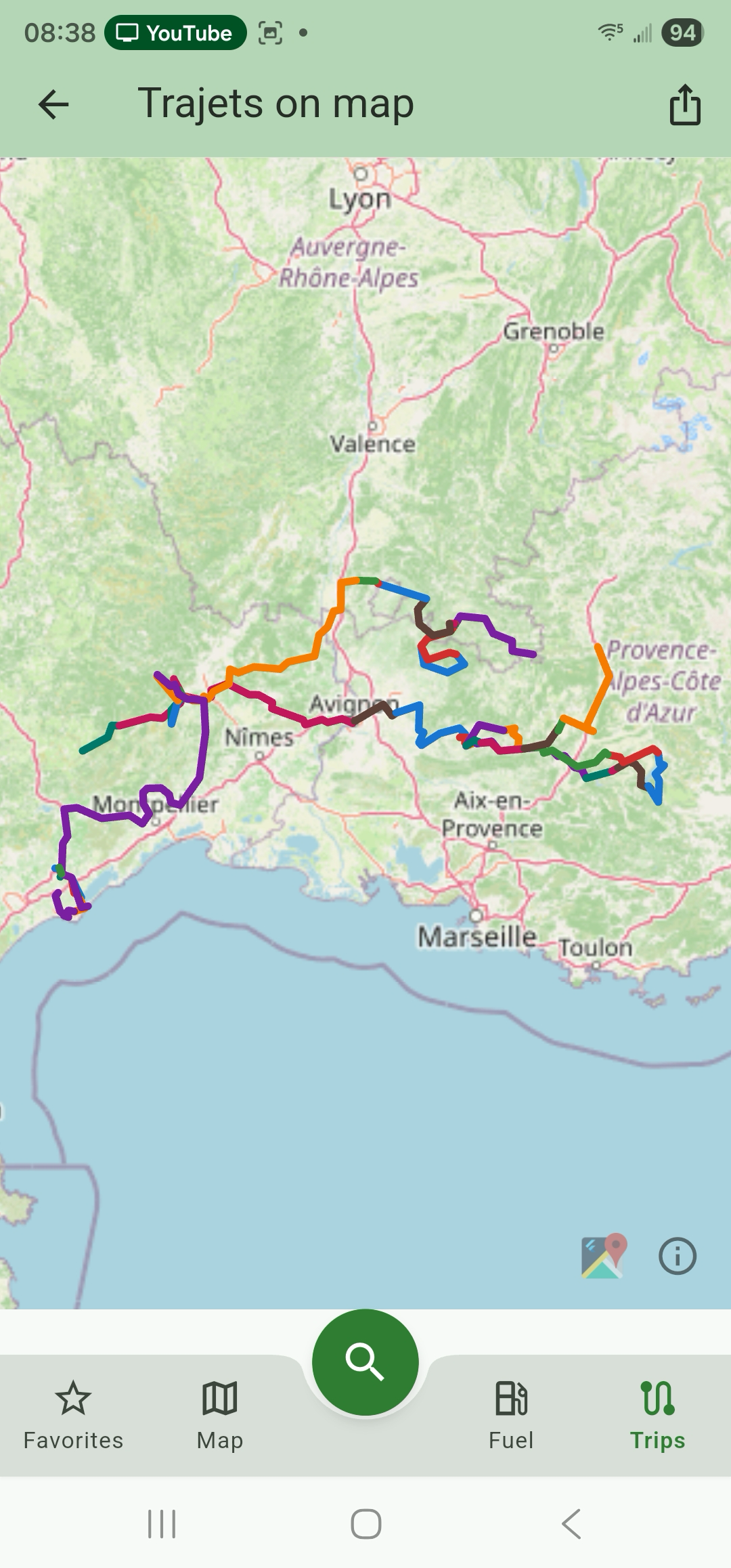
Every recorded trip drawn on one map — the all-trips view.
A plain summary (date, vehicle, OBD2 adapter, distance, duration, avg consumption, fuel used, fuel cost, avg + max speed) over a GPS route coloured by efficiency (green = efficient, amber = borderline, red = wasteful).

The OBD2 stack is hidden under Basic + Medium. Pick Full in Settings → Use mode.
30+ vehicle catalog (more landing every release) keyed by make / model / year / engine.

One-tap reminder presets (Oil 15k km, Tires 20k km, Inspection 30k km) plus per-vehicle hands-free auto-record with configurable start-speed and save-delay sliders.

Pair an ELM327-compatible adapter and the app learns a per-driving-situation fuel baseline (Idle, Stop & go, Urban, Highway, Decelerating, Climbing-loaded — 30 samples each).

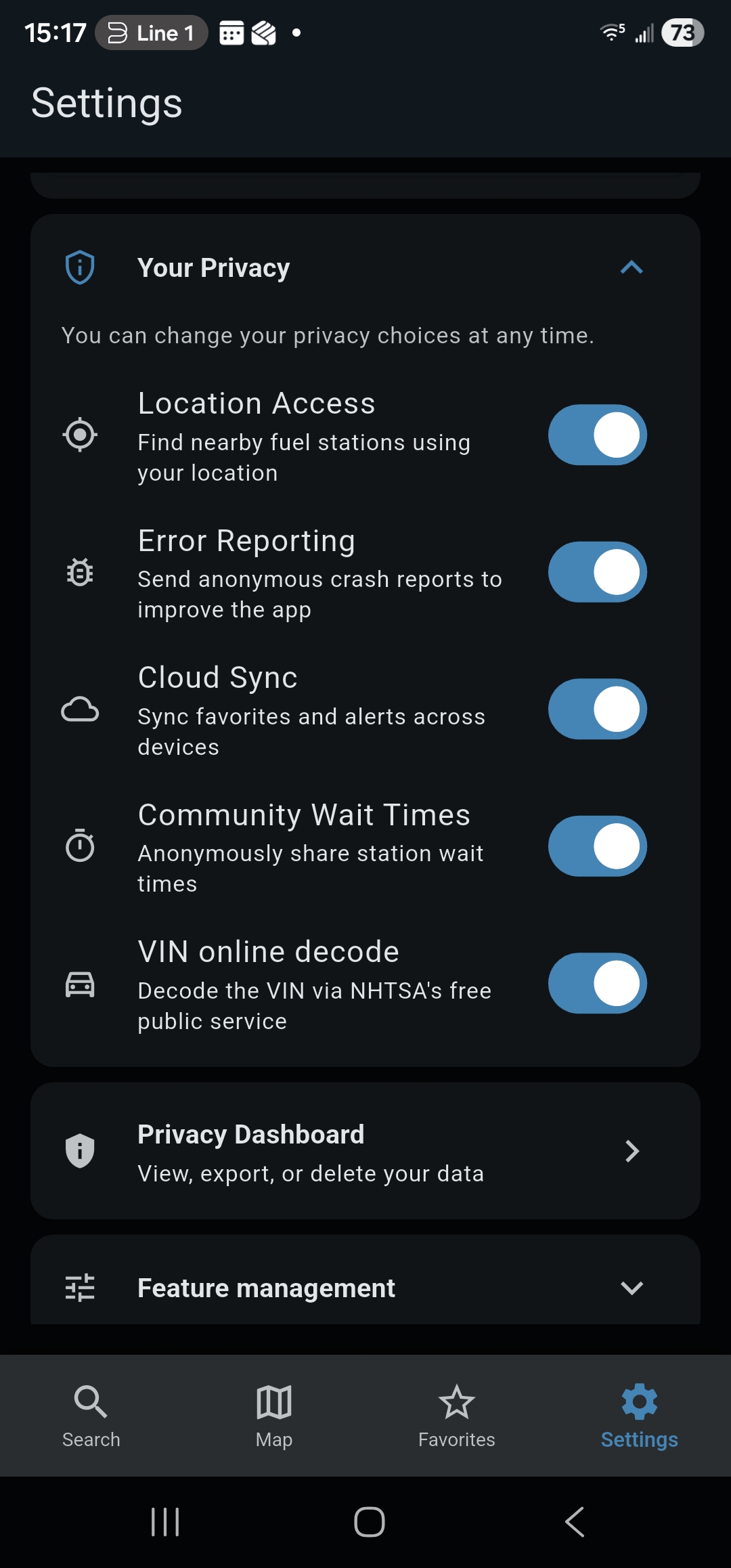
Per-purpose GDPR consent at first launch — granular and revocable any time from Settings → Your Privacy.

Five granular toggles for Location, Error Reporting, Cloud Sync, Community Wait Times, and VIN online decode.
One-glance summary of what's stored, who has it, and which API keys are in use.

One-tap export of every stored row as JSON or CSV. One-tap delete-all.
