Repository navigation
Editor Engineering
Open Model → Engineering candidate to describe component boxes and masses. Open Systems → Service paths to propose routes between them. Both are local design documents; they do not change installed equipment, imported geometry or server physics.
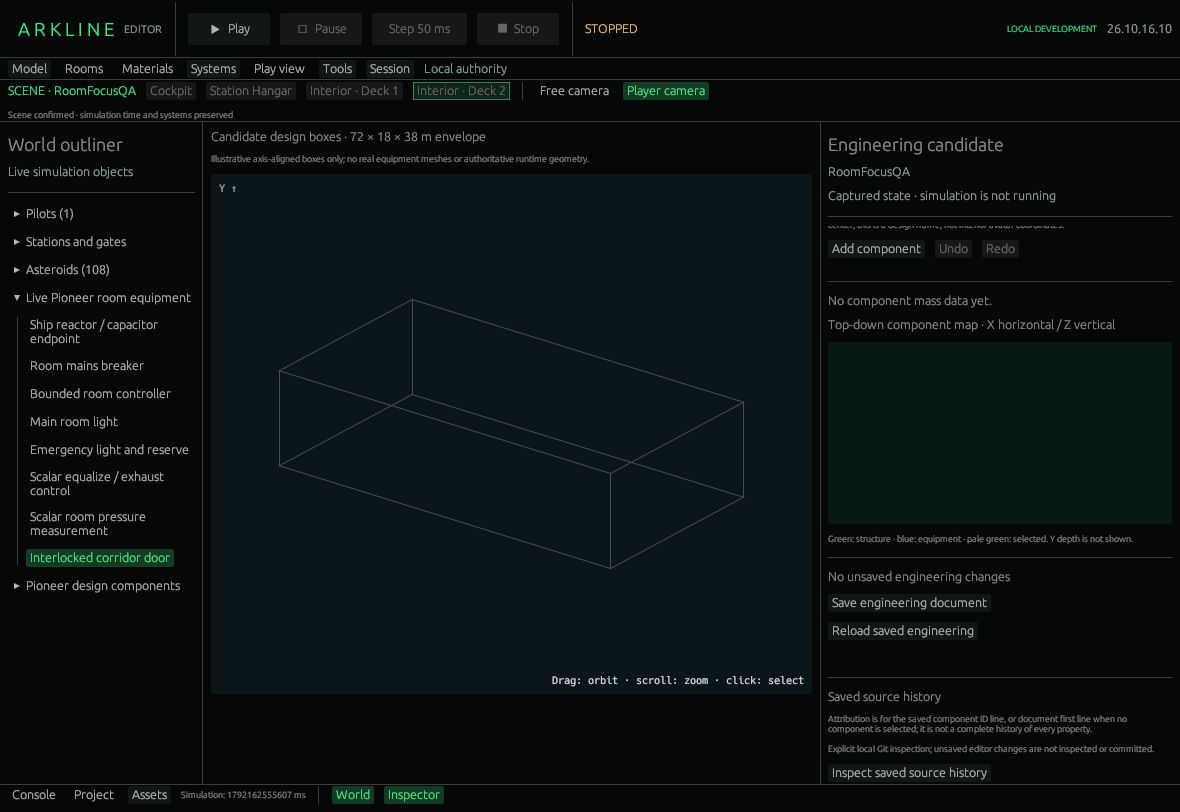
Engineering workspace with an empty candidate design.
Add component creates a selected component with a stable ID and illustrative 1 kg / 1 m box defaults. Enter your own design values:
| Field | Meaning |
|---|---|
| Name and Structure / Equipment | Label and classification for this candidate component. |
| Material classification | User-supplied text, without a density or strength calculation. |
| Mass | Entered estimate in kilograms. |
| Center X / Y / Z | Box centre in metres. |
| Full box extent X / Y / Z | Full dimensions, rather than half-widths. |
The design frame is 72 m X × 18 m Y × 38 m Z, centred on its origin: X longitudinal, Y vertical, Z lateral. Boxes must fit inside it. This is separate from interior avatar coordinates.
Select through the list, Pioneer design components outliner or central box view. Drag to orbit; scroll to zoom. Green is structure, blue equipment, pale green the selection. The top-down map uses X/Z, omitting Y depth.
The report totals mass, centre of mass, diagonal inertia and longitudinal mass thirds. It treats components as uniform, axis-aligned solid boxes, counting overlaps independently. It does not calculate principal moments, stress, collisions or authoritative flight ratings. Empty means unknown.
Remove selected component, Undo and Redo edit the candidate document. Save engineering document writes Assets/Pioneer.engineering.json; Reload saved engineering restores saved content. Saving does not apply it to the simulation. Component IDs are not reused when undoing or reloading within the session.
- Add a component and enter known design values.
- Move its centre within the envelope. Inspect its ID in the box view and compare the report.
- Try Undo/Redo, then save and reload to check the persisted design.
Inspect saved source history reads local Git attribution for the saved component-ID line, or first document line without a selection. It requires a Git checkout. It does not inspect unsaved edits, commit or provide per-property history.
Start with two distinct engineering components. Add candidate path creates an empty route. Set its name, Power / Data / Water type, source component and target component.
- Choose Add source-center waypoint and Add destination-center waypoint to copy those centres into the route.
- Edit the ordered XYZ waypoint fields as needed. Repeated centre buttons append another point; Remove last waypoint removes the final one.
- Review the X/Z top-down and X/Y side projections. Choose Save draft, and save Engineering too so endpoint IDs remain available after reopening.
Remove candidate path deletes the selected proposal. Reload saved restores Assets/Pioneer.service_paths.json. These are numeric design routes, without mouse drawing, a 3D gizmo or connections to equipment-catalog ports. They do not carry simulated power, data or water.
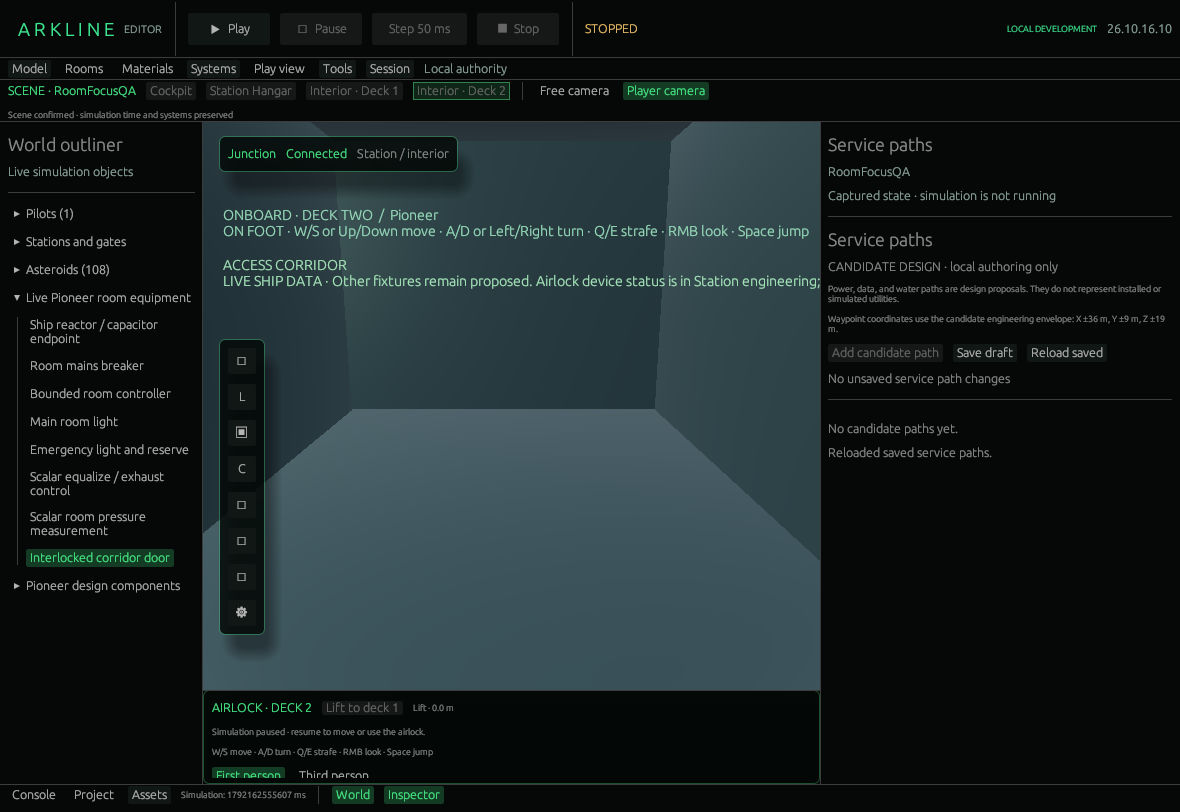
Service Paths workspace before adding a candidate path.
Engineering allows 128 components and a 64 KiB document. Service paths allow 128 routes, each with 2–128 finite waypoints inside the same envelope. Missing endpoints or invalid coordinates block saving. A failed service-path load locks Save until successful reload or explicit Reset draft; allow file replacement. Engineering does not lock Save after a failed load. A failed initial load shows an empty fallback draft and an error; a failed Reload keeps the current draft. Back up or repair the file before deliberately saving a replacement.
For installed devices, use Equipment and exterior. Connected authoring and source identity remain in #45; validated physical reduction and authoritative engineering remain in #32.
Source-verified control references: Engineering and history at 2a678863, Service paths.