Repository navigation
AI assistant on servers
AI · Hrvatski
Ask about a server in plain language; the assistant reads through WRM's tools and asks before every change.
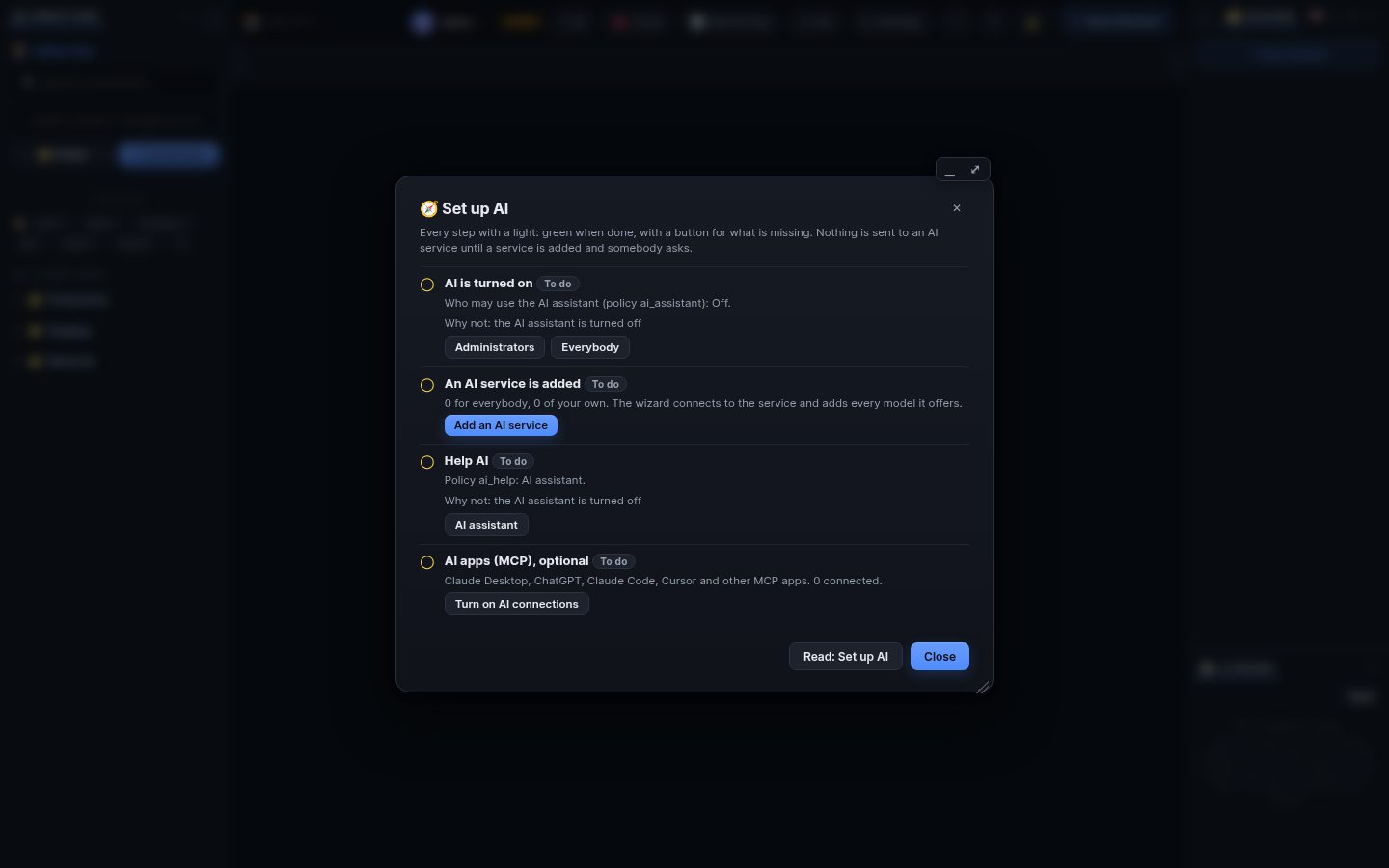
Click AI in the title bar of an SSH terminal or file manager (or ✦ AI in the top bar for the last used server). Choose the service, model and mode and ask: why is nginx failing?, free some disk space.
The model never gets a shell. It can only call WRM's tools (system info, read file, list directory, logs, journal, services, packages, processes, disk, network, run command, write and edit file). The server-side permission engine decides about every call:
- Read-only: only reads.
- Ask: every change shows the exact command or a diff; you Approve, Edit or Deny.
- Automatic within limits: an allow list with a time and action limit you opt into. Destructive commands are refused unless an administrator allows them, and secrets in output are masked.
- Log assistant in the log viewer (only reads), file assistant in the editor (proposes diffs), Chains (drafts a chain), Help AI (explains WRM).
- OpenCode agents can work on a server in a sandbox, with every action as a WRM approval.
🧠 AI sessions (Panels menu) lists your sessions: search, open the transcript, continue, save, export. End all stops them. Administrators see every session, usage and cost in Admin → AI assistant and have a kill switch.
Search terms: ai, assistant, chat, ask, server, terminal, read only, approve, approval, deny, automatic, mode, model, provider, logs, file assistant, opencode, sessions, transcript, kill switch
The same article is in WRM: ? in the top bar (or F1) opens Help, where you can search it and ask the help AI.
← Previous: Set up AI (the short way) · Home · Next: AI apps over MCP →