Repository navigation
SSH terminal snippets and broadcast
Basics · Hrvatski
Work in terminals; search, reconnect, snippets, run on connect, bookmarks and typing into many servers.
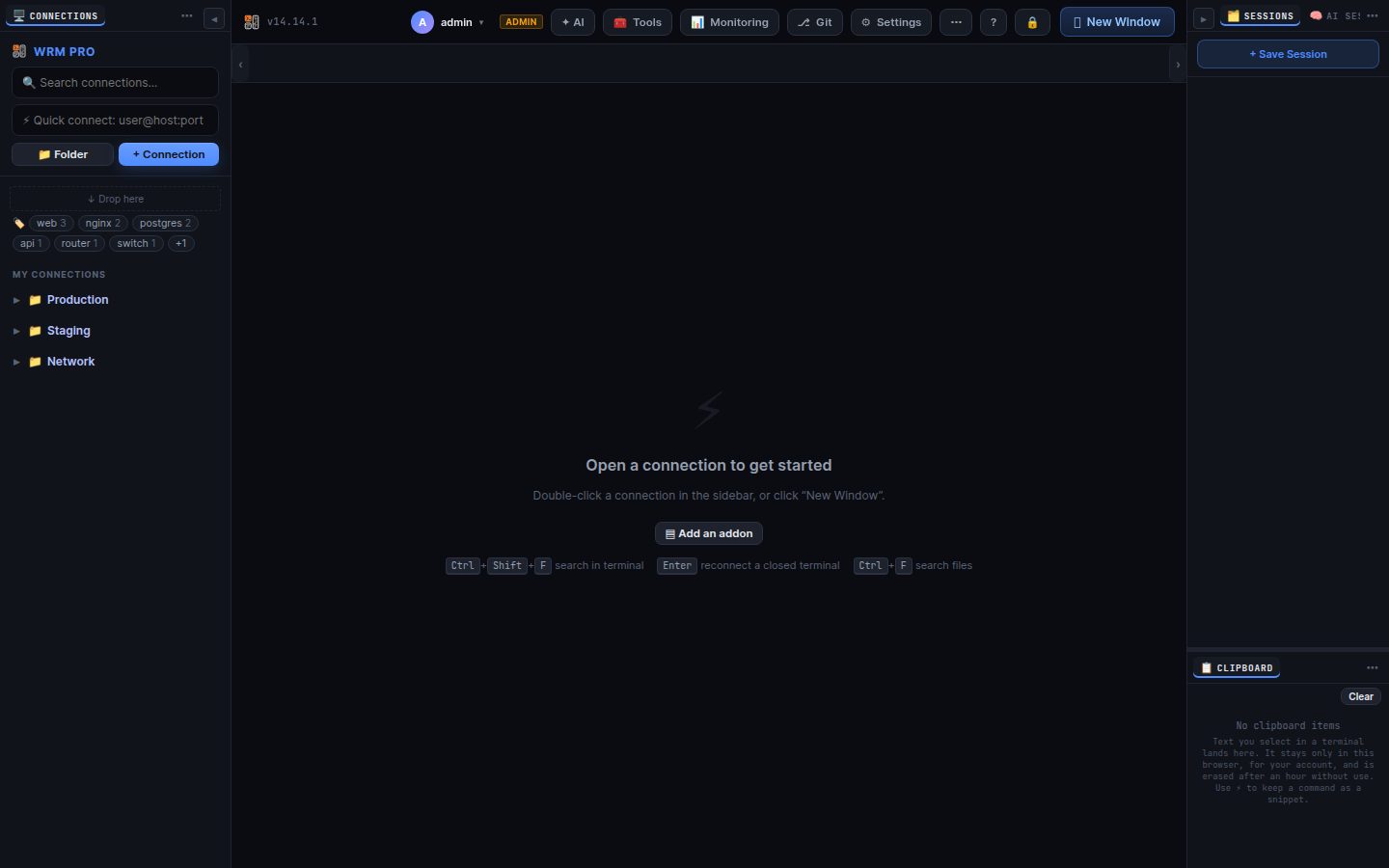
Double-click an SSH connection to open a terminal. It is a full xterm (256 colours, mouse, UTF-8) and works with vim, htop, mc and tmux.
- Ctrl+Shift+F search in the terminal output; Ctrl+Shift+C / V copy and paste (selecting text copies it to the Clipboard panel).
- Enter in a closed terminal reconnects; ↻ in the title bar does it any time.
- Ctrl+Shift+Space (or ⚡ in the title bar) opens the snippet picker.
Saved commands with variables such as {{host}}, {{user}} or {{?Service=nginx}} (asked when used).
- Snippets panel → +, or select text in a terminal and press + New snippet in the picker.
- Click a snippet to run it in the focused terminal; Shift+click inserts it without Enter.
- Scope: all connections, one folder or one connection. Run on connect snippets run after login (for example
sudo -i).
★ in the title bar cds to a saved directory such as /opt/app/{name}/logs; in the file manager it opens it.
Type the same thing into many terminals: 🧰 Tools → 📣 Broadcast…, tick the terminals, Start. Dangerous commands (rm -rf, shutdown, mkfs…) and pasted multi-line text ask first. ■ Stop ends it.
AI in the title bar opens the assistant next to this terminal (see AI assistant). To ask about something on screen without a server session, use ? → ⌖ Pick and click the terminal.
Sessions are recorded when the policy says so; replay them in Settings → Session history.
Search terms: terminal, ssh, console, shell, snippet, command, broadcast, multi, cssh, run on connect, bookmark, search, copy, paste, font, reconnect, recording
The same article is in WRM: ? in the top bar (or F1) opens Help, where you can search it and ask the help AI.
← Previous: Import and export · Home · Next: Files, editor and transfers →