Repository navigation
Users roles and teams
Administration · Hrvatski · Administrators only
Create accounts, give roles, build teams, require re-authentication for dangerous actions and keep a break-glass admin.
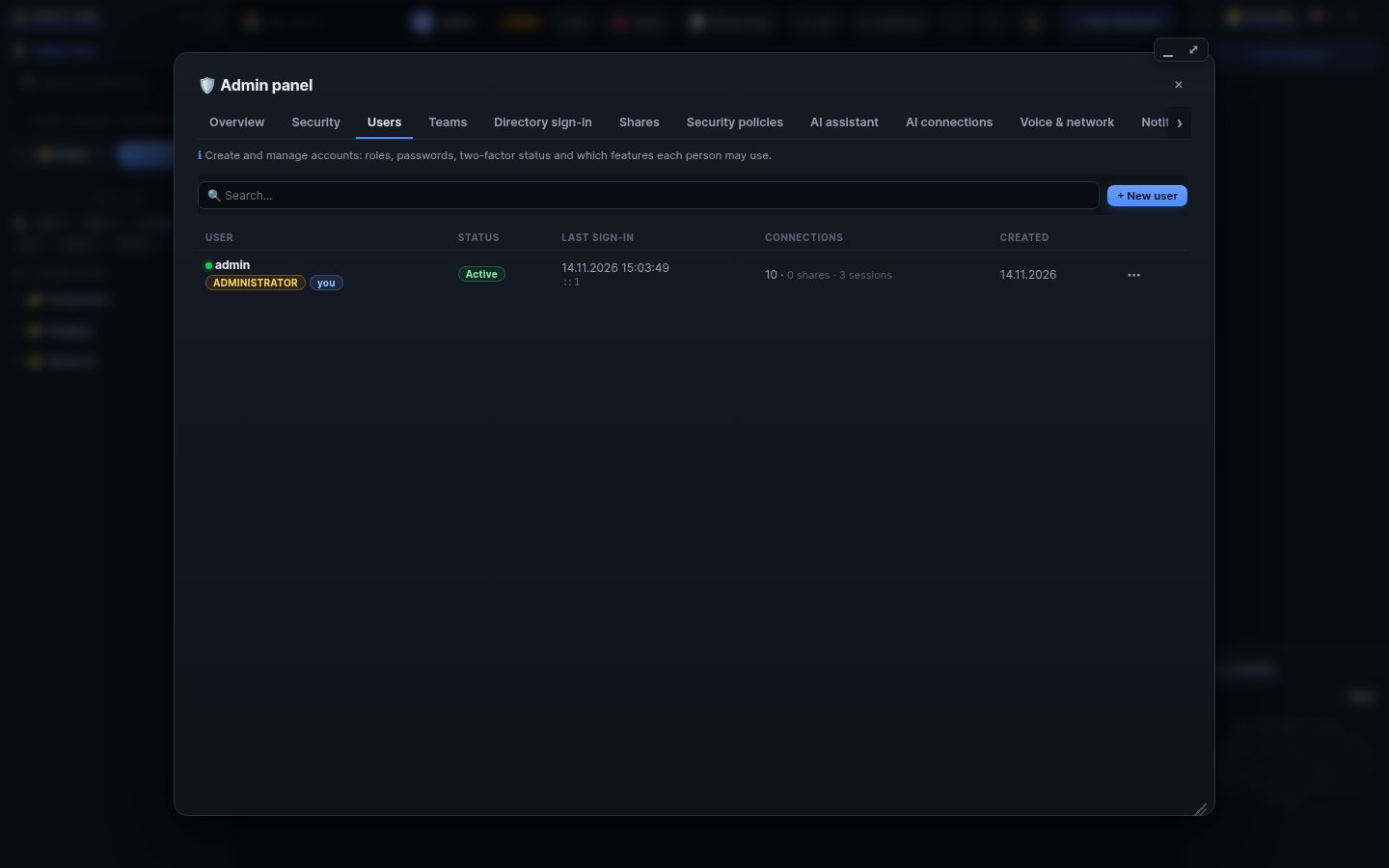
Settings → 🛡 Admin panel → Users (administrators).
- New user: name, role, optional e-mail (an activation link when mail is set up) or a temporary password that must be changed at first sign-in.
- ⋯ on a user: change role, reset password or 2FA, sign out everywhere, unlock, disable, delete (with everything the user owns, or handed over to another account).
- Registration is closed after the first account unless you open it (Policies).
- Administrator: everything.
- Operator: features limited to operators by policies (for example deploys).
- User: own connections and what is shared with them.
- Security auditor: reads the audit log, sessions and file edits; uses no features.
Teams groups people; policies can name teams:<name> and shares can be given to a team.
Admin → Policies decides who may use each feature (off, administrators, operators, teams or everybody) and sets limits. A policy forced by a WRM_<KEY> environment variable is shown as locked.
Dangerous actions (policies, roles, secrets) ask for the password and 2FA again (step-up). A break-glass administrator can still sign in during a lockdown or when directory sign-in fails; keep one with a strong password and 2FA.
Search terms: user, users, account, create user, role, administrator, admin, operator, auditor, team, teams, permission, policy, step-up, break-glass, disable, delete, reset password, reset 2fa, registration
The same article is in WRM: ? in the top bar (or F1) opens Help, where you can search it and ask the help AI.
← Previous: Your account and settings · Home · Next: Security levels and posture →