Repository navigation
Remote desktop consoles and BMC
Basics · Hrvatski
RDP, VNC and Telnet in the browser, out-of-band management (iDRAC, iLO, IPMI) and serial consoles.
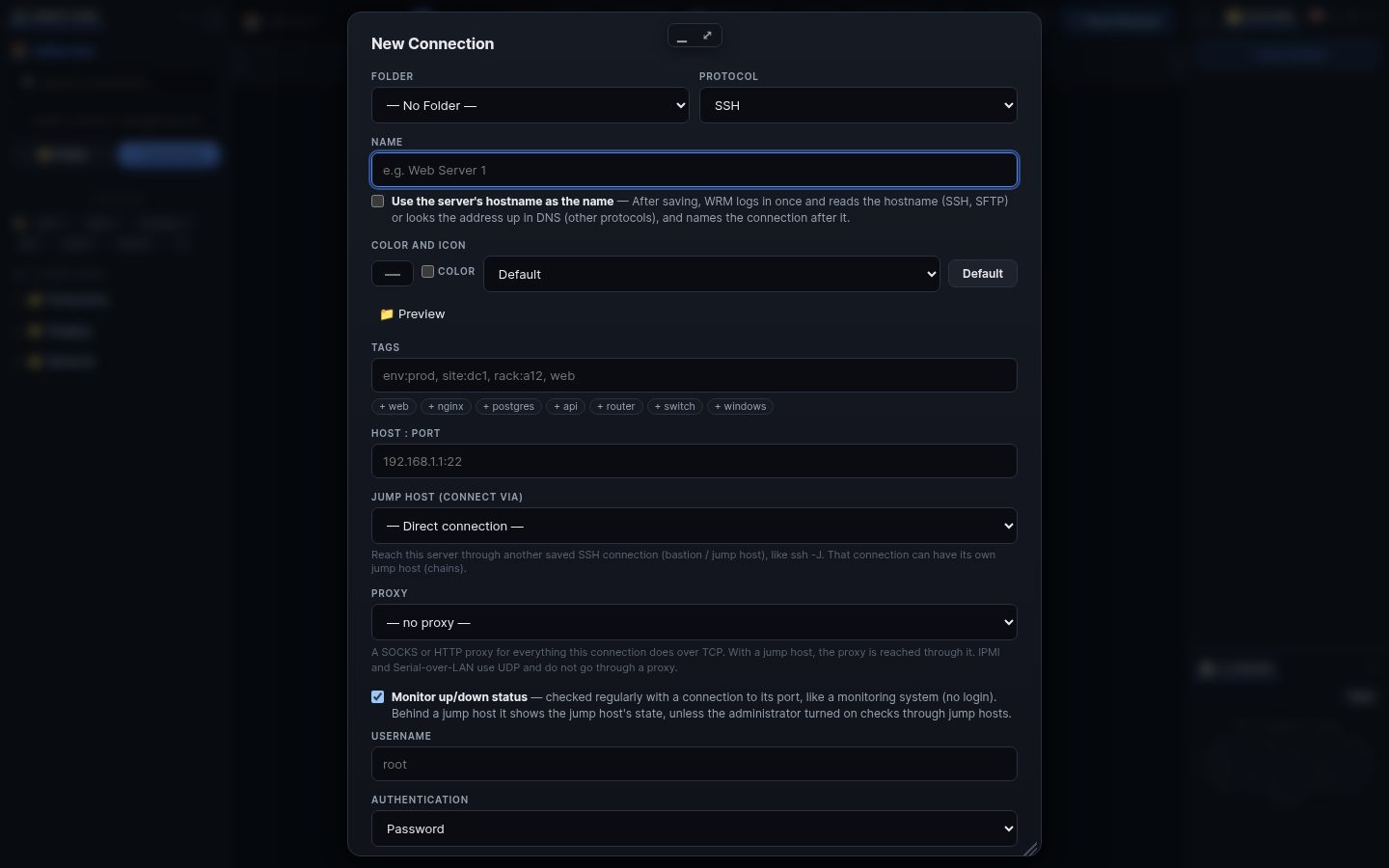
Create a connection with protocol RDP, VNC or Telnet and double-click it. The screen opens in a WRM window next to your terminals; keyboard, mouse, clipboard and (for RDP) audio go through. A jump host works here too.
These protocols need guacd (the Apache Guacamole proxy) next to WRM:
- Docker/compose: it is already included.
- Linux: install the
guacdpackage or run its container; Windows and macOS:wrm -setup-guacdstarts it in Docker Desktop. If a desktop does not open, the window says whether guacd is missing or the server refused the login.
In a connection: Edit → ⚡ Out-of-band management. Choose Redfish (iDRAC, iLO, XClarity, Supermicro, OpenBMC) or IPMI, the BMC address and a login (or a shared credential). Then right-click the connection → Management: power on, off and restart, health, inventory and the serial console, also when the operating system does not answer. WRM reaches the BMC through the connection's jump host when needed.
Administrators can allow serial ports of the WRM machine (policy serial_ports) for switch and router consoles.
Search terms: rdp, vnc, telnet, remote desktop, windows, guacd, guacamole, bmc, idrac, ilo, ipmi, redfish, power, serial, console, kvm
The same article is in WRM: ? in the top bar (or F1) opens Help, where you can search it and ask the help AI.
← Previous: Files, editor and transfers · Home · Next: Windows, panels, sessions and the Workboard →