Repository navigation
SSH keys credentials and Bitwarden
Access · Hrvatski
Generate and deploy SSH keys, share logins without revealing them, rotate passwords, use certificates and Bitwarden.
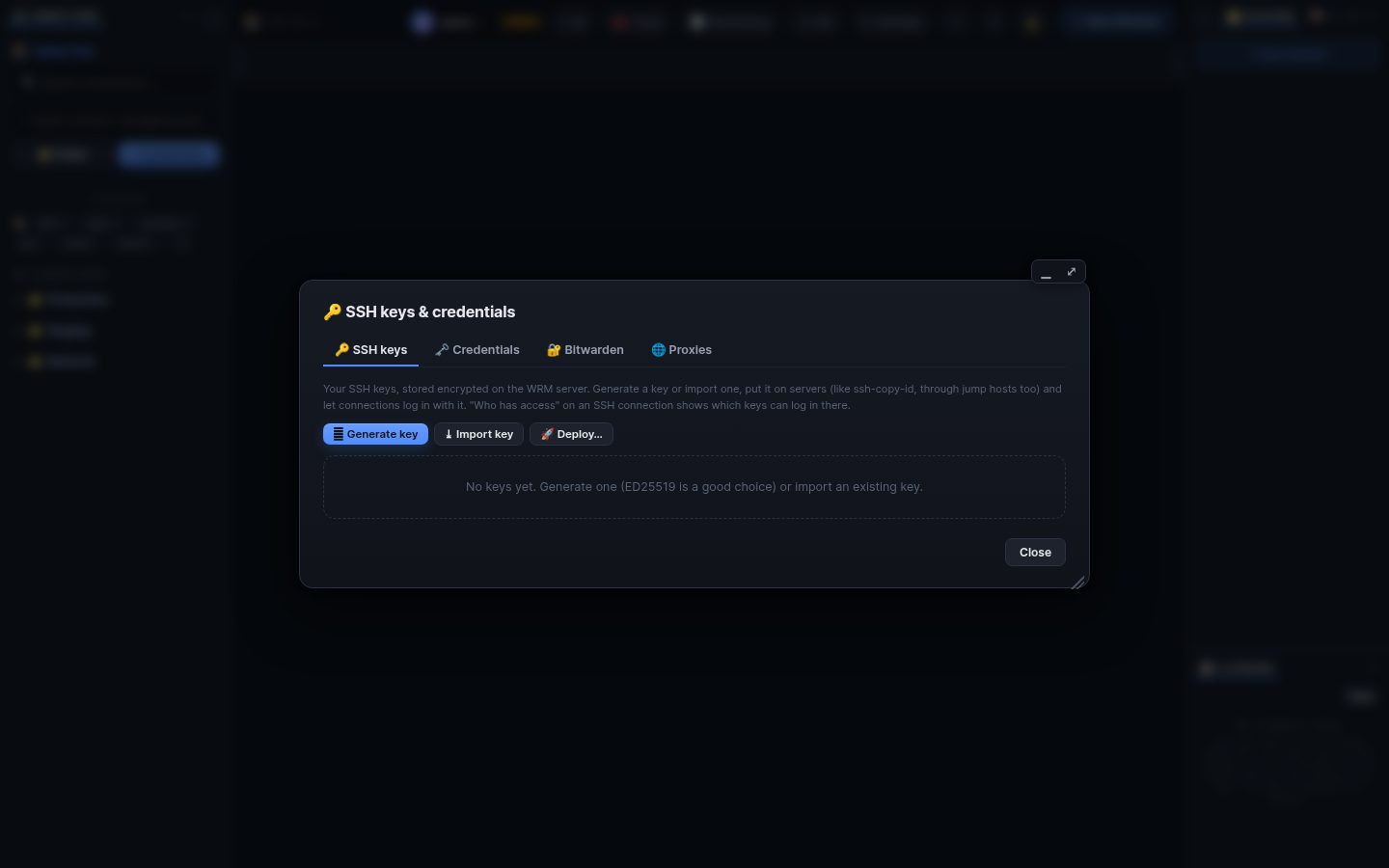
🔑 Keys in the top bar opens the vault. Everything in it is stored encrypted on the WRM server and never sent back to the browser.
-
Generate key (ED25519 recommended) or Import key (OpenSSH or PEM; a passphrase is asked once). PuTTY
.ppk: export it as OpenSSH key in PuTTYgen first. -
Deploy: choose connections and WRM appends the public key to their
authorized_keys(likessh-copy-id), through jump hosts too. - In a connection choose Login: key from the key store.
-
Who has access on an SSH connection lists the keys in its
authorized_keysand which of them are yours.
A credential is one login (user + password or key) used by many connections, for example root@dc1. Change it once and every connection uses the new one.
- Share it with colleagues: they can use it but never see it.
-
Allowed hosts (
*.dc1.example.com,10.0.0.0/8) stop a shared password from being sent to a foreign server. - Rotation: Check logs in everywhere without changing anything; Rotate sets a new password on all its SSH servers and rolls back if one fails.
- An OpenSSH user certificate (also from
opkssh login) can be saved with a key: 📜 Certificate. - Bitwarden: sign in to your vault in Keys → Bitwarden, unlock it and choose Bitwarden SSH key in a connection; the key is fetched on the server only when logging in.
Search terms: key, ssh key, ed25519, rsa, deploy key, ssh-copy-id, credential, password, vault, share login, rotate, rotation, who has access, certificate, opkssh, bitwarden, passphrase, ppk
The same article is in WRM: ? in the top bar (or F1) opens Help, where you can search it and ask the help AI.
← Previous: Windows, panels, sessions and the Workboard · Home · Next: Jump hosts and proxies →